





Brand Categories
Best Sellers
-

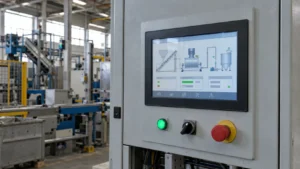
15.6-inch Industrial LCD Display 1000cd/m² high brightness display
-
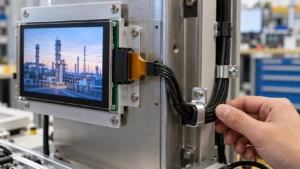
3.5 Inch IPS TFT LCD Display 480×800 MIPI
-
2.8 Inch SPI TFT LCD Display 240×320 with Resistive Touch | ILI9341 LCD Module
-
JZ-VH68U V1.0 HDMI Driver Board for Resolution MAX to 1920×1200 LVDS LCD Display
-
JZ-VDH68 V1.1 LCD Driver Board for Resolution MAX to 1920×1200 LVDS&EDP Display
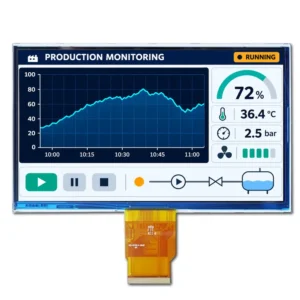


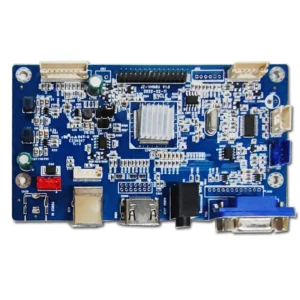


Display with Driver Board
✅Integrated Display + Driver Solutions
✅Our modular kits pair LCD panels (5-55”) with pre-integrated boards (HDMI/Android/customized)
✅delivering 3 advantages for industrial/smart device makers:No debugging needed、Pre-shipment software upload, boot-up screen design、Industrial-Grade Reliability
Showing all 12 results
-

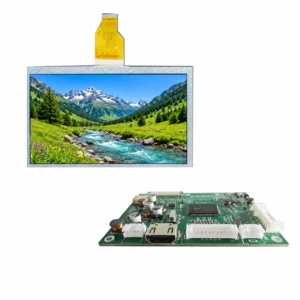
7 inch VGA TFT Display Panel Resolution 1024*600
- 7 inch
- 1024*600
- HDMI
- -30℃~ 85℃
- 500
- NO
- HDMI DISPLAY
-

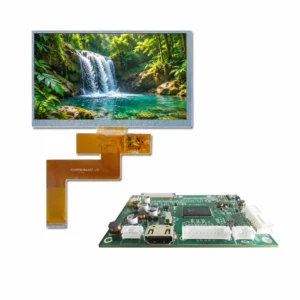
10.1 inch TFT LCD Screen 1024*600 HDMI Driver Board
- 10.1 inch
- 1024*600
- HDMI
- -20℃~70℃
- NO
- 300
-

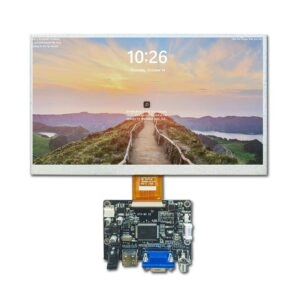
10.1 inch HDMI LCD Screen HDMI Driver with LVDS interface
- 10.1 inch
- 1024*600
- HDMI
- -20℃~70℃
- NO
- HDMI DISPLAY
- 400
-

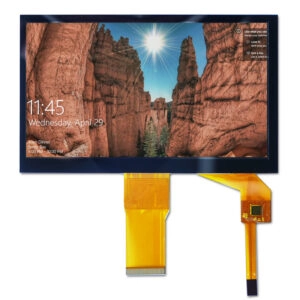
10.1 inch LCD Display Panel with LCD Controller Board
- 10.1 inch
- 1024*600
- HDMI
- -20℃~70℃
- NO
- HDMI DISPLAY
- 400
-
7 inch Colour HDMI Driver Board TFT Display Screen 1024*600
- 7 inch
- 1024*600
- HDMI
- -20℃~70℃
- NO
- 350
-
7 inch IPS LCD Panel HDMI Driver Board with Raspberry Pi
- 7 inch
- 1024*600
- HDMI
- -20℃~70℃
- 500
- NO
- HDMI DISPLAY
-
7 inch LCD Display HDMI with Screen Driver Board 1024*600
- 7 inch
- 1024*600
- HDMI
- -20℃~70℃
- 500
- NO
- HDMI DISPLAY
-
7 inch LCD Display Panel with HDMI Board Resolution 800*480
- 7 inch
- 800*480
- HDMI
- -20℃~70℃
- 500
- NO
- HDMI DISPLAY
-
7 inch TFT HDMI Display with LCD Adapter Board 800*480
- 7 inch
- 800*480
- HDMI
- -20℃~70℃
- NO
- 350
-
7 inch TFT LCD Screen 1024*600 with HDMI Controller Board
- 7 inch
- 1024*600
- MIPI lcd
- -20℃~70℃
- 500
- NO
- HDMI DISPLAY
-
7 inch TN LCD Panel with TFT Driver Board Support RGB lcd display
- 7 inch
- 800*480
- HDMI
- -20℃~70℃
- NO
- 350
-
7 inch VGA TFT Display Panel Resolution 1024*600
- 7 inch
- 1024*600
- HDMI
- -20℃~70℃
- Resistive
- 300