





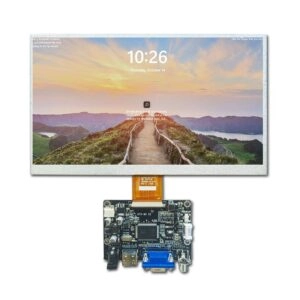
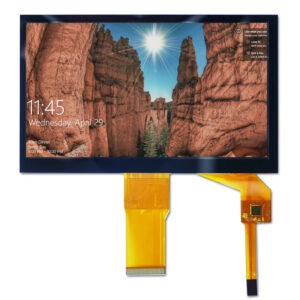

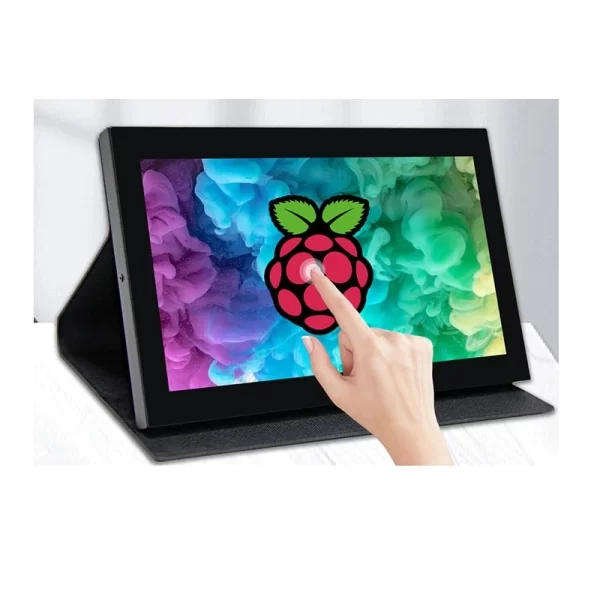
Selecting a Raspberry Pi display involves more than matching screen size to an enclosure. Resolution, viewing angle, touch technology, interface, brightness, operating temperature, mechanical structure, and supply continuity can all affect system performance.
A suitable Raspberry Pi touchscreen can support production data terminals, test equipment, laboratory instruments, machine-vision stations, and compact automation devices. The following overview compares common TFT LCD display formats by display quality, touch technology, integration requirements, and industrial use.
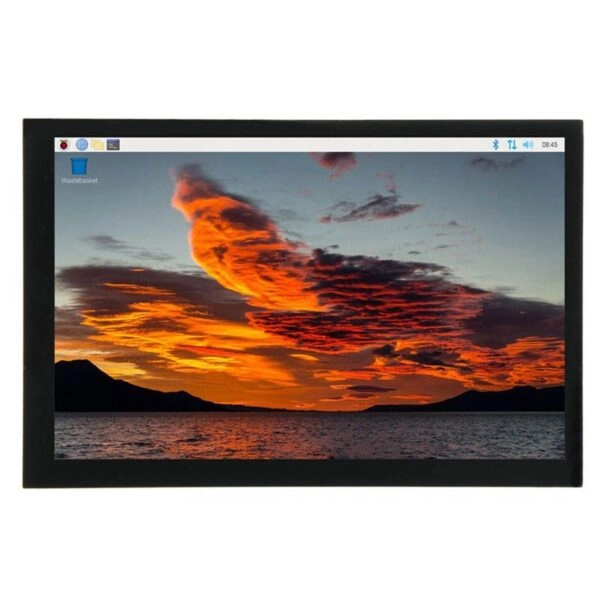
What Is a Raspberry Pi Touchscreen?
Raspberry Pi touchscreen refers to an LCD screen module whose primary function is to show graphical information and take touch input when connected to a Raspberry Pi circuit board. The video can be sent via HDMI, DSI, DPI, RGB, SPI, or any other suitable connection. Touch signals are usually sent via USB or touch port.
Two touch technologies are widely used:
- Capacitive touch:Supports light finger operation, smooth gestures, and multi-point input. It suits industrial interfaces requiring frequent interaction.
- Resistive touch:Responds to pressure from a finger, stylus, or gloved hand. It suits applications where precise single-point selection is more important than gesture input.
Selection should also consider active area, aspect ratio, viewing direction, cover-glass thickness, connector position, and mounting method. A screen that appears suitable by diagonal size alone may create mechanical or interface problems during integration.
Five Common Raspberry Pi TFT LCD Screen Formats
Different display sizes serve different industrial design goals. Compact screens reduce enclosure volume, while larger screens provide more space for status information, process graphics, inspection images, and operating controls.
1. 3.5-Inch Compact TFT LCD Display
A 3.5-inch Raspberry Pi display is suitable for equipment with limited panel space and a focused interface.
- Compact footprint for embedded devices
- Common 320 × 240 or 480 × 320 resolutions
- Capacitive or resistive touch options
- SPI, HDMI, RGB, or other interfaces
- Suitable for status pages and parameter entry
This format works well in handheld test instruments, compact data terminals, benchtop controllers, and equipment status panels.
2. 5-Inch 800 × 480 Capacitive Touchscreen
The 5-inch 800 × 480 Raspberry Pi touchscreen balances readability and enclosure size.
- Widescreen layout for menus and process values
- Capacitive multi-point touch
- HDMI video input on many modules
- USB touch connection on common configurations
- Suitable for industrial control and diagnostic systems
This size provides space for navigation, alerts, charts, and numeric fields without requiring a large front panel. It is often selected for production equipment, laboratory devices, and inspection stations.
3. 7-Inch 1024 × 600 Capacitive Touchscreen
A 7-inch Raspberry Pi display provides a larger visual area for several data groups.
- 1024 × 600 resolution for detailed layouts
- Wide viewing-angle panel options
- Multi-point capacitive touch
- Space for trends, alarms, images, and controls
- Suitable for panel-mounted installations
The increased active area can improve readability in factory terminals, testing systems, and machine-vision applications. Outer dimensions, mounting holes, and connector locations should be reviewed during mechanical design.
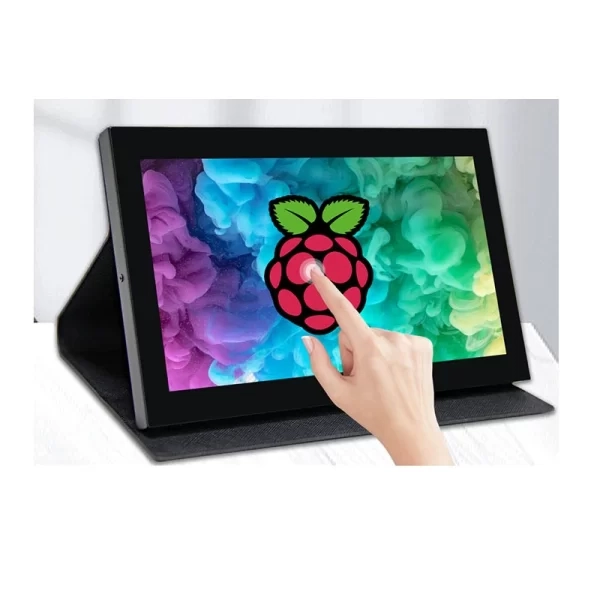
4. 8-Inch High-Resolution IPS TFT LCD Display
An 8-inch IPS TFT LCD display is appropriate when viewing-angle stability and image consistency are priorities.
- Wide viewing angles
- High-resolution portrait or landscape options
- Consistent color and contrast
- Capacitive touch availability
- Suitable for image-rich industrial applications
This format can support inspection results, equipment diagrams, trend graphics, and multi-zone interfaces. The selected Raspberry Pi board must provide sufficient graphics performance for the intended resolution and refresh rate.
5. 10.1-Inch Industrial Touchscreen Display
A 10.1-inch Raspberry Pi touchscreen provides substantial space for complex industrial layouts.
- Resolutions such as 1024 × 600 or 1280 × 800
- Large active area for detailed information
- Capacitive touch for frequent interaction
- HDMI and other interface configurations
- Suitable for production stations and test platforms
A larger screen can reduce navigation depth by keeping more controls and information visible. Power requirements, thermal design, mounting strength, cable routing, and front-panel dimensions should be evaluated early.
The Raspberry Pi Display Overview
A complete Raspberry Pi display comparison should evaluate more than size and resolution. Industrial projects benefit from a structured selection process.
Display Quality and Resolution
Resolution determines how much information can appear, but pixel count is not the only measure of quality. Viewing angle, contrast, brightness, color consistency, response time, and surface treatment also affect readability.
Moderate resolution may be sufficient for numeric data and simple menus. Higher resolution is more suitable for inspection images, graphs, detailed diagrams, or interfaces with several information zones. IPS TFT LCD technology is valuable when the screen is viewed from different positions.
Touch Panel Selection
Capacitive touch offers smooth user experience and multi-touch gestures. The resistive touch offers pressure control and allows precision through stylus or glove that is compatible with the resistive screen.
The following aspects need to be considered when integrating the touch feature in any device: cover glass thickness, bonding method, touch controller compatibility, borders’ size, surface treatment, and the operating force needed.
Interface and System Integration
The display interface affects image quality, cable design, software configuration, and installation complexity.
- HDMI:Convenient for high-resolution graphics and common Raspberry Pi configurations
- DSI:Suitable for compact integration when hardware and software support the implementation
- SPI:Uses fewer signal lines but may have lower update speed
- RGB or DPI:Supports direct pixel transmission but requires careful timing and PCB design
- USB:Commonly used for touch input rather than video
Resolution detection and display timing should be validated during prototyping. Mechanical fit, cable routing, and power stability should also be tested.
Industrial Application Requirements
Industrial Raspberry Pi display projects often require characteristics beyond standard desktop use.
- Stable operation over extended duty cycles
- Appropriate operating-temperature range
- Consistent brightness and viewing performance
- Reliable touch response
- Secure mounting and connector retention
- Defined product lifecycle and supply continuity
- Custom cable, interface, cover-glass, or PCB options
The best screen is not necessarily the one with the highest resolution. A well-matched display balances optical performance, processing requirements, mechanical constraints, environmental conditions, expected service life, and procurement volume.
FAQ
What Screen Size Is Best for a Raspberry Pi Industrial Project?
The best size depends on enclosure space and information density. Compact 3.5-inch and 5-inch screens suit focused controls, while 7-inch to 10.1-inch screens support charts, images, alarms, and multi-section layouts.
Is Capacitive or Resistive Touch Better for Industrial Use?
Capacitive touch suits fast interaction and multi-point input. Resistive touch suits pressure-based operation, stylus input, or applications requiring precise single-point control.
Does Every Raspberry Pi Display Use HDMI?
No. Raspberry Pi display modules may use HDMI, DSI, SPI, RGB, DPI, or other interfaces. Compatibility must be confirmed for the selected board, operating system, resolution, and touch controller.
Why Are Operating Temperature and Brightness Important?
Industrial equipment may operate near heat sources, cooling systems, or changing ambient light. A suitable temperature range and adequate brightness help preserve readability and stable operation.
Can a Standard TFT LCD Screen Be Customized?
Many TFT LCD projects support cable changes, connector positioning, touch integration, cover glass, interface selection, PCB modification, mounting features, and optical bonding.
Work With an Industrial TFT LCD Display Manufacturer and Supplier
Miqidisplay is a display manufacturer serving business customers with standard and custom TFT LCD screen solutions. Capabilities include Raspberry Pi display formats, industrial screen options, capacitive and resistive touch integration, cable and connector customization, interface development, PCB modification, cover-glass options, mounting features, and optical bonding.
Procurement, engineering firms, manufacturers, and system integrators can reach out to the Miqidisplay sales team via the “Contact Us” link to provide specifications regarding screen size, resolution, interface, touch, operating temperature, brightness, mechanical properties, quantity, and scheduling in order to receive a personalized quotation and evaluation.
Email: mary@miqidisplay.com
WhatsApp: +86 189 6801 5464; +44 07892800850