












Set bright and dark pixel acceptance limits for an AUO panel order using the inspection specification for the exact model and suffix. Put the per-panel limits, counting rules, test conditions, and lot disposition in a purchase order attachment. If your application needs tighter limits than the model specification allows, ask the supplier to quote the extra screening separately and confirm in writing which criteria apply at shipment and receiving.
Start With the Exact Panel and Inspection Revision
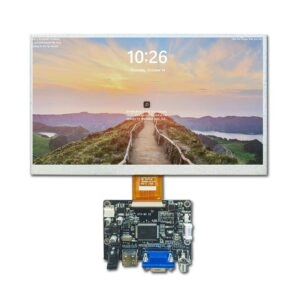
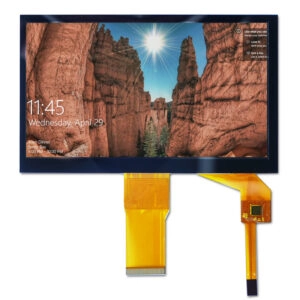
Use the part number on the module label, including its full suffix, to match the supplier’s quote, sample, and inspection document. A listing for an AUO G133HAN03.0 industrial LCD identifies the model under review. Request the applicable dot-defect table and its document revision separately. Ask whether the table covers the module as delivered, especially if the order adds cover glass or a touch layer.
Record the document number, revision, and effective date in the order attachment. If your project changes one row of the supplier’s baseline, state which row changes and which document governs that requirement. For example, a tighter bright-dot limit can coexist with the supplier’s existing dark-dot and cluster rules. If the supplier proposes a different suffix after approval, ask for its inspection document and compare the limits before approving the substitution.
Write Limits an Inspector Can Apply
A bright dot stays visibly lit where the test pattern calls for darkness. A dark dot stays visibly dark where the pattern calls for illumination. A full pixel and an individual red, green, or blue subpixel can produce different observations. Ask how the applicable inspection document defines a countable dot, how it handles partially affected subpixels, and whether multiple affected subpixels at one pixel location count separately.
| Order field | What to agree with the supplier |
| Bright dots per panel | Maximum count and any separate rule for small or faint dots |
| Dark dots per panel | Maximum count and the agreed definition of a countable dark dot |
| Combined total | Whether the sum must meet a separate cap |
| Adjacent dots and spacing | Which directions count as adjacent, how to handle mixed bright and dark pairs, and how to measure separation |
| Inspection zones | Zone boundaries, limits in each zone, and the rule for defects on a boundary |
Read the rows together. In a hypothetical order that allows zero bright dots and two dark dots, two isolated dark dots could pass the count while two touching dark dots fail a separate adjacency rule. A dark dot could also fail if it lands in a zone with a zero-dot limit. These are example outcomes for a buyer-defined agreement. Fill in the actual values after reviewing the model documentation and confirming what the supplier can quote.
Match the Inspection to the Display’s Use
Review the equipment’s actual screens before tightening a limit. A bright dot may be conspicuous on a mostly black status screen. A dark dot in a small, light readout can interfere with a character the operator needs to distinguish. If a localized defect poses a particular usability risk, use a zone drawing referenced to the active area. Mark the origin, orientation, and dimensions so both inspectors locate the same region on the bare module.
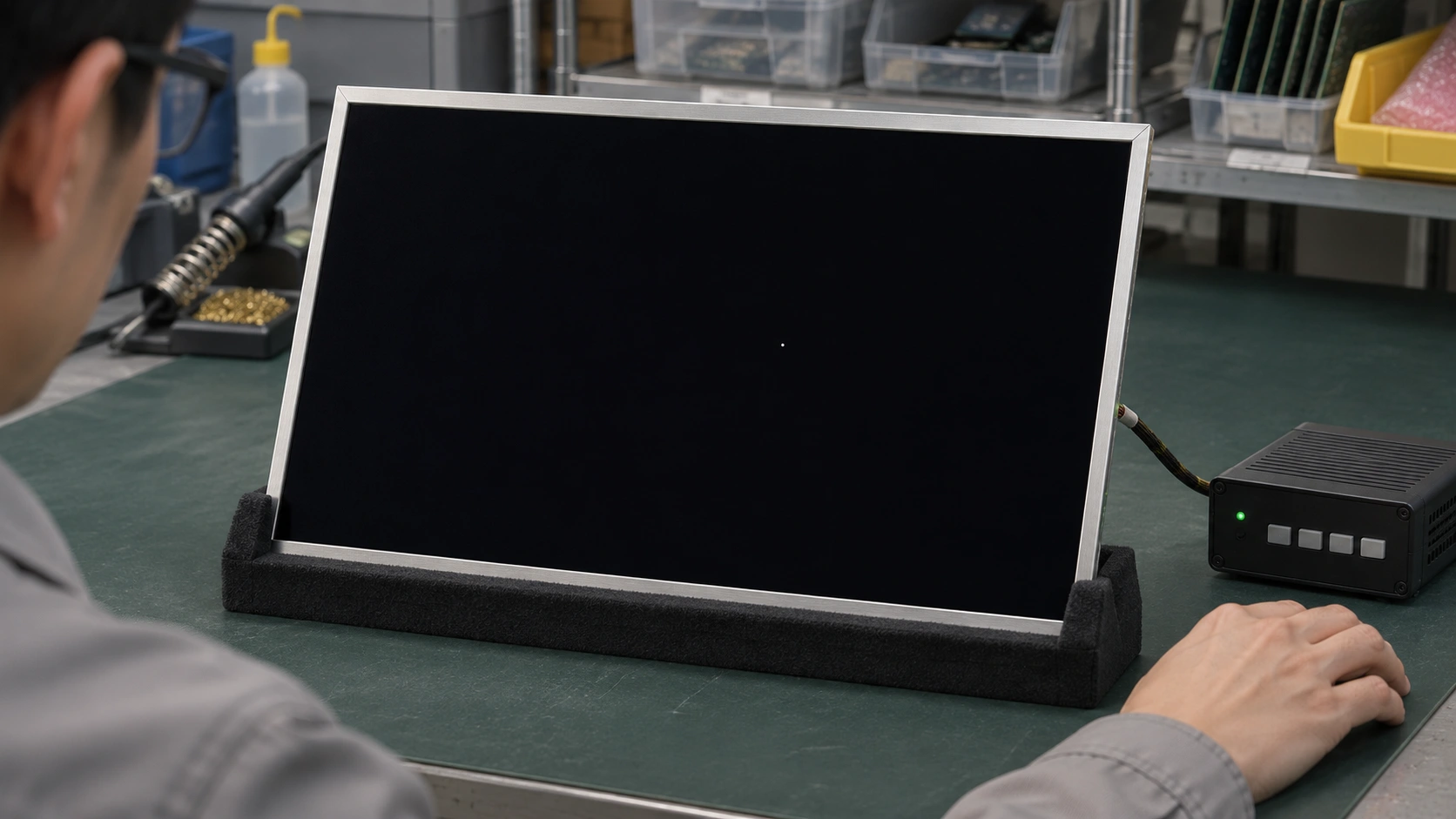
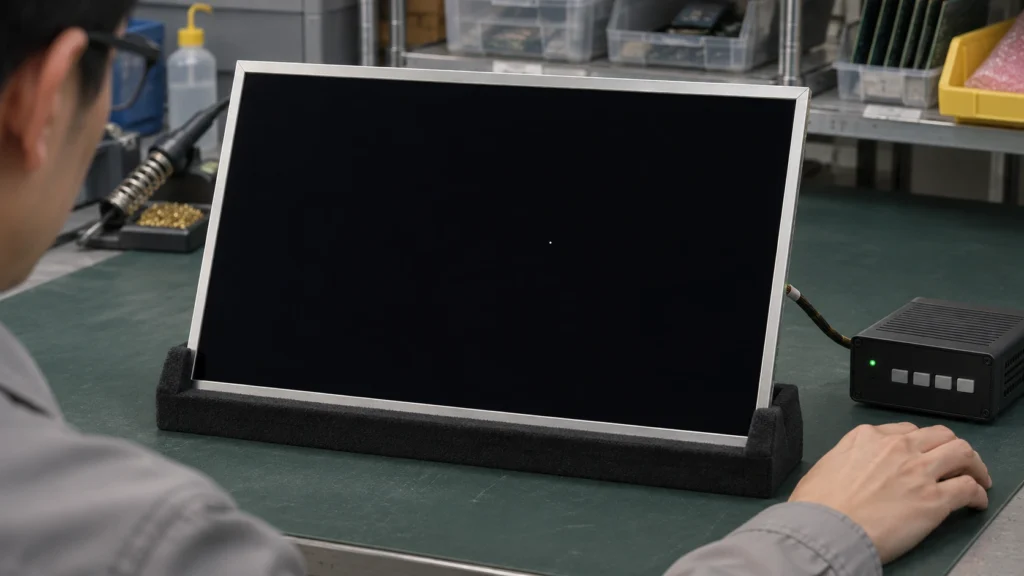
Agree on the test method before approving samples. Use the applicable inspection document to identify the required backgrounds and operating conditions. A solid black pattern helps reveal bright dots, while solid white helps reveal dark dots. Solid red, green, and blue patterns can help isolate affected color channels where the procedure calls for them. Fix the pattern source, display settings, stabilization time, ambient lighting, viewing distance and angle, and any specified filter. Use the same sequence on both sides.
Run the method on a known borderline sample if one is available. Have the supplier and receiving team classify the same locations independently. Where they disagree, record the pattern, panel identifier, and defect coordinates, then resolve the classification against the written criteria. Keep borderline photos tied to their test conditions. An enlarged photo can help locate a dot, while the agreed viewing method determines whether it counts. Coordinate the pixel procedure with your LCD module acceptance criteria so particles, scratches, and other cosmetic findings are logged under the appropriate rules.
Separate Panel Failure From Lot Rejection
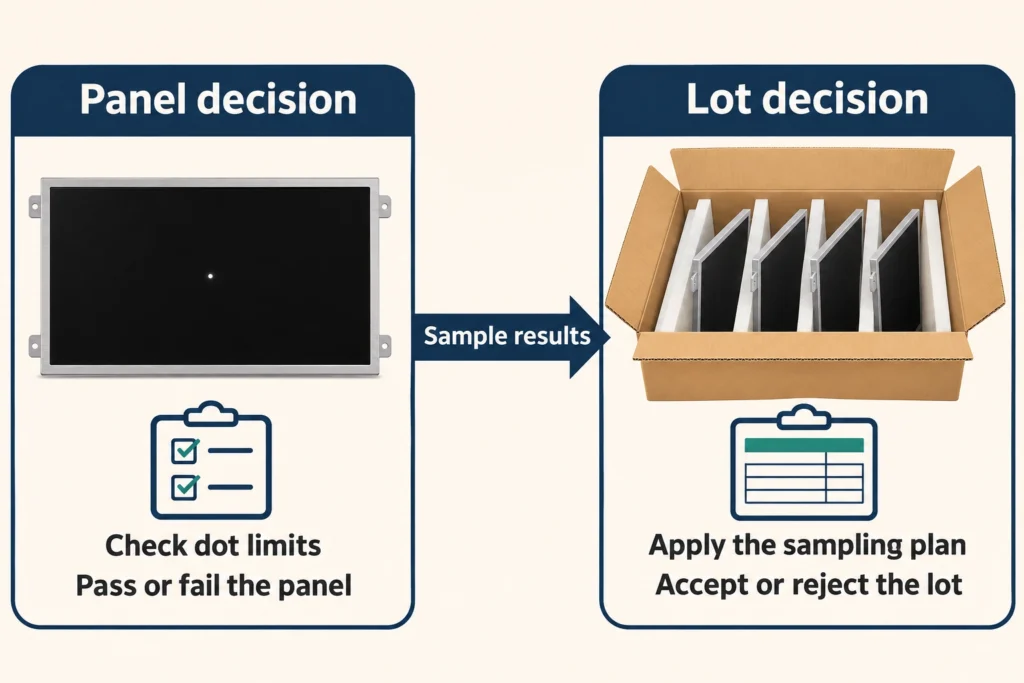
The dot table determines whether an individual panel passes. The inspection plan determines how a shipment is assessed. For sampled inspection, define a lot, how panels are selected, the sample size, and the number of nonconforming panels that triggers rejection. A panel that exceeds several dot limits can have several logged findings. If the plan counts nonconforming panels, that unit still contributes one failure to the lot decision.
If the project requires every panel to be screened, state who performs the screening and what record accompanies the lot. Define what happens when receiving finds a failure. Agree on who holds the lot, how both sides reconcile a disputed result, and whether a rejected lot can be sorted and resubmitted with new records. Decide this before delivery so inspectors have a release rule when production is waiting for parts.
Ask for a Quote Against the Same Criteria
When sourcing AUO LCD panels through Miqidisplay, send the proposed dot table and test method with the model number and quantity. Ask the supplier to identify which requirements the quoted panel meets under its existing inspection criteria and which would require additional screening. Request a sample inspection record with the document revision, pattern sequence, counts, and lot or panel identifier so receiving can see what evidence to expect.
Compare quotes on the inspection scope as well as the part number. One quote may follow the model’s baseline with sampled inspection. Another may include screening every unit against a stricter bright-dot limit. Ask each supplier to state the scope and any exceptions in the quote. Reference the agreed version of the inspection attachment on the purchase order so a repeat shipment is judged against the same rules.
Conclusion
A usable AUO panel order gives the supplier and receiving team the same answer to three questions. What counts as a dot? What makes the panel fail? What happens to the lot if a panel fails? Settle those questions against the exact model’s inspection document, then attach any agreed changes and the test method to the order before releasing production quantities.
FAQs
Can one pixel limit apply to all AUO panel models?
Use the inspection specification applicable to each model and suffix. If you want one buyer requirement across several models, have the supplier confirm it for each quoted part and identify any screening required.
Does zero bright dots also mean zero dark dots?
Bright and dark dots have separate limits. If the application requires zero of both, write both limits explicitly and specify whether the same rule covers small dots or any other separately defined category.
Can a good sample establish the production lot limit?
An approved sample can help inspectors align their judgment. Use the written dot criteria to classify each inspected panel and the agreed lot plan to decide whether a shipment passes.
Request a Quote Against Your AUO Panel Pixel Acceptance Limits
Send Miqidisplay your AUO panel inspection requirements for a quotation review. Include the full model number and suffix, order quantity, maximum bright and dark dot counts per panel, any combined or zone-specific limits, and your test conditions. Specify whether the order calls for sampled inspection or screening of every panel. Ask Miqidisplay to confirm which limits the model’s inspection specification already covers, which require additional screening, and what inspection records can accompany the shipment.
Email: mary@miqidisplay.com
WhatsApp: +86 189 6801 5464