





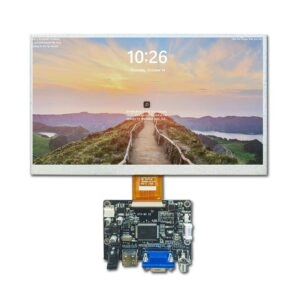

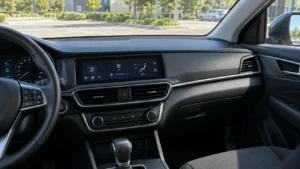
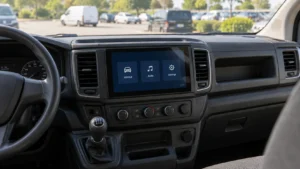
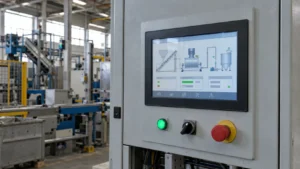
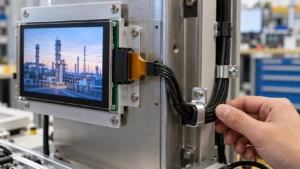
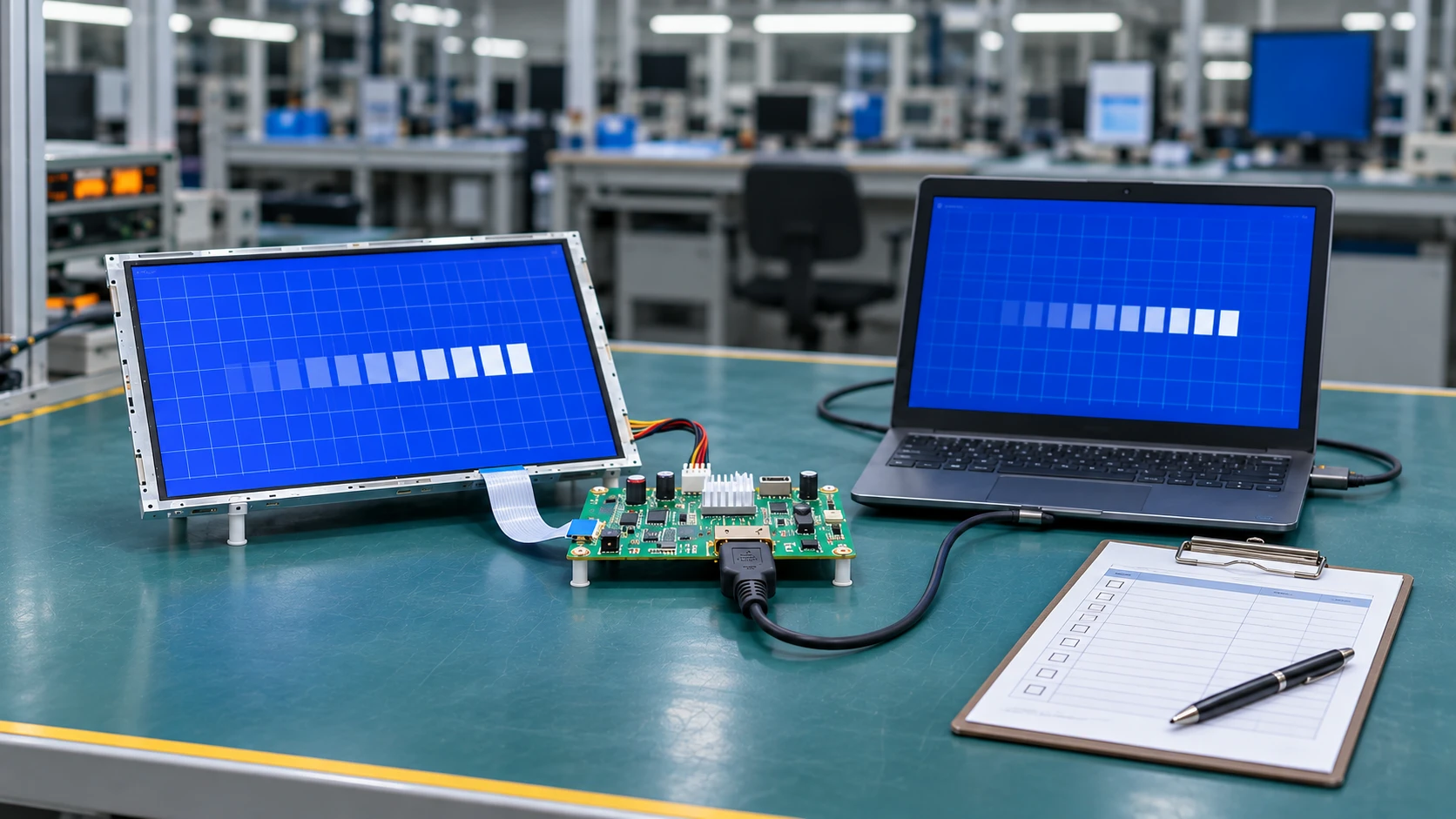
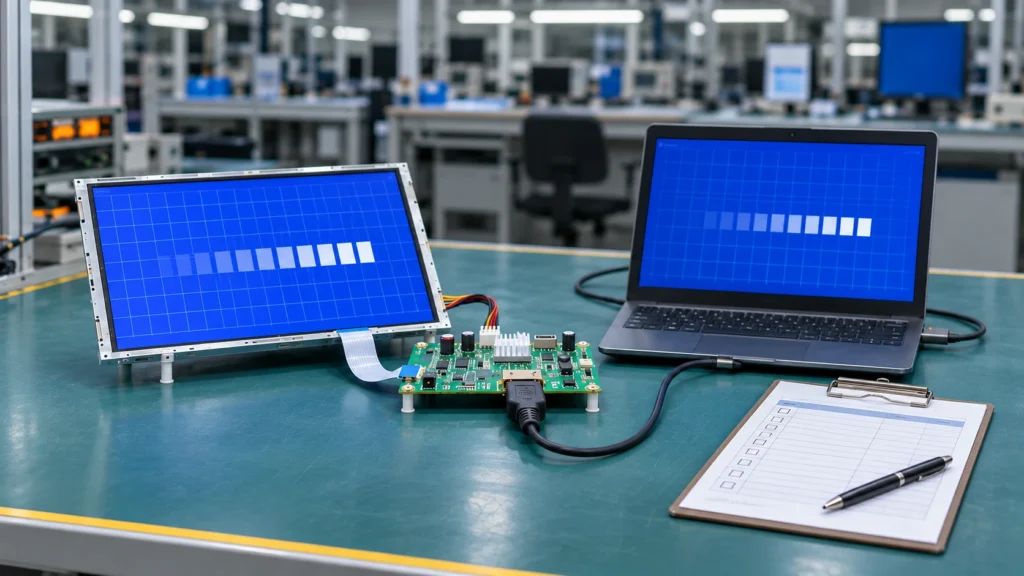
Test HDMI LCD kit samples using the same disconnect-and-reconnect procedure, and check whether the application image becomes stable and continues updating within your project’s time limit without manual intervention. Keep the host, software, HDMI cable, and input mode consistent. Power each kit according to the manufacturer’s requirements and record any differences. Identify each panel, controller board, and firmware version before testing.
The appearance of the picture only once is a good indication but not enough to approve the samples. The Procurement department requires a consistent result that is directly related to the configuration of the specific kit.
Define What Recovery Must Mean
Write the acceptance rule before samples arrive. Does recovery mean the host recognizes the connection, the first image appears, or the application becomes usable again? These can happen at different times.
Start timing at the defined HDMI reconnection event. Stop when the required application image is stable and continues updating for the agreed observation period. Backlight illumination or the first visible frame alone does not count as successful recovery. Use a changing counter or moving test pattern to distinguish live content from a frozen frame. Apply the same timing method and observation period to every sample.
Set the permitted recovery time from the equipment’s operating requirements. There is no single recovery-time target suitable for every LCD kit. Also define whether a resolution change, application restart, manual input selection, or board reset counts as a failure.
The five-second acceptance criterion and any specific recovery time shown in the illustrative test image are examples only. They are not Miqidisplay product specifications, performance guarantees, or measured results.
Understand the Connection Being Tested
HDMI hot plug detect, commonly called HPD, communicates connection status between the source and receiving electronics. EDID provides information about supported display modes. Detecting a connection, obtaining usable capability information, selecting a video mode, and displaying a stable image are related steps, rather than one indivisible event.
In an LCD kit, the HDMI receiver is generally on the controller board. The board then drives the panel through its specified panel-side interface. Compare the panel and board as a matched configuration; an HDMI connector alone does not establish compatibility.
Review LCD panel and HDMI driver board compatibility before testing. Native panel resolution, accepted HDMI input timing, connector definitions, and power requirements should already be documented. Otherwise, a recovery comparison may become a comparison of incompatible operating modes.
Freeze the Setup Without Hiding Kit Differences
Assign each sample an identifier and record the panel part number, board revision, firmware version, EDID copy when obtainable, cable configuration, and supply requirements. Photograph labels and connector positions so the tested assembly can be identified later.
Use the same host hardware, operating-system build, graphics driver, application version, and HDMI cable for every candidate. Disable undocumented automatic updates during the comparison. Record whether the source uses automatic mode selection or a forced output mode.
Keep each supplier’s required matched panel-and-board assembly intact. Swapping a common controller between different panels would answer a different question. Power each kit according to the manufacturer’s requirements and record differences in supply voltage, current capacity, and connection arrangement. Keep the host, software, HDMI cable, and input mode consistent.
For the broader measurement setup, apply consistent LCD sample test conditions. Keep temperature, mounting, cable strain, and stabilization conditions consistent throughout the recovery comparison.
Run Separate Event Sequences
Begin with an established image at the agreed input mode. Then apply each relevant event independently. Cable reconnection, controller power restoration, and host wake should have separate result rows because they exercise different paths.
| Event | Conditions to control | Evidence to capture |
| HDMI disconnect and reconnect | Host and kit remain powered; fixed disconnected interval | Connection event, selected mode, time to a stable and continuously updating application image |
| Kit power removal and restoration | HDMI stays connected; host remains running | Supply restoration, recognition, image return |
| Host restart with kit powered | Kit configuration remains unchanged | Output initialization and application recovery |
| Host sleep and wake | Same sleep state and wake method | Wake event, video mode, application behavior |
Use both short and longer disconnected intervals relevant to the installation. Write their durations into the procedure. Avoid rapid, inconsistent hand movements as the only test method; each candidate needs comparable exposure.
Confirm that powered HDMI reconnection is permitted for the supplied configuration. Keep panel-side connectors fixed unless the supplier explicitly specifies otherwise. A panel cable connection is a separate electrical interface and should not be treated as an HDMI hot-plug point.
Repeat the matrix across the host variants required by the project. A result from a convenient development computer does not establish behavior on the intended embedded host.
Record More Than the Fastest Image Return
Retain a result for every attempt. Record successes, timeouts, incorrect modes, frozen images, repeated blanking, and any manual action. Preserve the original outcome even when a later retry succeeds.
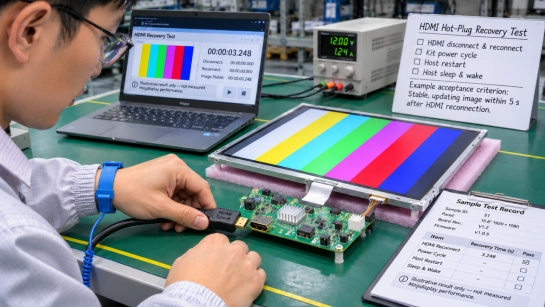
Report the number of completed attempts alongside the number that met the requirement. Include the slowest observed recovery and the spread of results. Averages alone can hide an occasional long interruption that matters to the application.
Where engineering access permits, collect host connection logs, selected resolution and refresh rate, and EDID reads before and after reconnection. An HDMI analyzer or suitable measurement setup may help distinguish a missing connection event from a later video-mode problem. Record the instrument and measurement point.
An unchanged EDID file is useful configuration evidence; it does not prove that every reconnection was handled correctly. Likewise, a host connection log does not prove that the panel displayed usable content. Pair electrical or software evidence with visible image behavior.
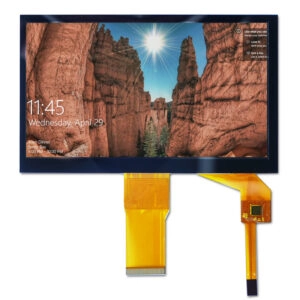
If touch is included, check it separately after image recovery. HDMI video recovery does not establish recovery of a separate touch-data connection.
Turn Results Into a Supplier Comparison
Compare candidates against mandatory requirements before considering convenience or price. A sample that needs a board reset should remain outside approval if unattended recovery is mandatory, even when its successful attempts are fast.
Miqidisplay’s HDMI TFT display modules include screen-and-driver-board configurations for component integration. The category includes 7-inch and 10.1-inch options with 1024 × 600 resolution. Confirm the selected assembly and its accepted input modes; these listings do not establish a hot-plug recovery guarantee.
Ask each supplier to identify the tested board, firmware, and EDID configuration in writing. Request the event sequence, host details, sample identifiers, attempt counts, and individual results behind any recovery claim.
Agree which changes require review before repeat orders. Controller substitutions, firmware updates, EDID changes, and cable changes can affect the approved configuration. Keep a reference sample and version records, and define which recovery checks should be repeated when those items change. Sample results support the tested configuration and conditions; they do not establish a production-wide failure rate.
Conclusion
A useful hot-plug comparison connects a defined event to a measurable, usable-image result. Control the setup, separate event types, retain every attempt, and approve an identified panel-and-board configuration. The purchasing decision should reflect recovery consistency and reproducible evidence.
FAQs
How many reconnect cycles should buyers require?
Set the count from application risk, sample quantity, and qualification requirements. Agree it before testing. A small demonstration cannot establish a dependable field failure rate.
Should every sample use the panel’s native resolution?
Test the intended production input mode first. Record both the HDMI input mode and panel native resolution, then evaluate additional required modes separately.
Does successful power cycling prove HDMI hot-plug recovery?
No. Power cycling and cable reconnection create different events. Test both when both can occur in the intended installation.
Can firmware changes invalidate sample approval?
They can affect recovery behavior. Identify the change and repeat the relevant tests before extending approval to the revised configuration.
Request an HDMI LCD Kit Sample Review
Before ordering comparison samples, request a Miqidisplay technical fit review. Share your target host, operating system, HDMI output mode, reconnection test sequence, and maximum acceptable recovery time. State whether recovery must occur without a reset, input selection, or application restart.
Include the required panel size, resolution, power arrangement, touch requirement, mechanical drawings, operating conditions, and sample and production quantities. These details give Miqidisplay a basis to review component compatibility and discuss the sample configuration, documentation, and quotation scope. Ask for the proposed panel, controller board, firmware, and EDID configuration to be identified before placing the sample order.
Email: mary@miqidisplay.com
WhatsApp: +86 189 6801 5464