






Raspberry Pi TFT Display
Miqidisplay TFT Display supports all Raspberry Pi revisions (A, B, A+, B+, 2B, 3B, 3B+, 4B) for plug-and-play compatibility, with drivers for Raspbian/Ubuntu. Designed to fit the Pi, it features high-quality immersion gold plating for durability and works with Raspbian, Ubuntu, and Kali Linux for versatile projects.
Showing all 14 results
-

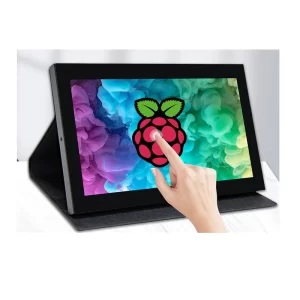
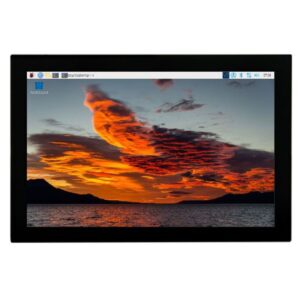
7 inch HDMI Raspberry pi with PCAP Support Raspbian
- 7 inch
- 1024*600
- HDMI
- capacitive
- Banana Pi, BB Black, Raspberry Pi
-
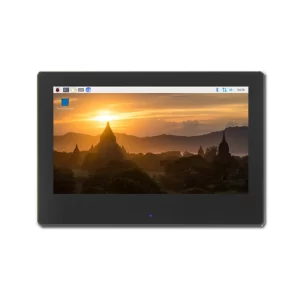
7 inch HDMI Raspberry pi with touch screen monitor 1024*600
- 7 inch
- 1024*600
- HDMI
- capacitive
- Banana Pi, BB Black, Raspberry Pi
-
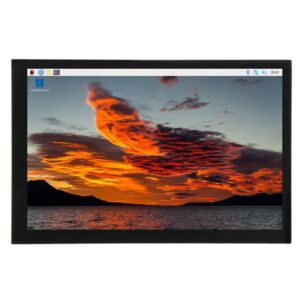
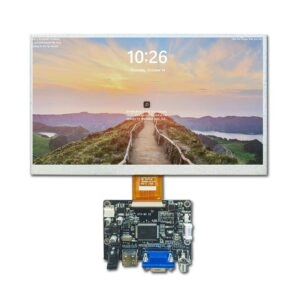
10.1 inch LCD Display with Raspberry PI 1280*800 HDMI
- 10.1 inch
- 1280*800
- HDMI
- capacitive
- Raspberry Pi, Banana Pi, EAIDK, Jetson Nano, BB Black
-
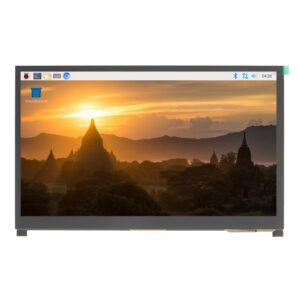
10.1 inch LCD Screens for Raspberry PI with Touch HDMI Interface
- 10.1 inch
- 1024*600
- HDMI
- capacitive
- Raspberry Pi, Banana Pi, EAIDK, Jetson Nano, BB Black
-
2.4 inch MCU/Arduino TFT Display Sheild 320*240 high resolution LCD touch shield
- 2.4 inch
- 320*240
- HDMI
- capacitive
- Arduino | UNO | Mega 2560
-
2.4 inch Raspberry Pi TFT Display 320*240 raspberry pi tft screen
- 2.4 inch
- 320*240
- HDMI
- Resistive
- Raspberry pi
-
3.5 inch TFT LCD Touch Screen Display for Raspberry PI with HDMI
- 3.5 inch
- 480*320
- HDMI
- Raspberry Pi
- Resistive
-
4 inch Resistive Touch Panel for Raspberry PI Banana Pi EAIDK
- 4 inch
- 800*480
- HDMI
- Resistive
- Raspbian, Ubuntu-mate, Kali, Retropie
-
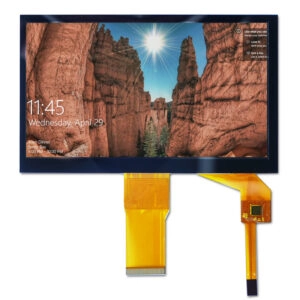
4.3 inch HDMI TFT Display for Raspberry Pi with USB Capacitive Touch
- 4.3 inch
- 800*480
- HDMI
- capacitive
- Raspberry Pi, BB Black, Banana Pi
-
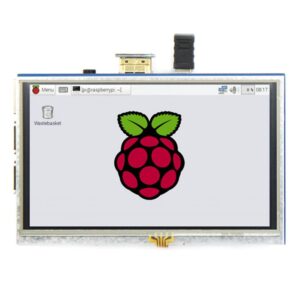
5 inch Raspberry PI Screen 800*480 with 5 Point Capacitive Touch
- 5 inch
- 800*480
- HDMI
- capacitive
- Raspberry Pi, BB Black, Banana Pi
-
5 inch Raspberry PI TFT DMI Capacitive Touch Display 800*480 Resolution
- 5 inch
- 800*480
- HDMI
- Raspberry Pi
- capacitive
-
5 inch TFT Raspberry PI Display Keyboard on Screen
- 5 inch
- 800*480
- HDMI
- Resistive
- Raspberry Pi, BB Black, Banana Pi
-
7″ Raspberry Pi Touch Screen with 800×480 Resolution
- 7 inch
- 800*480
- HDMI
- capacitive
- Raspberry Pi
-
8 inch HDMI LCD Screens for Raspberry PI with Capacitive Touch
- 8 inch
- 1280*800
- HDMI
- capacitive
- Raspberry Pi, BB Black, Banana Pi