





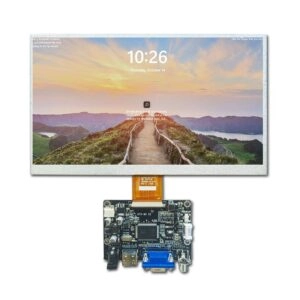
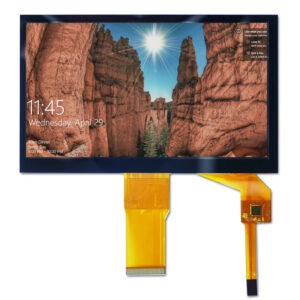

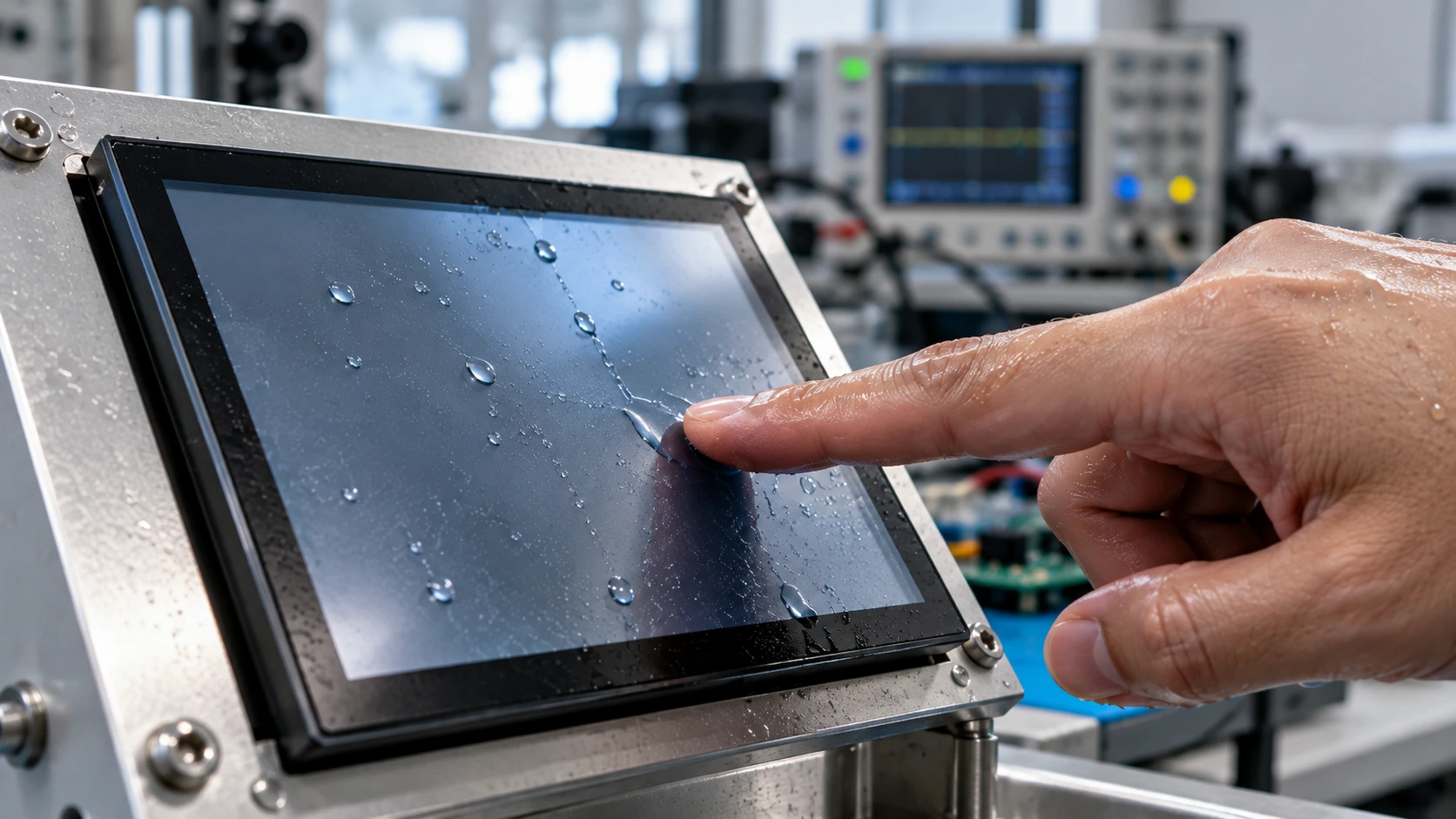
Wet-finger reliability is not achieved by simply raising touch sensitivity. A capacitive touch panel must distinguish a deliberate finger from water films, droplets, residue, and electrical noise while preserving fast, low-force input. For an OEM display module, the result depends on the complete stack: cover material and thickness, sensor pattern, controller settings, firmware filters, grounding, enclosure mechanics, and the operating environment. The practical goal is a defined moisture envelope, a repeatable tuning process, and evidence from the integrated sample.
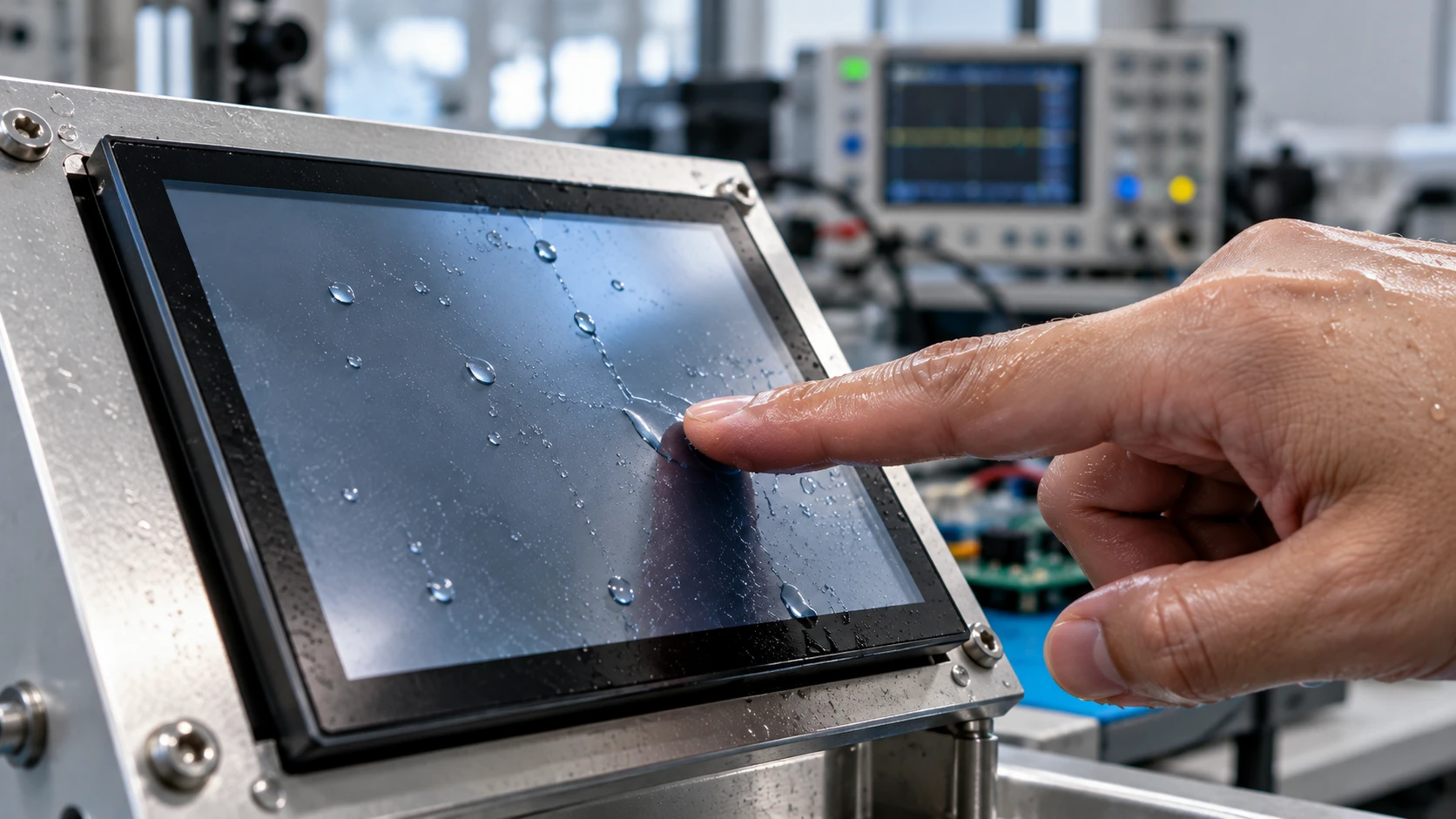
Why Moisture Changes Capacitive Touch Behavior
Projected-capacitive (PCAP) sensing measures changes in an electric field. A dry finger produces a localized change, but moisture can spread across several electrodes or create a conductive path. A film may reduce signal contrast; a droplet may look like a moving or stationary touch; and repeated wiping can change the baseline used for comparison.
These effects create two opposite risks. If thresholds are too low, the panel may report false touches, drifting coordinates, or unintended multi-touch. If thresholds are too high, a wet finger may be ignored, especially through a thick cover or with limited pressure. Flex in the cover, bezel compression, or an air gap can also change the electrical response after installation.
Tuning therefore starts with the application. State whether wetness means damp fingertips, visible droplets, spray, condensation, or residue. Each condition produces a different test and may require a different stack-up or operating rule.
Tune the Panel in a Controlled Sequence
1. Define the Wetness Envelope and Input Task
Write a test brief before changing parameters. Record finger condition, expected touch area, gesture type, glove use if relevant, wiping interval, ambient temperature, humidity, and whether the surface is horizontal, vertical, or angled. Separate intentional input from accidental contact: a tap, drag, swipe, edge touch, and two-finger gesture stress the sensing system differently.
Define acceptable failure modes. A missed touch may be less serious than a false activation, while slow recovery after wiping may matter more than peak sensitivity. This priority determines how aggressively the controller should reject ambiguous signals.
2. Establish a Dry Baseline in the Final Stack
Capture diagnostic data with a clean, dry surface. Include untouched frames, center and edge taps, slow and fast drags, and repeated touches from different operators. Look for channel imbalance, unstable noise, edge weakness, and changes caused by the bezel or mounting pressure.
Do not tune on an open bench and assume the result will survive installation. The LCD module, cover, adhesive, grounding path, cable routing, and enclosure can alter the sensor environment. For a custom assembly, validate the mechanical stack early. Miqidisplay’s custom TFT LCD and touch-panel integration guide is a useful reference for reviewing interfaces, stack-up, and enclosure validation.
3. Tune Thresholds, Filtering, and Baseline Tracking Together
Thresholds determine how much signal change is required to declare a touch. Debounce and temporal filters determine how long a signal must remain credible. Spatial filters can reject isolated noise but may soften a fast gesture. Baseline tracking helps with gradual drift, yet an overly aggressive baseline can absorb a slow finger or persistent wet area.
Change one parameter group at a time and keep a revision record. For every setting, record detection rate, false-touch count, latency, coordinate stability, and recovery time after wiping. Keep development and production profiles separate, and trace the tested firmware image and controller configuration to the sample revision.
4. Check the Physical Stack and Electrical Environment
Software cannot compensate for every stack-up problem. Review cover thickness, sensor-to-cover spacing, adhesive uniformity, edge clearance, bezel overlap, and conductive coating or decorative ink near the active area. Confirm a stable controller reference and understand display switching noise, cable coupling, and enclosure grounding.
Stronger wet-finger performance may require a different sensor layout, cover treatment, controller configuration, or narrower operating envelope rather than one “magic” parameter. Any change to glass, adhesive, outline, or cable routing should trigger a focused retest.
Validate With a Wet-Finger Test Matrix
A useful matrix makes moisture reproducible and separates detection from rejection:
| Condition | What to test | Evidence to record |
| Clean, dry surface | Taps, edge touches, swipes, multi-touch | Detection, latency, coordinate error |
| Damp fingertip | Repeated taps and slow drags | Missed touches and recovery |
| Visible droplet nearby | Touch beside and through droplet | False activations and drift |
| Light surface film | Short gestures across film | Tracking stability and rejection |
| Wipe and repeat | Same sequence after each wipe | Baseline recovery and repeatability |
| Temperature or humidity change | Dry and damp sequences at limits | Parameter stability and retest needs |
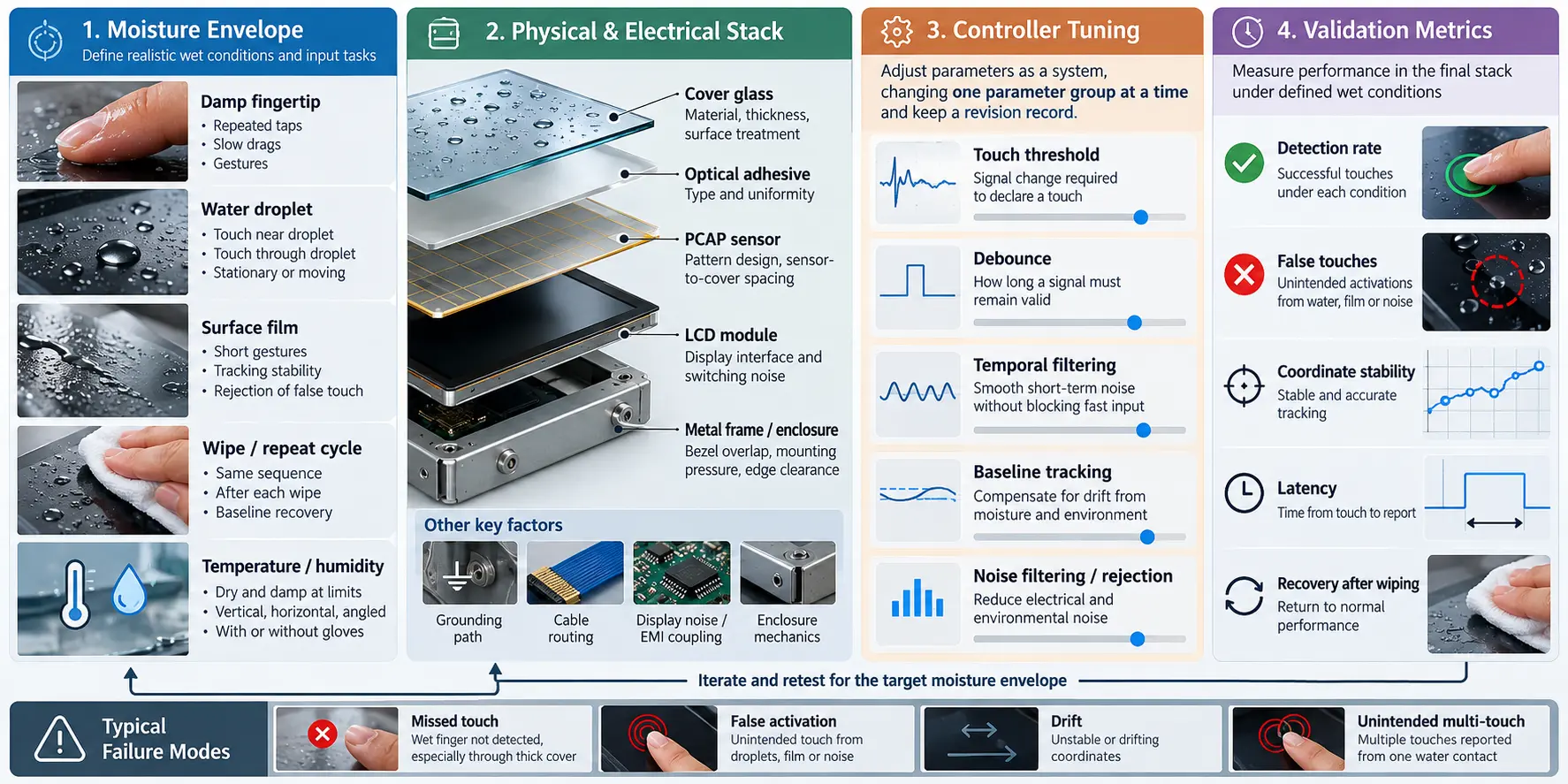
Use the same fixture, sample revision, and operator instructions for every comparison. If gloves are required, treat gloved input as a separate requirement; a wet-finger setting will not automatically optimize glove performance. A component result is also not proof of sealing or environmental protection for assembled equipment. Those claims need their own design and verification evidence.
What an OEM Buyer Should Require From a Supplier
Ask for active area, outline dimensions, cover construction, sensor type, controller interface, supported gestures, intended temperature range, mounting assumptions, and the conditions used for touch validation. Request configuration identifiers, sample revision history, and a list of changes that require a new tuning cycle.
Miqidisplay lists PCAP panels including a 7-inch G+G module with an I²C interface and 10-point touch, plus a 3.5-inch G+G PCAP panel with an I²C interface and 5-point touch. These are product-specific configurations, not a blanket wet-operation guarantee. The actual controller, cover, dimensions, and performance envelope must be checked against the OEM design. The industrial touch panel selection guide supports the initial requirement review, while the 7-inch capacitive touch panel page illustrates the interface and touch-count details that belong in an RFQ.
A strong RFQ should attach drawings, display interface, touch requirement, cover constraints, expected moisture conditions, gesture priorities, quantity, and planned enclosure. That context lets the supplier assess whether standard hardware, configuration changes, or a custom sample is appropriate.
Conclusion
Reliable wet-finger operation comes from controlled system tuning, not a single sensitivity adjustment. Define the moisture envelope, establish a dry baseline in the final stack, tune thresholds and filters together, review mechanical and electrical influences, and verify recovery after wet-dry cycles. Treat every hardware or firmware revision as new evidence.
FAQs
Can Higher Sensitivity Solve Wet-Finger Failures?
Not by itself. Higher sensitivity can improve detection in one condition while increasing false touches in another. Thresholds, filtering, baseline tracking, sensor geometry, cover stack, and grounding must be tuned together.
Should Wet-Finger Testing Be Done Before Enclosure Integration?
An early bench test is useful for screening, but final approval should use the intended cover, adhesive, bezel, cable routing, and mounting pressure. Installation can change the electrical environment.
Is a Water-Resistant Enclosure Proof That the Touch Panel Will Work When Wet?
No. Enclosure protection and touch recognition are different questions. A wet-operation claim needs a defined moisture condition, test method, and results for the integrated assembly.
What Should Be Frozen After Tuning?
Freeze the panel revision, cover and adhesive stack, controller configuration, firmware version, mounting details, and test procedure. Any change to these inputs should be reviewed for retuning.
Request a Miqidisplay Technical Fit Review
For a project that must accept damp or wet-finger input, contact the Miqidisplay technical team with display type, diagonal size, outline dimensions, active area, resolution, interface, touch requirement, brightness, viewing direction, operating temperature, mechanical constraints, quantity, drawings, and integration environment. These inputs allow Miqidisplay to assess component compatibility, customization scope, sample requirements, and documentation needs before a quotation assessment.
Email: mary@miqidisplay.com
WhatsApp: +86 189 6801 5464; +44 07892800850