







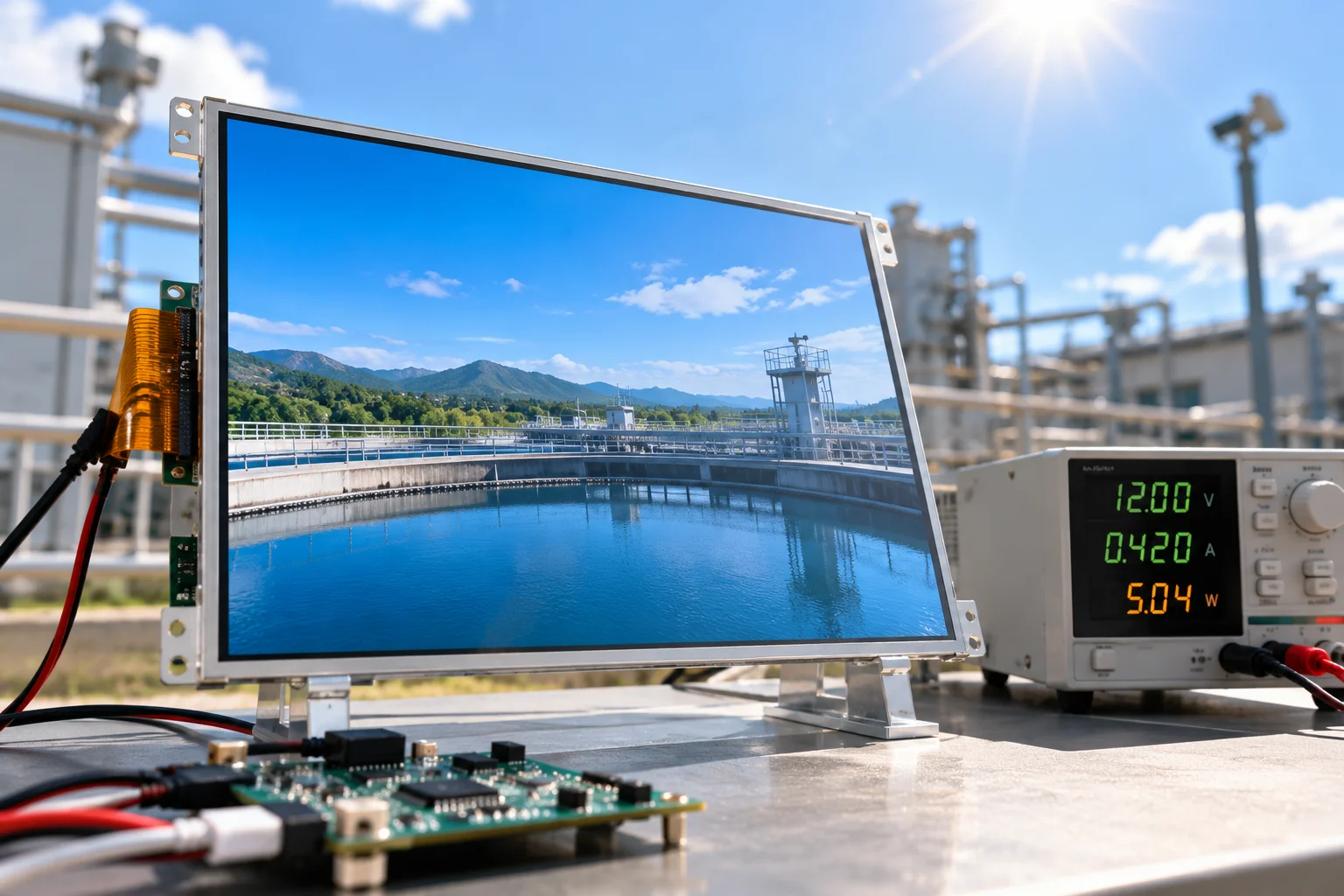
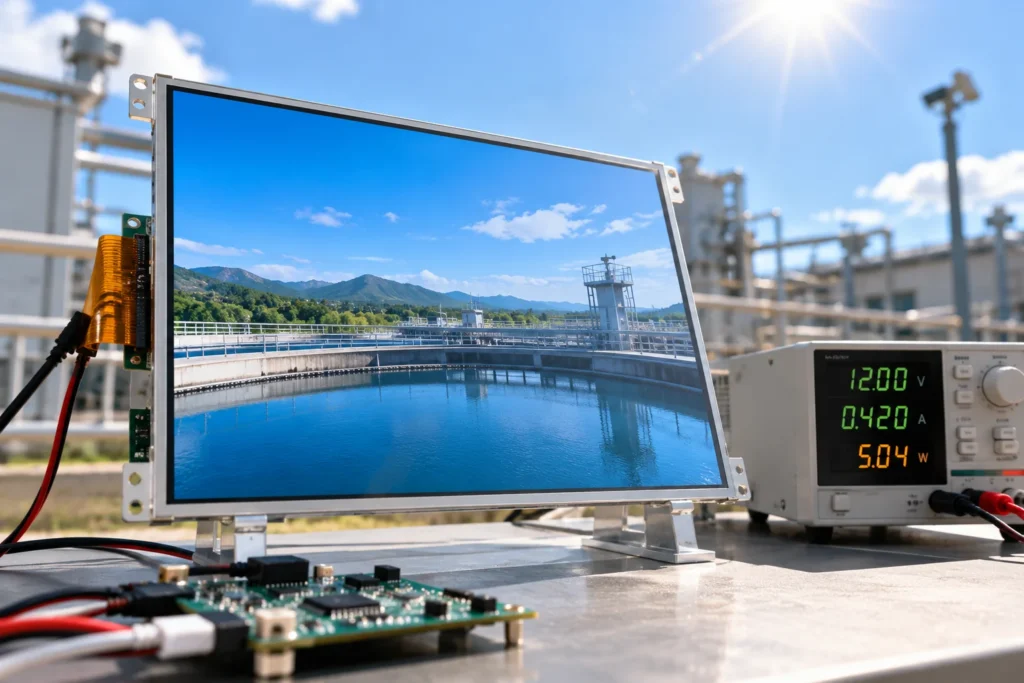
Outdoor LCD module design is a trade-off between readable information and a controlled energy budget. Increasing backlight output can improve visibility in direct sun, but it also raises electrical input, heat generation, and enclosure demands. The practical target is not the highest possible brightness. It is the lowest brightness that remains legible across actual viewing conditions, with margin for aging, cover glass, temperature, and ambient light.
For an OEM project, define the viewing task first, then connect the optical target to backlight drive, thermal path, interface, and duty cycle.
1. Define the Outdoor Viewing Condition
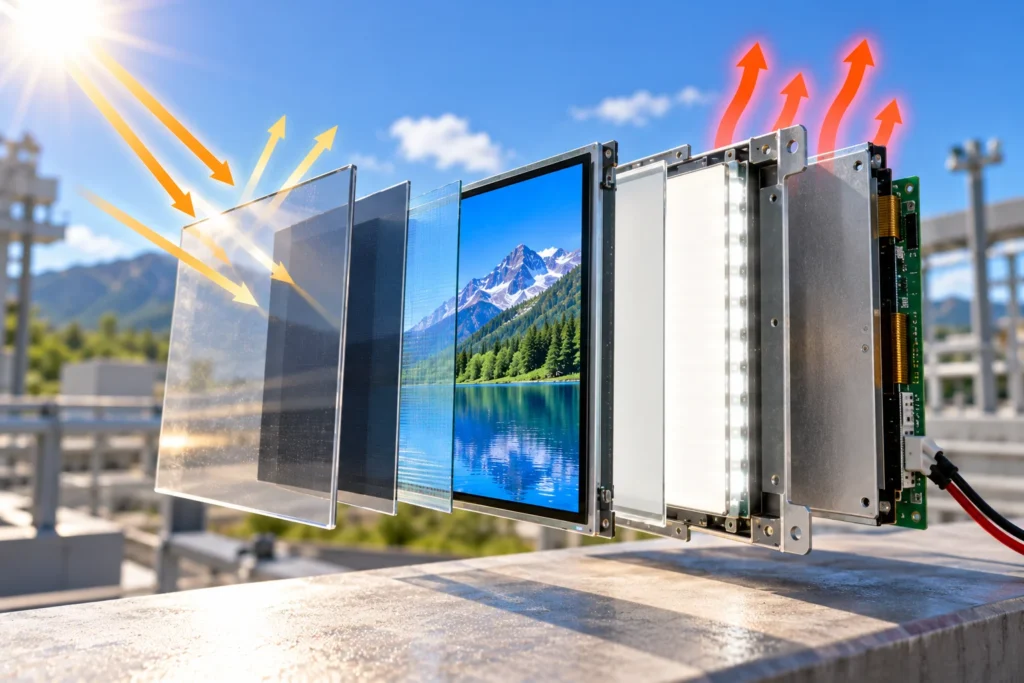
“Outdoor” is not one optical environment. A shaded kiosk, a vehicle instrument, and a panel mounted in direct midday sun can require different solutions. Record the viewing direction, likely sun position, distance from the user, contrast of the interface, exposure duration, and whether a cover window will sit above the LCD. A tinted window, anti-glare treatment, polarizer stack, or protective film can change the light reaching the viewer.
If users view the module through polarized eyewear, test that combination early because viewing angle and polarization can affect perceived contrast.
Start with a measurable requirement such as minimum luminance at the viewer, not a vague request for “sunlight readable.” The official sunlight-readable LCD display category is a useful sourcing reference because it groups modules by brightness, size, resolution, interface, and operating temperature. The final target still needs to be checked against the complete optical stack and application.
2. Separate Luminance from Readability
Brightness is an output value; readability is a system result. A higher backlight level cannot fully compensate for reflections, poor viewing direction, low native contrast, or unsuitable cover-glass treatment. Before increasing drive current, review the whole light path:
- Panel contrast and viewing-angle behavior at the required temperature.
- Ambient reflection from the cover, bezel, and enclosure window.
- Surface treatment, including whether glare reduction changes image clarity.
- Content contrast, font size, symbol thickness, and background color.
- User distance and the time available to read the information.
Use a test sample in the intended mechanical stack. Measure luminance and contrast after warm-up, at the planned viewing direction, and under representative ambient illumination. A bench result with the cover removed can lead to an unnecessarily high target.
3. Build a Backlight Power Budget
For a first estimate, backlight input follows the familiar relationship P = V × I. Actual module power also includes panel electronics, timing or driver circuitry, touch components when applicable, and conversion losses in the supply path. Request operating voltage and current at the planned brightness rather than using a nominal value alone.
Backlight current is often the largest adjustable part of an LCD module’s consumption. A useful power budget therefore includes normal daylight, high-ambient fallback, and low-light or standby. If the equipment runs from a battery, calculate energy over the full duty cycle rather than comparing only instantaneous watts.
Document the assumptions in the same review record as the display choice. The TFT LCD module datasheet guide explains why power pins, operating windows, optical values, and test conditions must be read together. For procurement, distinguish typical, maximum, and limit values, and state whether the quoted current includes the backlight driver.
4. Use Adaptive Brightness with a Defined Control Range
Automatic dimming can reduce average power, but it should be designed as a controlled operating function rather than an afterthought. Specify the ambient-light sensor location, sampling behavior, minimum and maximum luminance, transition speed, and what happens when the sensor is obstructed or fails. A slow ramp prevents distracting jumps; a minimum floor keeps text usable in shade.
The control curve should reflect the viewing task. Full sensor output is not always necessary in overcast conditions, and a reflective surface can cause unwanted dimming. Test the curve with the real enclosure and protect the module limits.
5. Treat Heat as Part of the Power Decision
Electrical power becomes heat inside the enclosure. Higher backlight current can raise panel temperature, change optical output, reduce operating margin, and increase the need for conduction paths or airflow. Direct sun adds external heat even when the display is dimmed.
Review the complete thermal stack: LCD module, carrier, cover, seals, nearby processors, and sun-facing enclosure surfaces. Confirm operating and storage limits, then test the worst combination of ambient temperature, solar loading, backlight setting, and duty cycle.
Do not solve a thermal problem by lowering brightness until the image becomes marginal. Compare optical margin, heat spreading, drive current, and enclosure constraints. The right balance may be a moderate luminance target with improved reflection control and a better-defined thermal path.
6. Match the Module to the Host System
Brightness and power cannot be approved separately from the electrical interface. Confirm the interface type, pin assignment, cable length, backlight enable method, dimming signal, startup sequence, and supply tolerance. The host power architecture should account for inrush, conversion efficiency, and the possibility that the backlight and panel electronics have separate rails.
Mechanical constraints matter too. Outline dimensions, active-area position, mounting points, connector clearance, and cover spacing can change the optical result. Freeze the module, cable, and cover assumptions before the first integrated test.
7. Validate the Complete Operating Profile
A useful validation plan compares the same module under repeatable conditions. Record module revision, cable, host board, input voltage, warm-up time, temperature, cover configuration, and viewing angle. Measure luminance, contrast, current, and surface temperature at each brightness step.
Then repeat the test at high and low ambient light, cold start, hot soak, supply variation, and the planned duty cycle. Check the first readable level, preferred normal level, and maximum permitted level. If the module includes touch, test it at the same optical and thermal conditions.
For a candidate such as Miqidisplay’s 15.6-inch 1000 cd/m² LCD module, the published configuration includes 1920×1080 resolution, an LVDS interface, no touch layer, and a stated -30°C to 85°C operating range. Those values are useful starting points for a fit check, not a substitute for testing the final enclosure, viewing direction, and power budget.
8. Prepare the RFQ Around Measurable Inputs
An effective RFQ lets a display supplier evaluate brightness and power together. Include:
- Display type, diagonal size, active area, outline dimensions, and resolution.
- Interface, pinout, cable length, host supply, dimming method, and touch requirement.
- Minimum readable luminance, viewing direction, ambient-light range, and cover-glass details.
- Operating and storage temperature, solar exposure, duty cycle, mechanical limits, and quantity.
- Drawings, test images, preferred control behavior, and the integration environment.
These inputs allow a supplier to assess component compatibility, customization scope, sample requirements, documentation needs, and batch-consistency considerations, while identifying which values require sample measurement.
Conclusion
Balancing brightness and power in an outdoor LCD module starts with the viewing task, not a maximum nit number. Define the optical stack, set a minimum readable target, budget backlight current across the duty cycle, and verify thermal and electrical limits in the integrated enclosure. Adaptive brightness can reduce average energy use when its range and fallback behavior are specified. Repeatable testing confirms whether the module has enough optical margin without unnecessary heat or power demand.
FAQs
How should LCD backlight power be estimated?
Start with voltage multiplied by current, then add panel electronics and conversion losses. Check typical and maximum values at the intended brightness, temperature, and interface configuration.
Can adaptive brightness lower energy consumption?
It can reduce average consumption when the sensor, control curve, minimum level, and fallback behavior are defined and tested. It does not remove the need to size the supply and thermal path for the permitted maximum.
What should be tested before approving an outdoor LCD module?
Test the integrated stack at relevant ambient light, temperature, viewing direction, supply conditions, warm-up time, brightness settings, and duty cycle. Record luminance, contrast, current, and surface temperature.
What information should be sent for a technical fit review?
Send the display type, size, dimensions, active area, resolution, interface, touch requirement, brightness target, viewing direction, temperature range, mechanical constraints, quantity, drawings, and integration environment.
Request a Miqidisplay Technical Fit Review
Engineering and procurement teams can contact Miqidisplay’s technical team with the display and integration inputs above. Miqidisplay can then assess the likely component fit, customization scope, sample requirements, and documentation needs for the proposed outdoor LCD module. A review based on the real brightness target and power budget helps keep the sourcing decision aligned with the equipment’s optical, thermal, and electrical limits.
Email: mary@miqidisplay.com
WhatsApp: +86 189 6801 5464