






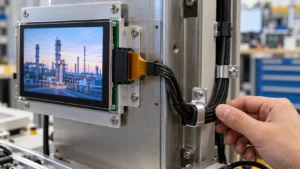




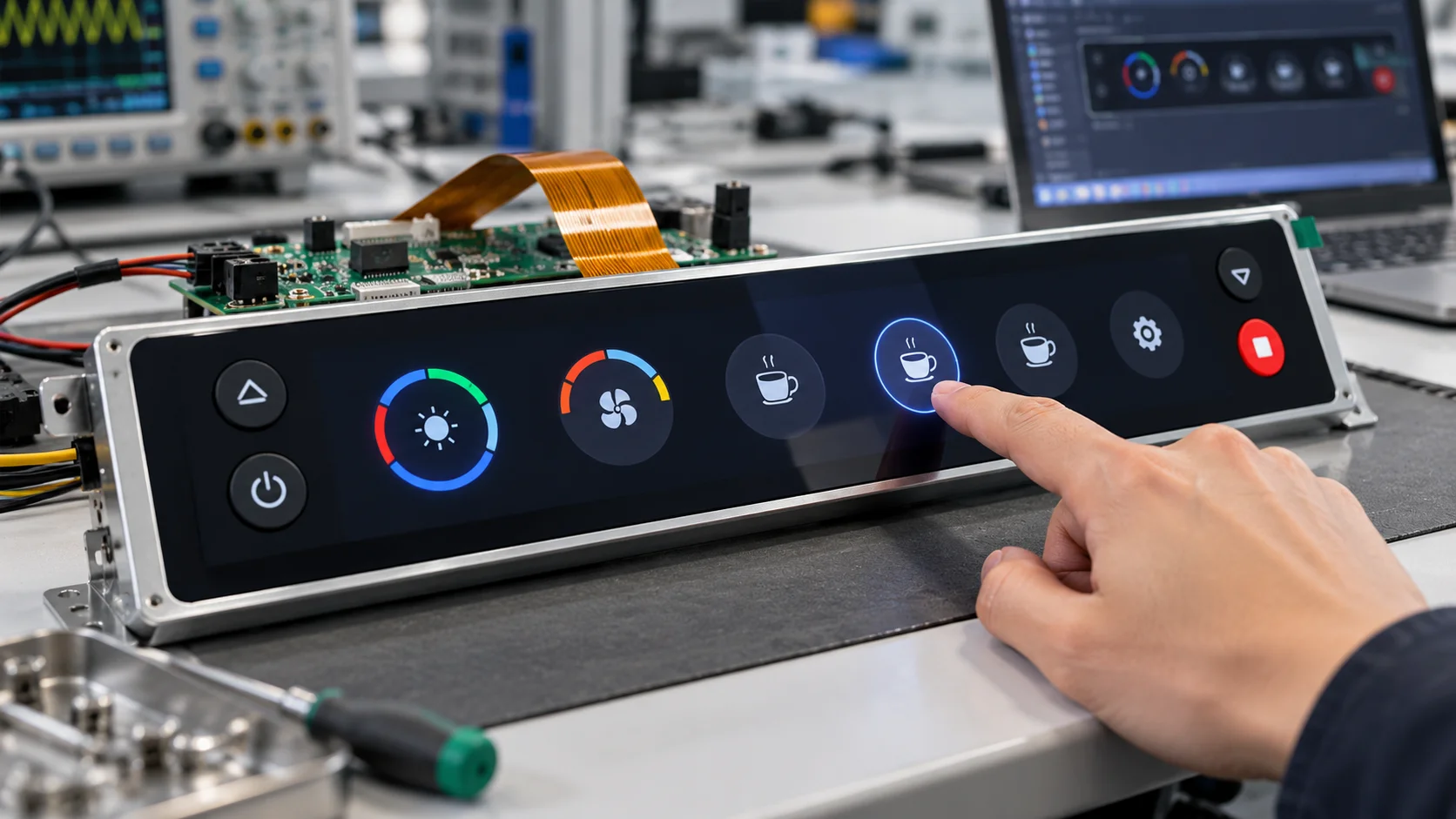
Bar-shaped LCD panels are used when a product needs a long, narrow visual area rather than a conventional rectangle. Adding touch changes the project from a display selection exercise into a coordinated mechanical, optical, and electronic design task. The panel, touch sensor, cover layer, controller, cable route, and host interface must be treated as one module. A reliable result starts with the final enclosure and user interaction, then works backward to the right panel and touch construction.
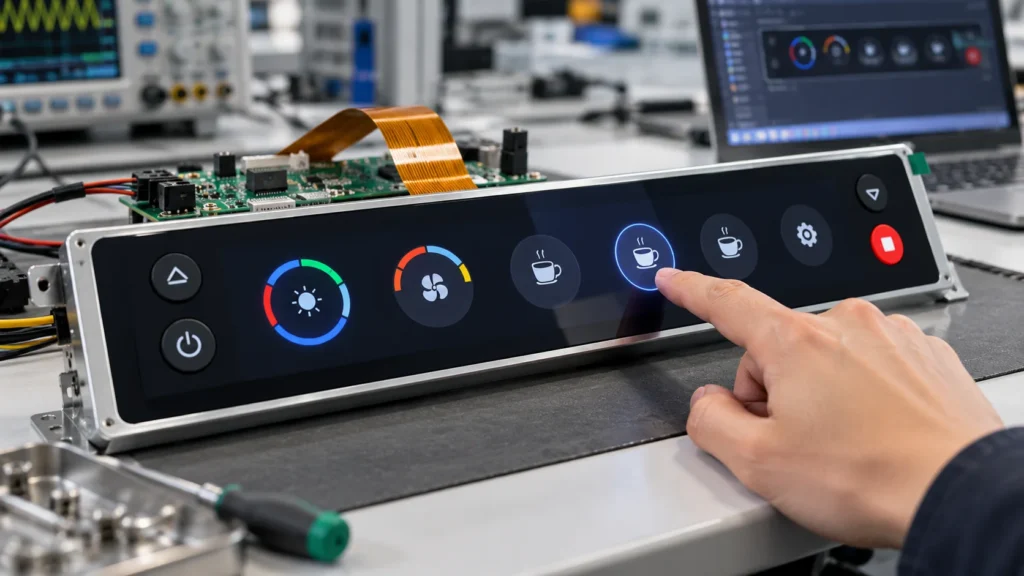
Why bar-shaped LCD panels need a custom integration plan
An elongated panel can fit a shelf edge, control fascia, information strip, or instrument front, but its unusual aspect ratio leaves less room for standard mounting features and cable bends. A touch layer also adds thickness, a sensing area, a controller connection, and an input requirement. Selecting only by diagonal size can create bezel interference, a blocked active area, or an unreachable connector.
The objective is to preserve the viewing window, keep the front stack within the enclosure, and provide stable electrical connections under expected conditions. That requires a written interface definition before supplier review.
Define the mechanical envelope before choosing the panel
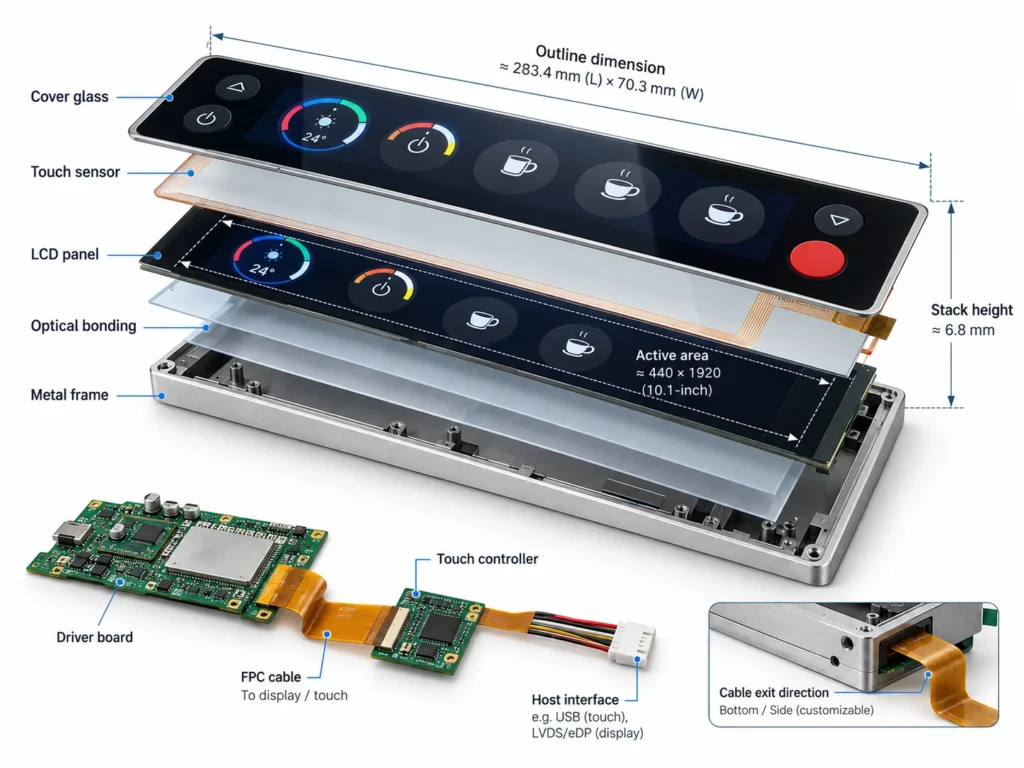
Start with the available opening, not a catalog diagonal. Record the outline dimensions, active area, corner radii, bezel limits, mounting points, stack height, and the direction in which the flex cable must exit. On a bar-shaped LCD panel, a few millimeters at either end can determine whether the sensor, cover, and bonding margin fit inside the housing.
Separate the visible active area from the cosmetic window. The host may need a printed mask, gasket land, or screw clearance around the image. If the sensor extends beyond the visible area, confirm that the controller and tail avoid mounting features. A dimensioned drawing with tolerances is more useful than a nominal size.
Define how the panel will be retained. Support along long edges, end brackets, or a front frame affects bending, local pressure, and the allowable cover material. Review these conditions with the touch construction before sampling.
Choose the touch stack for the user and the enclosure
The touch sensor should be selected from the input method and front-surface conditions. Projected-capacitive sensing can suit finger gestures and a clean glass front, while other sensor constructions may be more appropriate for gloves, a stylus, or a heavier protective layer. The right choice depends on the required sensitivity, active-area shape, cover thickness, and expected interference from the host design.
Specify the full front stack: cover material, sensor, adhesive or optical bonding approach, polarizer relationship, and any printed border. Each layer changes transmission, reflections, thickness, and touch signal strength. A long narrow sensor can also have a different electrode layout from a standard rectangular part, so the sensing geometry should follow the usable touch area rather than the outside outline.
Decide early whether the project needs single-point input, gestures, wet-finger tolerance, or glove operation. Connect these requirements to measurable sample-acceptance criteria rather than adding them at quotation stage.
Match the LCD and touch electronics to the host
The display interface and the touch interface are separate decisions, even when they share one mechanical module. Confirm the panel signal type, resolution, timing expectations, backlight connection, touch controller interface, connector orientation, and available power rails. The host board may need separate software paths for image data and touch coordinates, so the integration package should identify both.
Cable routing is especially important in a bar-shaped layout. Define bend direction, routing space, strain relief, and connector access before the PCB position is frozen. If the controller is away from the sensor, account for signal integrity and connecting-tail length.
Ask for an interface table with pin definitions, connector references, startup sequence, and any controller configuration files. This reduces bring-up trial and error and makes samples easier to compare with production intent.
Plan optical and environmental requirements together
Brightness, viewing direction, contrast, and reflections should be evaluated from the actual installation position. A panel viewed from above, below, or at an angle may need a different optical treatment from one viewed straight on. Ambient light, a protective cover, and a printed border can all change perceived readability.
Give the supplier the expected operating-temperature range, storage conditions, humidity exposure, and cleaning chemistry when relevant. The touch response and adhesive behavior can vary with material, size, and environment, so the final stack should be verified under representative conditions. If condensation, water droplets, or thick gloves are possible, include those cases in the touch acceptance test instead of treating them as afterthoughts.
Validate integration with a controlled sample
Before a batch decision, test a representative sample in the real enclosure or a dimensionally accurate fixture. Check image alignment, active-area visibility, bezel clearance, cable strain, connector access, touch accuracy at the corners, response through the intended cover, and readability at the required viewing direction. Record results against the drawing and interface table.
Use the sample to close open questions: Does the cover flex under a press? Is the touch tail clear of fasteners? Does the host boot consistently with the backlight and controller connected? A documented validation loop is more valuable than changing several variables at once.
Build a sourcing brief that supports customization
An effective inquiry should combine commercial information with engineering inputs. Include the display type, diagonal or strip length, outline dimensions, active area, resolution, interface, touch requirement, brightness target, viewing direction, operating temperature, mechanical constraints, forecast quantity, drawings, and the integration environment. If the design is replacing an existing module, add photos and the current connector or mounting references.
Procurement evaluation checklist
Before selecting a supplier, confirm:
- Custom outline and touch-stack capability
- Complete drawings and interface definitions
- Sample validation and revision control
- Fit with quantity, environment, and integration constraints
- Clear customization and documentation scope
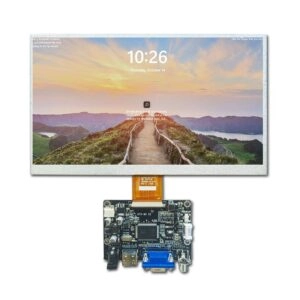
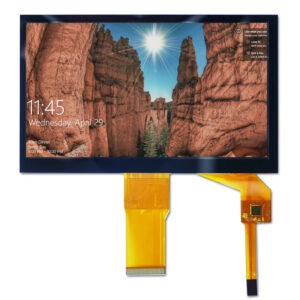
Miqidisplay presents screens and display modules for integration projects. Its TFT LCD display category can help buyers identify the relevant panel family, while the custom display solutions page provides a route for discussing a non-standard outline or touch stack. Examples from Miqidisplay’s touch LCD module range include a 7-inch resistive-touch display module with 1024×600 resolution and an RGB interface, and an 8-inch capacitive-touch LCD module with 1024×768 resolution and an LVDS interface. These are standard-format examples, not confirmation of a bar-shaped 7–9-inch configuration; the outline, touch stack, and interface should be verified for each project.
When reviewing a supplier response, look for a drawing that separates active area, viewing window, outline, and mounting references. Confirm what can change by size, material, or configuration, and how sample revisions will be identified.
Conclusion
Custom touch integration for a bar-shaped LCD panel succeeds when the mechanical envelope, touch stack, optical targets, and host interfaces are defined as one specification. Starting with the enclosure and validating a controlled sample helps engineering and procurement avoid late changes. The result is a display module that can be assessed against the real application rather than a nominal catalog size.
FAQs
Can a standard LCD panel be converted into a bar-shaped touch module?
Sometimes, but the answer depends on the available outline, active area, touch geometry, cable exit, and front-stack thickness. A drawing review is needed to determine whether a standard panel can meet the enclosure without blocking the usable image or touch area.
What information should be sent for a first technical review?
Send the display type, size, outline and active-area dimensions, resolution, interface, touch method, brightness, viewing direction, temperature range, mounting limits, quantity, drawings, and host integration details. Photos of the enclosure and connector area can clarify constraints that a specification sheet misses.
How should touch performance be accepted during sampling?
Define test points across the full active area, including corners and long-edge zones. Test with the final cover, expected finger or glove condition, and representative temperature or moisture exposure when those conditions matter. Record accuracy, response, and false touches against agreed criteria.
When should a supplier review the cable and connector layout?
Before the host PCB and enclosure tooling are frozen. Cable exit direction, bend space, strain relief, and connector access can determine whether the selected module fits, even when the image dimensions appear correct.
Request a Miqidisplay technical fit review
If you are sourcing a custom touch module for a bar-shaped LCD application, contact the Miqidisplay technical team with the display type, size, outline dimensions, active area, resolution, interface, touch requirement, brightness, viewing direction, operating temperature, mechanical constraints, quantity, drawings, and integration environment. These inputs allow the project to be assessed for component compatibility, customization scope, sample requirements, and documentation needs. Any proposed configuration should be verified against the application before quotation or production planning.
Email: mary@miqidisplay.com
WhatsApp: +86 189 6801 5464