




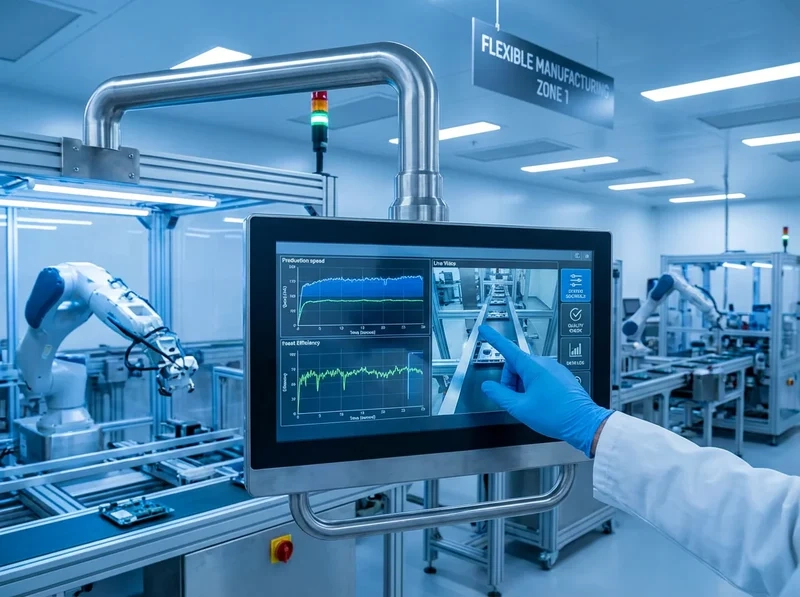
The industrial touchscreen monitor market still needs products that give steady performance in tough places. Factories, warehouses, automation lines, transportation hubs, and outdoor sites need screens that stand up to dust, water, very hot or cold temperatures, shaking, hits, and chemicals. At the same time, these screens must keep accurate touch response and clear pictures.
Standard monitors often fail in certain ways. For example, they show flickering screens because of weak memory connections during nonstop work. They get blue screen problems from hardware pressure. Touch stops working after long heavy use. Systems freeze up. These issues show why special industrial designs are necessary. Such units use stronger builds, better touch methods, and solid connection features. This helps cut downtime and keep operations running smoothly.
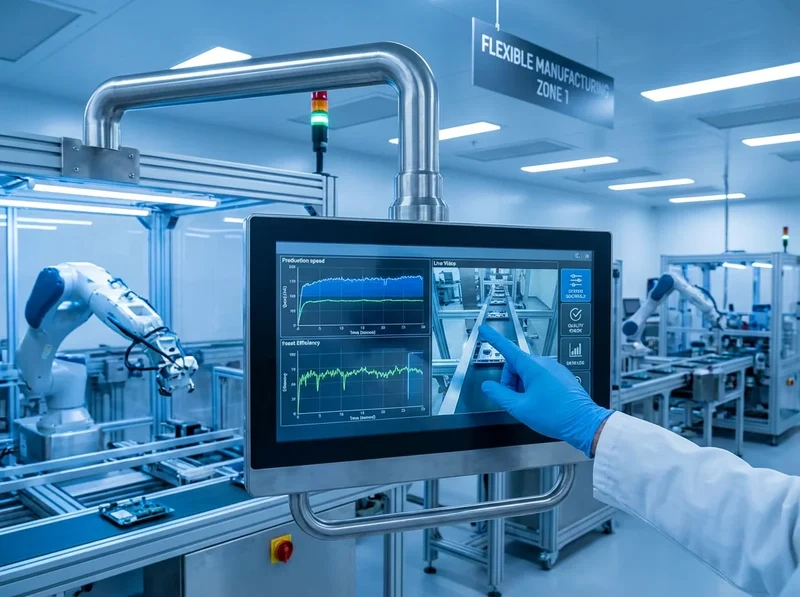
Durability and Resistance in Industrial Touchscreen Monitors
Durability is the base for good performance in rough conditions. Industrial touchscreen monitors use tough materials and smart design. They handle everyday rough treatment without wearing out quickly.
Rugged Materials and Construction
Industrial monitors have cases made from aluminum or stainless steel. These resist rust from chemicals, damp air, and regular cleaning. Tempered glass covers protect from scratches, breaks, and bumps. Metal frames add strength against falls, knocks, and stress that often happens in production areas. Designs that absorb shocks keep things stable when heavy machines run or during transport.
IP Ratings and Environmental Protection
Ingress Protection (IP) ratings show protection from dust and water. Higher numbers mean better defense. IP65 gives full dust protection and stands up to low-pressure water jets. It works well for most industrial and business settings. IP66 deals with strong water jets. It fits marine, military, or outdoor use. IP67 handles short-term underwater exposure. It suits food processing, pharmaceuticals, and manufacturing with washdowns. IP68 allows longer submersion. IP69K stands up to high-pressure and hot cleaning in food and drink plants.
Shock, Vibration, and Chemical Resistance
Industrial places put gear through steady shaking, sudden hits, and chemical splashes. Strong cases and inner supports take in shocks and vibrations according to rules like MIL-STD-810. Optical bonding removes air spaces between layers. This boosts strength, contrast, and resistance to peeling apart. Seals and coatings that resist chemicals stop harm from solvents, oils, and cleaners. They keep the look and function good for a long time.
Touchscreen Technology for Industrial Applications
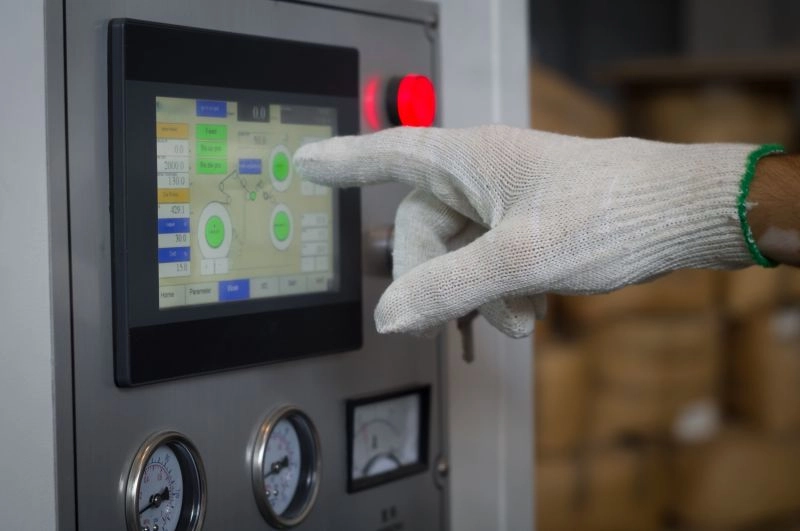
The right touchscreen technology makes interaction smooth and without mistakes. It fits the exact needs of the work.
Touchscreen Types and Sensitivity
Resistive touchscreens sense pressure from any item. This includes gloved hands or styluses. They work well in dusty or dirty spots. They cost less and stay reliable in hard conditions. But they have lower picture sharpness because of extra layers. Projected capacitive touchscreens react to conductive touch. They give better image quality, brightness, and multi-touch ability. They do great in tasks that need clear views and gesture controls. However, they need the right kind of input.
Glove and Wet Operation
Glove use is very important in manufacturing, assembly, and cold storage. Resistive screens work well with thick industrial gloves or tools. Projected capacitive types support thin conductive gloves or special styluses. Some models use smart methods to ignore small water drops. They avoid wrong touches from lots of moisture. Advanced armored resistive versions keep accuracy even under full water or big spills.
Accurate and Responsive Control
Touch detection with low delay (usually 1-5 ms) works fast. Quick signal handling and fast screen updates allow exact control. Shielding blocks electromagnetic noise from nearby machines. This keeps touch steady and accurate. High refresh rates and wide viewing angles give reliable work from different spots. They lower tiredness for operators and cut mistakes in busy settings.
Display Performance in Industrial Touchscreen Monitors
Clear view in different light levels affects work speed and safety directly.
Brightness and Readability
High-brightness panels (often 1000 nits or more) make text and images easy to read in direct sun or very bright areas. Anti-glare coatings and surface layers spread out reflections. They keep pictures sharp. Indoor setups do well with 750-1000 nits. Outdoor or strong-light places need higher levels. This stops fading and helps fast choices on charts, plans, or data.
Anti-Glare and Viewing Angles
Anti-reflective coatings, optical bonding, and polarization cut glare well. Wide viewing angles (up to 178 degrees) let people see clearly from side positions. This helps in control rooms where many people work together or at shared stations. These things improve contrast, color truth, and general ease of use in changing industrial areas.
Resolution and Screen Size Options
Resolutions go from 1024×768 for small HMIs to Full HD (1920×1080) or higher for detailed views. Screen sizes start at 10.1 inches for tight spaces like kiosks or built-in systems. Larger sizes like 21.5-inch or 23.8-inch work for big overview displays in open spots. Picking the right size and resolution for the job improves how information gets across. It also lowers eye strain.
Connectivity and Integration for Industrial Touchscreen Monitors
Smooth fit with current systems makes them last longer and ready for the future.
Input/Output Ports and Expansion
Many ports help connect things. These include HDMI, VGA, USB (for touch and extras), Ethernet, RS-232/485 serial, and audio. They link to PLCs, sensors, cameras, and networks easily. Expansion choices allow extra parts or updates without replacing the whole unit.
Mounting and Installation Flexibility
VESA patterns (75x75mm or 100x100mm), panel-mount, wall-mount, rack-mount (19-inch standard), flush-mount, or desktop setups fit many places. Strong mounting parts resist shaking. They keep the monitor secure in machine cases or control panels.
System Compatibility and OS Support
Compatibility covers a wide range. It includes Windows for SCADA and business programs, Linux for custom controls, Android for kiosks, and real-time OS for automation. Drivers make touch act like a mouse for old software. This makes connection to older gear simpler.
Manufacturer Reliability and Support for Industrial Touchscreen Monitors
Long-term work depends on the knowledge of the manufacturer and continued help.
Customization and Product Range
Manufacturers provide many choices. These cover custom sizes, resolutions, touch types, enclosures, interfaces, and backlights. Special cable lengths, changed connectors, shaped cover glass, and mounting brackets meet exact needs. Fields like medical, automotive, and industrial automation gain from special versions. Examples are high-brightness surgical displays or wide-temperature automotive HMIs.
Certifications and Compliance
Key certifications cover CE for electromagnetic fit, RoHS for limited materials, ISO standards for quality control, and special industry approvals (e.g., IP ratings, explosion-proof for dangerous zones). Following rules ensures safety, reliability, and meeting regulations.
Warranty and Technical Support
Longer warranties, fast repair help, and worldwide support reduce stops in work. Access to spare parts, firmware updates, and expert advice keeps top performance during the whole product life.
Checklist for Selecting an Industrial Touchscreen Monitor
- Check that touch stays accurate at edges and with multiple points.
- Make sure the screen reads well in the planned light with no flicker or warp.
- Confirm it handles environment changes after temperature shifts. Look for no new problems after setup.
Industrial touchscreen monitors in 2026 focus on strong builds, exact touch, great visibility, flexible connections, and trusted support. They meet changing needs in industry.
FAQ
Do industrial touchscreens support glove use?
Many models, particularly those with resistive or advanced projected capacitive technology, function effectively with industrial gloves. Testing with specific glove types confirms compatibility.
Why does display quality matter in industrial settings?
Clear, bright, high-contrast visuals enable accurate data interpretation, reduce errors, and support extended operation without fatigue, especially in variable lighting.
How should the right industrial touchscreen monitor be selected for a specific application?
Assess environmental conditions, required touch functionality, size/resolution needs, connectivity, and compliance standards. Consultation with experienced suppliers aids in matching features to operational goals.
Get a Customized Quote for Your Industrial Display Needs
As a leading display manufacturer and supplier, Miqidisplay delivers premium industrial touchscreen monitors and panel PCs engineered for reliability in demanding environments. With capacitive touch options, robust interfaces (HDMI, VGA, USB), IP65 protection on select models, and extensive customization capabilities—including tailored enclosures, interfaces, and certifications—Miqidisplay supports manufacturers, integrators, and system builders seeking OEM/ODM solutions. Contact the team today for expert guidance, custom configurations, and competitive B2B pricing to enhance operational efficiency and durability. Reach out via email at mary@miqidisplay.com or WhatsApp at +86 189 6801 5464 to discuss project requirements and request a quote.