





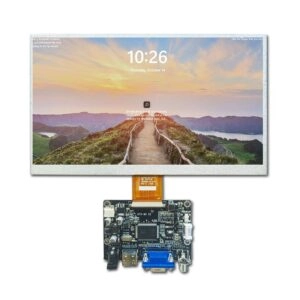
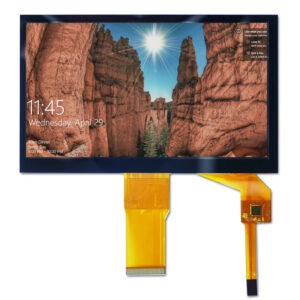
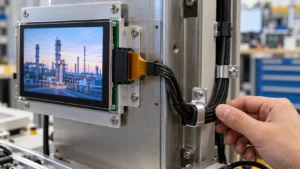




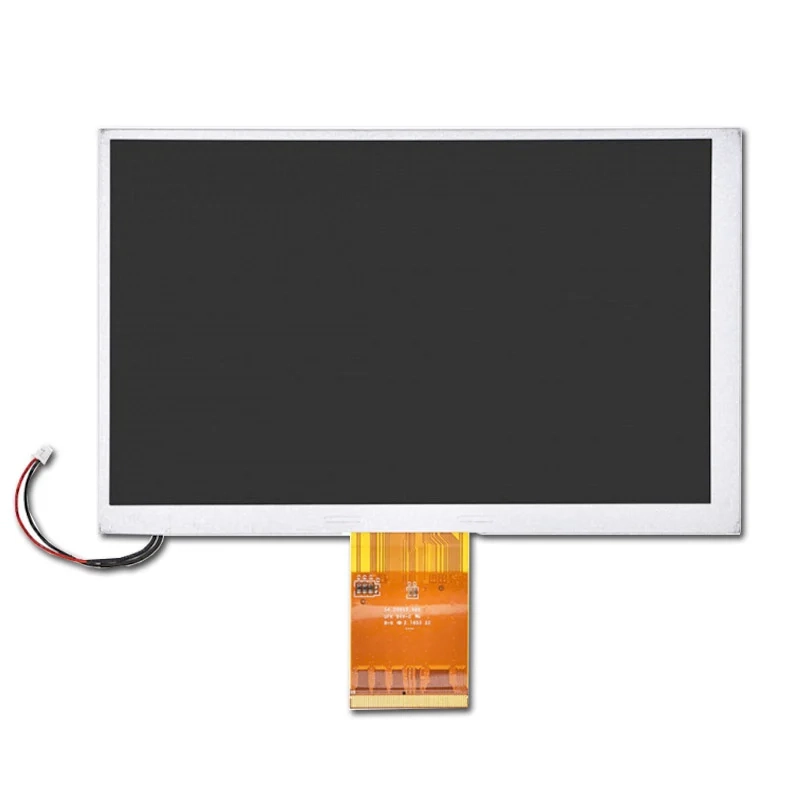
Selecting original AUO LCD panels for industrial equipment is not simply a matter of finding the correct diagonal size. The panel must also match the mechanical opening, electrical interface, optical conditions, software timing, operating environment, and supply requirements of the equipment design.
A reliable selection process connects the AUO part number to measurable acceptance criteria. It also confirms panel identity, documentation, sample performance, and repeat-order consistency before production approval.
Define the Industrial Display Requirement First
Before reviewing an AUO LCD Screen category, the engineering and purchasing teams should document the application conditions.
Important questions include:
- What is the required active area and aspect ratio?
- Is the panel installed in portrait, landscape, or a variable orientation?
- What is the available bezel and mounting space?
- Will the display operate indoors, near windows, or under direct light?
- Is touch input required, or is the LCD module connected to external controls?
- What temperature, vibration, humidity, and duty-cycle conditions apply?
- Which controller, processor, or driver board will communicate with the panel?
This requirement sheet prevents a common sourcing error: choosing a panel that matches the visible size but not the connector position, timing parameters, cable routing, or mounting structure.
An original AUO panel should therefore be treated as an engineered component. It is not automatically a drop-in solution for every industrial equipment design.
Confirm the Exact AUO Part Number
AUO product families can include multiple revisions with similar model names. A small suffix difference may indicate a change in interface, connector location, optical treatment, backlight configuration, or mechanical drawing.
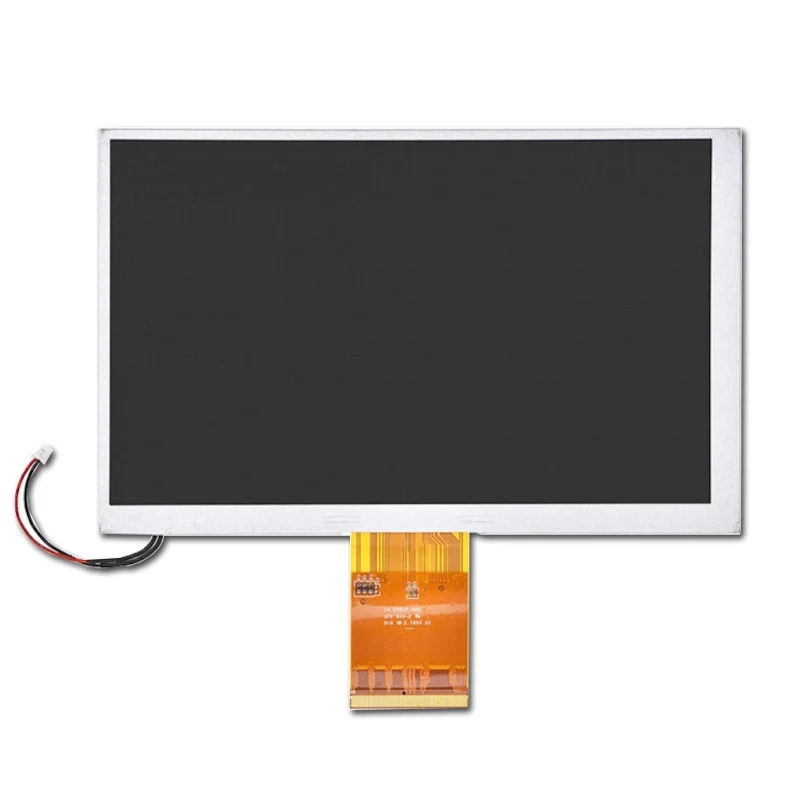
The quotation should identify the complete part number, including:
- Manufacturer and model code
- Revision or suffix
- Panel technology, such as TN or IPS, when specified
- Interface type and pin assignment
- Backlight configuration
- Touch or cover-glass status
- Datasheet and mechanical drawing revision
- Available stock condition and production date information
A product title alone is not sufficient for approval. The part number on the carton label, panel label, datasheet, and commercial quotation should agree.
For example, one current AUO listing identifies an A070VTN06.1 panel and describes a 7-inch, 800 × 480 configuration with high brightness. Those values apply to that listed model and must not be generalized to other AUO panels without model-specific documentation.
Match Size, Resolution, and Mechanical Fit
The first physical check is the active display area. The second is the complete outline dimension.
Engineering drawings should be compared for:
- Active area width and height
- Overall panel dimensions
- Thickness and component clearance
- Mounting holes or brackets
- Connector location and access direction
- Viewing orientation
- Edge clearance and bezel coverage
- Backlight cable exit position
Resolution should be selected according to the information density and viewing distance of the equipment interface. A higher resolution can improve text and graphics, but it may also require different timing, processing, memory, or software assets.
The panel must also fit the enclosure without creating pressure points. Mechanical stress around the glass, tabs, flex cable, or backlight assembly can create field failures even when the electrical image appears correct during bench testing.
Evaluate Brightness and Viewing Angle by Application
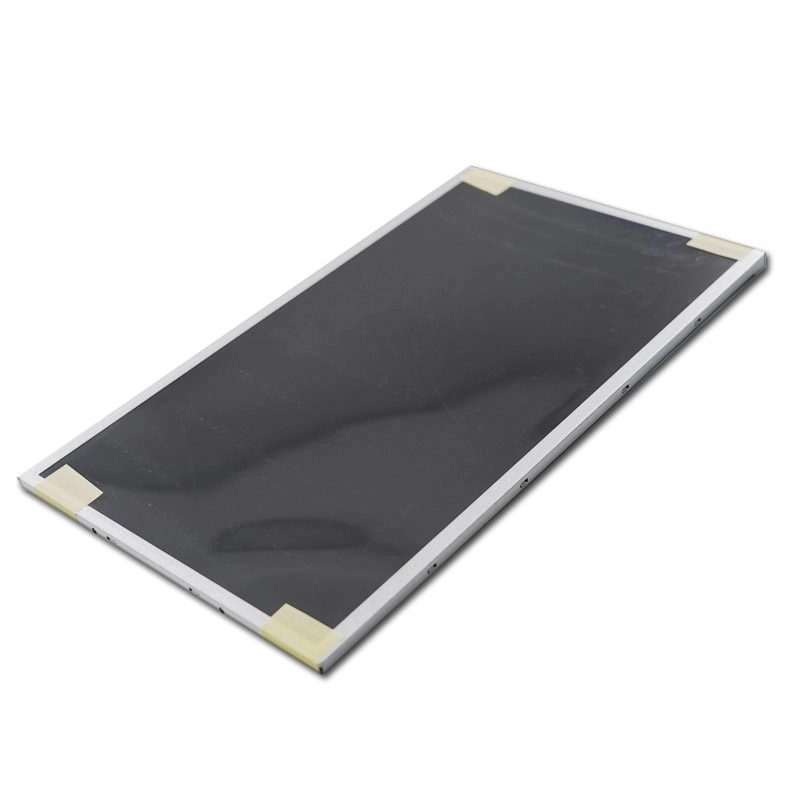
Brightness requirements depend on the actual installation environment. Indoor equipment may require a different optical specification from equipment positioned near a factory door, window, or transparent enclosure.
The purchasing specification should define:
- Minimum brightness at acceptance
- Measurement conditions and tolerance
- Surface treatment, such as anti-glare or anti-reflection
- Viewing direction and viewing-angle expectations
- Contrast and color requirements
- Backlight dimming method, if applicable
High brightness can improve readability, but it may also affect power consumption, heat generation, and backlight life. The final decision should balance visibility with thermal design.
Viewing-angle data should be reviewed in the orientation used by operators. A panel that performs adequately from the front may show color or contrast changes when viewed from above, below, or from the side.
Verify Interface and Electrical Compatibility
Interface compatibility is one of the highest-risk areas in LCD panel sourcing. Similar-looking panels can use different interfaces, signal mappings, voltage requirements, or timing settings.
The technical review should compare:
- Interface type, such as LVDS, RGB, MIPI, or another specified format
- Connector series, pitch, and pin count
- Pin assignment and signal polarity
- Logic voltage and backlight input requirements
- Pixel clock and timing parameters
- Enable, reset, and brightness-control signals
- Driver-board compatibility
- Cable length and impedance requirements
A driver board should not be selected solely because it uses the same connector shape. Signal mapping and timing must be checked against the panel datasheet.
If a custom cable or driver board is required, the supplier should receive the panel drawing, host-board details, cable length, and intended operating conditions. Prototype validation should include image stability, startup behavior, brightness control, touch communication where applicable, and electromagnetic compatibility checks within the equipment design.
Decide Whether Touch Is Part of the Module
Some industrial equipment requires a touch-display module, while other designs use a separate keypad, switch, or external control method. Touch should be treated as a separate engineering decision rather than an assumed feature of the AUO LCD panel.
The specification should identify:
- Projected-capacitive or resistive touch technology
- Number of touch points
- Cover-glass thickness
- Surface treatment
- Glove, stylus, or wet-finger requirements
- Touch controller interface
- Optical bonding or air-gap construction
- Custom shape, printed areas, and adhesive requirements
A panel without touch may be the better choice when the equipment already has physical controls. Adding a touch layer changes thickness, optical performance, cable routing, and validation requirements.
Establish an “Original” Verification Process
The word “original” should be supported by traceable evidence. It does not mean that every panel from an online listing has the same condition or supply history.
A practical verification process includes:
- Part-number check:Compare the label, quotation, packing list, and datasheet.
- Visual inspection:Check glass condition, flex cables, connector integrity, backlight uniformity, and protective packaging.
- Documentation review:Request the applicable datasheet, mechanical drawing, interface specification, and revision details.
- Sample testing:Operate samples with the intended driver electronics and test images, brightness, viewing angle, startup, and thermal behavior.
- Traceability record:Record lot information, date codes when available, sample photographs, and inspection results.
- Production approval:Define acceptable defects, dead-pixel criteria, cosmetic limits, and electrical test conditions before batch delivery.
These steps reduce the risk of receiving mixed revisions or panels that are technically similar but unsuitable for the approved equipment design.
Assess Supplier Support and Continuity
Panel selection is also a supplier-evaluation decision. A capable component supplier should be able to organize model-specific information and communicate unknowns clearly.
The sourcing review should cover:
- Ability to provide current drawings and datasheets
- Clear distinction between new, surplus, and refurbished stock
- Sample availability and test coordination
- Incoming inspection and outgoing quality records
- Packaging suitable for glass components
- Batch identification and shipment traceability
- Handling of engineering changes or end-of-life notices
- Support for custom cables, touch layers, or driver boards when verified
- Quotation validity, minimum order requirements, and delivery assumptions
Miqidisplay’s custom display solutions page describes ODM/OEM display work, including specialized display configurations. For an AUO project, the relevant question is whether the requested support can be applied to the specific panel, interface, touch layer, and mechanical design under review. Written confirmation should be obtained before treating any customization as part of the approved scope.
Practical AUO LCD Panel Selection Checklist
| Decision area | Evidence to request | Acceptance focus |
| Model identity | Complete AUO part number and revision | All documents and labels match |
| Optical performance | Brightness, contrast, viewing-angle data | Meets application conditions |
| Mechanical fit | Outline drawing and connector location | Fits enclosure without stress |
| Electrical fit | Interface, pinout, voltage, timing | Stable image with target electronics |
| Touch requirement | Touch type, cover glass, controller | Meets operator and environmental needs |
| Quality | Inspection method and defect criteria | Repeatable batch acceptance |
| Supply | Stock condition, lot traceability, change notice process | Lower repeat-order risk |
| Custom work | Cable, driver, or touch drawings | Approved before production |
FAQ
Are all AUO LCD panels interchangeable?
No. Panels with similar sizes may differ in interface, pinout, timing, connector position, brightness, and mounting dimensions. Engineering approval should be based on the complete model number and current documentation.
What should be tested with the first sample?
The sample should be tested with the intended driver electronics and representative equipment software. Image stability, startup, brightness, viewing angle, thermal behavior, cable routing, and touch functions should be checked where applicable.
Is a high-brightness panel always the best choice?
No. Brightness must match the installation environment and thermal design. Excess brightness can increase power and heat, while insufficient brightness can reduce readability in bright surroundings.
Can an AUO LCD panel be fitted with a custom touch layer?
Some projects may support a separate touch or cover-glass configuration, but feasibility depends on dimensions, thickness, controller interface, optical requirements, and quantity. A drawing-based review is needed before approval.
How can buyers reduce the risk of mixed revisions?
The purchase order should specify the complete model code, approved revision, documentation version, packaging requirements, and lot traceability expectations. Samples and production units should be compared against the approved record.
What information is needed for a quotation?
A useful inquiry normally includes the AUO part number, quantity, destination, application environment, interface, touch requirement, sample deadline, expected production schedule, and any required cable or driver-board work.
Conclusion: Move from Part Number to Verified Fit
Choosing original AUO LCD panels for industrial equipment requires more than confirming the screen size. The strongest procurement process verifies the exact model, mechanical drawing, electrical interface, optical performance, sample behavior, quality criteria, and repeat-order conditions.
Miqidisplay can review an AUO panel requirement when the inquiry includes the part number, target quantity, interface details, enclosure drawing, operating environment, and touch or cable requirements. The contact page can be used to request a specification review, sample plan, or compatibility quotation based on those project inputs.
Email: mary@miqidisplay.com
WhatsApp: +86 189 6801 5464; +44 07892800850