









Touch coordinate mapping connects the location reported by a capacitive touch controller to the pixel location used by an LCD interface. Because the controller and display may use different ranges and orientations, a custom module needs a documented transformation among the sensor, LCD active area, and host application.
For an OEM module, define and verify this mapping in the intended mechanical stack. Freeze the geometry and controller settings, calibrate the usable touch area, handle rotation or mirroring deliberately, and test against an agreed acceptance criterion.
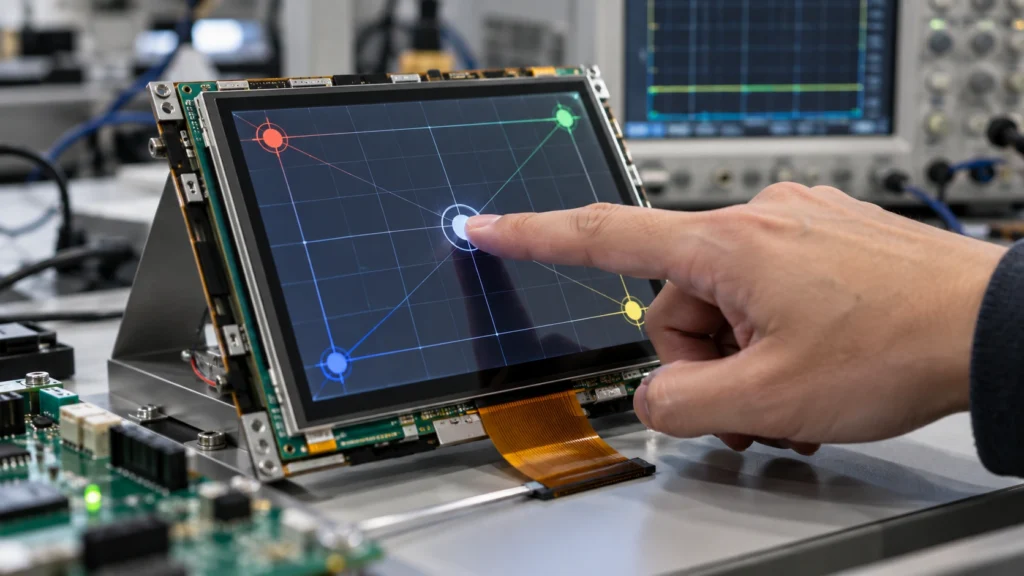
Identify the Coordinate Systems
The touch controller measures a position on the sensor grid and may report raw counts, native coordinates, or values already scaled by firmware. The LCD uses pixels across a defined resolution and active area. The graphical interface can add a third coordinate system through scaling, offsets, or rotation.
“X” and “Y” alone do not define alignment. Specify the origin, positive direction, reported range, active-area boundary, and orientation. Distinguish the touch-active area from the LCD visible window if they do not share a datum; a cover border, bezel overlap, or rotated installation can make their usable rectangles differ.
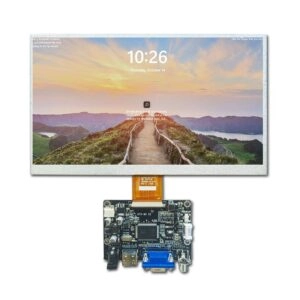
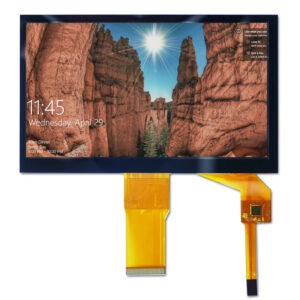
Document the LCD outline and active area, sensor boundary, cover lens, bezel or gasket overlap, and cable exit together. A portrait panel installed in landscape still needs separate physical and logical orientation definitions. Size, resolution, interface, active area, and touch configuration belong in one controlled specification, as shown by Miqidisplay’s 8-inch capacitive LCD module.
Record Inputs Before Implementing the Mapping
Before coding, collect these details for the exact module revision:
- LCD resolution, active-area dimensions, aspect ratio, and visible window.
- Touch-controller protocol, native coordinate range, report behavior, and any firmware scaling.
- Raw minimum and maximum values measured at the usable touch edges.
- Physical orientation, axis direction, X/Y swap, and mirror settings.
- Cover-lens dimensions and stack, printed border, bonding arrangement, and bezel or gasket overlap.
- Host interface, connector pinout, initialization sequence, and interrupt behavior.
Use the approved drawing and controller configuration together. A glass, bezel, sensor, or firmware revision may change mapping even when LCD resolution is unchanged. Mark which values are fixed, configurable, or require remeasurement.
Convert Raw Touch Values to Display Pixels
If the sensor response is sufficiently linear, scale each measured raw axis to the LCD pixel range. For raw values rawX and rawY, calibrated limits minX, maxX, minY, and maxY, and display width and height:
pixelX = (rawX − minX) × (width − 1) / (maxX − minX)
pixelY = (rawY − minY) × (height − 1) / (maxY − minY)
Clamp results to valid pixels, define rounding consistently, and guard against an invalid calibration span. Use measured endpoints when edge accuracy matters; nominal controller limits may not match the usable touch area.
Scaling does not handle orientation. Mirroring reverses an axis; rotation may exchange axes and invert one direction. Confirm the transformation for the controller’s native and LCD physical orientations by testing all four corners. Connector position alone does not establish axis direction.
Keep Orientation and Application Transforms Explicit
Treat sensor coordinates, display pixels, and application coordinates as separate layers. Account for controller swap or mirror settings, map the calibrated rectangle to pixels, then apply any application rotation, scaling, or viewport offset. The software layer may vary, but responsibility should be documented.
This separation makes revisions easier: a changed controller range can be updated without embedding it in application layout, and interface rotation need not be mistaken for new sensor calibration. Store orientation as a named configuration tied to the drawing and software revision.
Determine Whether Linear Scaling Is Sufficient
One scale and offset cannot correct every error. Sensor nonlinearity, an offset lens, bezel pressure, or mismatched touch and display boundaries can cause position-dependent drift. If corners are wrong but the center is accurate, adjusting global scale may worsen another region.
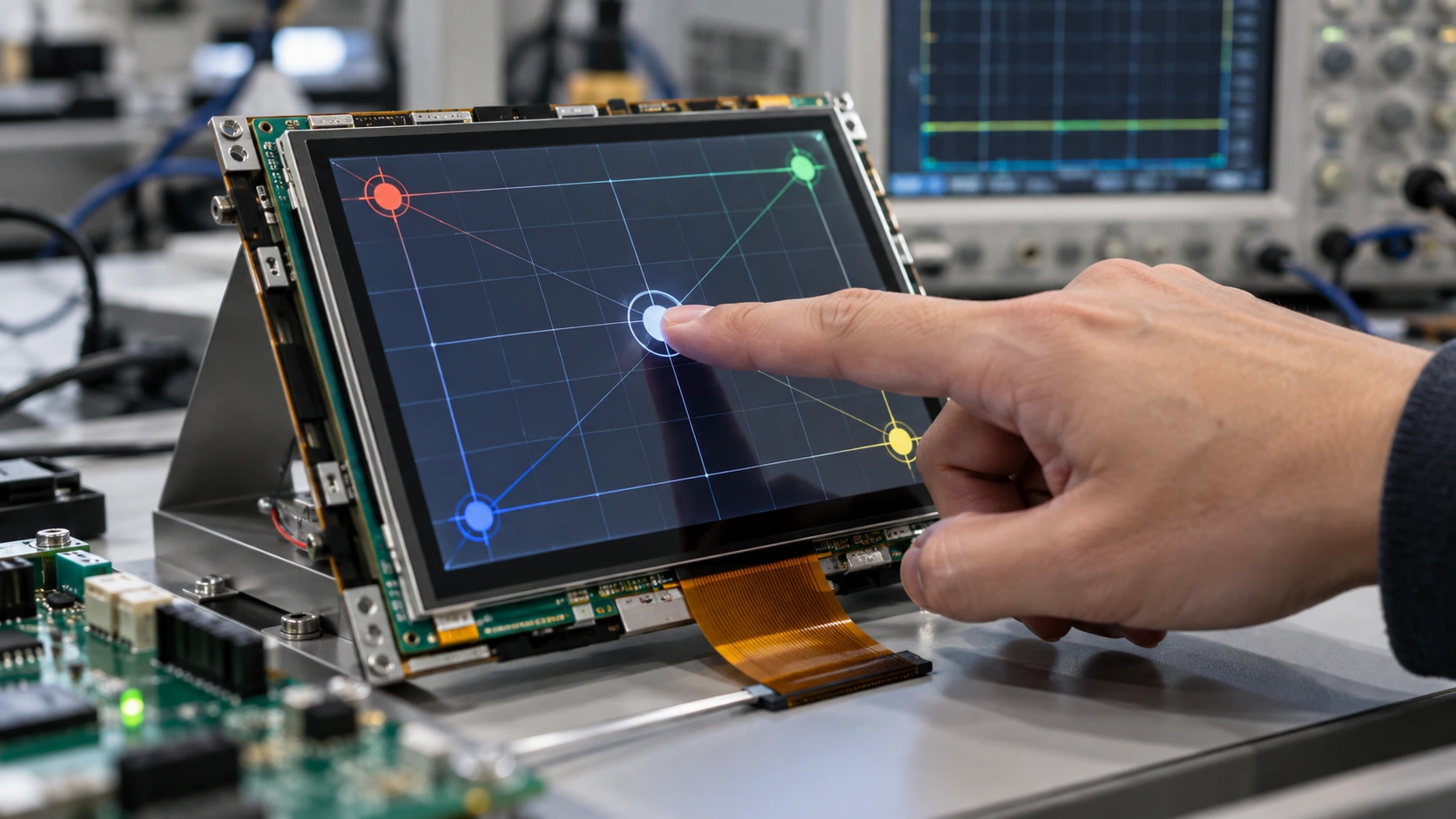
Begin with a five-point grid: center and corners. Add edge midpoints for a nine-point check. Record expected and reported pixels and residual error at each target, then compare with the acceptance limit. Depending on the pattern and controller support, correction may use an affine transform, piecewise interpolation, or a controller matrix. Choose from measured behavior, not a generic assumption.
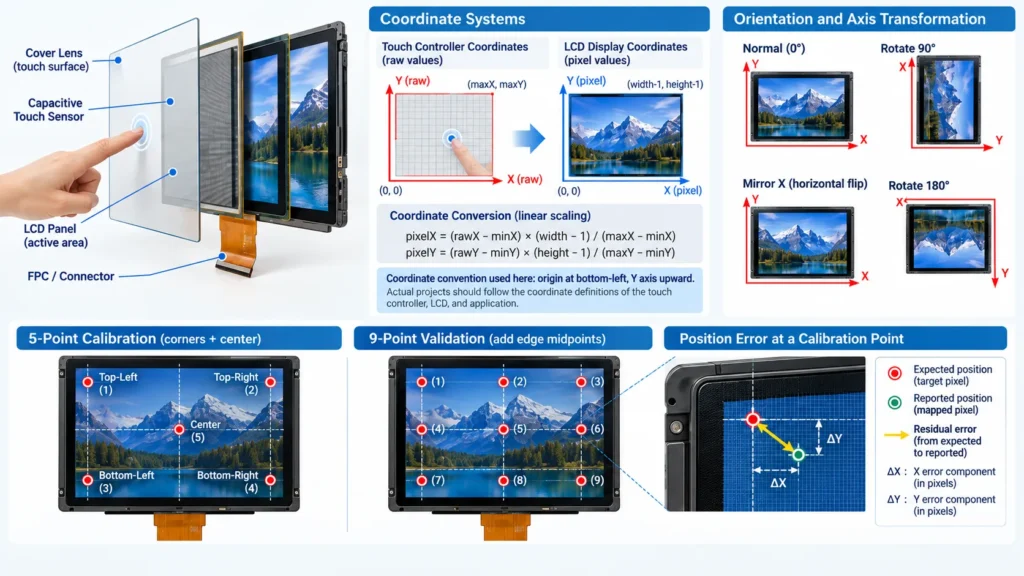
Tie the calibration record to module and glass revisions, controller configuration, orientation, fixture, and test conditions so later changes can be assessed.
Validate in the Final Mechanical Stack
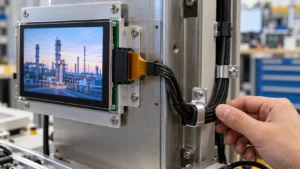
A loose-panel bench test confirms communication, not installed accuracy. Test with the intended lens, bezel, gasket, cable route, enclosure, and mounting pressure. Use repeatable center, corner, and edge targets; record target and reported pixels, error, and repeatability.
Separate coordinate error from other behaviors. If relevant, evaluate the specified finger or stylus, glove or moisture conditions, wake-up, interrupt timing, and host resume. A missed touch or application hitbox offset is not necessarily a mapping error. Define test conditions and acceptable error before sample approval.
Freeze the approved mapping with the drawing and software release, identifying LCD resolution, controller, coordinate range, orientation, method, and acceptance results. The industrial touch-panel category helps compare configurations; the project drawing and test record govern the assembly.
Questions to Resolve with a Module Supplier
Ask the module supplier:
- Does the controller report raw or transformed coordinates, and what are the usable limits?
- Which native orientation, axis-swap, and mirror settings apply to the supplied configuration?
- How are the touch-active area and LCD active area dimensioned relative to the outline?
- What controller initialization, communication protocol, connector, and interrupt details are required?
- Where will calibration values reside—in the controller, host driver, or application?
- What sample fixture, test points, environmental conditions, and coordinate-error criteria will be used?
- Which component and firmware revisions are controlled if the cover lens, cable, or touch configuration changes?
Answers should match the evaluated revision. Saying a panel is “calibrated” does not identify its coordinate frame or prove the values match the enclosure.
Miqidisplay’s custom display solutions describe configurable cable details, cover glass, touch options, interfaces, and mounting features. Identify which affect the coordinate boundary; moving the touch surface or visible window may require a new review even when resolution is unchanged.
Conclusion
Accurate touch coordinate mapping starts with a shared coordinate definition and ends with a controlled test in the final enclosure. Record the sensor limits and LCD active area, resolve rotation and mirroring explicitly, apply a transparent transformation, and use multi-point measurements when a single linear scale does not meet the required accuracy. Keep the configuration, drawings, calibration data, and acceptance results tied to the same module revision.
FAQs
Can mapping values be reused for another LCD size?
Not without verification. A different active area, resolution, sensor geometry, cover lens, or controller configuration can change the relationship between raw touch values and display pixels. Treat reuse as a starting hypothesis, then remeasure the new assembly.
Should rotation be handled by the controller or the application?
Either layer can perform the rotation, provided the responsibility is explicit. Controller-level settings may simplify host code; application-level rotation may suit a platform that uses one hardware assembly in different layouts. Document the selected layer and test the complete touch-to-interface path.
How many calibration points are useful?
Four corners and the center provide a practical initial check. Add edge midpoints when the cover stack, active-area mismatch, or measured error suggests that a denser grid is needed. The required number should follow the acceptance criteria and observed error pattern.
What should an OEM provide for a mapping review?
Provide the LCD resolution, active-area and outline drawings, touch requirement, controller or protocol, orientation, cover-glass and bezel details, host interface, operating conditions, sample quantity, and target coordinate error. These inputs help define the sample setup, compatibility checks, and required documentation.
Request a Technical Fit Review
For a project-specific assessment, contact Miqidisplay’s technical team with the display type, diagonal size, outline dimensions, active area, resolution, interface, touch requirement, brightness, viewing direction, operating temperature, mechanical constraints, quantity, drawings, and integration environment. Those inputs enable a review of component fit, customization scope, sample requirements, and revision-controlled mapping documentation before a quotation assessment.
Email: mary@miqidisplay.com
WhatsApp: +86 189 6801 5464