









Custom backlight color selection for industrial LCD modules should begin with the viewing task, not a color chart. Determine whether the module must reproduce full-color graphics or present a limited set of symbols and values. Then define ambient light, contrast, brightness range, optical stack, power limits, and acceptance tests.
A colored backlight may strengthen a simple status cue, but it can also change perceived contrast, shift artwork colors, or make small text harder to read. For a color TFT module, a neutral backlight is normally the practical starting point because the pixel structure creates the interface colors. For a monochrome or segmented LCD, the backlight hue can have a more direct role in the visible foreground-and-background combination.
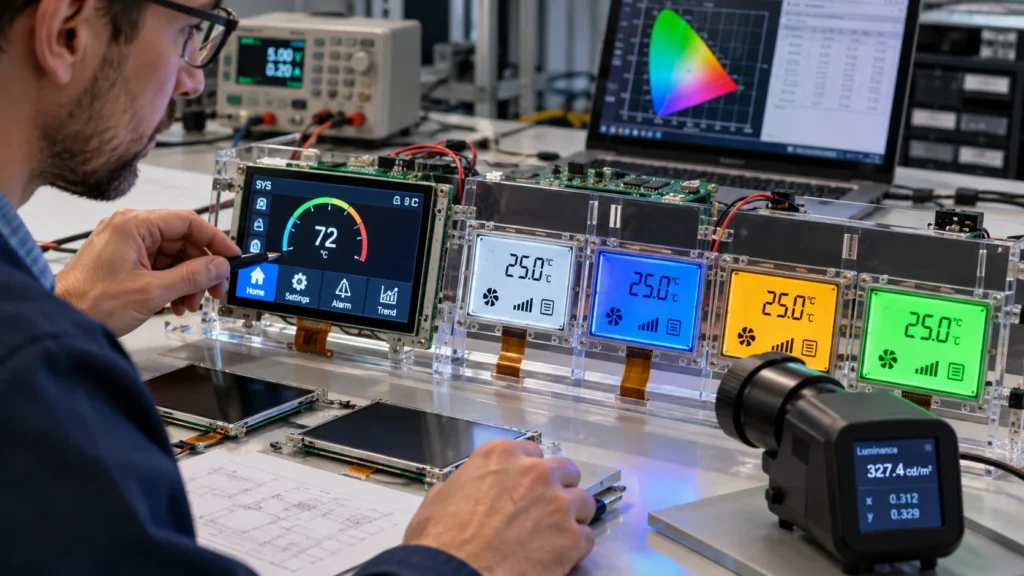
Start With the Display Architecture
Backlight color does not perform the same function in every LCD. A full-color TFT LCD display module forms images through its pixel and filter structure. The backlight illuminates that structure, so changing its spectral balance can affect whites, brand colors, warning colors, and photo or chart fidelity across the whole screen.
In a monochrome display, the optical mode, polarizers, viewing direction, foreground color, and backlight work together. A colored or neutral appearance may be feasible depending on the construction, but it should be evaluated as a system. The same nominal color can look different after passing through the LCD stack and cover material.
This distinction also prevents a common specification error: backlight color is not the same as the graphical user-interface palette. If software already produces multiple status colors on a TFT LCD, a custom backlight hue may reduce rather than improve their separation.
Define the Human-Factors Objective
Every requested color should have a functional reason. Common objectives include supporting rapid status recognition, improving readability in a specific ambient environment, aligning a simple monochrome interface with a product identity, or reducing perceived glare during low-light use. Write that purpose into the specification so reviewers can test it.
Color must not be the only carrier of critical meaning. Pair warnings and operating states with text, icons, position, or shape so users can distinguish states under difficult viewing conditions.
Account for Ambient Light and Adaptation
A hue that looks saturated in a dark room may appear weak under bright factory lighting. Conversely, a very cool, bright screen may feel harsh in a dark control area. Define at least the minimum and maximum ambient conditions, typical viewing distance, observation angle, and whether the operator moves between light levels.
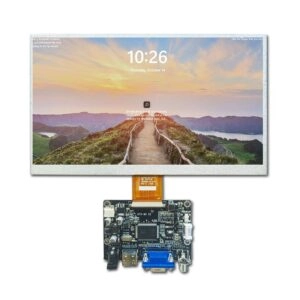
Brightness and color should therefore be reviewed together. A high-brightness module may improve visibility in strong ambient light, but the required value depends on reflections, cover glass, air gaps, viewing angle, and interface contrast. A current high-brightness industrial LCD product example can establish the kind of dimensional, interface, and optical data that should be discussed, without assuming that one configuration fits every project.
Evaluate the Complete Optical Stack
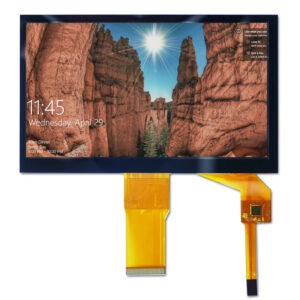
The visible result depends on more than the backlight source. Polarizers, display mode, surface treatment, bonding layers, touch components, cover glass, printed borders, and protective films may alter transmission, reflections, and perceived hue. Enclosure shadows and the viewing window can also create apparent nonuniformity near the edges.
Ask the supplier to review the intended stack rather than approving a backlight in isolation. If cover materials or printing are still changing, treat color approval as provisional until the final optical stack is available.
Specify Electrical and Thermal Conditions
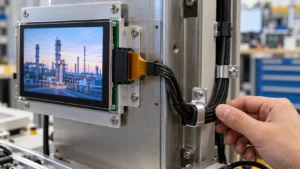
An optical target must be compatible with the host electronics. Record the backlight input requirements, current limits, connector and pin assignment, dimming method, control range, startup behavior, and available power budget. Confirm whether the host provides direct control or requires an additional driver arrangement.
Dimming deserves its own acceptance criteria. Test at maximum, nominal, and minimum usable brightness. Check hue, readability at the lowest step, and control transitions. A single full-output measurement does not characterize the operating range.
Temperature also influences the result. The display module, enclosure, power design, and surrounding heat sources can affect brightness stability and component stress. Define the operating-temperature range and test after thermal stabilization at representative points. The supplier should verify any proposed configuration against the applicable product specification rather than extrapolating from room-temperature appearance.
Build a Backlight Color Specification
Avoid requests such as “warm white” or “deep blue” without measurable boundaries. Visual names vary among observers, samples, cameras, and lighting conditions. A sourcing package should include:
- Display type, diagonal size, resolution, outline dimensions, and active area.
- Intended backlight appearance and its functional purpose.
- Target chromaticity or agreed reference sample, with tolerance and measurement conditions.
- Minimum, nominal, and maximum brightness expectations at defined drive conditions.
- Uniformity criteria and the measurement grid or visual inspection method.
- Dimming method, usable control range, input limits, connector, and pin assignment.
- Viewing direction, viewing distance, ambient-light range, and operating temperature.
- Touch, cover glass, bonding, surface treatment, and enclosure-window details.
- Drawings, interface requirements, expected quantity, and sample acceptance process.
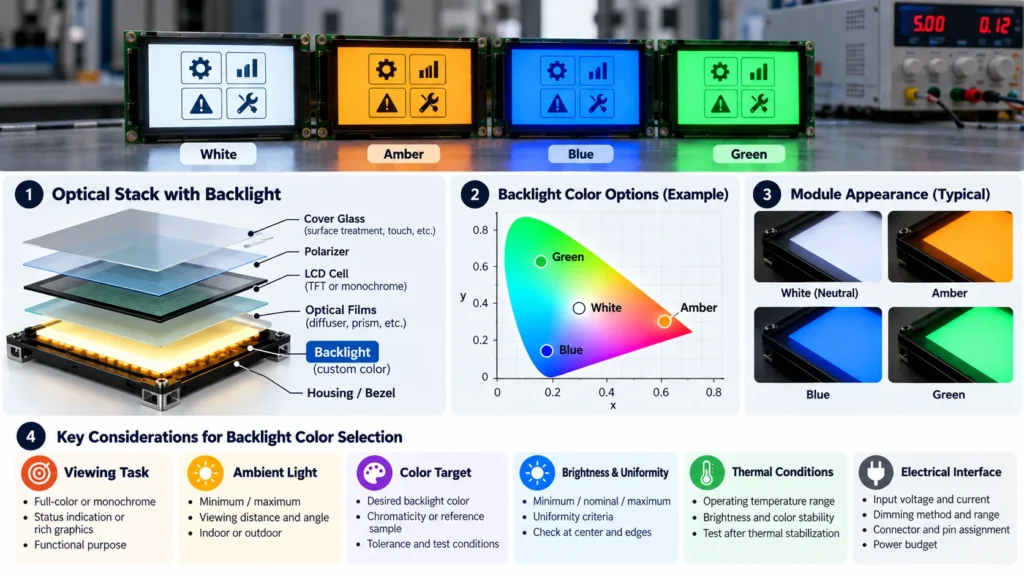
When a numeric color target is unavailable, identify the exact approved sample, illumination conditions, drive setting, temperature, and viewing direction. Photographs are poor masters because camera processing and screen settings can change visible color.
Validate Samples Under Controlled Conditions
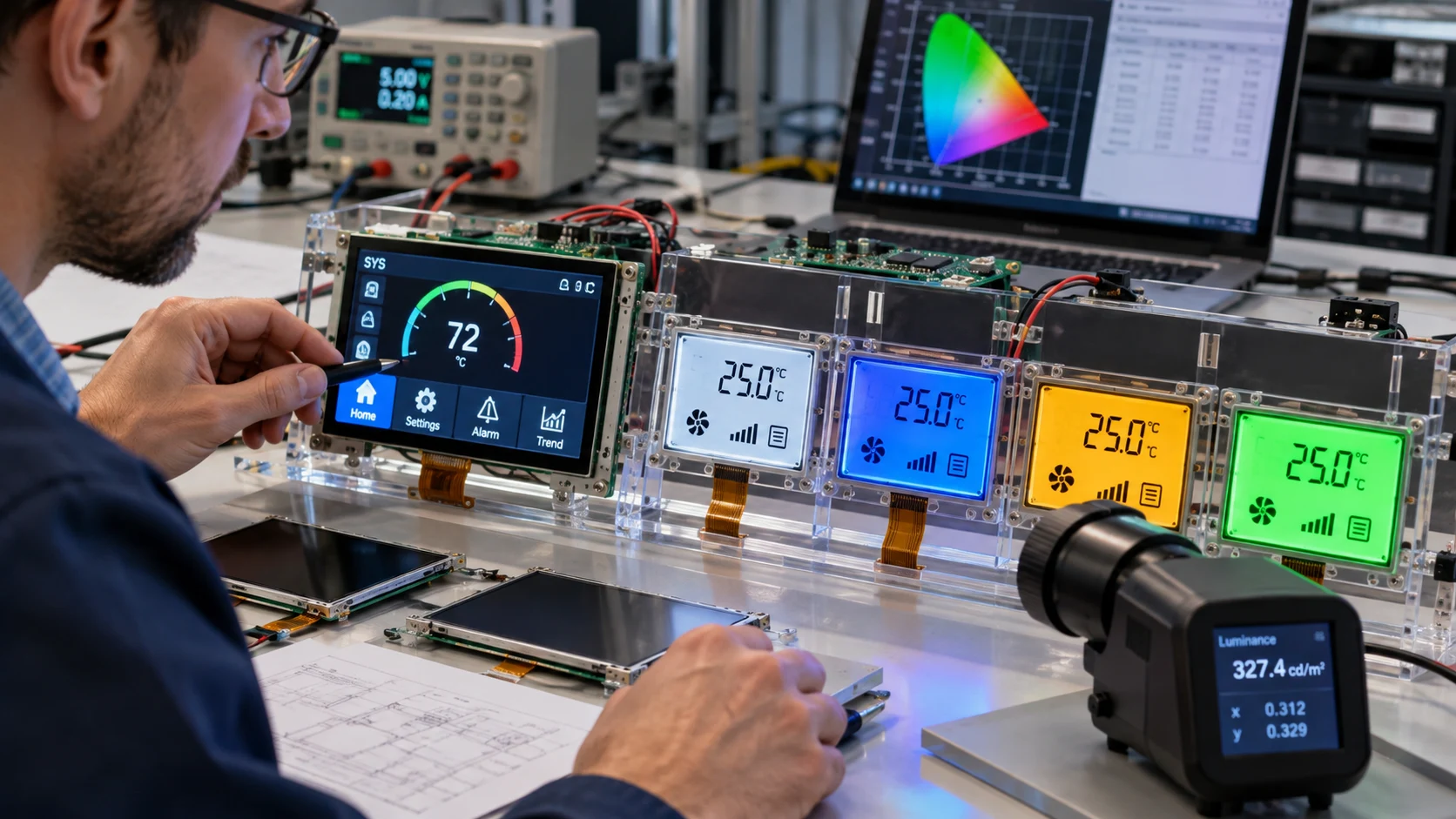
Use the same host settings, interface content, drive conditions, cover stack, viewing geometry, and ambient setup for every candidate. A disciplined LCD sample comparison process helps separate module differences from fixture or environment changes.
Review several content states: white and neutral screens, dark backgrounds, fine text, warning colors, gradients, and the actual production interface. Inspect center and edges at the defined viewing direction. Record brightness, color, uniformity, low-level dimming behavior, startup appearance, and any visible interaction with the cover window.
Approval records should identify the sample, module part number, host settings, drawing revision, test setup, date, and decision. These details make the approved appearance reproducible.
Turn the Requirement Into a Supplier Review
Backlight-color feasibility is configuration-dependent, so engage the supplier before freezing the enclosure and electronics. Miqidisplay presents custom display-module solutions and a range of LCD, TFT, and IPS screens and modules. The useful question is not simply “Can this color be made?” but “Which module architecture, optical stack, drive conditions, and tolerances can meet the verified viewing task?”
Send a complete technical package and resolve open items systematically. The engineering questions for a custom LCD module provide a practical companion checklist for mechanical fit, electrical compatibility, optical performance, sample control, and documentation.
Conclusion
Custom backlight color selection for industrial LCD modules is an optical-system decision. Begin with display architecture and user task, define ambient and viewing conditions, integrate electrical and thermal limits, and approve the final result through controlled samples. A precise specification protects readability and color intent while giving engineering and procurement teams a repeatable basis for supplier evaluation.
FAQs
Can a Colored Backlight Replace Interface Warning Colors?
It can support a warning scheme on some simple displays, but critical states should also use text, icons, shape, or position. On a full-color TFT LCD, warning colors are normally created in the interface graphics.
Is Neutral White Suitable for Every Color TFT Module?
It is a practical starting point, not a universal approval. Color balance, brightness, optical layers, ambient conditions, and application content should be verified on the intended module and stack.
How Should a Custom Backlight Color Be Approved?
Use an agreed chromaticity target or controlled reference sample, define drive and measurement conditions, and compare samples with the same fixture, content, viewing geometry, temperature, and ambient light.
When Should Backlight Requirements Be Discussed With a Supplier?
Discuss them before the mechanical and electrical design is frozen. Early review can identify conflicts involving size, optical layers, power, dimming, connectors, thermal conditions, and sample criteria.
Request a Miqidisplay Technical Fit Review
For a B2B sourcing assessment, contact Miqidisplay’s technical team with the display type, diagonal size, outline dimensions, active area, resolution, interface, touch requirement, brightness, viewing direction, operating temperature, mechanical constraints, quantity, drawings, and integration environment. These inputs allow Miqidisplay to assess component compatibility, conditional customization scope, sample requirements, documentation needs, and batch-consistency controls before a quotation is evaluated.
Email: mary@miqidisplay.com
WhatsApp: +86 189 6801 5464