









Custom cable strain relief for industrial LCD modules should direct pulling and bending loads into an approved support structure while preserving the cable’s permitted movement. Define the cable exit, connector, bend path, fixing point, and enclosure movement together. This gives engineering a controlled load path and procurement a repeatable specification for samples and production.
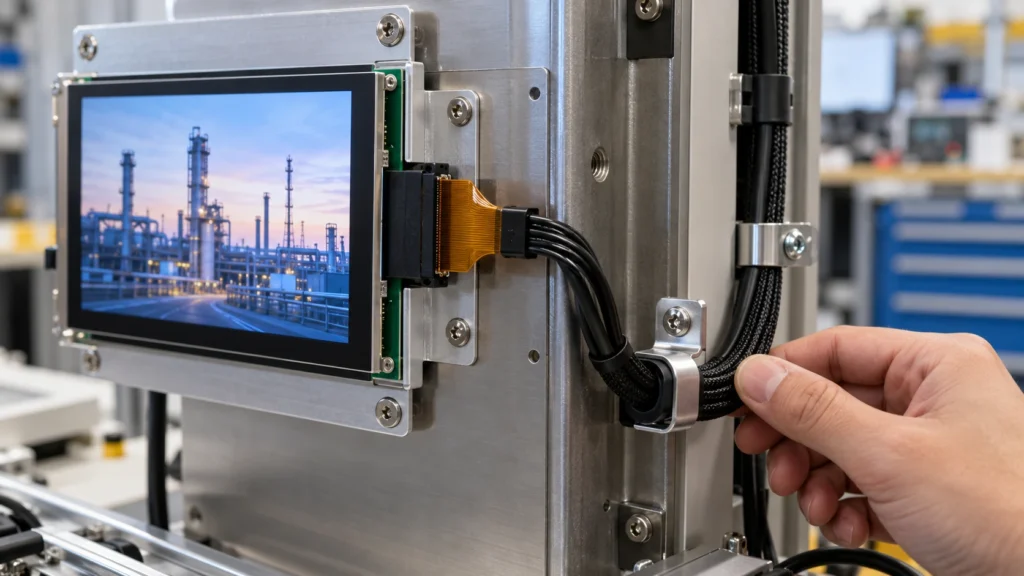
Why Cable Strain Relief Matters in an LCD Module
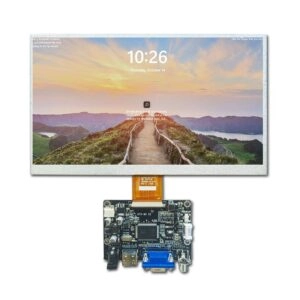
An LCD module may use a flexible tail, FPC, FFC, LVDS cable, eDP cable, or another configured harness. These connections are compact, but the connector and tail are not structural tie points. Pulling, twisting, sharp bending, door movement, or cover pressure can transfer force into the connector, solder joints, or conductive traces.
Strain relief separates mechanical support from electrical contact. The enclosure, bracket, clamp, backshell, grommet, or molded boot should carry the cable load while the connector maintains the electrical interface. The method depends on cable construction, space, temperature, bend frequency, and the approved drawing. The goal is controlled movement, not immobilizing the cable.
Start with the Cable Exit and Connector Interface
Start with where the cable leaves the module and where it reaches the host board. Record connector orientation, pin count and pitch, mating direction, locking features, cable width and thickness, and distance to the first support point. A connector that fits electrically can still fail mechanically if the cable turns immediately against a bezel or wall.
Use the TFT LCD datasheet guide to verify connector orientation, pin assignments, mechanical datums, and missing bend-limit information.
Define a keep-out zone around the connector and tail for insertion, inspection, tool access, and natural exit direction. If the host board is fixed, a custom cable may need a different length, exit position, pin arrangement, or connector. Confirm each change against the module’s mechanical and electrical specification.
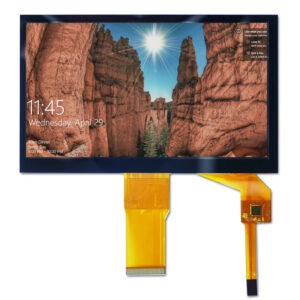
Treat a touch tail as a separate path with its own connector, bend limit, and routing constraint. Do not clamp it with the LCD signal cable until the supplier confirms the construction.
Choose the Relief Method Around the Load Path
Several approaches can suit an industrial LCD module:
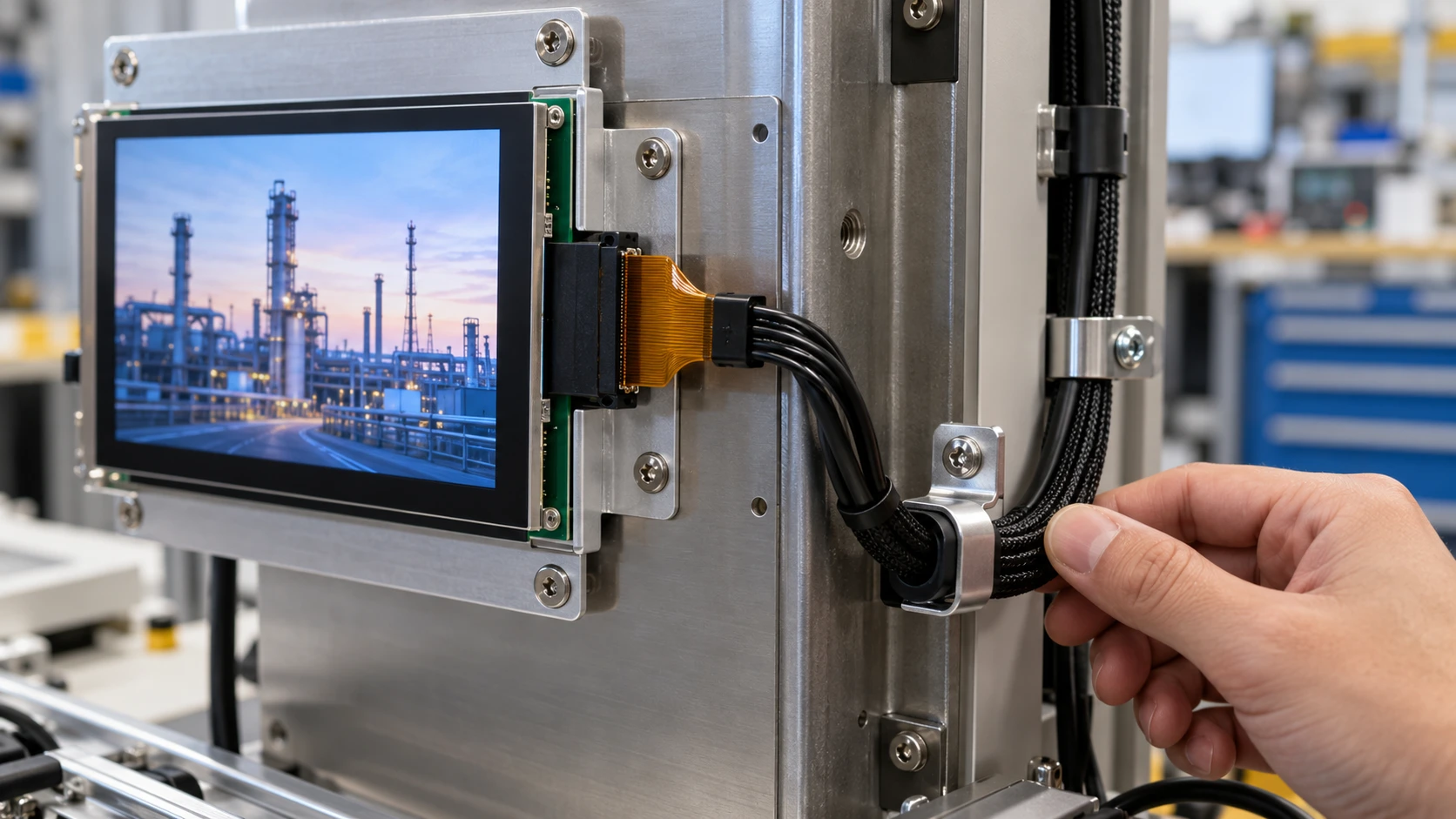
- A clamp or bracket fixes the cable jacket or carrier near the connector and leaves a controlled service loop.
- A grommet or edge protection prevents a panel cutout from creating a sharp contact point.
- A backshell or overmold distributes pull and bend loads over a longer transition.
- A formed flex guide or adhesive support holds a defined route when enclosure depth is limited.
- A cable tie may organize a harness, but should not crush a flexible tail or be its only connector support.
Trace force from the enclosure or moving assembly to the mounting structure. Attach the support to a rigid reference, not a fragile module area. If a panel moves, place the flexing section in its hinge path and keep the connector outside the bend zone.
Control Bend Radius, Slack, and Contact Pressure
Specify a minimum bend radius for the exact cable construction rather than relying on a visual estimate. It can vary with conductor arrangement, shielding, reinforcement, insulation, and temperature. Distinguish a fixed installation bend from repeated flexing; a cable suitable for one may not support the other. Keep the bend gradual, avoid sharp creases, and prevent connector torsion. A service loop can absorb tolerance, but excess slack can rub against the backlight, cover, or fasteners.
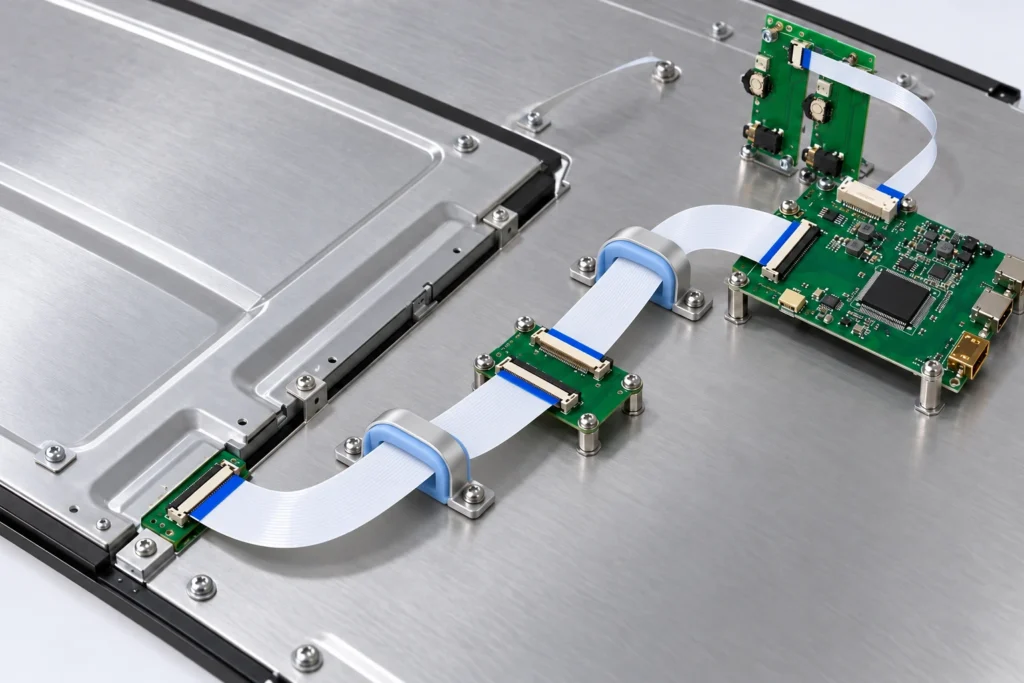
The first anchor point deserves particular attention. Too close transfers force into the connector; too far leaves an unsupported span that can whip or rub. Define the distance and neutral path on the drawing. Add a radius feature or guide at metal edges, and confirm that clamps, adhesive, or foam do not create point pressure on the active area, polarizer, touch layer, or glass.
Integrate Strain Relief with the Module Drawing
A cable solution is easier to approve when its references share the controlled LCD module drawing. Mark the display outline, active area, connector datum, cable exit, mounting holes, clamp locations, keep-outs, and enclosure interfaces. Identify fixed and customizable dimensions.
Show the assembly sequence too: can the operator mate the connector without forcing the cable sideways, install the clamp after seating the module, and inspect the lock? When a bracket, gasket, spacer, or adhesive is needed, define its interface and compression limits.
Miqidisplay’s custom display solutions include adjustments to cable length, position, pins, and connectors, alongside mounting options such as gaskets and metal brackets. Ask which options apply to the proposed LCD module and who is responsible for designing and validating its strain relief.
Verify the Design Before Production Release
Strain relief should be tested as part of the integrated module, cable, enclosure, and host board. A practical verification sequence includes:
- Inspect the connector and tail after repeated mate-and-route assembly using the intended tools.
- Check the bend path at nominal and tolerance-limit dimensions, including the service loop and first anchor point.
- Apply the project-defined pull, bend, vibration, or door-cycle conditions only after the applicable limits and test method are agreed with the supplier.
- Confirm signal integrity, startup behavior, touch communication when applicable, and visual output before and after the mechanical test.
- Record cable revision, connector part, support geometry, adhesive or clamp details, and any deviations on the sample record.
Include the approved cable route and support geometry in the LCD sample approval checklist before production release. Do not convert a passed sample into a lifetime promise. Results depend on module size, cable construction, mounting structure, environment, and test severity. The release should identify the approved configuration and changes requiring re-review.
What to Send When Requesting a Custom Cable Review
A supplier can assess fit more efficiently when the inquiry includes display type, size, outline, active area, resolution, interface, touch requirement, brightness, viewing direction, operating temperature, cable exit, connector, mechanical constraints, quantity, drawings, and integration environment. Add photos or a simplified enclosure model when the route is hard to explain.
State whether the project needs a prototype cable, production assembly, or fixed harness. Clarify the host connector, mating cycles, flexing or door movement, and inspection points. A TFT LCD display module range can frame the screen configuration; final relief decisions require exact module and enclosure data.
Conclusion
Custom cable strain relief for industrial LCD modules works when the mechanical load path is designed with the connector, cable, module, and enclosure as one system. Define the exit, first support, bend radius, slack, keep-outs, and assembly sequence before the drawing is frozen. Then verify the integrated configuration under agreed mechanical and environmental conditions, and control every cable or support change through the same revision process as the display module.
FAQs
Can a Standard Cable Tie Provide Enough LCD Module Strain Relief?
A cable tie may organize a harness, but it is not automatically suitable for a flexible tail or connector transition. The supplier should review contact pressure, bend radius, anchor position, and the actual cable construction.
Should the First Cable Support Be Close to the Connector?
It should be close enough to control movement but far enough away to avoid transferring clamp force directly into the connector. The correct distance depends on the cable, connector, enclosure, and required service loop, so it belongs on the approved drawing.
Does a Longer Cable Always Improve Assembly Reliability?
No. Extra length can create loops, rubbing, or an uncontrolled bend. Specify the route, tolerance allowance, and support points together rather than selecting length by reach alone.
What Changes Require a New Strain-Relief Review?
Review changes to connector type or orientation, cable construction or length, exit position, bracket, adhesive, enclosure opening, mounting datum, operating temperature, and moving-panel geometry. Even a resolution-only display change can alter the module outline or cable route.
Request a Miqidisplay Technical Fit Review
Send your LCD module specification and drawings, including display type, size, outline dimensions, active area, resolution, interface, touch needs, brightness, viewing direction, operating temperature, quantity, and integration environment. Include cable routing, connector details, and mechanical constraints.
Contact the Miqidisplay technical team to request a technical fit review or quotation assessment. These inputs help clarify compatibility, customization scope, and sample requirements for your proposed configuration.
Email: mary@miqidisplay.com
WhatsApp: +86 189 6801 5464