





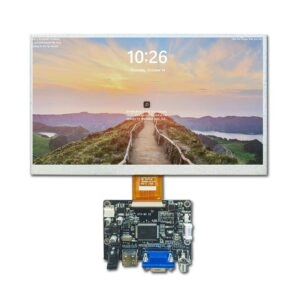
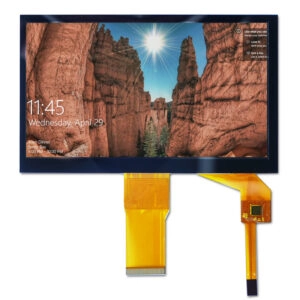


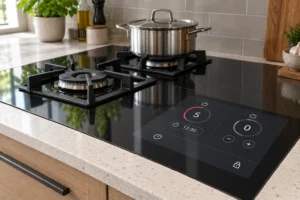

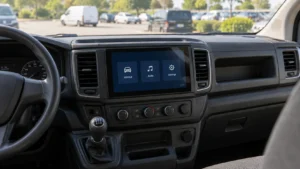
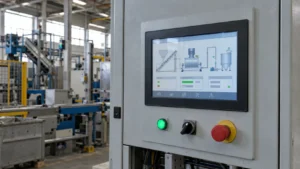
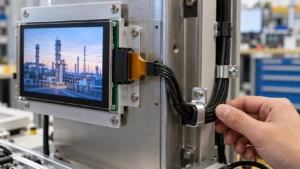

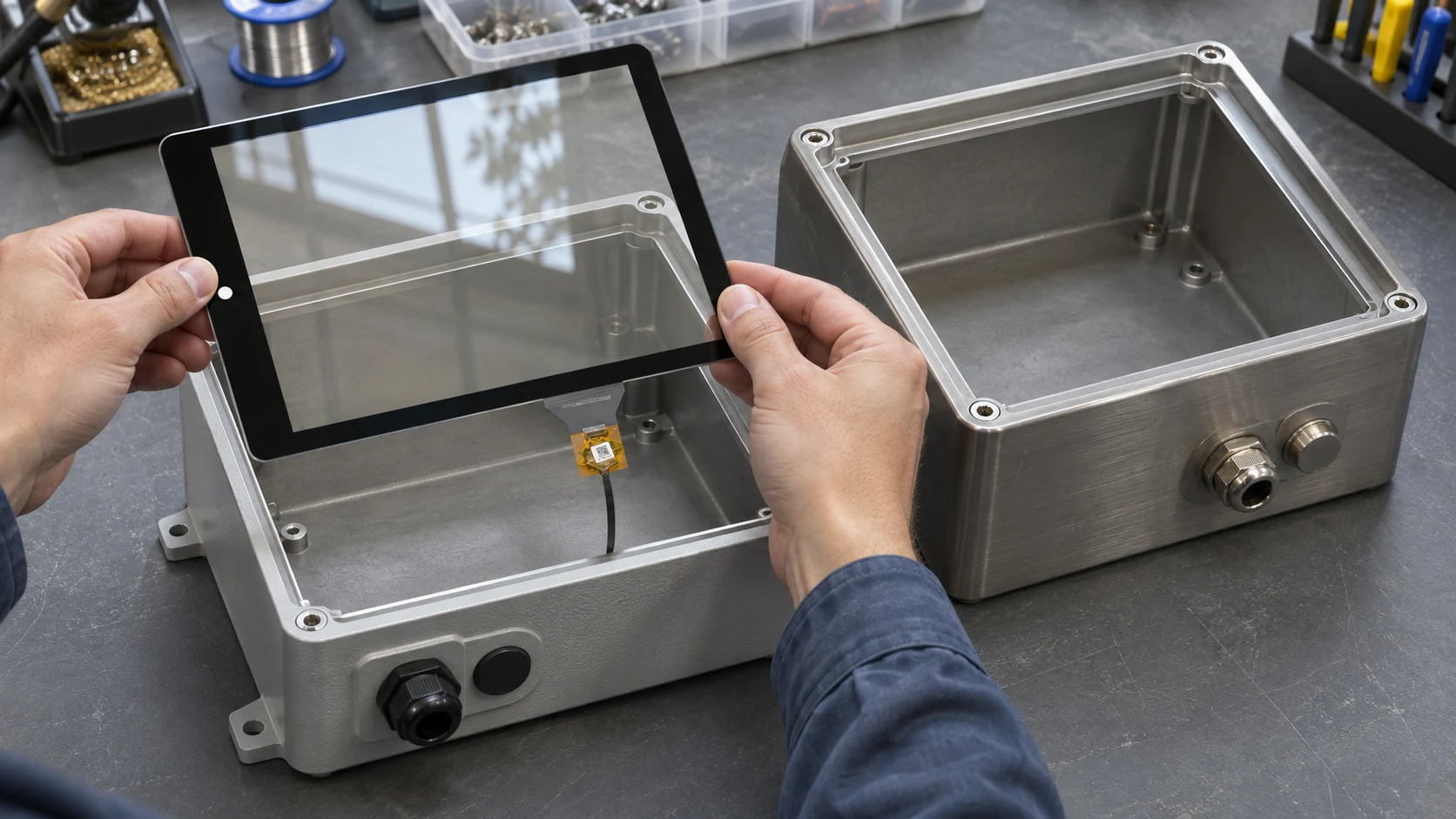
Put both enclosure drawings in the same RFQ. Ask the supplier to quote one capacitive touch panel part number and revision, mark up both assemblies, and identify any hardware or touch settings that must differ. Before releasing that part number, require a separate pass record for each assembled enclosure. A panel can clear both cutouts on paper and still fail in one housing because a rib blocks the flex tail or the bezel crowds the active touch area.
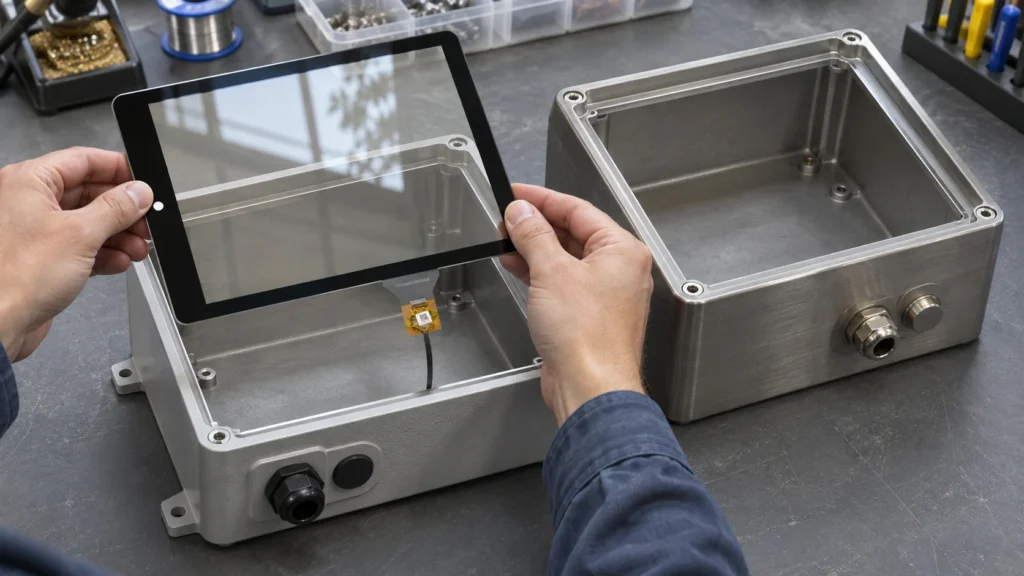
Define Which Parts the Two Enclosures Will Share
Start with the item that will appear on the purchase order. Is it a touch sensor with cover glass, a panel with its controller and tail, or a bonded touch display module? List the parts included under that number. A quote for a bare sensor and a quote for a bonded stack carry different fit responsibilities, even if the visible window is identical.
Give the supplier a short list of what can vary by enclosure. A bracket, gasket, or separate harness can have its own assembly part number if it stays outside the shared panel specification. If the second housing needs a different printed border, bonded cover lens, or integral tail, ask the supplier to quote that as a separate panel configuration. If both use identical panel hardware but need different controller settings, record where each profile is loaded and how the assembly team will identify it.
Require a Drawing Review for Each Enclosure
Send revision-controlled drawings for Enclosures A and B. Mark the surfaces and features that locate the panel, then ask for the same panel drawing to be overlaid on both. Compare the supplier’s outline, viewing window, and active touch area separately. The housing cutout can expose the required image and still obscure a touch target near the edge. Ask for front and section views so the buyer can check lateral alignment and stack height.
Have the supplier return the minimum available clearance for each critical feature at the specified tolerance limits. One housing might have the tighter front opening while the other has less room behind the glass. Include corner radii, mounting surfaces, nearby fasteners, connector insertion space, and the flex tail’s exit direction and allowable bend. Ask the supplier to show the cable path with the housing closed and identify any clearance that depends on a change to your drawing.
Agree who owns each unresolved dimension. If the supplier needs a rib moved in B, record the required clearance, the buyer’s drawing revision, and the date by which it must be confirmed. Treat the B fit as conditional until the updated geometry has been reviewed.
Compare the Mounting Stack and Electrical Setup
Ask for a section through the panel edge in both housings. It should show where the glass is supported, where assembly loads are applied, and which parts control the installed gap. For a gasket-mounted design, compare the minimum and maximum assembled gaps in A and B against the proposed gasket’s compression range. If one enclosure has a thinner bezel or a different fastener layout, check the corners and long edges for uneven support. The guide to gasket design around a capacitive touch panel covers the sealing details behind that check.
On the electrical side, confirm the touch interface, pinout, supply voltage, controller revision, and cable route for each host. Include nearby metal, grounding points, and any difference in cover materials when discussing touch tuning. Ask whether the same controller configuration is suitable for both assemblies and what the supplier needs to confirm it. If the hosts load different profiles, include a profile verification step at assembly and check that a panel drawn from common stock works with either approved host.
Consider an enclosure with a deep rear pocket and a second with a shallow pocket. A separate bracket can preserve the same panel location in both if the panel, tail, and connector clear the revised bracket. If the shallow pocket requires the supplier to relocate the integral tail, price the second configuration explicitly. Otherwise, receiving may have no reliable way to tell which panel belongs on which assembly.
Require Two Assembly Test Records
Build samples from the same candidate panel revision into representative A and B housings with their intended brackets, gaskets, cables, and host electronics. Check that installers can seat the panel, connect the tail, and close the enclosure without trapping the cable or forcing the glass against a hard point. If production tolerances could materially reduce clearance, agree on how to check the limiting condition before sign-off.
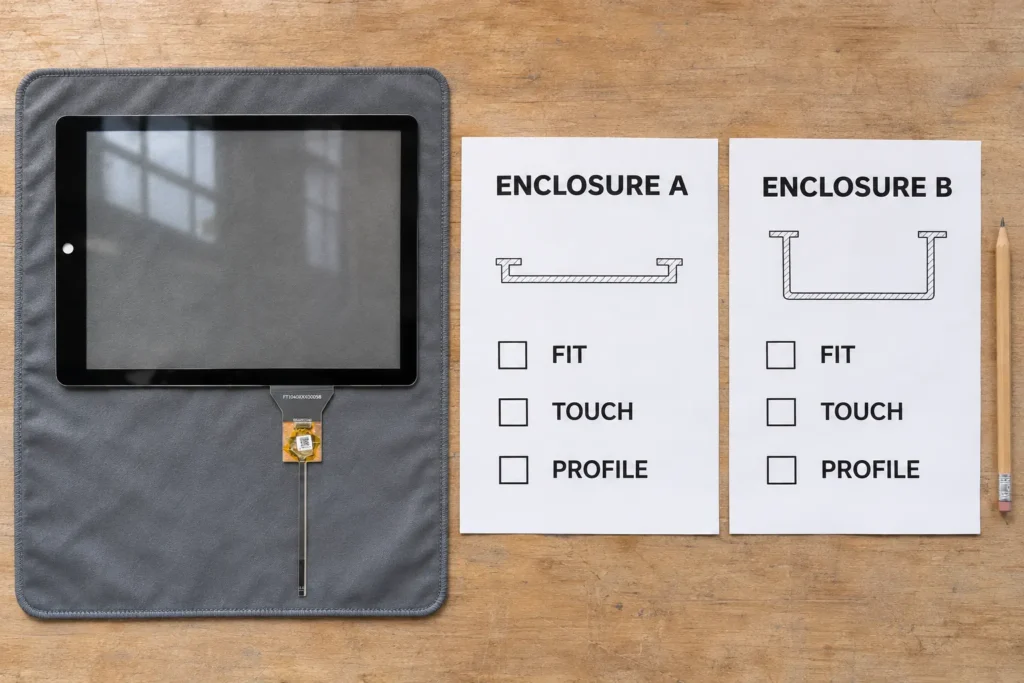
Run the agreed touch tests with each housing closed. Cover the center, edges, and corners, especially near a narrow bezel or a grounding feature. Include relevant glove or moisture conditions if they are part of the application. Where the buyer is sourcing a bonded module, also confirm image alignment and visibility after assembly. Record the enclosure revision, panel revision, controller profile, test conditions, and result on each report. If B fails, document the corrective action and repeat the affected tests. Check A again if the correction changes the shared panel.
Make the Supplier Quote Match the Approval Record
Use catalog specifications to shortlist candidates. For example, Miqidisplay’s 10.4-inch capacitive touch panel uses a glass-on-glass construction and an I²C interface. Those details help screen for a candidate. Confirm the exact outline, cable exit, and controller configuration with a drawing for the quoted revision.
Request a quote that identifies the shared panel separately from enclosure-specific parts, tooling, and validation work. Show prototype and production quantities by enclosure so the supplier can state which prices or assumptions depend on combined volume. At release, associate the shared panel revision with both approved enclosure revisions. Specify which changes require advance notice and a fit review for both assemblies, such as changes to glass thickness, tail geometry, or controller firmware. If either design also uses a separate harness, define how you will coordinate cable and touch panel revisions so production can identify the approved combinations.
Conclusion
A shared panel is ready to buy once the same quoted revision has an approved drawing and a passing installed test record for each enclosure. Keep variant-specific parts and settings on their respective assembly records. If either housing still needs an unapproved change, keep its release separate until the affected checks pass.
FAQs
Can two enclosures use different gaskets with one panel part number?
Yes, if each gasket is controlled on its enclosure assembly and both designs meet the panel’s support and loading limits. Verify compression and touch response on each build.
Can a bench test count for both enclosures?
A bench test can confirm basic panel operation and interface behavior. Installed fit and touch performance need their own checks because the mounting stack, cable route, and surrounding materials can differ.
When should the buyer request separate panel part numbers?
Request separate identifiers when the supplier must ship physically different or differently preconfigured panels that the assembly team cannot freely interchange. State the difference on the quote and purchasing record.
Request a Shared Touch Panel Quote for Two Enclosures
Send Miqidisplay both revision-controlled enclosure drawings and request a quote for one capacitive touch panel. Include the panel size, required active touch area, mounting and cable clearances, touch interface, operating conditions, and prototype and production quantities for each enclosure. Ask Miqidisplay to assess whether the same part number and revision can fit both designs, identify any enclosure-specific hardware or controller settings, and specify the drawings and installed sample tests needed to approve the shared panel.
Email: mary@miqidisplay.com
WhatsApp: +86 189 6801 5464