





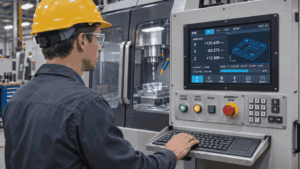
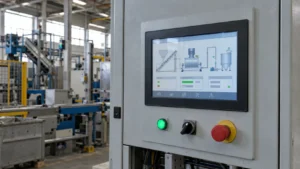

Require three things when sourcing a factory touch panel with a cleaning mode. The operator can see when touch is suspended, wiping cannot trigger a command, and touch resumes only when the agreed exit condition is met. Put all three in the request for quotation (RFQ). On a sample, try wiping across a control just as the cleaning timer expires. That transition can expose an unintended tap even when the panel works as expected before cleaning begins.
Decide what the operator still needs to see. At a station where status must remain visible during wiping, a blank screen would fail the requirement even if it successfully blocked touch. Describe the display state and the blocked actions together, then have the supplier mark which behavior the quoted panel can provide and which belongs to the host.
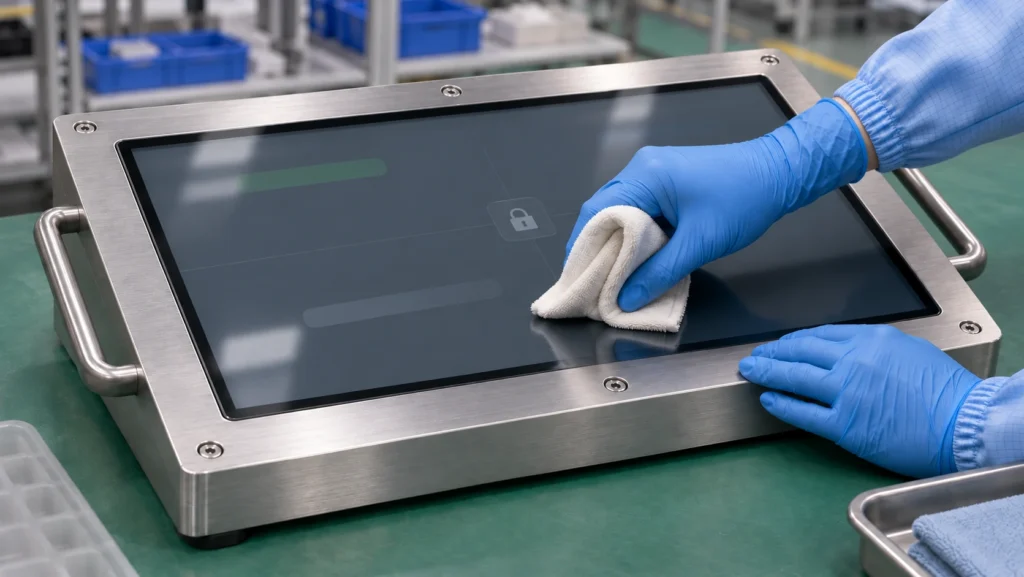
Define How the Touch Screen Enters and Leaves Cleaning Mode
Specify an intentional entry action and a visible confirmation that input is suspended. If entry starts with an on-screen press, the press and release used to enter cleaning mode should have no effect on the underlying application. Test entry with a second finger already on the glass and while a drag is in progress. Define how the software cancels an active gesture so a partial movement cannot turn into a selection.
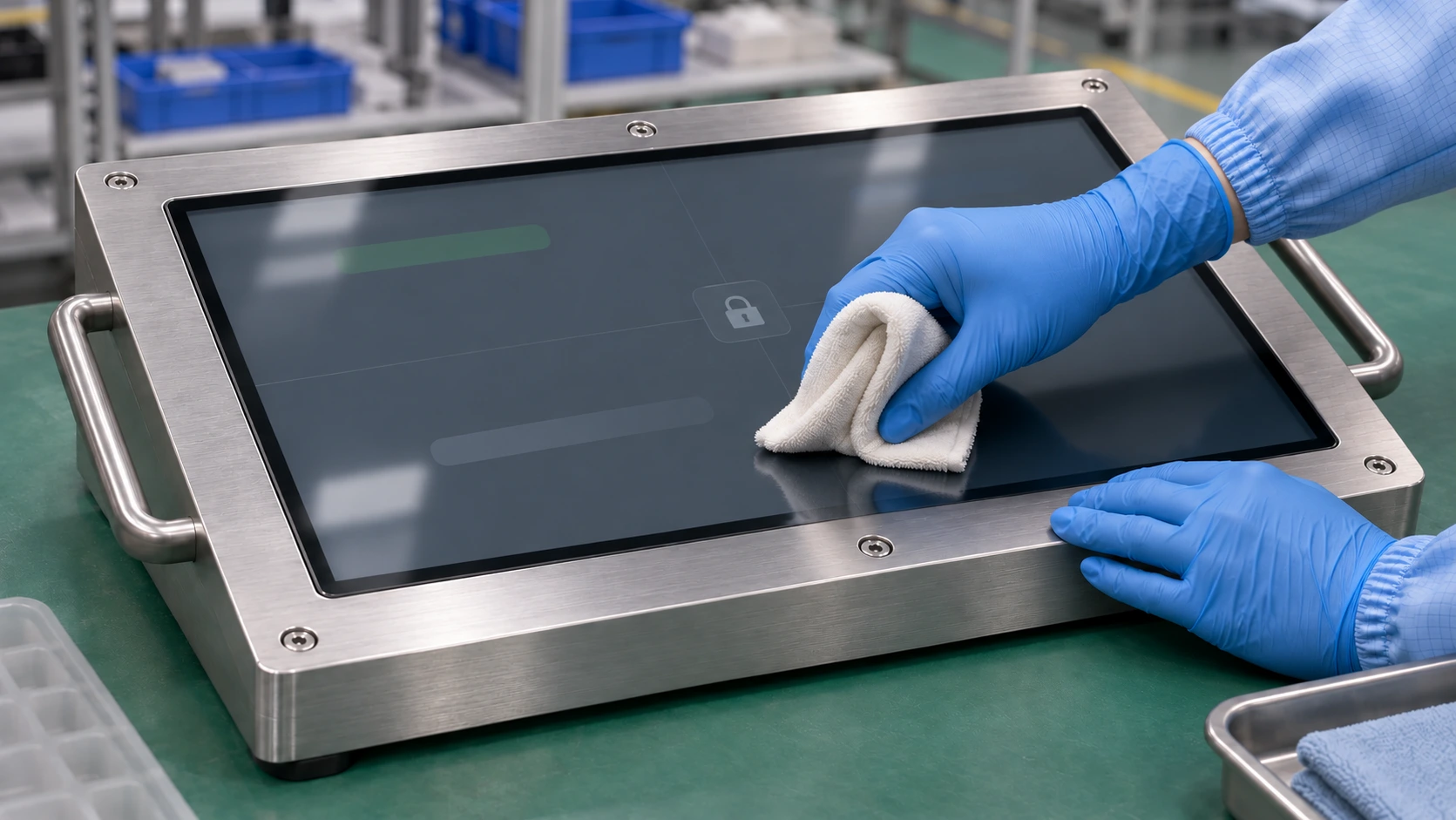
Watch an operator complete the actual wipe routine before specifying a timer. A visible countdown and a way to extend it may be enough for a predictable cycle. If the operator regularly needs extra passes, specify a deliberate resume action. Run the cloth over any on-screen resume control and hold it there to see whether either motion ends the mode. If the whole touch surface must stay inactive, consider a separate input to the host for resuming.
Define what happens if a finger or cloth is still on the panel at exit. One acceptance rule is to require the surface to be clear before accepting a new touch. Check whether the host can detect release while reporting is suspended. If the controller exposes no contact state in that mode, the integrator needs a documented way to resume reporting without immediately accepting an active contact. A contact that began during cleaning should produce no command when normal input resumes. The first deliberate touch after release should work within the recovery time agreed for the project.
Assign Responsibility for Blocking Touch Input
With host-side suppression, the panel can keep sending touch reports while the application ignores them and continues to show status. A full-screen overlay might cover every button and still leave a system gesture available. Have the integrator identify where suppression applies, test any gesture that can leave the cleaning screen, and explain how pending events are discarded on exit.
If the proposed touch controller can suspend reporting, request the documented command or interface behavior for that exact controller and firmware. Ask how the host confirms that suspension took effect, whether the controller still reports contact state, and how reporting resumes. Define the expected behavior if the controller resets, the host restarts, or the touch connection drops and reconnects during cleaning. Make the expected post-restart state explicit in the acceptance test.
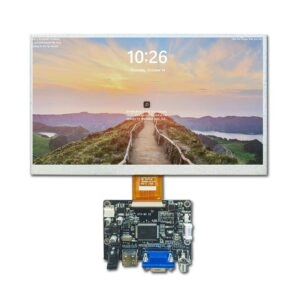
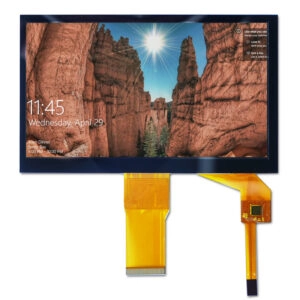
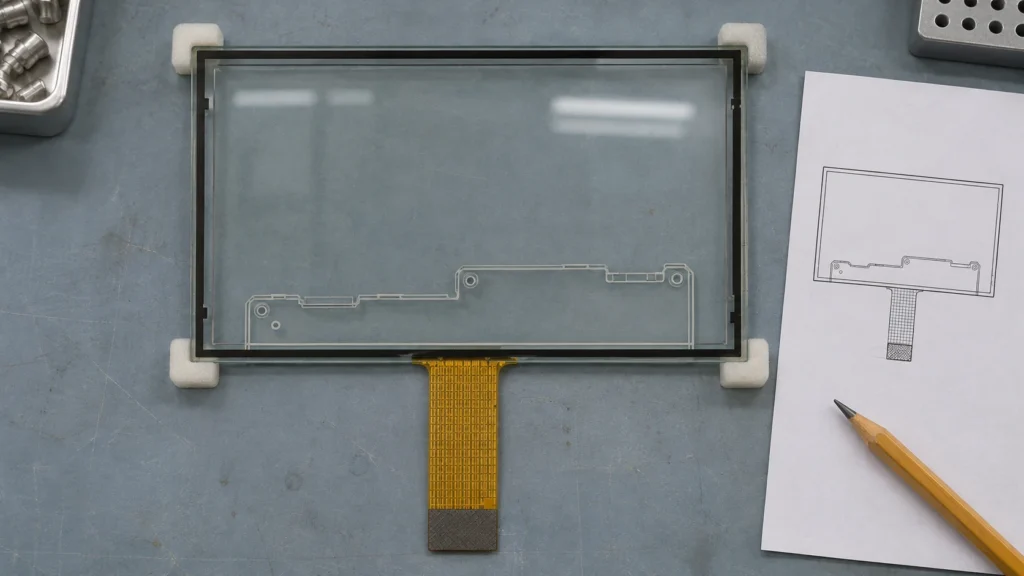
A panel’s interface is a starting point for that discussion. Miqidisplay’s 17.3-inch glass-on-glass capacitive touch panel, for example, lists a separate controller and a USB touch interface. Use the part drawing and controller information to identify where your team can observe touch reports and where suppression would need to happen. Ask for written confirmation of any controller-level function required for the quote.
Run a Wipe-and-Recovery Test Before Approving Samples
Use a sample mounted behind the intended bezel with the planned cable, controller configuration, host, and application. Document the approved cloth, cleaning solution, wipe sequence, and any drying interval. Cover the center, edges, and corners, including the path across any area used to enter or exit cleaning mode. If operators wipe with gloves, use the glove they will wear at the station.
| Test condition | What to verify |
| Enter the mode during a press or drag | The mode confirms entry, and the application cancels the active interaction without executing a command. |
| Wipe the active area, edges, and corners | Wiping generates no application response or command while touch is suspended. |
| Reach the end of the timer with the cloth still down | The agreed exit rule applies, and the held contact triggers no action. |
| Resume with residual droplets present | The application accepts no unintended input and handles the first deliberate touch within the agreed limits. |
| Restart or reconnect during cleaning | The system returns to the documented state and executes no stale input. |
Log application actions and, where practical, timestamp the raw touch reports. The same report has different implications depending on the quote. A report observed during wiping can be acceptable when the host is responsible for blocking commands. If the controller was specified to suspend reporting, that report may fail the controller requirement even when the screen appears to ignore the wipe. Save the trace with the panel and firmware revisions.
If operators also need to use the panel when their fingers are wet, give that requirement its own test. Wet-finger operation measures whether deliberate touches register under defined moisture conditions. Cleaning mode measures whether actions are suppressed during wiping and input returns predictably afterward. Review cover-material compatibility separately against the chemicals and exposure specified for the station.
Put the Approval Criteria in the RFQ
Give every supplier the same wipe sequence and interruption cases. In the response sheet, use one row each for entry, visible status, blocked inputs, exit, and maximum recovery time. Ask suppliers to name the responsible layer and supporting evidence for each row. A controller command in an interface document supports a different claim from a video of the supplier’s own application. Use the integrated sample to close any gap between the evidence and your requirement.
Ask for the panel drawing, controller identifier, interface documentation, and firmware or configuration revision. The drawing should show the active area, bezel boundary, and tail exit so engineering can reproduce the approved setup. Record those identifiers with the signed test results. If a later batch changes the controller or firmware, compare the old and new configurations using the same wipe and restart cases. Pay particular attention to changes in startup defaults or event delivery around resume, since a panel can pass an ordinary tap test while behaving differently at those transitions.
Conclusion
Release the panel for production once the integrated sample shows a visible cleaning state, suppresses application commands throughout the wipe, and accepts a fresh deliberate touch after the specified exit condition. Carry the tested controller and firmware revisions into the purchasing record so a repeat order can be checked against the same behavior.
Frequently Asked Questions
Does a capacitive touch panel include cleaning mode by default?
Availability depends on the controller, firmware, and host application. Ask the supplier to identify which layer implements the behavior and document it for the quoted configuration.
How long should the cleaning-mode timer run?
Measure the actual wipe sequence, including any required drying time. Choose a duration the operator can see and verify what happens if that window expires mid-wipe.
What should count as a failed sample test?
Examples include an application command during wiping, an old touch replayed after exit, an undocumented restart state, or failure to register the first deliberate touch within the agreed recovery window.
Request a Factory Touch Panel Review for Your Cleaning-Mode Requirements
Before approving a sample, request a Miqidisplay technical fit review for your factory touch panel or display module. Send your panel drawing, target size, active area, display and touch interfaces, host platform, and expected quantity. Include the actual wipe sequence, which touch inputs must be blocked, how the operator should resume touch, and how quickly the first deliberate touch must register. These details help Miqidisplay assess component fit, identify which requirements depend on the controller or host software, and define the sample tests and documentation needed for a quotation.
Email: mary@miqidisplay.com
WhatsApp: +86 189 6801 5464