



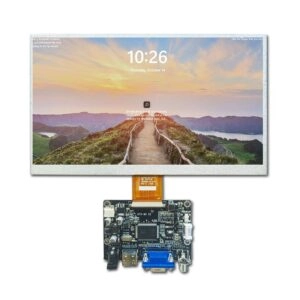
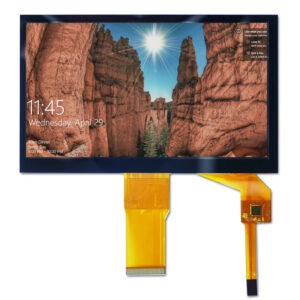
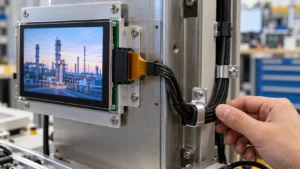

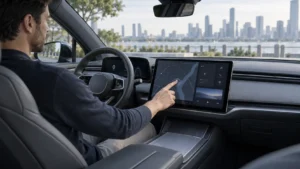
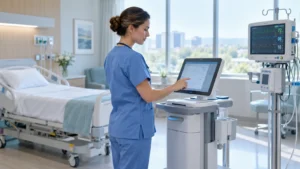

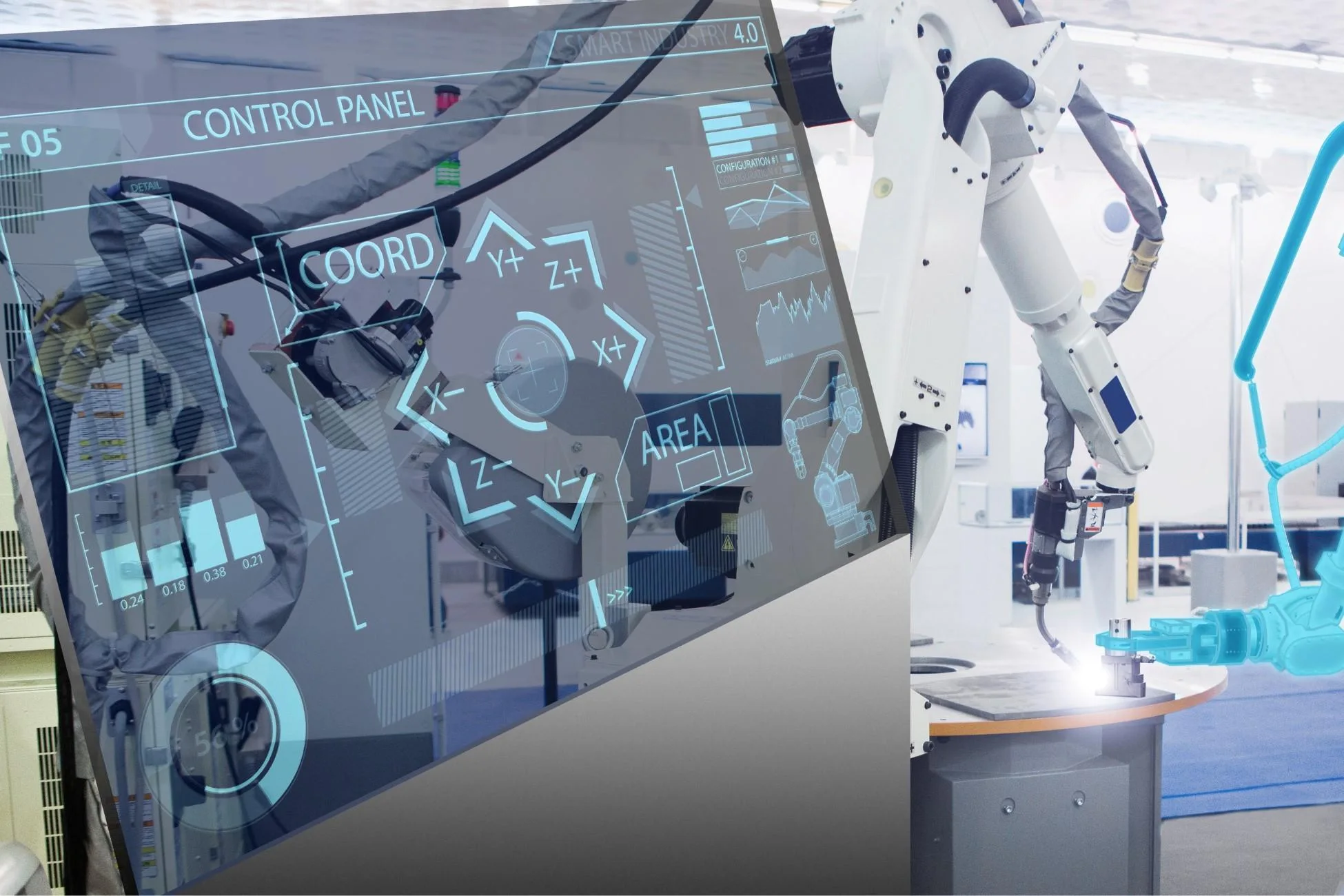
Industrial touchscreen monitors are an important part of automation systems, industrial equipment, medical devices, transportation and other areas where they are required. Choosing the right monitor requires careful consideration of technical features, ruggedness and compatibility with given systems and applications. This guide is aimed at industrial buyers, system integrators and procurement departments, helping them choose a suitable professional industrial touchscreen monitor.
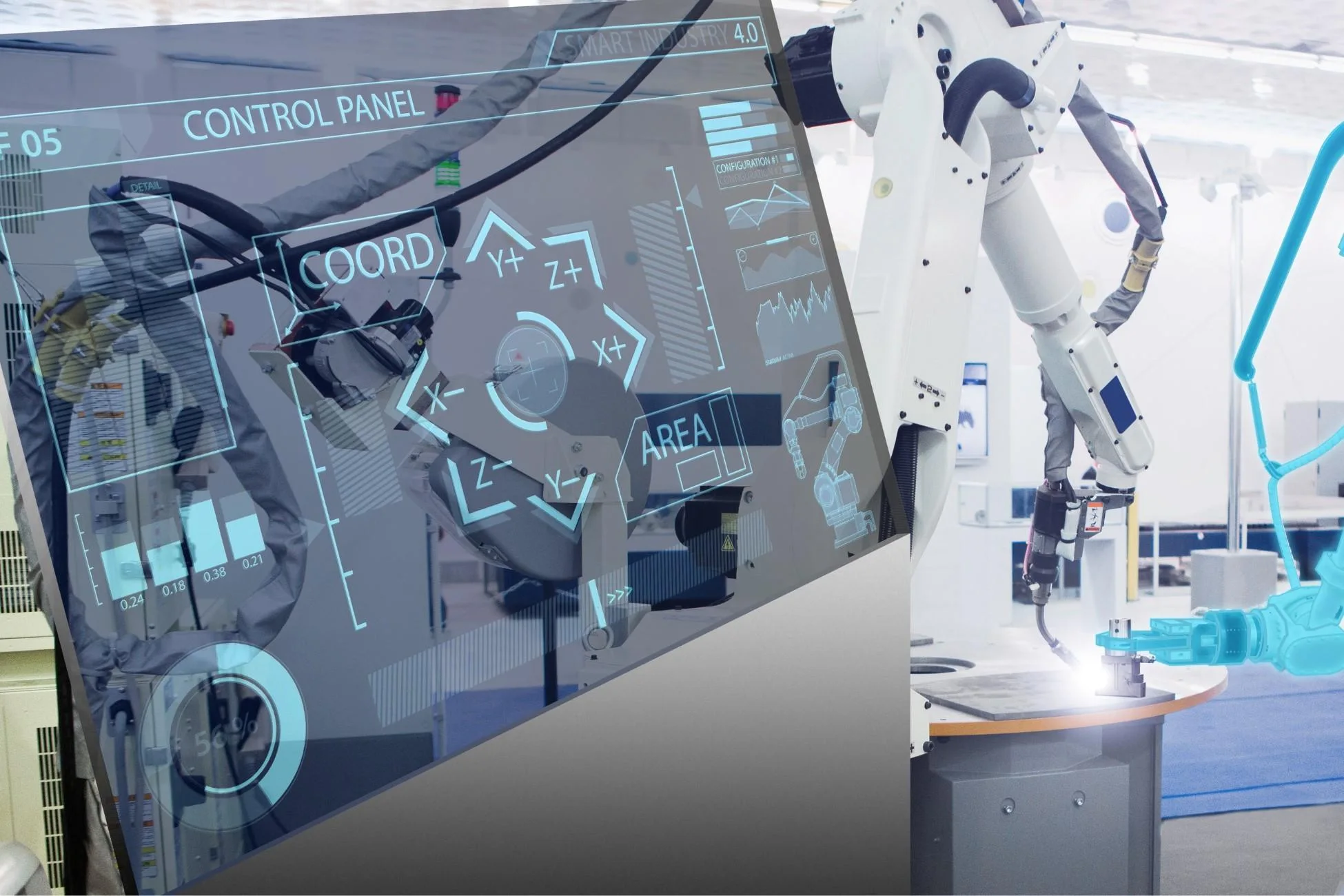
Understanding Application Requirements
Defining Operational Environment
The starting point for a successful selection is a thorough analysis of the areas where a display is to be deployed. Screens used in manufacturing are exposed to dust, oil, vibrations and extreme temperature fluctuations. In contrast, the medical and laboratory environments require a high level of hygiene and, in addition to scratch resistance, displays also need to offer good visual performance and resist a wide variety of chemicals.
Critical environmental parameters include operating temperature, humidity, exposure to water and chemicals, as well as mechanical stress. While displays for use in food and beverage processing can be made of durable materials and have high IP-rated enclosures, they must also have smooth surfaces that are easy to clean. Displays for use outdoors, or that are mounted in vehicles, require increased weather resistance and are read in bright sunlight.
Assessing Usage Patterns and Functional Needs
The usage intensity of products greatly affects the choice of these items. Products in constant use by a lot of operators will greatly benefit from highly interactive touchscreens which also allow the operator to use his/her gloves when interacting with the product. For applications that continuously run 24/7, the products will need to be designed to withstand long periods of usage while keeping maintenance to a minimum.
Functional requirements such as data visualization complexity, control precision, and integration with existing PLC or SCADA systems should be mapped early. This assessment helps distinguish between standard industrial monitors and highly specialized custom solutions.
Screen Size, Resolution, and Aspect Ratio
Choosing Appropriate Screen Dimensions
Choosing the appropriate screen size for your information is crucial to it fitting in the available space. For embedded HMIs in machines, very compact displays with a screen size of 7 inch to 10.1 inch are often required. For control room dashboards or overview screens however larger displays of 15 inch to 21.5 inch or even bigger are more suitable.
Large format displays allow more parameters to be displayed at the same time than smaller formats, however smaller formats are easier to integrate in very compact installations. The viewing distance and ergonomics for the operator has to be taken into account to prevent selection of displays that are too large or too small.
Resolution and Aspect Ratio Considerations
For applications that need to display at a certain level of detail, the resolution of the display must match that required. Therefore Full HD (1920×1080) or higher is recommended for complex graphical user interfaces, process visualization and high resolution inspection images. Lower resolutions are suitable for simple status displays.
Aspect ratio choices include widescreen 16:9 formats for modern interfaces and more traditional 4:3 or square ratios for compatibility with legacy software. Specialty formats expand design options significantly.
Specialty Display Formats
Round LCD displays are ideal for compact instrumentation and smart control panels as well as other industrial applications. The Round Displays are available in high resolution and bright, with display diameters ranging from 1.28 inch to 4 inch. They are predestined for unique UI solutions while at the same time meeting the required industrial quality. Optionally the Round Displays can be equipped with a touch sensor.
Touch Technology Selection
Projected Capacitive (PCAP) Touch Technology
Projected capacitive touch is the primary technology that we recommend for most of the current and upcoming industrial applications. This technology supports multi-touch functionality, high optical clarity and good touch performance without requiring physical pressure. The current PCAP implementations also support glove operation and are reasonably robust in medium dusty environments.
Advantages include durability through cover glass construction, palm rejection capabilities, and support for advanced gesture controls. Customization options such as cover glass thickness and surface treatments further enhance suitability for specific use cases.
Resistive Touch Technology
For Resistive touchscreens there are still applications for heavy gloves, special styluses and environments where lots of dust and dirt and fluids get into contact with the screen. Resistive touchscreens are triggered by physical touch and thus register input through pressure. So in environments where also capacitive touchscreens would be hindered by moisture, dirt, oil and thick protective gloves and covers, Resistive touchscreens can be a reliable alternative.
Lower light transmission and single-touch functionality are characteristic of resistive solutions, which usually don’t compare to PCAP solutions in terms of functionality. However, in specific applications, cost effective solutions with precise functionality are needed to function well under adverse conditions.
Other Touch Technologies and Hybrid Options
Infrared and surface acoustic wave technologies serve specific large-format or public access applications. Many suppliers provide hybrid configurations or customizable touch layers to meet unique operational demands, including varying sensitivity levels and protective enhancements.
Durability and Environmental Protection
IP Rating and Ingress Protection
Ingress protection ratings indicate a monitor’s ability to withstand dust and water exposure. IP65-rated front panels offer dust-tight construction and protection against water jets, while higher ratings such as IP67 provide additional immersion resistance. Front-panel ratings are often prioritized for cost optimization while maintaining necessary protection.
Wide Temperature Operation and Mechanical Resilience
Industrial monitors typically support operating temperatures from -20°C to 70°C or wider ranges to accommodate unconditioned facilities and outdoor-adjacent installations. Conformal coatings protect circuit boards from humidity and corrosive elements.
Resistance to vibration and shock in accordance with the standard IEC 60068 enables use in mobile applications as well as in heavy industry. Fanless designs for temperature control eliminate the most common causes of failure for moving parts in harsh environmental conditions.
Long-Term Reliability Features
Reinforced bezels, tempered cover glass, and high MTBF components contribute to extended service life. Product lifecycle management, including long-term component availability, reduces risks of obsolescence in multi-year projects.
Brightness, Readability, and Visual Performance
High Brightness Solutions for Challenging Lighting
Brightness levels of 1000 nits or higher, combined with anti-glare and anti-reflective coatings, ensure clear visibility in brightly lit factories or direct sunlight. Optical bonding techniques reduce internal reflections and improve overall ruggedness.
Color Accuracy and Viewing Angle Performance
For applications in quality control or medical imaging, the colors have to be displayed uniformly and clearly also from very different viewing angles. High contrast ratio and fast response time are crucial for dynamic process visualization.
Backlight and Power Optimization
The long-life LED backlights have design life of 50,000 hours or more and thus are less subject to need for maintenance. Power consumption of the backlight can be tailored to meet specific end use requirements and a variety of configurations can be offered.
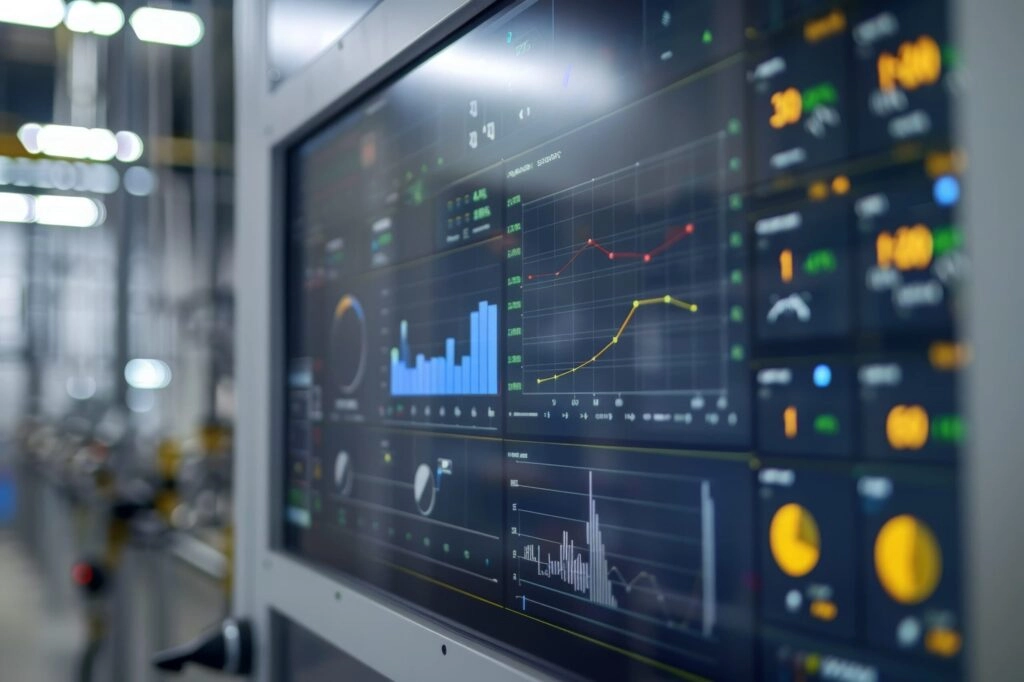
Connectivity and System Integration
Interface Options and Compatibility
Connectivity options include HDMI, DisplayPort, VGA, USB Touch interfaces as well as industrial serial connections such as RS-232/485. Wide-range DC power input supports most industrial power supplies.
Mounting and Installation Flexibility
Displaymount offers a variety of mounts to suite different applications including panel, VESA, open frame and rack mounted solutions. By supporting the major industrial operating systems, the display drivers enable fast and easy deployment and minimize integration time.
Customization for Specific Integration Needs
Tailored interface layouts, custom cable lengths, and modified PCB designs allow precise matching to project specifications, particularly important for space-constrained or legacy system upgrades.
Reliability, Certifications, and Lifecycle Considerations
Industry Certifications and Quality Standards
Certifications that are relevant to your market such as CE, RoHS, UL and industry specific approvals, and special medical approvals like IEC 60601, for example, guarantee the required approval for your components and the necessary reliability of their performance. For other fields of application, additional environmental and safety certifications may be required.
Total Cost of Ownership Analysis
Assessing costs should not be confined to the initial investment; consideration should also be given to the items outlined above. Higher specification equipment often delivers better long term value through reduced number of service interventions and extended operating life.
Additional Features and Customization Options
Enhanced Functionality Modules
Optional integrated features like speakers, cameras, RFID readers or even IoT interfaces make up for additional features of your system while keeping the number of external components as low as possible.
Comprehensive Customization Capabilities
Custom solutions such as custom cover glass printing and touch solutions as well as mechanical redesigns from professional manufacturers. Solutions that are customized to the individual requirements of the customer. Thus also support for panel PCs with integrated processing unit.
FAQ
Which touch technology performs best for gloved operation in factory settings?
Projected capacitive touch with dedicated glove support or resistive technology provides reliable performance. Industrial-grade PCAP solutions commonly accommodate various glove types.
Are custom sizes and specialty shapes available?
Yes. Includes round LCD displays and other special sizes. Custom dimensions, touch screen configurations and mounting options available.
Partner with a Trusted Industrial Display Manufacturer and Supplier
A company with long experience of producing TFT LCD displays and industrial monitors can be of great value to any company searching for high quality displays for industrial applications. As a well established display manufacturer, Miqidisplay offers a wide range of industrial standard monitors and also fully customized solutions such as industrial touchscreen monitors, industrial panel PCs, round LCD displays and also other types of TFT displays. As an OEM/ODM manufacturer, Miqidisplay’s engineering team is always ready to provide the best solutions for its customers. Miqidisplay’s products are widely applied in automation, medical and industrial fields. Our professional team is always ready to provide technical consultation, develop prototype and mass production for our customers.