





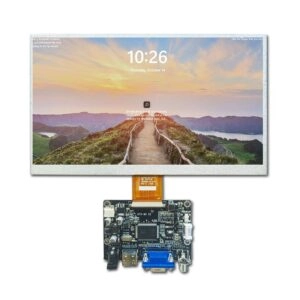
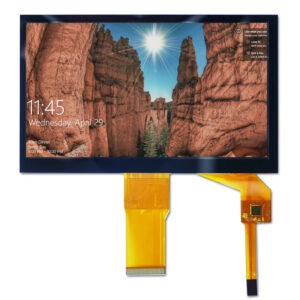








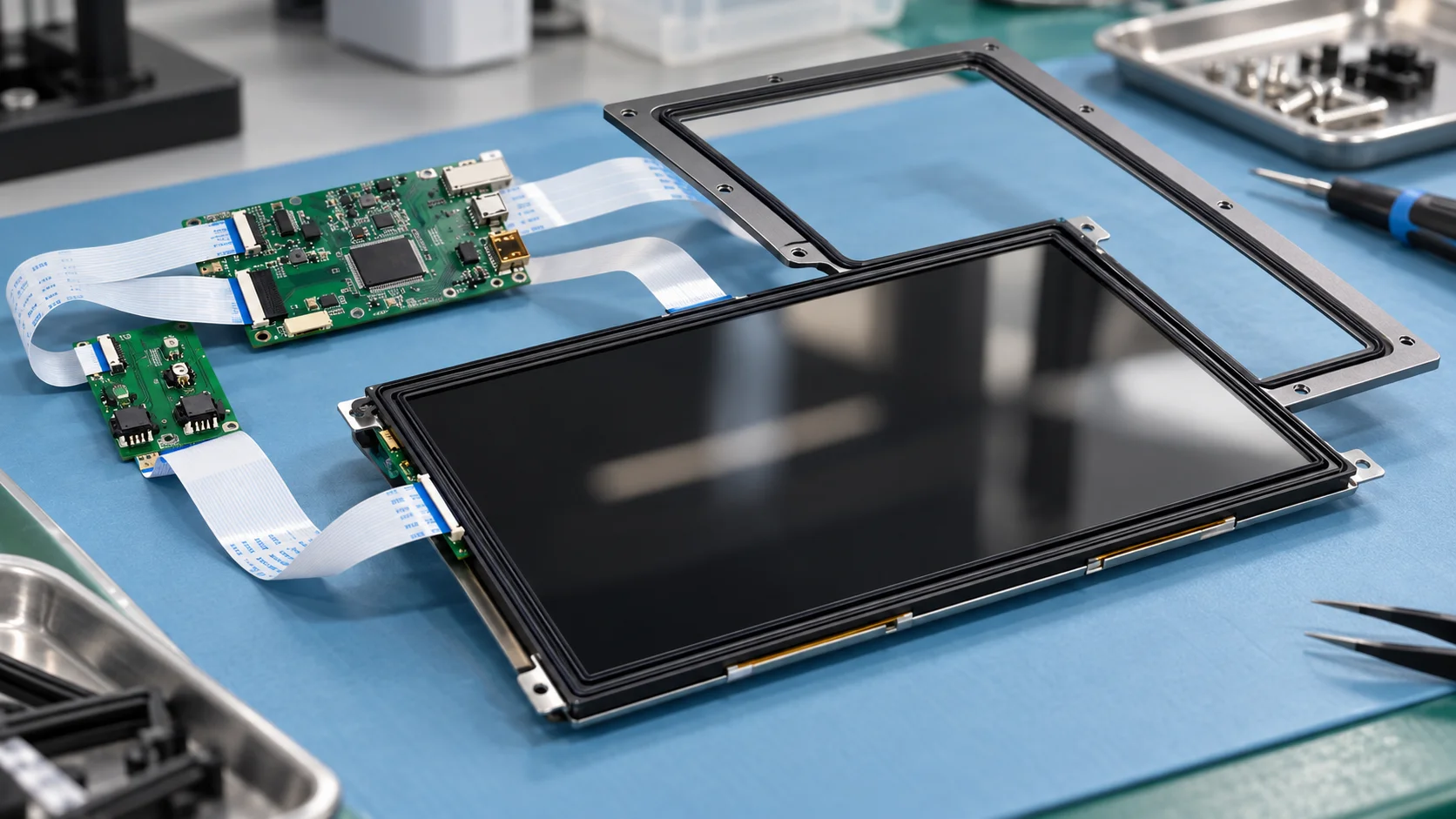
A perimeter gasket can help seal the joint between a capacitive touch panel and its mounting bezel, but it is only one part of an enclosure seal. Good design requires a continuous sealing path, controlled compression, a stable stack-up, and validation in the final assembly. The gasket should land on the inactive panel border without entering the active area or creating uneven loads on the glass.
Begin by defining the exposure and the interface to be sealed. A front gasket does not establish protection for the complete enclosure, and a sealed joint does not prove that capacitive input will work reliably when the surface is wet.
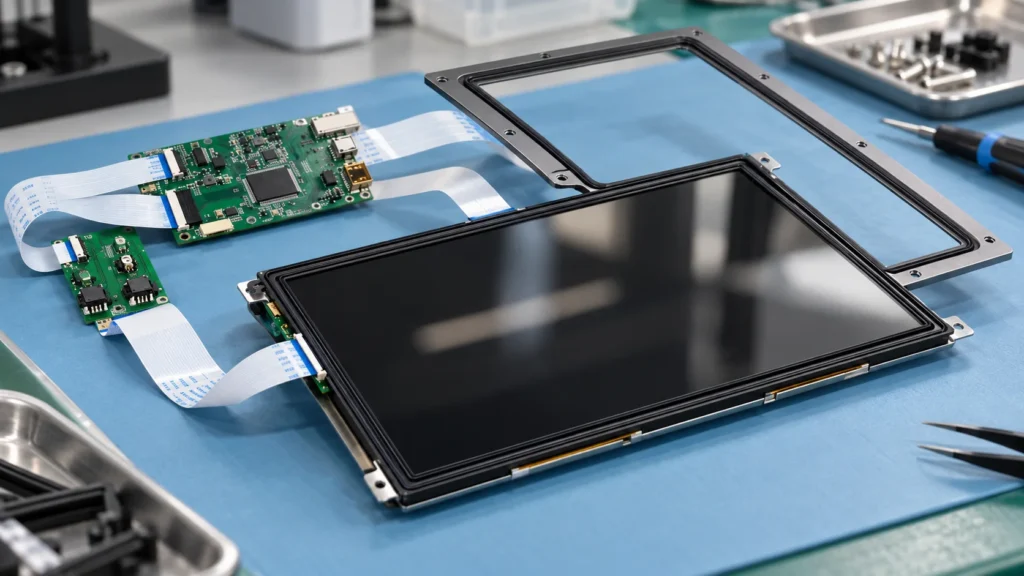
Separate enclosure sealing from wet-touch performance
Water resistance and touch behavior are related but different requirements. A gasket blocks a physical ingress path. A projected-capacitive sensor still has to distinguish intended input from droplets, films, residue, and electrical noise. A bezel may be sealed while the interface remains unreliable for wet fingers.
Document whether the panel sees splashes, directed spray, condensation, cleaning agents, or standing water. Note temperature, orientation, exposure frequency, and whether users must touch the panel while wet. These conditions guide material compatibility, drainage, seal boundaries, and the validation plan.
Do not treat an enclosure protection target as a gasket specification. The complete assembly, including seams, fasteners, cable entries, and vents, determines protection. Verify any rating against the equipment’s defined test procedure.
Define a continuous sealing path
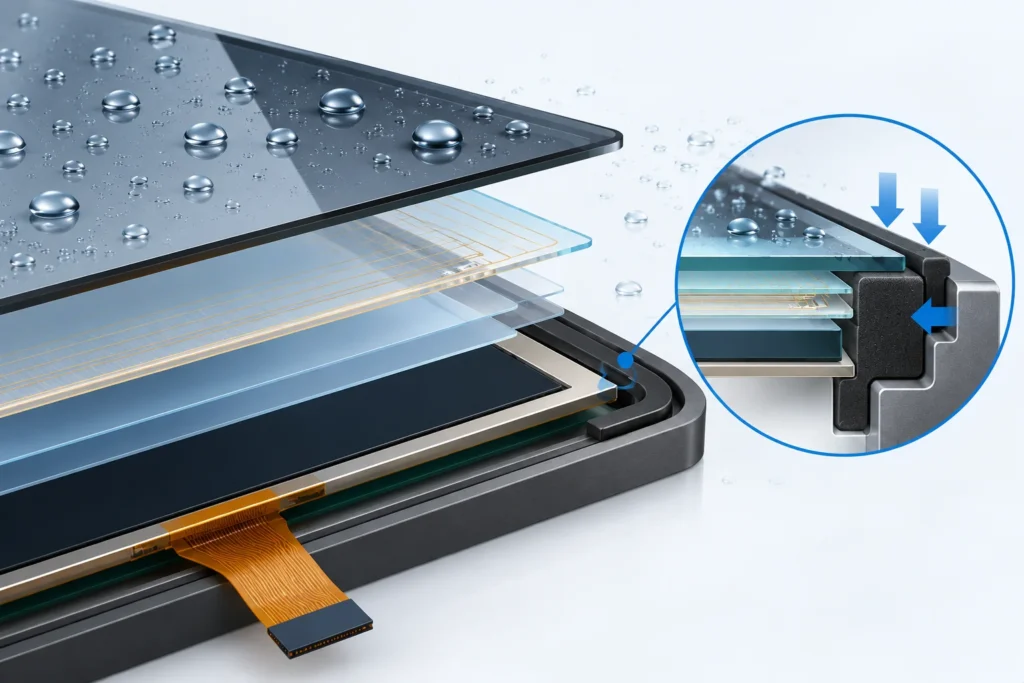
Map the front stack in cross-section: cover glass, touch sensor, bonding layers, gasket, bezel, carrier, and display module. Identify the two surfaces the gasket contacts and the exact joint it seals. A gasket between the panel and bezel is not automatically the seal for the enclosure opening.
Keep the gasket on a stable inactive border with enough land for continuous contact. Draw the active-area edge, panel outline, glass overhang, bezel opening, and tolerance limits together. Corners, notches, fasteners, and flex-tail exits need explicit treatment because each can interrupt contact or create a gap. Use a closed perimeter where practical; position and test any required joint.
The land should be flat and wide enough for the chosen section and placement tolerance. Verify that shifted parts cannot load the visible or touch-sensitive region.
Select material and gasket geometry
Choose material against the actual environment, not just a “waterproof” label. Compare candidate grades for compatibility with expected liquids and cleaners, operating temperature, compression set, aging, and contact with adhesives or coatings.
Match section shape and width to the land, panel size, corner radii, assembly method, and tolerance. A flat strip, formed frame, or molded profile may suit different layouts. Continuous frames can simplify the seal path; strips with joints need controlled corners and joint placement. Nominal thickness alone is not enough.
Specify how the gasket is retained: adhesive, groove, carrier, or mechanical capture. Adhesive can locate a gasket, but it does not automatically replace the compression seal. Confirm that adhesive and nearby surfaces are compatible and that squeeze-out cannot reach optical surfaces, the active area, or connectors.
Control compression across the stack
The usable compression window depends on gasket grade, cross-section, tolerance, and joint design. Too little compression can leave gaps as parts vary or move. Too much can raise assembly force, increase stress, distort the panel, or accelerate compression set. There is no universal compression percentage for every display perimeter.
Calculate the assembled gap at nominal and tolerance extremes. Include gasket thickness, panel and bezel dimensions, bonding layers, flatness, fastener positions, and mechanical stops. Confirm that the largest gap still compresses the seal and the smallest remains within the gasket supplier’s guidance.
Use the enclosure to control closure rather than relying only on screw torque. Stops, bezel stiffness, and a balanced fastener pattern may improve repeatability, depending on panel construction. Review the load path so the glass is supported evenly; long edges and corners deserve attention because local deflection can change contact pressure.
Validate measured samples before release. Record material and panel revisions, assembly sequence, fastener pattern, and closure controls. A change to the glass, gasket, adhesive, bezel, or mounting method can alter sealing and touch behavior, so it should prompt review.
Protect the active area and cable exit
Keep the gasket clear of the active sensing region and verify its location against the panel drawing and tolerance stack. A narrow border may limit the available land; excessive overlap may reduce the visible area or interfere with edge gestures. The allowable margin depends on the panel construction.
Mechanical pressure can affect a capacitive assembly through cover deflection, spacing changes, or uneven support. The effect varies with the glass, sensor stack, mounting, and controller. Check representative center, edge, and corner inputs after installation instead of assuming a particular gasket profile will preserve touch performance.
Route the flex tail so it does not cross the sealing land or force a local gap. If it exits through the perimeter, define how that transition is sealed and supported.
Validate sealing and touch separately
Test the final bezel, fasteners, panel, bonding layers, cable routing, and mounting orientation. A bare-panel bench check cannot represent enclosure loads or leakage paths. Assess two outcomes separately: whether the joint resists the specified exposure and whether touch works before, during, and after it.
Build a matrix around the intended use: dry input, the defined wet condition, edge and corner touches, gestures near the border, and recovery after wiping or drying when relevant. Separately inspect for leakage, gasket displacement, extrusion, or loss of contact. Record the sample revision, gasket material, closure method, exposure, and results.
If protection is required, qualify the complete assembly under the applicable procedure and acceptance criteria. Sealing success does not prove wet-touch usability, and touch success does not prove ingress protection.
Prepare a supplier-ready RFQ
Send panel outline and active-area drawings, cover construction, bezel opening, gasket location, available land width, exposure, operating temperature, cleaning chemicals, wet-touch requirement, cable exit, quantity, and enclosure drawings. State whether the gasket belongs to the display assembly or the customer’s enclosure.
Miqidisplay lists capacitive touch panels in multiple configurations, including glass-to-glass structures. Its PCAP touch-panel range and a 17.3-inch G+G panel show component details to verify, including dimensions, active area, cover construction, interface, tail location, and mechanical drawing. The listings are not blanket water-ingress ratings.
For wet operation, the separate capacitive touch tuning guide covers touch behavior rather than gasket design. Keep ingress and touch acceptance distinct, with clear ownership for the enclosure seal.
Conclusion
A reliable perimeter seal starts with a defined boundary, continuous land, compatible material, and compression controlled across the tolerance stack. Keep the gasket clear of the active region and cable route, then validate both ingress resistance and touch behavior on the final assembly. A component-level gasket choice alone cannot establish protection for finished equipment.
FAQs
Can a gasket alone make a capacitive touch panel waterproof?
No. It can seal a defined interface, but other enclosure paths may remain. Verify protection on the complete assembly against its stated requirements.
Can the gasket touch the active area?
Do not assume so. Keep it on the inactive border and check placement against the panel drawing and tolerance stack. Available land depends on the panel design.
Does tighter compression always improve the seal?
No. Excessive compression can distort the panel or shorten gasket life. Set the range from material guidance and confirm it in the assembled design.
Should touch be checked after enclosure assembly?
Yes. The bezel, mounting load, cable routing, and cover stack can affect capacitive response. Test the assembled configuration and evaluate wet input separately.
Request a Miqidisplay technical fit review
For a panel that must integrate with a perimeter seal, contact Miqidisplay’s technical team with display type, diagonal size, outline dimensions, active area, resolution, interface, touch requirement, brightness, viewing direction, operating temperature, mechanical constraints, quantity, drawings, and integration environment. These inputs help assess component fit, customization scope, sample needs, and documentation requirements. Include the intended exposure and clarify whether gasket design belongs to the enclosure or module scope.
Email: mary@miqidisplay.com
WhatsApp: +86 189 6801 5464