





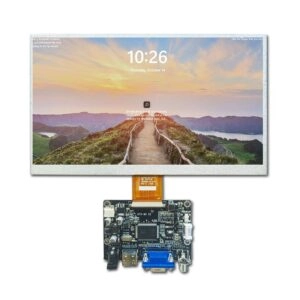
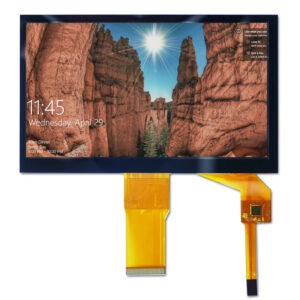

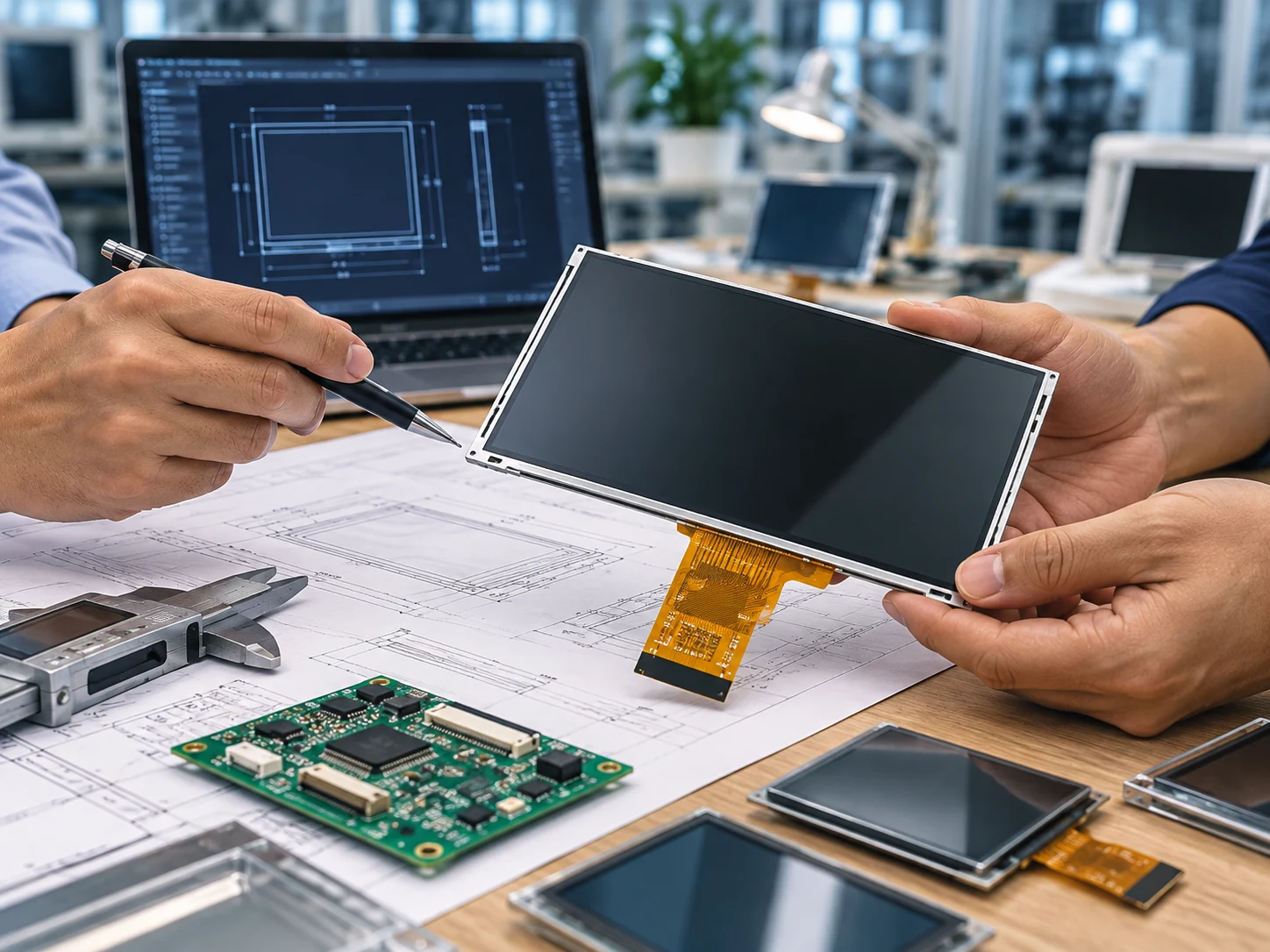
Ordering a custom LCD module should begin with engineering questions, not a price request. The module must fit the enclosure, communicate with the host electronics, remain readable in its environment, and be reproducible across the planned batch. This question set helps an OEM team expose unknowns before drawings are frozen or samples are approved.
1. What must the module show, and how will users read it?
Start with the viewing task. Is the module presenting numeric values, menus, charts, status states, or detailed graphics? Define content, color, contrast, refresh behavior, and whether users read it from one fixed direction or several positions. “High-resolution LCD” alone leaves too much room for interpretation.
Confirm the diagonal size, active area, aspect ratio, resolution, pixel arrangement, and viewing direction. The diagonal alone does not define the visible area or the enclosure fit. If the content includes fine lines, small fonts, or dense data, review the intended font size and pixel pitch with the mechanical and software teams.
Ask whether content must remain legible through a window, cover glass, or protective layer. Optical stacks can change reflections, contrast, and apparent brightness, so review the actual front-surface construction.
2. Which mechanical dimensions are fixed?
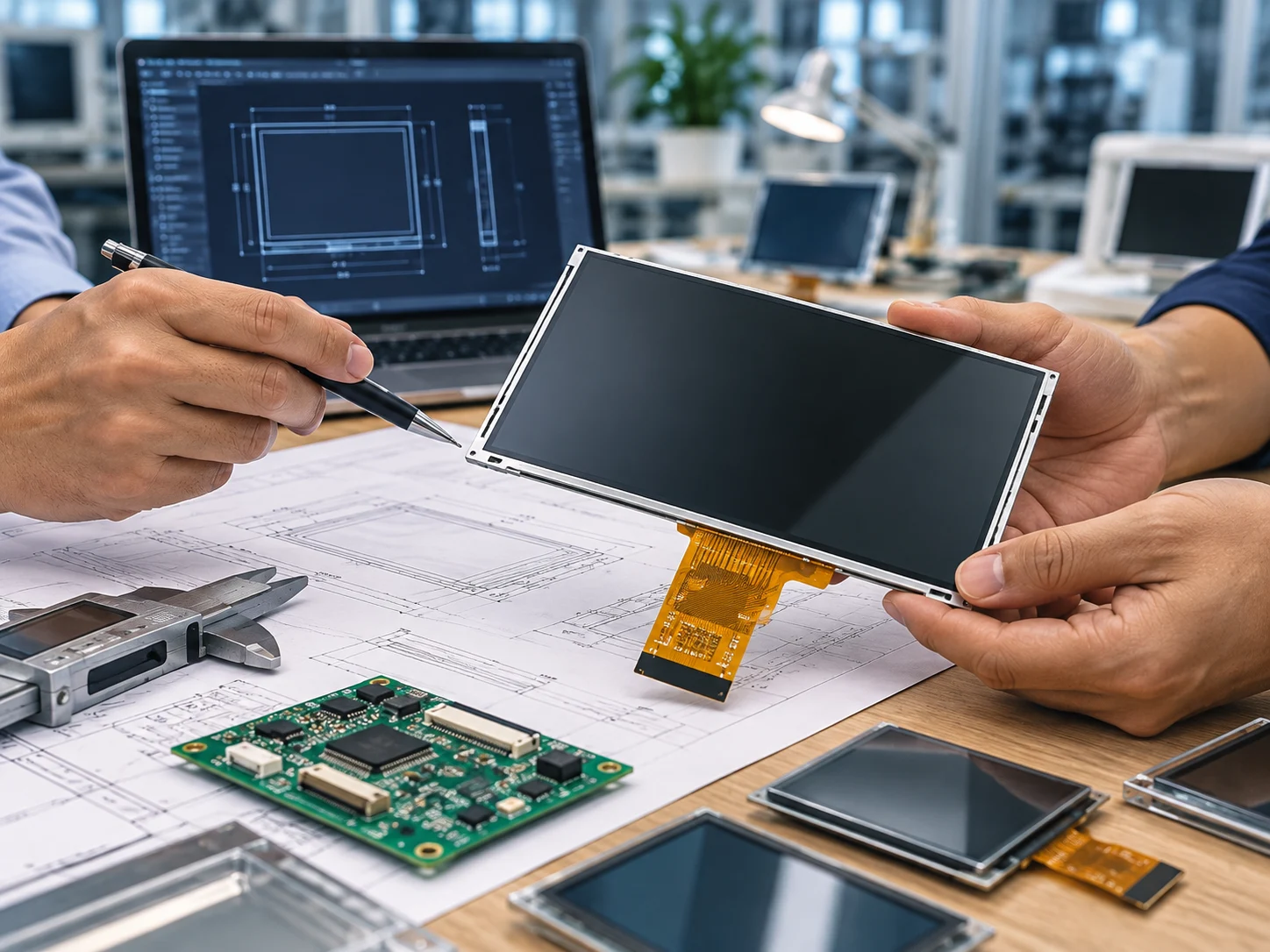
Before requesting a quotation, identify fixed dimensions: outline, thickness envelope, active-area location, mounting holes, bezel clearance, connector position, cable exit, and keep-out zones. Send a controlled drawing or marked-up enclosure model when possible.
Ask the supplier to distinguish the display outline, visible active area, and mounting reference. Clarify datums, tolerances, flatness, and whether the module needs a bracket, spacer, gasket, or custom flex tail. A matching diagonal can still fail when the connector or screw pattern conflicts with the host.
Check how the module will be supported during assembly. Uneven pressure or point loading can create sample failures, so define compression points and assembly sequence before tooling or adhesive decisions.
For a broader view of available customization paths, review Miqidisplay’s custom display solutions page and map only the options relevant to the enclosure and display component.
3. What electrical interface and control architecture are required?
Ask which interface the host board supports and which the module exposes. Confirm signal names, pin count, pitch, voltage domains, timing, initialization, backlight control, and reset behavior.
Do not approve an interface from a product title alone. Request the current pinout, electrical limits, timing, connector drawing, and initialization documentation for the exact configuration. Check firmware compatibility with the command set, image format, orientation, and startup delay.
Confirm logic voltage, backlight input, typical and maximum current, inrush behavior, dimming, and standby expectations. Ask which values are guaranteed, typical, or configuration-dependent.
Miqidisplay’s TFT LCD datasheet guide can help the team turn these requests into a reviewable document set. You can also review the broader TFT LCD display product range when comparing available screen configurations before finalizing the custom module requirements.
4. What optical performance is needed in the real environment?
Define ambient light, viewing distance, viewing direction, and front-surface reflections. Discuss brightness, contrast, transmissive behavior, polarizer, and surface treatment as a system. Higher brightness is not automatically better if it increases power, heat, or glare.
Ask whether the display is read indoors, near windows, under direct illumination, or in a dark enclosure. Confirm measurement conditions behind quoted brightness or contrast values. With touch or cover glass, assess the combined optical stack and bonding approach.
Specify viewing angle by the actual user position. Ask whether color and contrast must remain stable above, below, or to the side, and verify readability if the product can rotate.
5. What temperature, humidity, vibration, and storage conditions apply?
Provide operating and storage ranges, warm-up or cold-start conditions, humidity, vibration, shock, and altitude when relevant. The suitable configuration can depend on environment, size, materials, backlight, and mechanical construction.
Ask for the applicable specification range and its assumptions. Do not convert a general range into a project guarantee. Confirm compatible limits for the display, electronics, touch layer, adhesive, and cable; thermal expansion and enclosure stress can affect the assembly.
For outdoor or strongly illuminated use, ask how the front surface and optical stack will be assessed. In a sealed housing, review heat dissipation and condensation risk.
6. Is touch required, and what exactly must it do?
When touch is part of the module, define technology, active area, cover-glass dimensions, surface finish, glove or stylus use, gestures, controller interface, and calibration. Specify alignment with display pixels or the mechanical opening.
Ask for touch-tail route, bend radius, connector orientation, and assembly pressure limits. Evaluate the touch layer, cover glass, adhesive, and LCD together for fit and optical performance.
7. Which documents must be controlled before approval?
List the acceptance baseline: approved drawing, interface and pinout file, optical and electrical specification, mechanical tolerances, revision history, sample record, inspection method, and packaging requirements. Assign owners and revision identifiers.
Ask what changes require notification and reapproval. A connector, polarizer, backlight, driver board, cable, or cover-glass change can affect integration even when resolution is unchanged. Tie the purchase order, drawing, and sample label to the same revision.
A sample should be judged against written criteria rather than visual preference alone. Use the LCD sample approval checklist as a starting point, then add project-specific mechanical, optical, electrical, and software checks.
8. What is the expected quantity and lifecycle plan?
State prototype, pilot, annual quantity, forecast horizon, and ramp uncertainty. Ask how prototype and production configurations will be separated and how batch records will be maintained.
Discuss lifecycle, revision control, last-time-buy communication, and approved alternatives before release. The goal is to make supply risk visible while there is time to respond.
9. Can the supplier review the complete integration context?
The most useful technical review includes display type, size, outline, active area, resolution, interface, touch requirement, brightness, viewing direction, temperature, mechanical constraints, quantity, drawings, and integration environment. Include photos or a simplified enclosure model when useful.
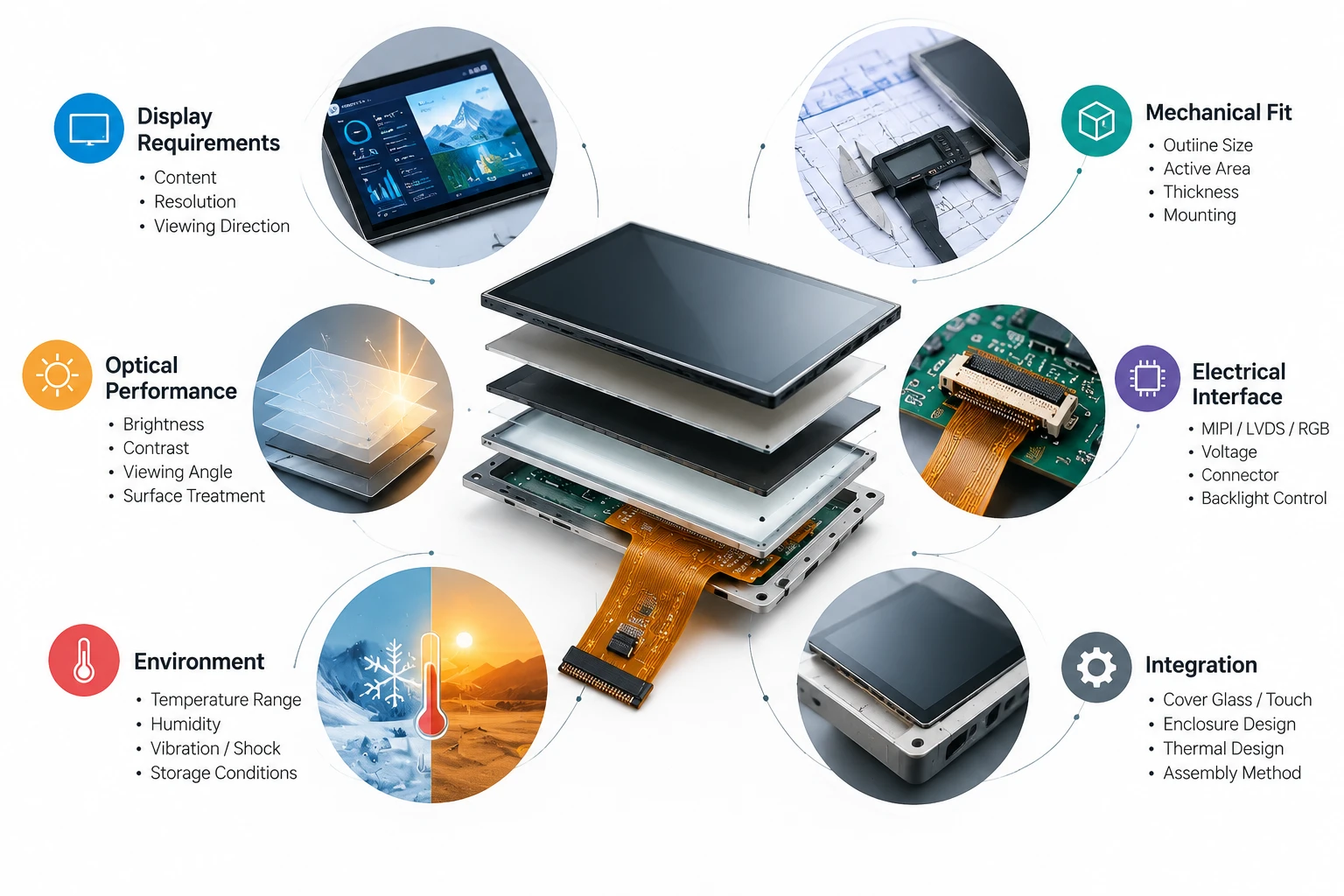
Ask the supplier to identify open assumptions, missing information, and items requiring sample confirmation. A clear response separates confirmed compatibility, conditional recommendations, and unresolved risks.
Conclusion
The right pre-order questions turn a custom LCD module from a vague purchasing request into a controlled engineering specification. Confirm the viewing task, mechanical envelope, interface, power, optical conditions, environmental limits, touch construction, documentation, lifecycle, and integration responsibilities before approval. This sequence reduces late changes and gives procurement a defensible basis for comparing proposals.
FAQs
What is the most important information to send first?
Send the fixed mechanical drawing, active area, resolution, interface requirement, operating environment, touch requirement, and expected quantity. These details allow a supplier to identify feasibility questions early.
Should a quotation be requested before the drawing is complete?
A preliminary discussion is possible, but the quotation should clearly label assumptions. A controlled drawing and interface requirement are needed before a proposal can be compared reliably.
Is brightness the main factor for outdoor readability?
No. Brightness interacts with reflections, cover glass, polarizer, contrast, viewing direction, and power or thermal limits. Review the optical stack in the actual installation context.
How should sample approval be handled?
Use written acceptance criteria tied to a revision-controlled drawing and specification. Record mechanical fit, electrical behavior, optical readability, touch behavior when applicable, and any deviations.
What should be included in a technical inquiry?
Include the display type, size, dimensions, active area, resolution, interface, touch needs, brightness, viewing direction, temperature range, mechanical limits, quantity, drawings, and integration environment.
Request a Miqidisplay Technical Fit Review
Send these inputs to Miqidisplay’s technical team for a B2B sourcing assessment. The information enables a conditional review of component compatibility, customization scope, sample requirements, documentation needs, and batch-consistency considerations. Ask for a technical fit review or quotation assessment based on your controlled specification; final commercial and technical conditions should be confirmed against the proposed configuration.
Email: mary@miqidisplay.com
WhatsApp: +86 189 6801 5464