





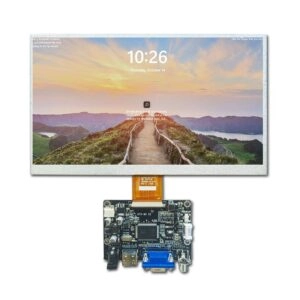
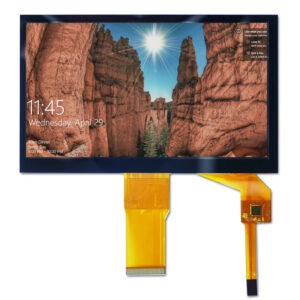

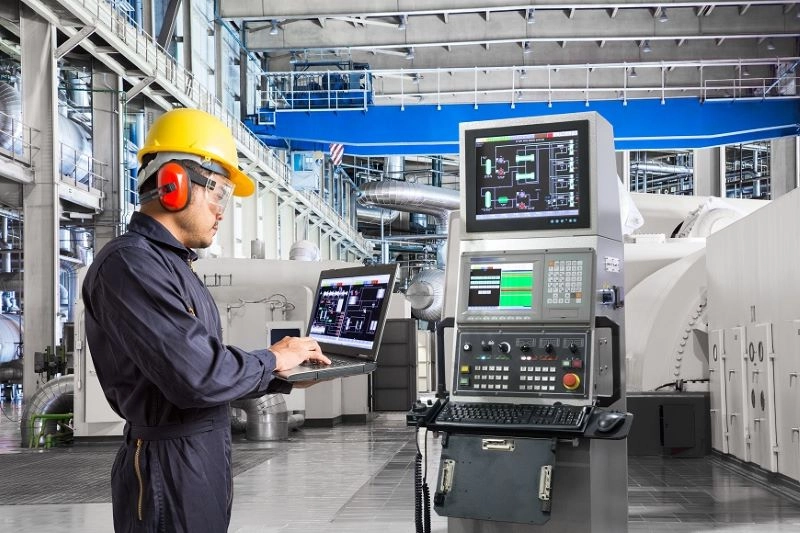
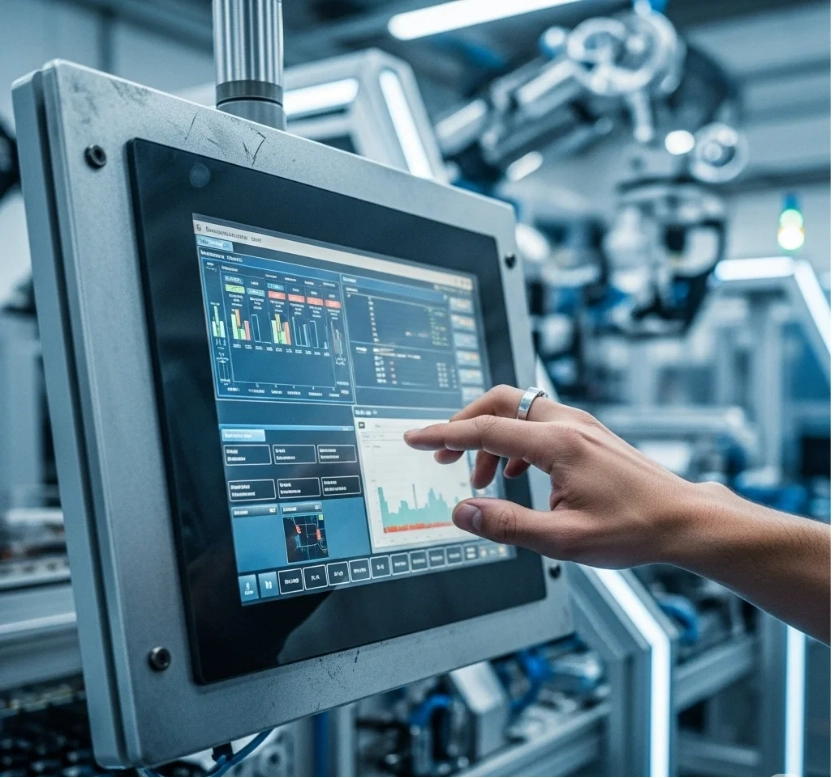
Industrial Panel PCs act as key parts in Industry 4.0 settings. They offer strong human-machine interfaces (HMIs), automation controls, and data display in tough conditions. These units handle dust, very high or low temperatures, shocks, vibrations, and other harsh industrial factors. Many choices exist for connectivity, processing strength, display types, and mounting styles. Picking the right industrial Panel PC needs careful review. This ensures it matches the application well and stays reliable for a long time.
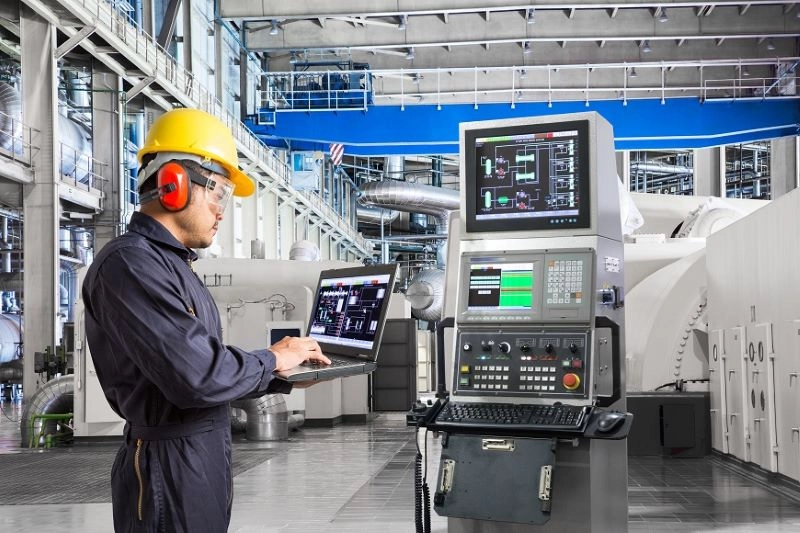
This guide presents a clear 7-step method to find the best industrial Panel PC.
1. Do You Need a Fanless Solution?
Fanless designs remove vents and moving parts such as cooling fans. They work well in dusty or dirty places. These Panel PCs stop particles from getting inside the system. As a result, they lower the chance of slow performance, overheating, and expensive service stops. Even in cleaner areas, taking out the fan—which often fails first in regular systems—makes the unit last longer. It also cuts total ownership cost by reducing downtime and repair work.
Many industrial uses gain from this method. This is especially true when steady reliability matters over many years of nonstop work. Fanless builds usually use smart passive cooling ways. Examples include heat sinks or heat conduction. These keep good performance without any moving pieces.
2. Capacitive or Resistive Touchscreen?
Touchscreen type affects ease of use in industrial places a lot. Capacitive touchscreens sense touch from the body’s electric field. They give smooth and exact response. They also support multi-touch actions such as pinch-to-zoom. Such screens perform best in tasks that need high precision. Examples include interactive kiosks, digital signs, or control panels that require easy navigation.
Resistive touchscreens work by pressure on the surface. Users can operate them with gloves, styluses, or other items. This fits factory floors, cleanrooms, healthcare areas, or any place where people wear protective gear. Resistive screens also give more tactile feel. Operators often like this in hands-on industrial jobs.
The decision relies on the environment, how users interact, and needed accuracy. Both kinds fit well into rugged Panel PCs. Newer versions bring better strength and clear views.
3. Where Will the Industrial Panel PC Be Installed?
The place of installation affects many hardware choices. Think about whether the unit will go inside machinery, a kiosk, or an enclosure. It could mount on a wall, stand, or moving arm. Or it might fit flush into a panel.
For embedded setups, sizes—including total depth—must match exactly. This avoids fit problems during setup. Wall or arm mounting commonly needs VESA holes on the back. These allow firm connection with normal brackets or arms.
Panel mounting works well for uses that need flush fit. Examples are food processing or areas with lots of particles. This setup places the touchscreen level with the enclosure. It reduces dirt buildup. It also allows simple cleaning or washdowns when it has proper seals.
Choices between all-in-one units and modular types come up here too. All-in-one options make setup easier. They combine display and computer in one unit. Modular choices let users pick performance parts and screen sizes separately. This gives more flexibility for custom builds.
Planning these points early stops delays in installation. It also helps the unit fit smoothly into current setups.
4. Is IP Rating Important?
Ingress Protection (IP) ratings show protection level against solids and liquids. This matters a lot in rough settings. The first number (0-6) shows defense against solid items—from fingers to tiny dust. A 6 means full dust protection. The second number (0-9K) shows liquid defense—from drops to strong jets.
A front bezel IP rating (e.g., IP65) guards only the screen and nearby frame. It handles dust and low-pressure water. This suits embedded or partly enclosed places. An overall IP rating covers the whole body. It becomes necessary for units left open to full hazards.
High ratings like IP69K on the front resist strong cleaning. This is common in food making, drug production, or washdown zones. Choosing the right rating protects the inner parts. It keeps the system working well over time.
5. What Size Touchscreen Is Required?
Screen size choice balances ease of use, space limits, and view needs. Industrial Panel PCs come in small 10-inch sizes up to bigger 23-inch or larger displays. These fit many mounting types.
Things to consider include how far users stand, detail level needed on screen, and available space. Bigger screens help show complex data, drawings, or multiple windows clearly. Smaller ones work in tight machine areas.
Aspect ratio plays a role too. Old 4:3 ratios suit older software. Widescreen 16:9 styles match newer programs. They give extra side space. Resolution affects clearness. Higher ones (e.g., Full HD or better) make detailed HMIs easier to read.
Weight matters for arm or stand mounting. It ensures the structure holds up well.
6. Will the Solution Operate in Direct Sunlight?
Direct sunlight creates big visibility problems. Glare and bright outside light make screens hard to see. Normal displays often lack enough brightness. This makes content unclear outside or in very lit buildings.
High-brightness or sunlight-readable screens fix this issue. They offer much higher light output (often 1000+ nits) plus anti-glare layers or filters. These keep good contrast and clear views in strong light. They support outdoor kiosks, vehicle mounts, or factory spots with bright natural or artificial light.
For uses with changing light, choosing sunlight-readable tech avoids work problems and safety risks from hard-to-see screens.
7. Is a Solid-State Industrial Panel PC Necessary?
Vibration, shocks, and frequent on-off cycles harm systems with regular hard drives. Solid-state drives (SSDs) remove spinning disks and moving arms. They give better defense against physical force. They also bring longer reliability in moving, transport, or heavy equipment uses.
Modern SSDs offer large storage—often terabytes. They add quick read/write times and use less power. Combining SSD storage with fanless builds makes fully solid-state systems. These suit tough industrial needs. They cut failure chances and allow 24/7 work.
Next Steps
Choosing an industrial Panel PC means weighing toughness to environment, ease of use, mounting needs, and performance against project limits. Careful check of these seven points makes decisions faster. It also matches the hardware to real application needs.
Miqidisplay
Miqidisplay stands as a leading manufacturer, supplier, and factory specializing in industrial display solutions and Panel PCs. With extensive OEM/ODM capabilities, custom engineering for rugged features, and a wide portfolio including x86-based industrial Panel PCs with capacitive touch, various sizes, and tailored configurations, Miqidisplay delivers reliable, high-performance products for global industrial clients.
Frequently Asked Questions (FAQ)
What is the main advantage of a fanless industrial Panel PC?
Fanless designs exclude vents and fans. They prevent dust entry and remove a main failure point. This leads to longer service life and less maintenance.
When should resistive touchscreens be chosen over capacitive?
Resistive touchscreens fit needs for glove use or pressure input. This is common in manufacturing, healthcare, and tough settings that need tactile feel.
Why does IP rating differ between front bezel and overall?
Front bezel ratings protect the display area for embedded uses. Overall ratings cover the full unit for standalone exposure to solids and liquids.
How does screen brightness affect outdoor usability?
High-brightness screens (sunlight-readable) go beyond normal levels to fight glare. They ensure clear views in direct sunlight or bright areas.
What benefits do SSDs provide in industrial Panel PCs?
SSDs remove moving parts. They improve shock and vibration resistance, reliability, and speed for harsh or mobile uses.
Partner with a Trusted Industrial Panel PC Manufacturer and Supplier
Manufacturers, OEM partners, system integrators, and industrial solution providers seeking dependable, customizable industrial Panel PCs benefit from collaborating with an experienced factory like Miqidisplay. Explore x86-based Panel PCs, custom display integrations, rugged enhancements, and full OEM/ODM support to meet specific project demands.
Contact the Miqidisplay team today via email at mary@miqidisplay.com, WhatsApp at +86 188 7965 2960, or the website contact form at https://miqidisplay.com/contact-us.html to initiate discussions on specifications, sample procurement, or pricing. Review the extensive portfolio of industrial Panel PCs to enhance offerings with performance-oriented, fully customizable solutions.