





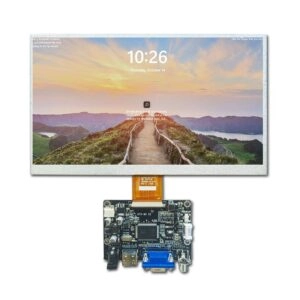
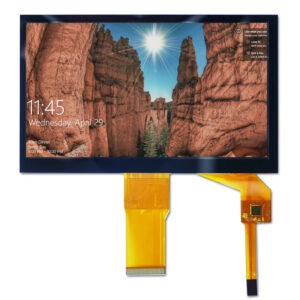

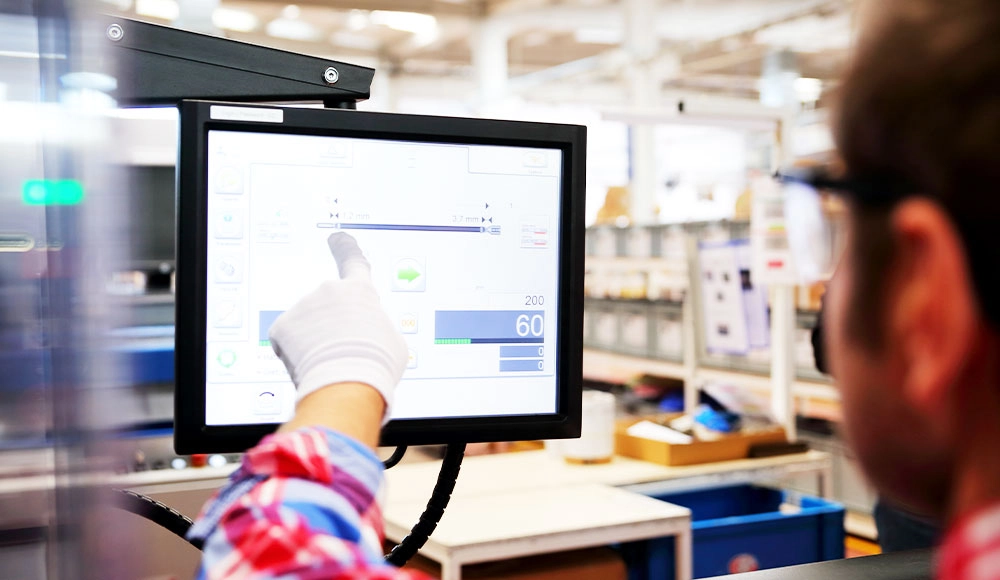
An LCD touchscreen display combines a liquid crystal display (LCD) panel with a touch-sensitive layer. This setup lets users interact directly by tapping, swiping, or using gestures. These screens offer steady performance in many areas, from everyday gadgets to business setups. They stand out with clear pictures, exact touch response, and good power use. New developments, like better multi-touch features and strong builds, make them useful in tough fields such as stores, schools, hospitals, and factory controls.
What Is an LCD Touchscreen Display?
Definition and Functionality
An LCD touchscreen display blends liquid crystal display tech with a quick-responding touch surface. The LCD part uses thin-film-transistor (TFT) design to create sharp and lively pictures. It goes beyond the old passive-matrix types. The touch layer, called a digitizer, picks up touches and turns them into signals for the device. This mix allows easy control in places like self-service stations or expert control boards.
Two main touch methods lead the way: capacitive, which feels changes in electricity from things like fingers, and resistive, which reacts to pressure. Capacitive touch displays usually give better sensitivity and handle more complex moves.
Main Components
LCD Screen
The LCD screen makes up the main visual part. It uses liquid crystal molecules placed between polarizing layers to control light and form images. Backlighting lights up the panel. TFT parts manage each pixel for accurate color and contrast. This design keeps good performance in different light levels.
Touch Digitizer
The touch digitizer sits on top of the LCD layer. It notes where contact happens and changes that into position data. It also picks up gestures for smooth movement and entry. Adding the digitizer keeps the whole thing thin without hurting the display quality.
How LCD Touchscreen Displays Work
The process depends on matched picture output and touch sensing. The LCD creates images by lining up liquid crystals to filter the backlight. This makes colors and shapes. At the same time, the digitizer spots touch actions. Capacitive types notice shifts in capacitance. Resistive ones check changes in resistance from pressure. The system sends these inputs to the processor. Then it updates the screen right away. This gives smooth and instant interaction.
Key Features of LCD Touchscreen Displays
Display Quality
Brightness and Color Accuracy
High brightness keeps things easy to read in bright places, like store windows or outside stands. Newer panels spread light evenly. They cut down on dark edges and improve view overall. Colors stay true. Calibrated ranges give right shades. This matters a lot for things like digital signs and medical scans.
Resolution and Clarity
High resolutions, such as Full HD, 4K, and higher, bring sharp details. These help with reading text, watching videos, and seeing fine graphics. Good pixel density reduces rough edges. It makes clear lines and more real-looking views. This fits well for work and business uses.
Touch Responsiveness
Multi-Touch Capabilities
These screens handle inputs from several spots at once. This allows moves like pinch-to-zoom, turning, and swipes with many fingers. It helps team work in classrooms, store checkout systems, and live shows.
Smooth and Accurate Input
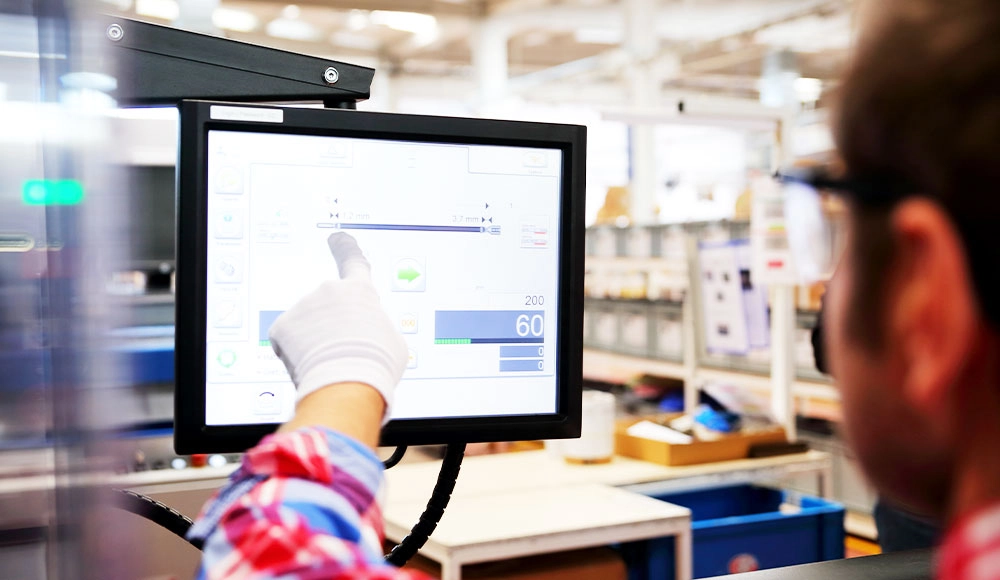
Capacitive tech does well with precision. It catches light touches with very little delay. Projected capacitive types improve accuracy even more. They work with gloves in factory settings. They also allow careful control for drawing or marking tasks.
Durability
Scratch Resistance
Tempered glass surfaces and special coatings guard against scratches. They keep the view clear over long use. These features fit busy spots like public stations and factory controls.
Longevity of Components
These displays are built tough. They handle wide temperature ranges, block dust and water, and have strong frames. Such traits provide steady work in hard spots, like production areas and outside setups.
Energy Efficiency
Low Power Consumption
Smart backlighting, including zone dimming and auto brightness, cuts power use. It still keeps good performance. These savings support green goals in big setups.
Impact on Battery Life
Lower power needs help batteries last longer in portable or battery-run systems. This helps cases where constant work is key, like mobile stations and hand-held tools.
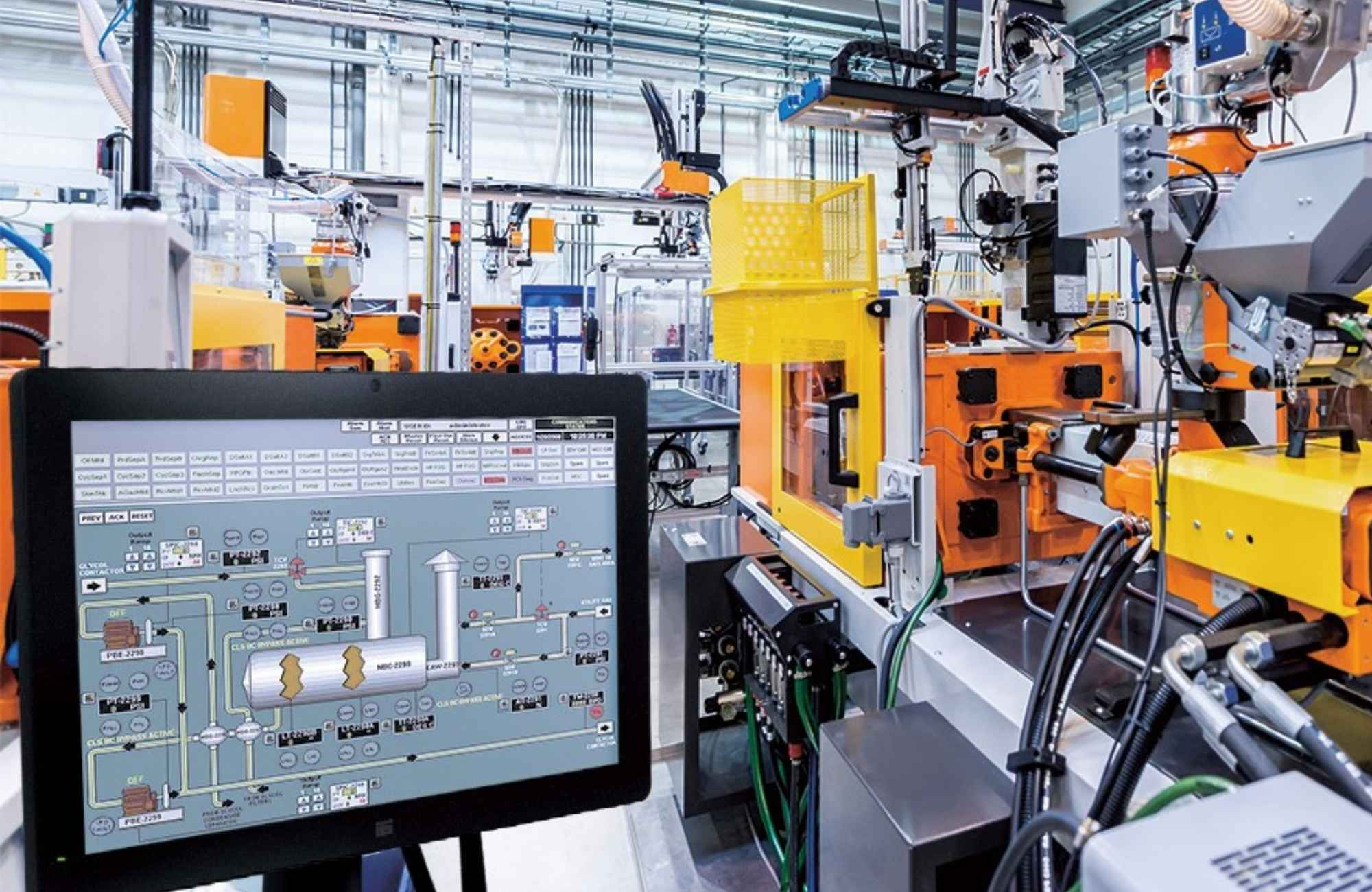
Comparing LCD Touchscreen Displays to Other Technologies
LCD vs. OLED
Display Quality and Performance
LCD screens reach higher peak brightness for bright areas. OLED gives endless contrast with each pixel lighting up alone. This creates deep blacks and bright colors. OLED has quicker response times. But it risks burn-in with fixed images.
Cost and Availability
LCD tech costs less and sees wide production. This makes large-scale use easier. OLED improves but stays pricier due to complex making.
LCD vs. LED
Backlighting Differences
Older LCDs sometimes use CCFL backlighting. LED-backlit versions give better contrast, save energy, and allow thinner designs. LED upgrades provide deeper blacks and more efficiency than old LCD setups.
Use Cases and Applications
LED-backlit LCDs fit high-brightness needs in signs and public screens. They offer balanced work for common business and factory uses.
LCD Touchscreen vs. Non-Touch Displays
Advantages of Touch Interaction
Direct control speeds up tasks in active settings. It cuts down on extra tools like mice or keys.
Limitations of Non-Touch Displays
Relying on outside inputs limits natural feel. This shows most in fast-changing or group work.
Benefits of LCD Touchscreen Displays
Enhanced User Experience
These screens allow natural use in store sales, school group work, hospital data views, and factory watching. They give clear info and fast controls.
Versatility Across Devices
Flexible designs fit many systems. This includes big signs, stations, smart boards, and special gear. Options exist for custom sizes and setups.
Accessibility and Ease of Use
Things like high-contrast settings, big buttons, and links to help tools make them open to more people.
LCD touchscreen displays mix strong picture quality, solid touch action, and useful power savings. High brightness handles tough light. Tough builds give long life in different places. These points make them a trusted pick for today’s interactive uses.
FAQ
What devices commonly use LCD touchscreen displays?
LCD touchscreen displays appear in smartphones, tablets, interactive kiosks, digital signage, industrial HMIs, medical equipment, and automotive systems, supporting both consumer and professional needs.
How do LCD touchscreen displays differ from OLED displays?
LCDs utilize backlighting for higher brightness and extended lifespan, whereas OLEDs deliver self-emissive pixels for superior contrast and true blacks, though at greater cost and potential burn-in risks.
Can LCD touchscreen displays handle outdoor use?
Models with elevated brightness, anti-glare coatings, and rugged enclosures perform effectively outdoors, resisting environmental factors like sunlight, dust, and moisture.
Partner with a Leading LCD Touchscreen Manufacturer and Supplier
Businesses seeking reliable, high-performance LCD touchscreen displays benefit from partnering with an experienced manufacturer and supplier like Miqidisplay. As a dedicated factory specializing in LCD, TFT, IPS, OLED, and touchscreen solutions, Miqidisplay offers comprehensive OEM/ODM services, custom configurations, and one-stop support for interactive displays, digital signage, transparent LCD/OLED panels, and industry-specific applications. With over 20 years of expertise, certified facilities (TS-16949, ISO-9001, ISO-14001), and global reach serving more than 200 countries, the company delivers precision-engineered products tailored to requirements in retail, healthcare, industrial, automotive, and beyond. Contact the team at mary@miqidisplay.com or via WhatsApp at +86 188 7965 2960 to discuss custom solutions, request quotes, or explore transparent display options for unique projects. Secure stable supply and innovative display technology today.