




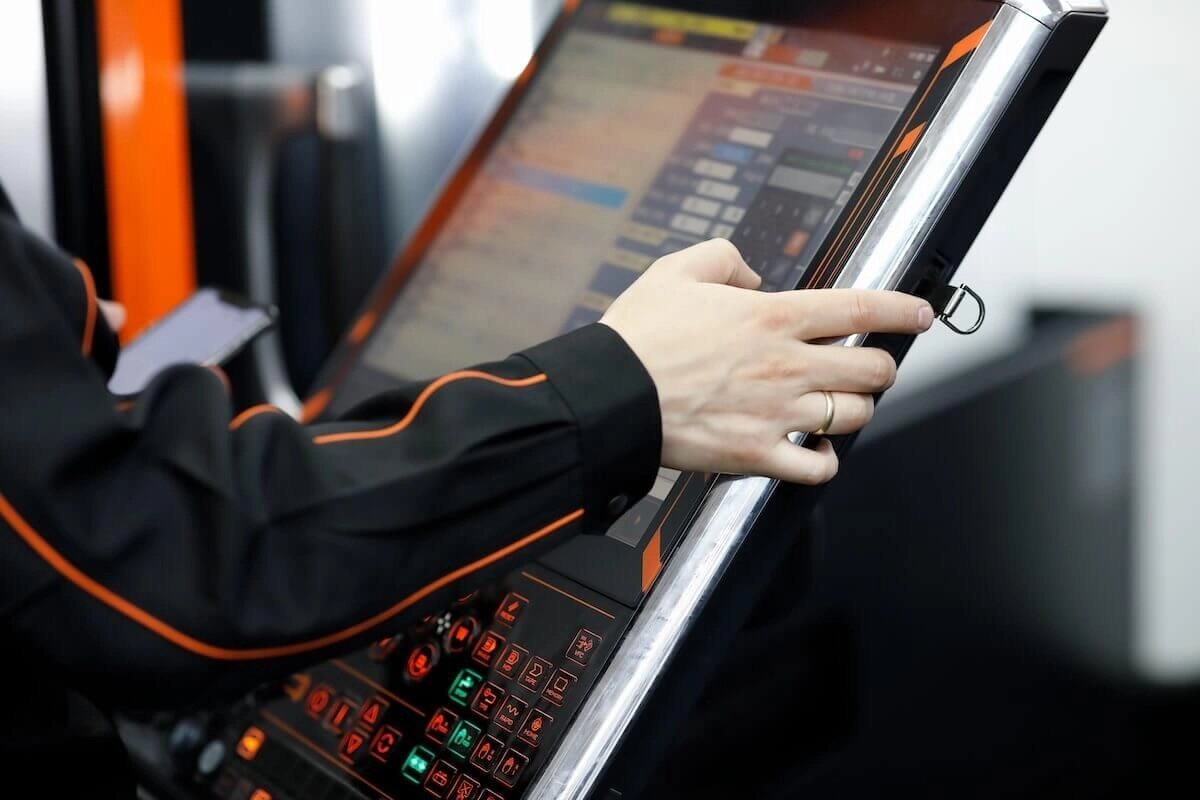
In the busy world of industrial automation and human-machine interfaces (HMIs), touchscreen monitors have completely changed how workers control machines. From factory lines to control rooms, these screens give quick and natural control. They remove the old limits of keyboards or mice. As factories want better speed and tougher builds, people need to know the small details of touchscreen technology.
This article looks at the two most popular kinds—resistive and capacitive. It uses trusted industry facts to show how they work, their good points, and the best places to use them. People who make displays say picking the right kind can greatly improve work reliability and cut machine stops.
What Is a Touchscreen Monitor?
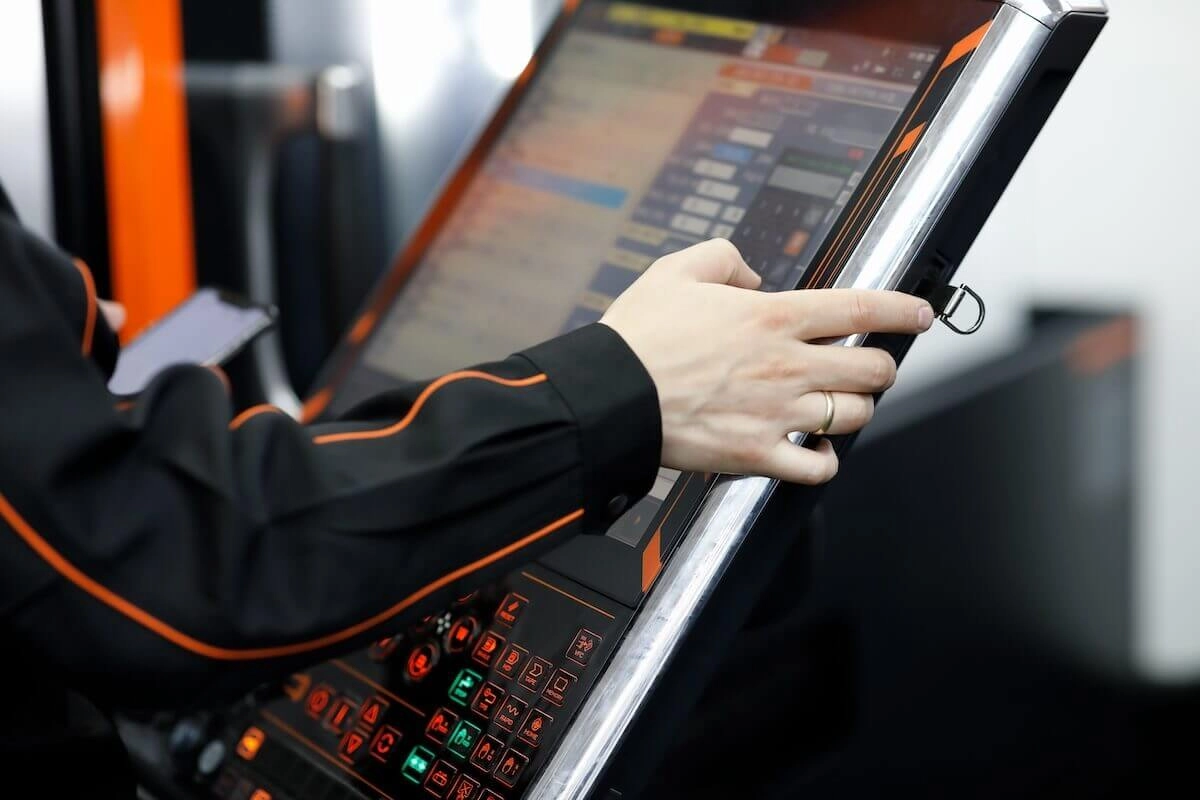
A touchscreen monitor combines a normal display with a special layer that feels touch. This layer notices when someone presses or moves a finger on it. The system quickly turns taps, slides, or pinches into real commands. That makes entering data and moving around menus very smooth. Regular monitors do not have strong mounts or anti-shake bases. Touchscreen models do. These features help them stay steady in tough factory conditions for many hours.
The best part is how useful they are. These screens feel just like phones or tablets that people already know well. Workers can handle complicated programs without extra training. In factories, they help watch processes and check product quality. Fast reactions there stop mistakes before they grow big. Many modern units come with clear LCD or TFT panels. Those show sharp pictures even when lights are low. As smart factories become more common around the world, touchscreen monitors now offer multi-touch and work with work gloves. That makes them very important in car making, medicine production, and energy plants.
What are the Top Two Types of Touchscreen Monitors?
Among all touchscreen kinds, resistive and capacitive lead the market. They prove themselves every day in hard work places. Resistive screens work great when money is tight and the unit must last long in rough conditions. Capacitive screens give better accuracy for newer control panels. Each kind uses a different way to feel touch. That decides where they fit best in industry.
5-Wire Resistive Touchscreen Monitor
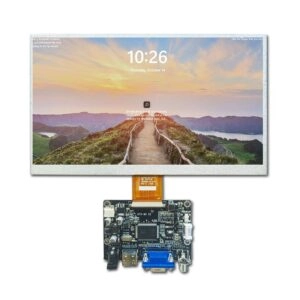
The 5-wire resistive touchscreen monitor feels pressure to work. When someone pushes, it closes a tiny electric path between two special layers. A hard glass base has a thin resistive coat. Tiny spacers keep a flexible top sheet away from it. When the top sheet bends from touch, it connects the layers. The system reads voltage changes on X and Y lines to know exactly where the finger is. The name “5-wire” comes from extra lines that make sensing stronger and help the screen last longer than 4-wire types.
This kind stays very popular in factories. It keeps working well in places that get really hot or cold. It handles temperatures from -20°C to 70°C without problems. People use them on noisy factory floors or outdoor information booths.
Advantages
- Works with anything: The screen feels touch from gloved hands, pens, or tools. This matters a lot in places where workers must wear thick gloves, like metal factories or oil fields.
- Cheap to make: Simple materials like ITO films keep the price low. They usually cost 20-30% less than capacitive screens but still do the job well.
- Real click feel: Users feel a small push-back. That helps them know the command went through in loud or shaky areas.
- Uses little power: Most run under 1W. They fit perfectly in battery systems or green factory setups.
Disadvantages
- Slightly darker picture: The top film blocks some light, up to 15%. Bright rooms can look a bit dim.
- Can get scratches: Sharp things may damage the soft top layer. Extra protective covers help it last longer.
- Needs cleaning: Dust can collect around the edges. A quick wipe keeps it fast and accurate.
Even with these small issues, 5-wire resistive monitors are extremely tough. They often last more than 10 million touches. In control panels, they give reliable buttons when strength matters more than perfect smoothness.
Capacitive Touchscreen Monitor
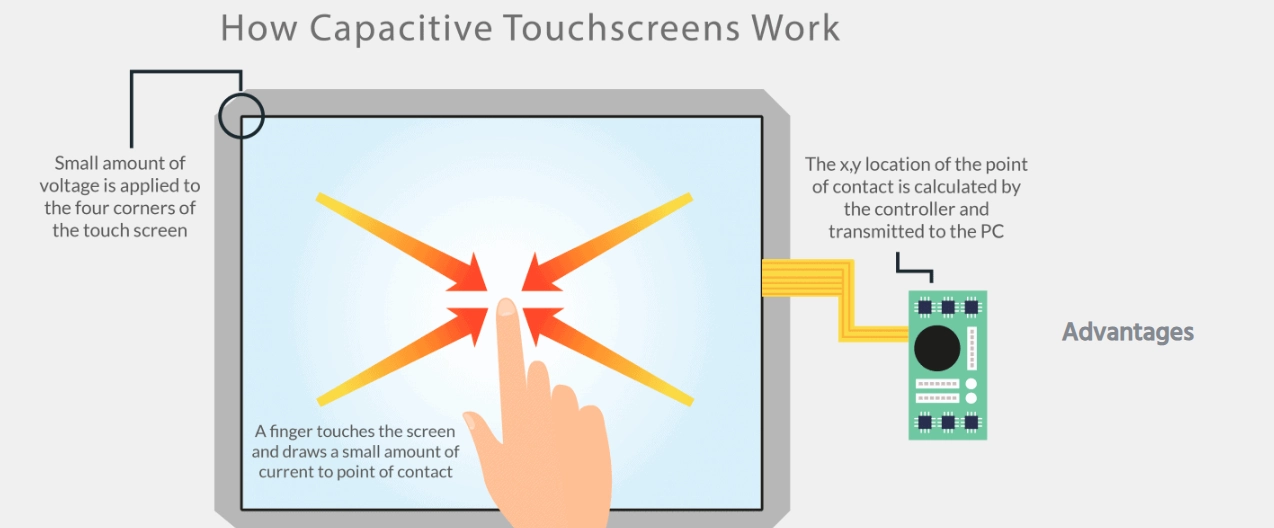
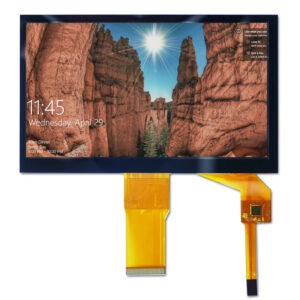
Capacitive touchscreen monitors notice touch by sensing tiny changes in electricity. Only something conductive, usually a bare finger, can trigger them. A glass cover sits over a hidden grid of clear electrodes. When a finger comes close, it changes the electric field. The controller quickly finds the spot. Modern types use self-capacitive or mutual-capacitive methods. They feel very sensitive and understand many fingers at once for zoom or scroll moves.
This technology runs most new tablets and high-level factory panels today. Better projected capacitive (PCAP) grids make screens thinner and bigger, even up to 55 inches. In factories, they connect easily with USB HID or I2C cables.
Surface Capacitive Touchscreen
Surface capacitive monitors use one even conductive layer on glass. Sensors at the four corners watch voltage changes. Touch breaks the field in a simple way. The system calculates the position fast. Because the design stays basic, it only does one touch at a time. Still, many older systems and budget projects love it for good performance at fair cost.
People choose them for clean factories because the surface stays completely smooth with no edges to catch dirt.
Advantages
- Very clear image: Almost 90% of light passes through. Colors look bright and details stay sharp for control room charts.
- Strong against mess: All-glass build stops water, dust, and oil. Many reach IP65 level, perfect for food factories or chemical areas.
Disadvantages
- Only bare fingers work: Gloves block the signal unless special conductive ones are used.
- Can pick up noise: Big motors or welding machines nearby sometimes cause wrong touches. Extra shielding fixes this.
Surface capacitive works best in clean, quiet rooms and gives a high-quality feel without huge cost.
Projected Capacitive Touchscreen
Projected capacitive (PCAP) builds on the same idea but adds rows and columns of electrodes. The field goes out farther. It feels many touches accurately, even through thin gloves. Top models understand up to 10 fingers at once and know gestures well.
PCAP fits perfectly into new factory systems. Many add optical bonding to cut glare from bright lights.
Advantages
- Works with gloves: It senses through latex or nitrile gloves up to 2mm thick. This helps medical workers and clean assembly lines.
- Very hard surface: Gorilla Glass or similar reaches IK07 protection. Multi-touch makes zooming drawings fast and easy.
- Smart extras: It knows when a hand just rests and ignores it. Hover sensing also helps.
Disadvantages
- Costs more: Fine patterns and tuning make them 40-50% pricier than resistive ones. Big orders bring the price down.
- Needs setup: Glove mode sometimes asks for small software changes before it works perfectly.
PCAP brings the smoothest experience. Factories that want fast, modern controls choose it more every year.
FAQ
What factors determine the choice between resistive and capacitive touchscreen monitors?
Resistive fits places where workers wear thick gloves and cost matters most, like heavy factories. Capacitive shines when exact multi-touch control is needed, such as medical pictures or detailed quality checks.
How do touchscreen monitors enhance industrial efficiency?
They cut training time by 30-50% with easy menus. Mistakes drop because data entry becomes simple. Real-time screens help fix problems fast and keep lines running.
What maintenance is required for resistive touchscreen monitors?
Wipe gently with microfiber cloth and anti-static spray often. Never use rough cleaners that can hurt the top film.
Can capacitive touchscreens operate in extreme temperatures?
Most work from -10°C to 60°C. Special industrial ones go from -30°C to 85°C with built-in heaters or coolers.
What is the typical lifespan of these touchscreen technologies?
Resistive monitors handle 10-35 million touches. Capacitive models reach 50-100 million touches before wear shows.
Empower Your Manufacturing Operations with Miqidisplay Solutions
As a leading manufacturer and wholesale supplier of industrial touchscreen monitors, Miqidisplay runs modern factories in Shenzhen and Hangzhou. They build custom resistive and capacitive screens for business customers only. With more than 20 years of experience, TS-16949, ISO-9001, and ISO-14001 certificates, plus 90% on-time shipping to over 200 countries, Miqidisplay gives steady large-scale supply to OEMs and system builders. Check custom options like glove-ready PCAP layers or extra-tough resistive panels for your HMIs. Reach the sales team now at mary@miqidisplay.com or go to miqidisplay.com/custom-solutions.html for a free talk and prototype price. Boost your factory speed with Miqidisplay’s direct factory quality and trust.