





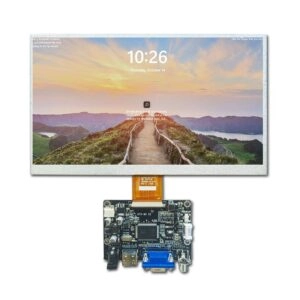
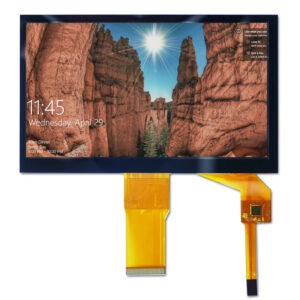

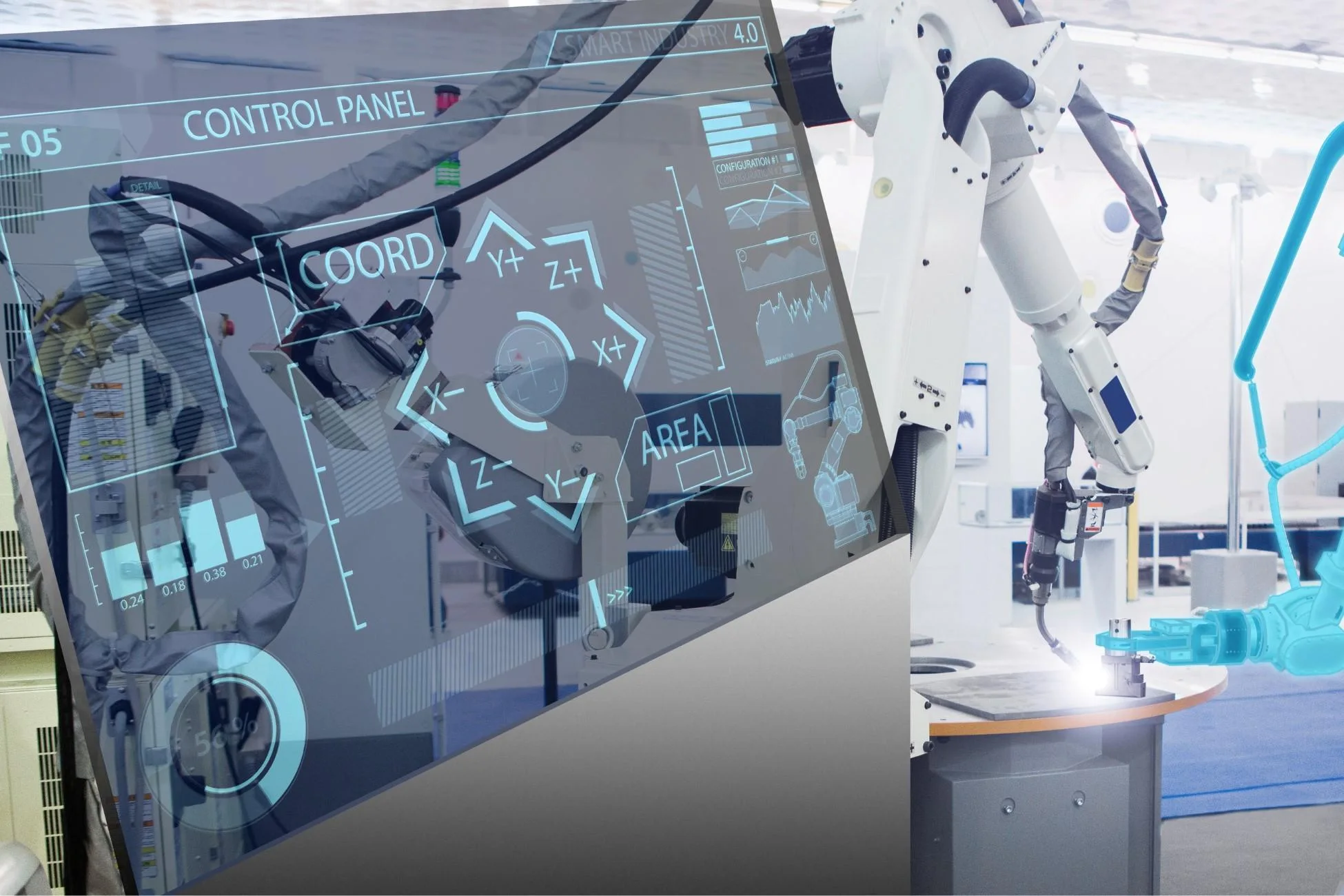
Industrial touchscreen monitors have greatly improved work speed in fields like making goods, automation, logistics, and energy control. These tools allow exact handling, instant data views, and smooth links between people and machines in places where normal inputs do not work well. Still, picking the best one needs careful checks of tech details, surroundings needs, and future fit factors.
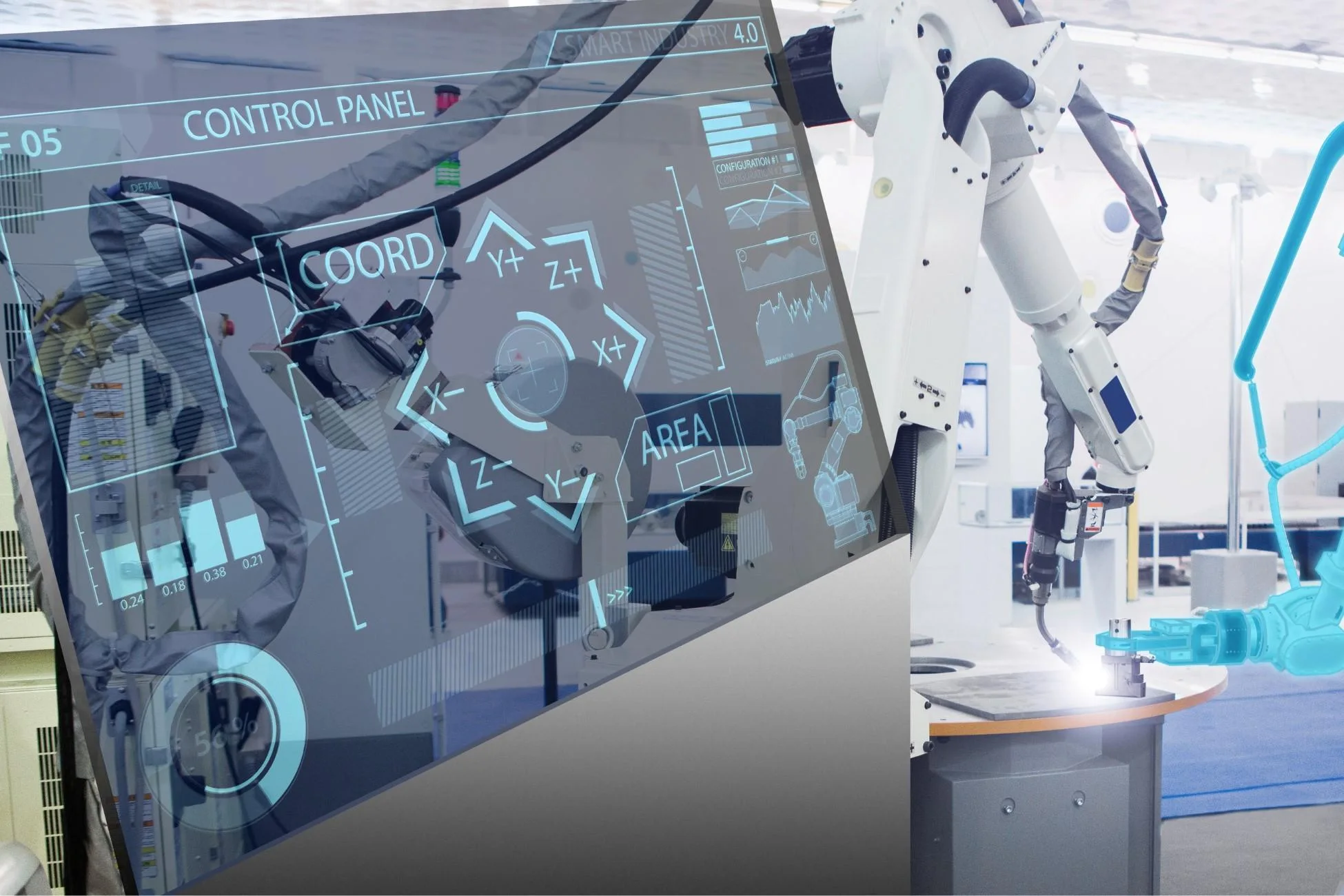
Mastering Your Operational Environment
The main start for good use of industrial touchscreen monitors is a full look at the work setting. Factory floors, outside control spots, and processing plants often put gear near dirt, heat changes, mechanical hits, and electrical noise. Monitors built for such spots have strong cases and guard layers to keep working without losing clear output.
Key Features to Look For
IP65 Rating or Higher
This guard level stops dust from getting in and handles low-pressure water sprays. It matters for dusty lines or clean areas. Higher levels like IP67 allow short dips in water. This helps life in wet work zones.
Sunlight Visibility
Bright light levels, often over 1000 nits, fight glare in open or well-lit places. This keeps views clear for workers watching key numbers.
Vibration and Shock Resistance
Meeting rules like IEC 60068-2-6 for shakes and IEC 60068-2-27 for bumps keeps steady work near belts or big machines.
Wide Temperature Range
Work limits from -30°C to 85°C fit cold storage or hot forging spots. This stops heat-caused breaks.
By focusing on these traits, work sites cut stop risks. Studies from the International Society of Automation show that bad fit to surroundings causes 25% of gear breaks each year.
Finding the Right Size, Resolution, and Brightness
Size and light specs directly affect easy use and data truth. Too big units may take space. Too small ones make reading hard. Both lower output. Engineers must match these to task needs, like panel fits in control rooms or hand-held checks in field fixes.
Considerations
Resolution
Full HD (1920×1080) or better gives sharp pictures needed for complex plans or many-data screens. For example, 4K types shine in quality checks that need tiny detail.
Brightness
Levels over 500 nits work indoors. But 1000+ nits are must-haves for sun-clear uses like solar farm watches, where outside light can fade screens.
Wide Viewing Angle
IPS panels with 178° side and up-down angles keep colors right in group views, like team shift passes.
Balancing these parts improves human design. It cuts worker tiredness and mistakes by up to 15%, based on research from the Human Factors and Ergonomics Society.
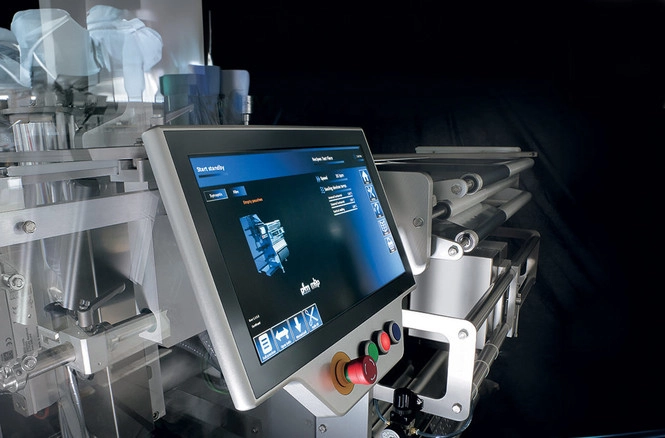
Unraveling Touch Technology
Touch choice depends on exact hits, surroundings strength, and move support. Work tasks differ from gloved single taps in assembly to many touches in design checks. So, tech must fit flow needs.
Types to Choose From
Resistive
This push-feel type works well in jam-proof spots. It runs with gloves or pens in oily or dirty areas like car assembly.
Capacitive
Projected capacitive (PCAP) tech gives better exactness and strength. It supports 10-point multitouch for easy moves. Its life goes past 225 million touches. This fits high-use HMI panels.
Infrared
Frame IR sensors give high feel for big screens. They take thick gloves or wet hands in sea or food work spots.
Each type’s strengths show in real data. For instance, capacitive leads in 70% of new work setups due to quick response, according to a 2024 MarketsandMarkets report on HMI tech.
Exploring Connectivity Options
Smooth links with old and new systems keep work going. Industrial touchscreen monitors must join PLCs, SCADA tools, and IoT gates. They need protocols for data move without slows.
Main ports cover HDMI for clear video, VGA/DVI for old fits, DisplayPort (DP) for high-speed 4K flows, and USB for touch setup or extra parts. New choices like M12 connectors keep IP67 tough in net automation. Engineers should check RS-232/485 for serial talks in sensor-full spots. This stops fix costs that can raise project funds by 20%.
Evaluating Mounting Options
Fit in physical setup controls place ease. Fixed, moving, or built-in types need flexible mounts for changing plans. Examples include wall oversight spots to VESA arm links.
Standard VESA patterns (75mm or 100mm) allow common brackets. Panel-mount edges fit flush NEMA cases. Open-frame styles help custom box fits in kiosks or machine panels. For changing tasks, joint arms or yoke mounts fight shakes. They keep line steady. Choice should note weight holds, with MIL-STD-810G okay for bump mounts in transport work.
Scrutinizing Temperature Range
Heat strength is a must in changing weather fields. Monitors must keep performance in daily swings, from below zero cold rooms to 70°C furnace near spots. They avoid layer splits or light fades.
Wide-range types use guard coats and heat spread sinks. They keep MTBF (Mean Time Between Failures) over 50,000 hours. Tests per IEC 60068-2-14 copy these changes. They prove trust. In real use, wrong ranges cause 18% of field sends back. This shows need for task-fit specs.
Emphasizing Durability
Strength sets return on spend in high-cost fields. Industrial touchscreen monitors handle built-up stresses—scrapes, chemical hits, and power cycles. They need materials like tough Gorilla Glass and aluminum cases.
IK10 hit ratings fight damage or chance bumps. Anti-glare/anti-reflect coats keep clear views. Long life numbers, including 24/7 work okay, lower TCO (Total Cost of Ownership) by cutting swaps. Data shows tough screens link to 30% better system up time in non-stop processes.
Cost-Effectiveness Matters
Touchscreen monitors come in various price ranges. Balance cost with the features and functionality you require. Don’t forget to factor in potential long-term costs like maintenance and repairs
Additional Considerations
Full checks go past main specs to extra points that boost setup ease.
Customization Options
Changing links, cases, or code fits own systems. Examples include adding CAN bus for car checks.
Operating System Compatibility
Easy support for Windows, Linux, or Android cuts driver work in mixed nets.
Power Consumption
Low-power types (under 30W for 19-inch units) fit green plans. They earn LEED points in builds.
Certification
Following CE, FCC, UL, and RoHS checks electrical fit, safety, and green materials. This stops rule blocks.
Warranty and Support
Many-year covers with site checks guard against old age. 24/7 lines speed fixes.
These points together build system strength. This is backed by ISO 9001-checked steps in top makers.
Conclusion
In conclusion, finding the top industrial touchscreen monitor needs steady checks of surroundings strength, light skill, link smartness, and money sense. By stressing IP-rated cases, high-clear panels, capacitive touch, flexible connects, fit mounts, heat toughness, material strength, and full okay marks, work gets top up time and exactness. This built way not only cuts breaks but boosts output in auto-run firms.
Partner with Miqidisplay: Your OEM/ODM Factory for Industrial Touchscreen Solutions
As a premier manufacturer and supplier of industrial touchscreen solutions, Miqidisplay stands at the forefront with over 20 years of OEM/ODM expertise. Based in Shenzhen, China, our factory—certified under ISO-9001, ISO-14001, and TS-16949—produces a spectrum of monitors from 10.1-inch to 21.5-inch capacitive touch models, boasting IP65 waterproofing, 1920×1080 resolutions, 1000-nit brightness, and wide -30°C to 85°C temperature ranges.
Our custom solutions, including PCB modifications, backlight tuning, and interface integrations, cater to bespoke needs in HMI, medical, and automotive sectors. Products comply with CE, FCC, RoHS, and UL standards, ensuring global deployment readiness.
Partners seeking robust, customizable touchscreen monitors should connect with Miqidisplay today. Submit project specs via mary@miqidisplay.com or WhatsApp +86 188 7965 2960 for a 48-hour personalized quote and prototype roadmap.
FAQ
What IP rating is recommended for industrial touchscreen monitors in dusty environments?
An IP65 rating or higher is advised. It stops dust entry and fights water jets. This fits making floors well.
How does capacitive touch compare to resistive in industrial settings?
Capacitive gives multitouch exactness and long life (up to 225 million touches). It suits clean, high-touch uses. Resistive handles gloves and dirt better in tough spots.
What resolution should be prioritized for detailed engineering displays?
Full HD (1920×1080) or 4K ensures clear views for plans and data-full links. It cuts eye strain.
Are wide temperature ranges essential for all industrial applications?
Yes, ranges from -30°C to 85°C are key for unconditioned spots. They stop breaks in cold or hot tasks.
What certifications indicate a monitor’s safety and compliance?
Look for CE, FCC, UL, and RoHS. They confirm electrical fit, safety, and eco materials.