






What Is an Industrial Display Monitor
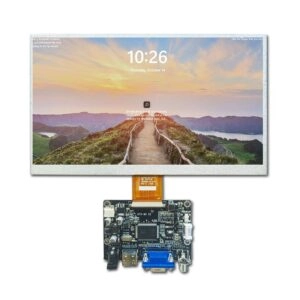
An industrial display monitor is a tough display unit made for fitting into industrial machines, kiosks, automation equipment, and smart infrastructure systems.
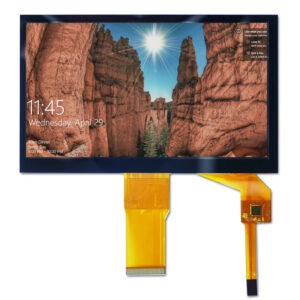
These displays usually have industrial-grade LCD panels, strong enclosure structures, protective cover glass, and optional touch interfaces.
Industrial display monitors link to outside computing systems such as PLC controllers, industrial PCs, or embedded computing modules.
Common display interfaces include HDMI, DisplayPort, LVDS, and eDP.
Unlike panel PCs, industrial monitors do not hold embedded computing hardware. This modular setup lets display and computing parts stay apart. It makes maintenance easier and allows long-term upgrades.
Key Specifications of Industrial Display Monitors
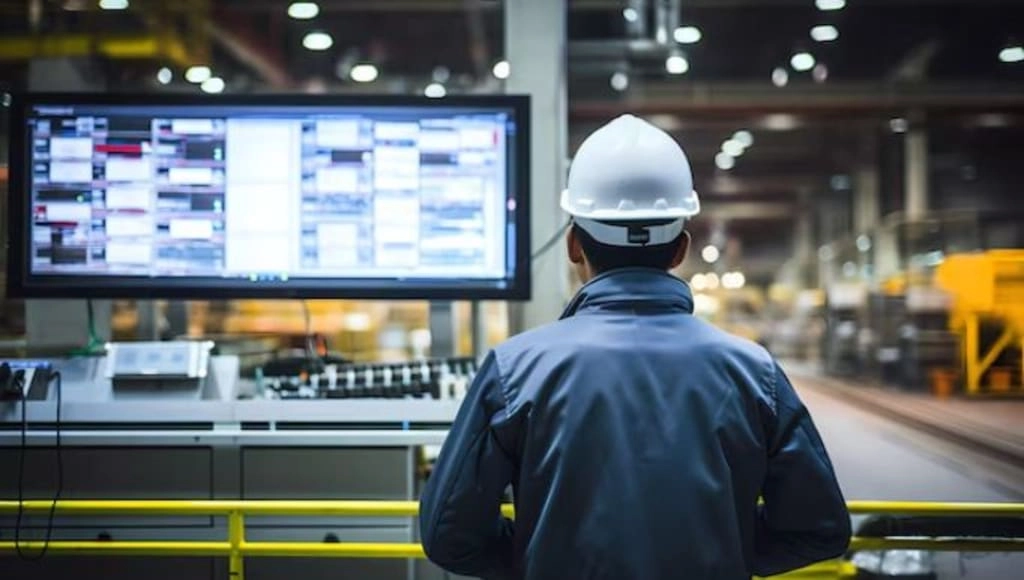
Engineers who check industrial displays look at several tech details. These details decide if the system fits and works well.
Key specifications include brightness measured in nits for sight in different light levels, display sizes that often go from 7 inches to 32 inches, touch technology choices such as PCAP or resistive, wide viewing angles needed for multi-operator systems, operating temperature ranges that set environmental fit, interface compatibility with standards like HDMI, LVDS, eDP, and DisplayPort, and protection ratings of IP65 or higher for rough environments.
These specifications aid in deciding if a display fits well within industrial HMI systems. Other details often checked include resolution for clear image detail, contrast ratio for sharp split of elements, and power consumption for energy-saving work in always-on setups.
Industrial Display Panel Technologies
Industrial display monitors mainly use LCD technologies built for steady performance and long product supply.
TFT LCD Displays
Thin-film transistor LCD panels stay as the most common display technology for industrial equipment. Benefits include steady supply chain access, expected long-term performance, fair power use, and a broad choice of sizes and resolutions.
TFT LCD displays often serve in automation control panels, industrial machine HMIs, and embedded equipment interfaces. Their full production methods back steady quality in large-volume OEM projects.
IPS Displays
In-plane switching (IPS) technology betters viewing angle work and color steadiness compared with regular LCD panels. IPS displays help in systems where operators look at the screen from varied spots. This includes big control cabinets or upright mounted equipment displays. Better color truth also aids uses that need exact visual input. Examples include process monitoring and quality inspection interfaces.
Key Technologies in Industrial Display Systems
Several technologies affect the readability and steadiness of industrial displays.
Optical Bonding
Optical bonding takes away the air gap between the LCD panel and protective cover glass. It uses a clear adhesive layer. Benefits include cut internal reflections, better sunlight readability, raised mechanical strength, and lower condensation risk.
Optical bonding often appears in outdoor industrial displays, vehicle equipment displays, and mobile industrial machinery. The process also boosts overall structural integrity against shock and vibration.
High-Brightness Backlight Design
Brightness acts as a main factor in industrial display sight. Usual brightness needs change by setting. Indoor factory equipment often requires 400–700 nits. Bright indoor spots need 700–1000 nits. Outdoor setups demand 1000–1500 nits or higher.
Sunlight-readable displays mix high-brightness LED backlights with optical bonding and anti-reflective coatings. Better backlight setups, including custom LED arrays, allow exact adjustment of luminance. They also handle heat spread for lasting performance.
Touch Interface Technologies
Many industrial display monitors add touch ability to aid operator interaction.
Projected Capacitive Touch (PCAP)
PCAP touch sensors spot changes in capacitance across a conductive grid built into glass. Benefits include multi-touch aid, lasting glass surfaces, and fit with industrial gloves. PCAP technology spreads in industrial touch displays and interactive equipment terminals. This comes from its high sensitivity and fight against interference.
Resistive Touch Technology
Resistive touch sensors spot pressure between conductive layers. Benefits include fit with styluses, steady work in rough environments, and simple control electronics. Resistive systems keep function even with contaminants. They work when operators wear heavy protective gear. But optical clarity is usually lower than PCAP.
Industrial Display Interfaces
Industrial display monitors connect to computing systems through several interface standards.
HDMI spreads in modern industrial computers and embedded systems. It offers plug-and-play ease and support for audio-video transmission.
DisplayPort backs higher bandwidth and longer cable runs. This makes it fit for high-resolution uses.
LVDS often serves in embedded display systems where the display links straight to a motherboard. It gives low power and noise-resistant signaling.
Embedded DisplayPort (eDP) grows in modern embedded computing platforms. It provides efficient high-speed communication between display and controller.
Picking the right interface relies on system architecture, cable length needs, and bandwidth for the planned resolution and refresh rate.
Optical Performance Factors
Display readability in industrial settings depends on several optical details.
Higher contrast ratios better readability under bright light by raising the split between foreground and background elements.
Anti-reflective and anti-glare coatings cut reflection from ambient lighting. They lessen operator fatigue during long use.
Protective cover glass betters durability but cuts light transmission a bit. Engineers must balance optical work and mechanical protection. They do this through careful material choice and coating use.
Engineering Considerations for Industrial Display Integration
Industrial displays need check within the full machine system context.
Environmental Conditions
Industrial equipment may show displays to vibration, dust, chemicals, humidity, and temperature change. Usual operating ranges for industrial displays go from −20°C to 60°C or wider in special setups. This includes −30°C to 85°C for extreme uses.
Designs often add conformal coatings rated IP67 for guard against dust and water entry. They also use M12 connectors for secure, vibration-resistant links in rough settings.
Mechanical Integration
Industrial displays may install using panel mounting, VESA mounting, open-frame integration, or chassis installation. Panel mounting allows sealed front surfaces fit for control cabinets or kiosks. Open-frame choices aid custom enclosure fit by equipment builders.
Mounting add-ons such as metal brackets, gaskets, threaded supports, or pressure-sensitive adhesives allow flexible change to specific mechanical designs.
System Architecture
Industrial displays usually work within a larger HMI system architecture. Some machines use outside computers linked to display monitors. Others mix computing and display hardware in panel PC based HMI systems. Modular ways aid easier troubleshooting and part replacement during maintenance cycles.
Lifecycle Availability
Industrial equipment often stays in service for many years. Industrial display platforms usually offer 5–10 year panel supply, steady electrical interfaces, and consistent mechanical sizes. This long-term steadiness helps cut redesign risk for OEM equipment. It also backs spare parts handling through the product lifecycle.
Outdoor Industrial Display Design
Outdoor settings add extra design needs.
Sunlight Readability
Outdoor displays need high brightness mixed with anti-reflection treatments and optical bonding. This keeps visibility under direct sunlight.
Thermal Management
High-brightness displays make more heat. They may need passive cooling structures or advanced thermal interface materials. These keep internal component temperatures within safe limits during ongoing work.
Environmental Protection
Outdoor displays must fight UV exposure, moisture, and temperature cycling. Features such as wide-temperature TFT panels, sealed enclosures, and special coatings ensure steady performance across seasonal changes and weather events.
Additional Engineering Aspects for Rugged Performance
Past core specifications, good integration often needs check of electromagnetic compatibility (EMC) to stop interference in noisy industrial spots. Vibration and shock testing by relevant standards checks mechanical strength. Power supply thoughts include support for wide voltage input ranges to fit changes common in factory settings. Cable handling and connector choices, including locking parts, further raise system steadiness.
Typical Applications of Industrial Display Monitors
Industrial display monitors serve across many equipment types.
Industrial Automation Systems
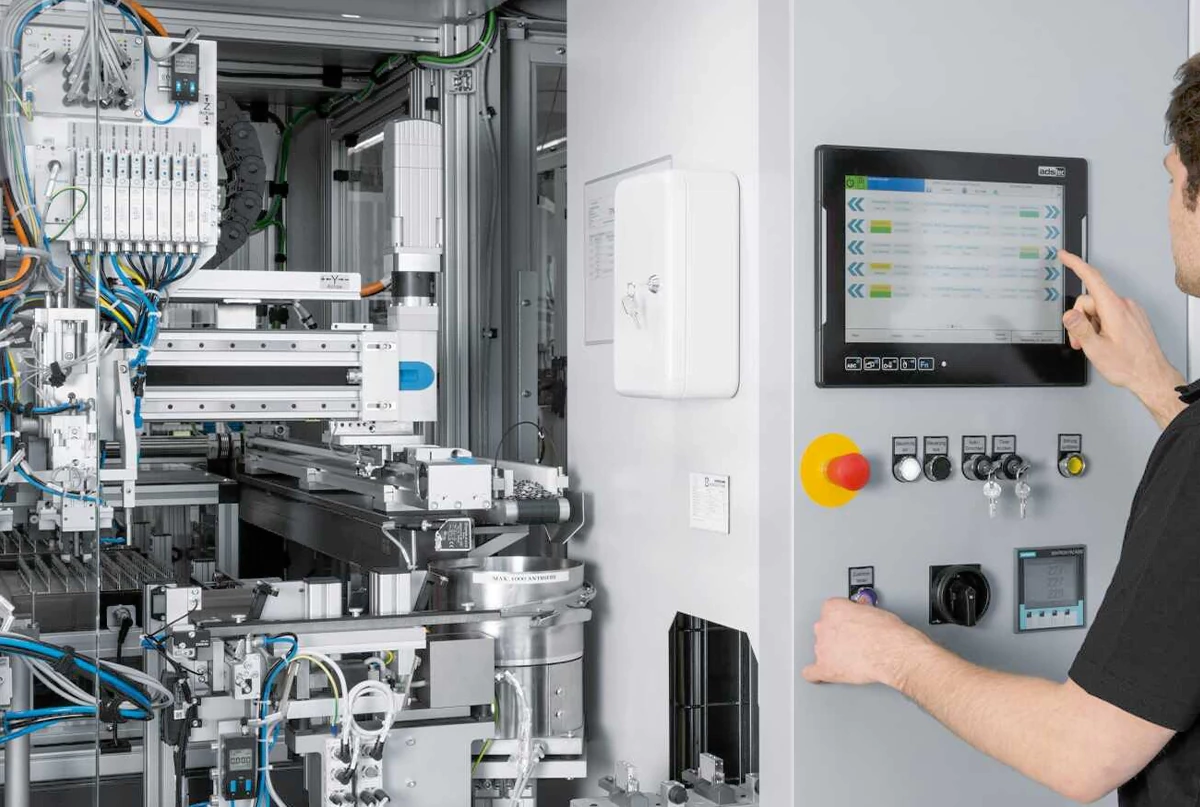
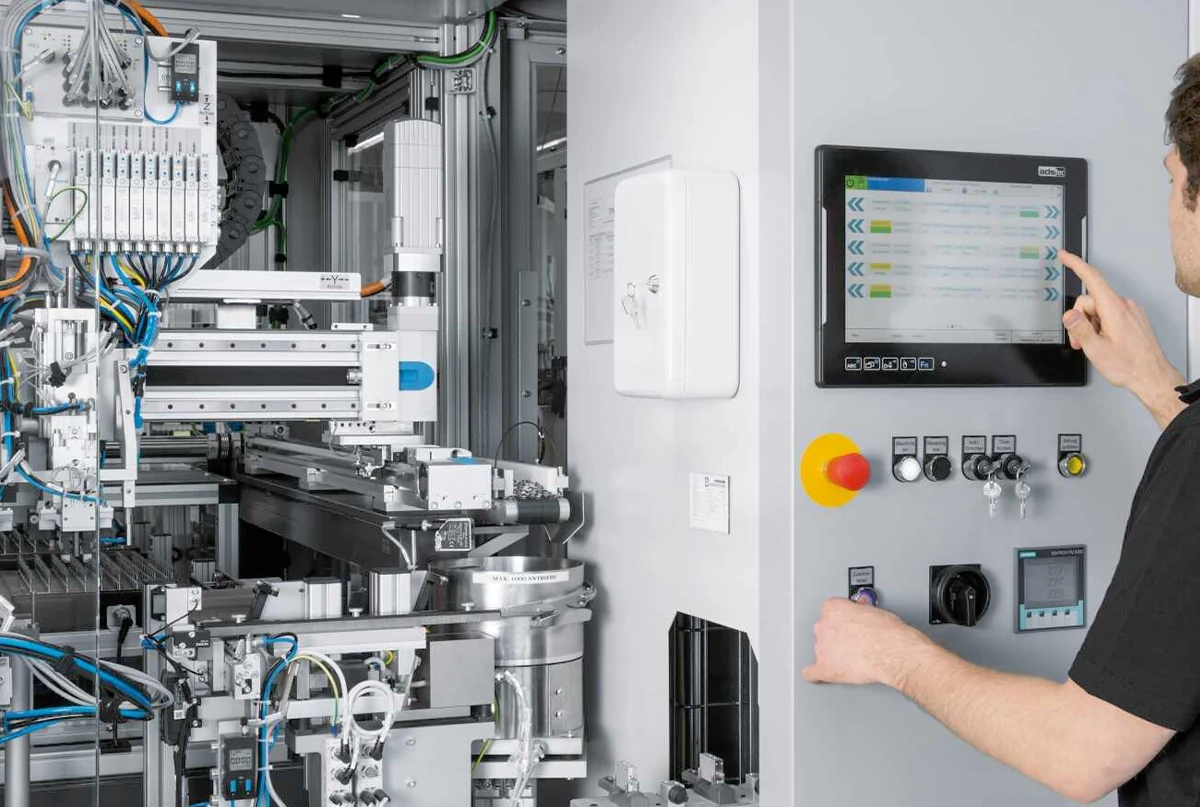
Machine HMIs show process parameters, alarms, and system status in real time. This lets operators watch production lines and react fast to changes.
EV Charging Stations
Charging infrastructure uses sunlight-readable industrial displays for user interaction, payment handling, and status show in outdoor or semi-outdoor spots.
Self-Service Terminals
Public kiosks need displays able to run non-stop. They require lasting touch surfaces that hold up to frequent use and environmental show.
Smart Infrastructure Systems
Examples include parking terminals, transportation systems, and access control equipment. Here, steady visual input backs user guidance and security functions.
Additional applications reach to medical equipment interfaces, automotive diagnostic tools, and energy management systems. In these, the mix of durability and exact visualization adds to work safety and efficiency.
When Industrial Display Monitors Are a Good Fit
Industrial display monitors fit when system architecture splits the computing platform from the display interface. Common cases include PLC-controlled machinery, distributed control systems, and embedded industrial equipment.
FAQ
What brightness is required for sunlight readable industrial displays?
Outdoor displays typically require brightness above 1000 nits combined with optical bonding and anti-reflection coatings.
Do industrial displays always include touch capability?
No. Some industrial monitors are used only for visualization and do not include touch interfaces.
Conclusion
Industrial equipment manufacturers and system integrators seeking reliable, high-performance display solutions benefit from partnering with an experienced manufacturer and supplier like Miqidisplay. With over 20 years of OEM/ODM expertise, certified facilities under ISO-9001, ISO-14001, and TS-16949, and capabilities in custom backlight tuning, optical bonding, interface modifications, PCB adjustments, and rugged environmental adaptations, Miqidisplay delivers tailored industrial display monitors that meet exact project requirements for size, brightness, touch technology, mounting, and operating conditions.
Submit project specifications via email to discuss custom solutions, request volume pricing, or arrange technical consultation. Response typically occurs within one business day, supporting efficient development timelines for OEM and ODM initiatives.