





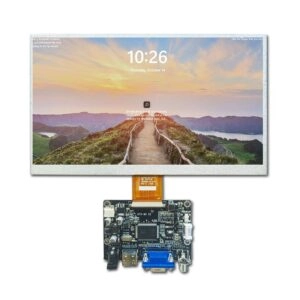
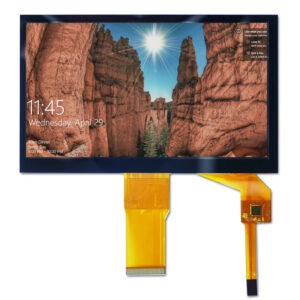

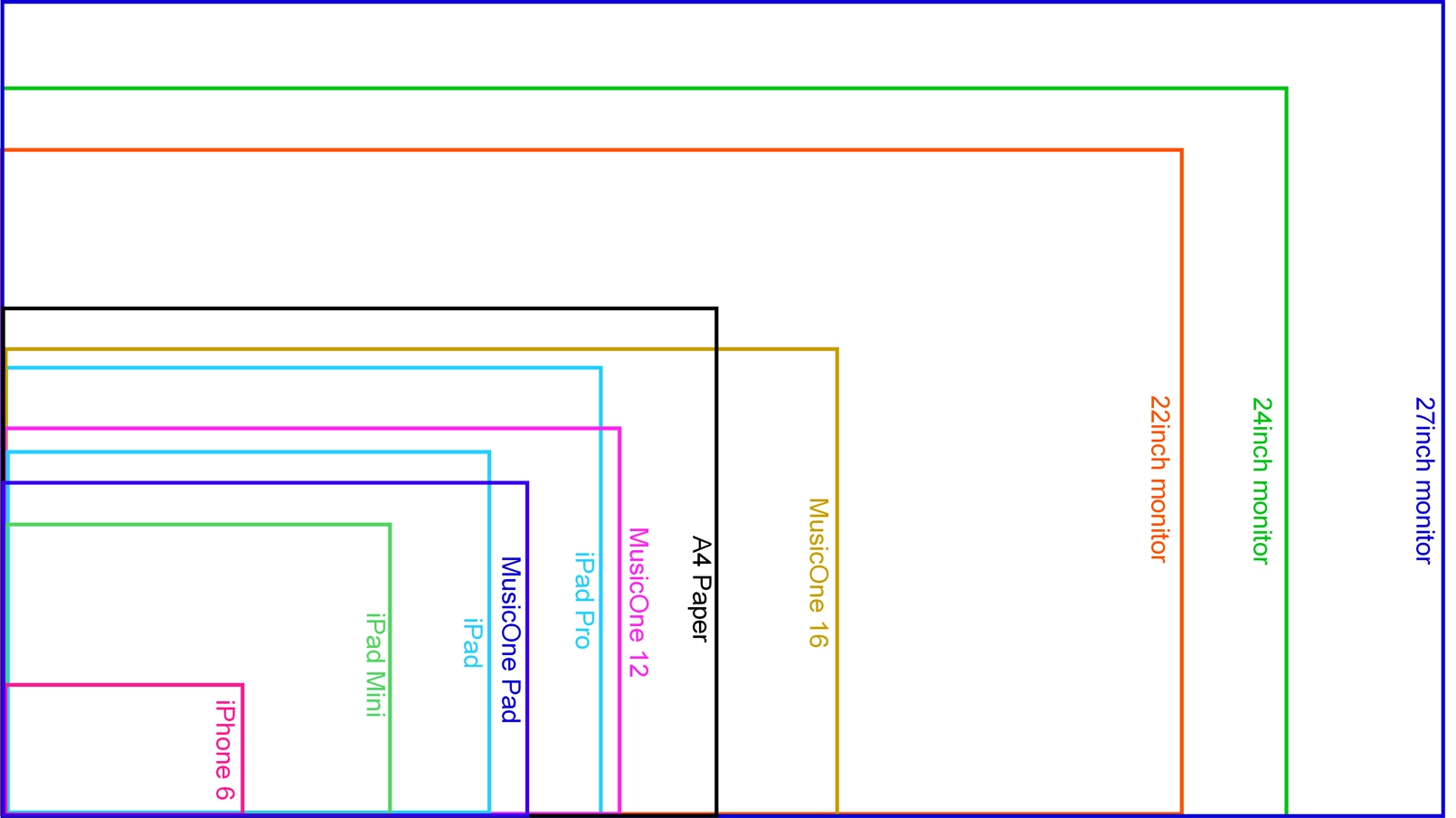
The real size of the area where images and videos show up is called the screen display size. People often call it the viewable image size. The aspect ratio means the ratio of width to height. Resolution means the number of pixels in each direction.
Industrial LCD displays have key roles in factories, control rooms, automation systems, medical devices, transportation, and other tough places. Picking the right screen size and aspect ratio affects how well users can see things. It also impacts work efficiency, accuracy in reading data, and long-term system dependability. Things like viewing distance, setup limits, surroundings, and software needs guide these choices.
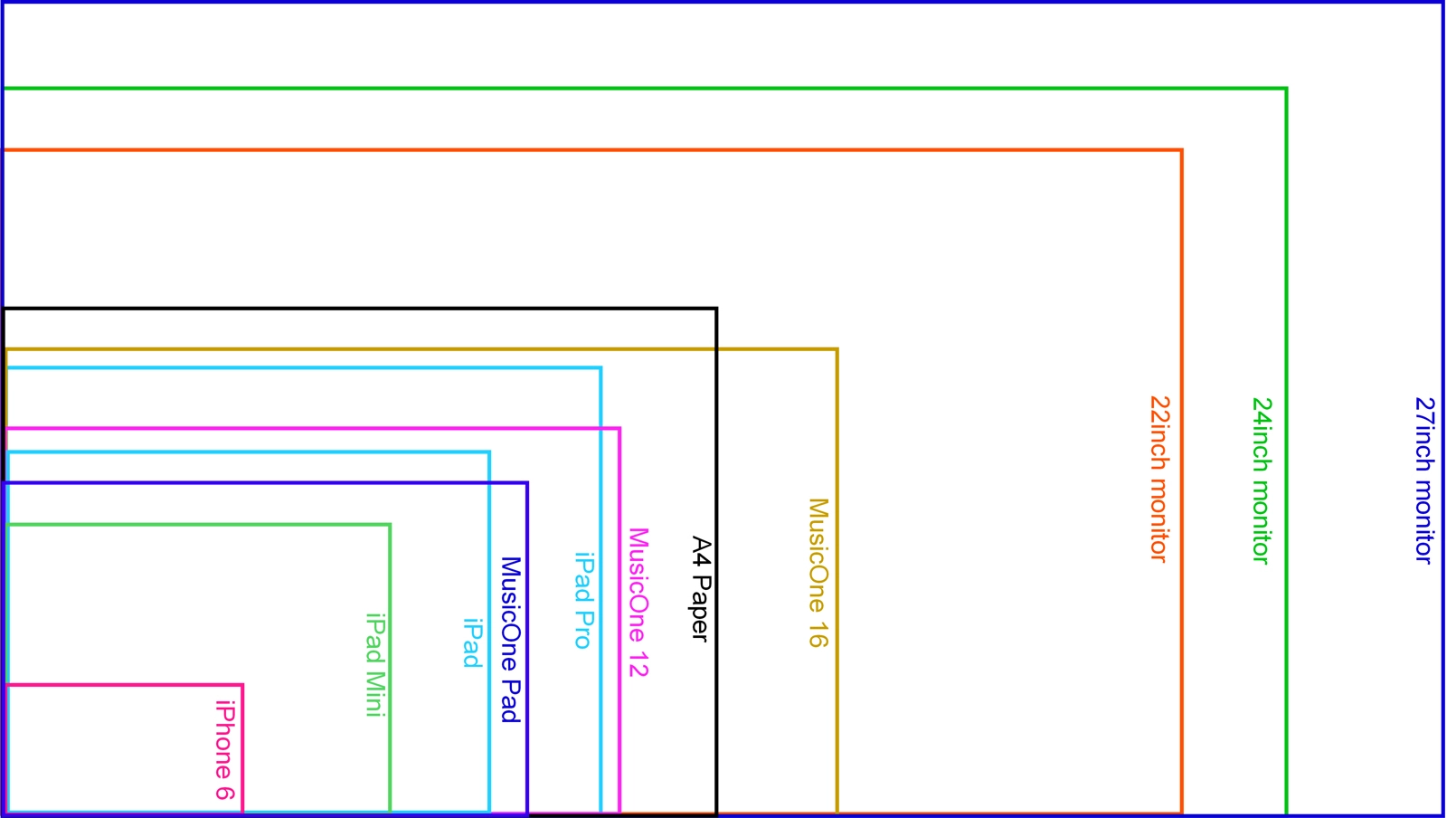
How Does Display Screen Size & Aspect Ratio Affect Performance?
Various industrial uses put special demands on display systems. Screen size and aspect ratio are among the top factors for good performance. Bigger screens help with complex multi-window setups. They also support detailed charts and watching several data streams at once. The right aspect ratios make sure content looks normal. They avoid twisting or empty spots. This boosts how well operators work.
Screen size changes how easy it is to read. It also cuts down on eye tiredness during long sessions. In places with lots of shaking, bright light, or changing temperatures, the correct size works well. It pairs with good brightness and viewing angles. This lowers mistakes and improves awareness of the situation. Aspect ratio changes how info is arranged. Wider shapes fit horizontal data like process timelines, video inputs, or wide views from cameras. More square shapes fit old software or upright control panels.
Resolution goes along with size and ratio picks. Higher pixel counts on bigger screens give clear, sharp pictures. These are needed for exact tasks. Such tasks include checking quality, medical scans, and detailed maps. Matching these specs to what the job needs and space limits avoids fit issues. It also boosts output in industrial work.
What Is the Difference Between Screen Size and Resolution?
Screen size describes the physical diagonal length of the display area. It is given in inches. The measure goes from one corner to the opposite corner. Resolution counts the pixels set horizontally and vertically. For example, a common setup is 1920×1080. It has 1920 pixels across the width and 1080 pixels down the height.
A big physical screen with low resolution leads to blurry, blocky images. On the other hand, a small screen with very high resolution gives sharp details. But it limits the area you can see. Industrial setups need a good mix of these based on usual viewing distances and job details. Operators in control rooms far away gain from larger sizes with enough resolution. Compact built-in systems focus on smaller sizes with good pixel density for close use.
What Is the Best Rugged LCD Display Screen Size?
There is no one best size for tough industrial LCD displays. The choice depends on exact use needs, tough surroundings, space for setup, budget, and what it must do. Common size groups help pick options for different cases.
1. Small Screens – Up to 7”
Small screens up to 7 inches offer great portability and low cost. Their small size allows fitting into tight spots in handheld tools, moving equipment, machine faces, and portable check devices. Even with less area, these screens handle basic status checks, simple controls, and easy data views. Their build supports strong frames that resist hits, shakes, dirt, water, and wild temperatures in field work. Low power use and light weight make them fit for battery-run or tight-space jobs.
2. Medium Screens – From 7.1” up to 13.5”
Medium screens from 7.1 inches to 13.5 inches give more options for detailed faces. These sizes allow more connection types and extra room inside for tough features. Such features include strong frames, better heat control, and guard layers. Uses cover machine human-machine interfaces (HMIs), built-in control systems, mid-sized operator panels, and mobile work stations. Usual resolutions like 1024×600 or 1280×800 provide clear sights for watching processes, changing settings, and entering data. They keep a reasonable size. This group fits many areas like automation, transport, and test gear.
3. Large Screens – From 13.6” and up
Large screens from 13.6 inches and up handle complex software setups, multi-view boards, 3D models, command maps, and big data views. Common sizes include 15.6 inches, 18.5 inches, 21.5 inches, 23.8 inches, and more. They show up in main watch stations, big equipment boards, video walls, and security centers. These displays manage high-resolution content like 1920×1080 or 1280×1024. Operators can see many data streams, camera inputs, and system overviews at the same time. Wider shapes improve awareness in process control, transport management, and factory automation. There, full info display is key.
What Is LCD Display Aspect Ratio?
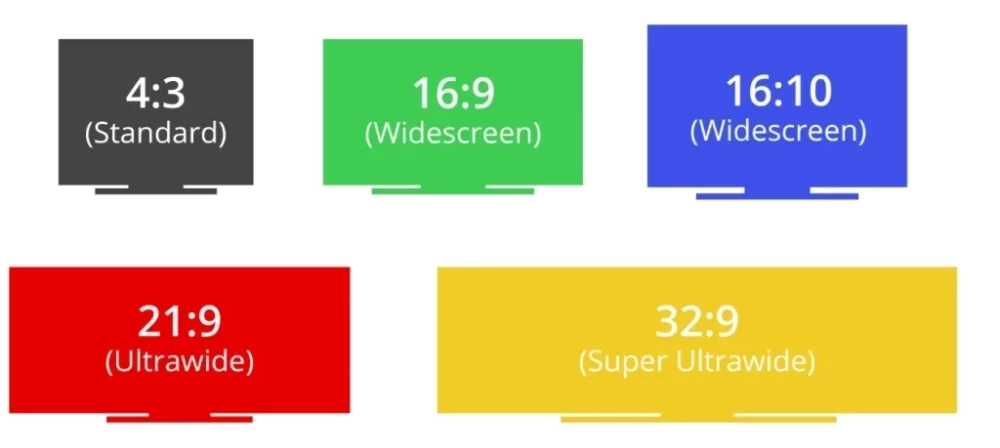
The LCD display aspect ratio sets the ratio between width and height of the active screen area. Common industrial ratios include 16:9 for new wide-screen uses and 4:3 for fitting old systems and certain control setups.
1. Widescreen Aspect Ratio
The widescreen aspect ratio of 16:9 is now common for high-definition video, scaling standard content, and info-heavy industrial faces. This shape gives lots of horizontal room for timelines, graphs, multi-column boards, and video inputs at once. It fits well for process views, watch monitoring, and broadcast-like info in control rooms and automation spots.
2. Standard Aspect Ratio
Standard aspect ratio means the old 4:3 format that used to lead in computer screens and TVs. It is less used in new setups now. But this ratio still matters for fitting current industrial software, older control systems, and uses where upright shape or near-square size fits panel designs or data needs better.
Difference between 4:3 and 16:9 LCD Monitor Aspect Ratio
The main difference is in shape and how it shows info. A 16:9 display looks much wider than tall. It offers about 78% more width than height. This setup supports more horizontal data without scrolling. It also gives a deeper viewing feel for video or wide content.
1. 4:3 Aspect Ratio
The 4:3 aspect ratio makes a frame about 33% wider than tall. It looks more square. This ratio cuts down on twisting for content made in 4:3. It can save space in tall-limited setups. It fits some old control software and uses where even width and height match work flows better.
2. 16:9 Aspect Ratio
The 16:9 aspect ratio allows a bigger horizontal area. It is 78% wider than its height. This shape holds more info next to each other. It cuts scrolling in wide data sets. It matches current video standards and multi-window setups common in new industrial systems.
What Are the Other Standard LCD Display Aspect Ratios?
While 16:9 and 4:3 are the most used, other aspect ratios meet special industrial needs. Ultrawide formats like 21:9 and 32:9 boost work in watch stations. They let long timelines or many camera feeds show side by side without losing detail. Stretched bar displays use very long ratios, like 20:1 or close types. They fit digital signs, shelf-edge uses, train info systems, and wide monitoring where height is short but wide span adds value.
Custom aspect ratios open more options. Makers create panels with special sizes, including non-square shapes if needed. They meet exact fit and setup demands. These special fixes ensure smooth mechanical and electrical fit. They also improve visual work for certain projects.
Other tech points when picking industrial LCD displays include wide temperature ranges, bright panels for sun readability, different touch types, many interface choices like HDMI, VGA, LVDS, and MIPI, plus guard features like IP-rated cases, anti-glare layers, and shake-proof builds. These join size and aspect ratio picks to make full fixes for hard industrial spots.
The mix of right screen size, aspect ratio, resolution, and tough features ensures steady work, better operator output, and longer life in tough uses across factories, automation, transport, medical, and other fields.
FAQ
What factors should be considered when choosing industrial LCD screen size?
Application type, viewing distance, installation space, environmental conditions, software requirements, and operational tasks collectively determine the optimal size selection.
How does aspect ratio influence industrial display usability?
Aspect ratio affects content layout, data presentation efficiency, software compatibility, and operator comfort. Wider ratios support horizontal information flows while more square ratios maintain legacy compatibility.
Are custom screen sizes and aspect ratios available?
Yes, experienced manufacturers provide extensive customization options for dimensions, resolutions, ratios, brightness levels, touch integration, and environmental protections to match precise project specifications.
What resolutions work well with different industrial screen sizes?
Small to medium sizes often pair with 1024×600 or 1280×800 resolutions, while larger monitors commonly use 1920×1080 or higher to maintain clarity at intended viewing distances.
Partner with a Trusted Industrial Display Manufacturer
Business seeking dependable, high-performance industrial LCD display solutions benefit from collaboration with an established producer offering both standard and fully customized products. Miqidisplay serves as a professional display manufacturer with extensive OEM/ODM experience, delivering a comprehensive portfolio of TFT LCD modules, industrial monitors, stretched displays, and specialized solutions tailored for automation, medical, automotive, security, and other demanding sectors.
The company provides one-stop custom services covering precise sizes, aspect ratios, interfaces, touch technologies, high-brightness configurations, and ruggedized designs engineered for harsh environments. Project teams and procurement departments can engage the manufacturer for technical consultations, product development support, and tailored quotations to achieve seamless system integration and superior long-term reliability.