



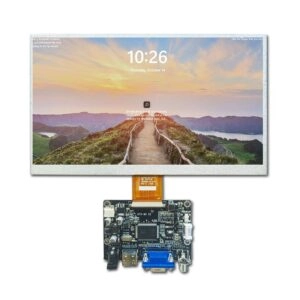
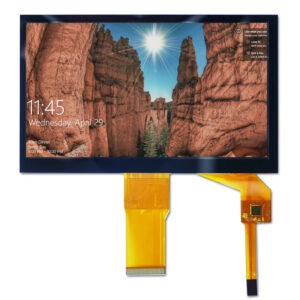
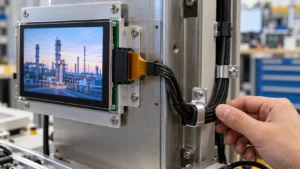




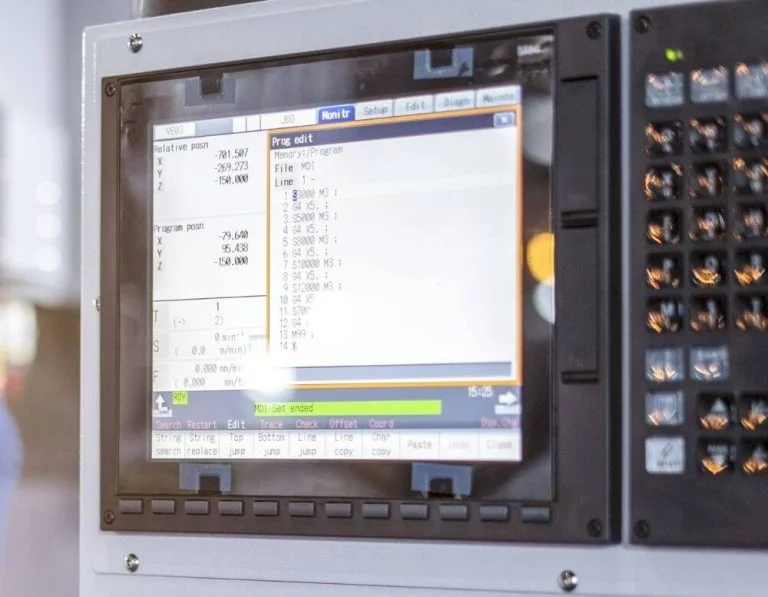
LCD modules stay basic in electronic setups. They give strong-contrast views, small power use, and tight shapes. They go into industrial HMI panels, medical check tools, automotive info systems, POS terminals, smart devices, and digital signs. Materials and drive parts keep getting better. But work breakdowns still happen. They come from wear, outside effects, electric strain, physical causes, and build limits.
Spotting issues early helps. It cuts system stop time, fix costs, and early swaps. This deep guide looks at usual break ways, set check steps, better fix skills, stop plans, optical film problems, and smart fix-or-swap choices.
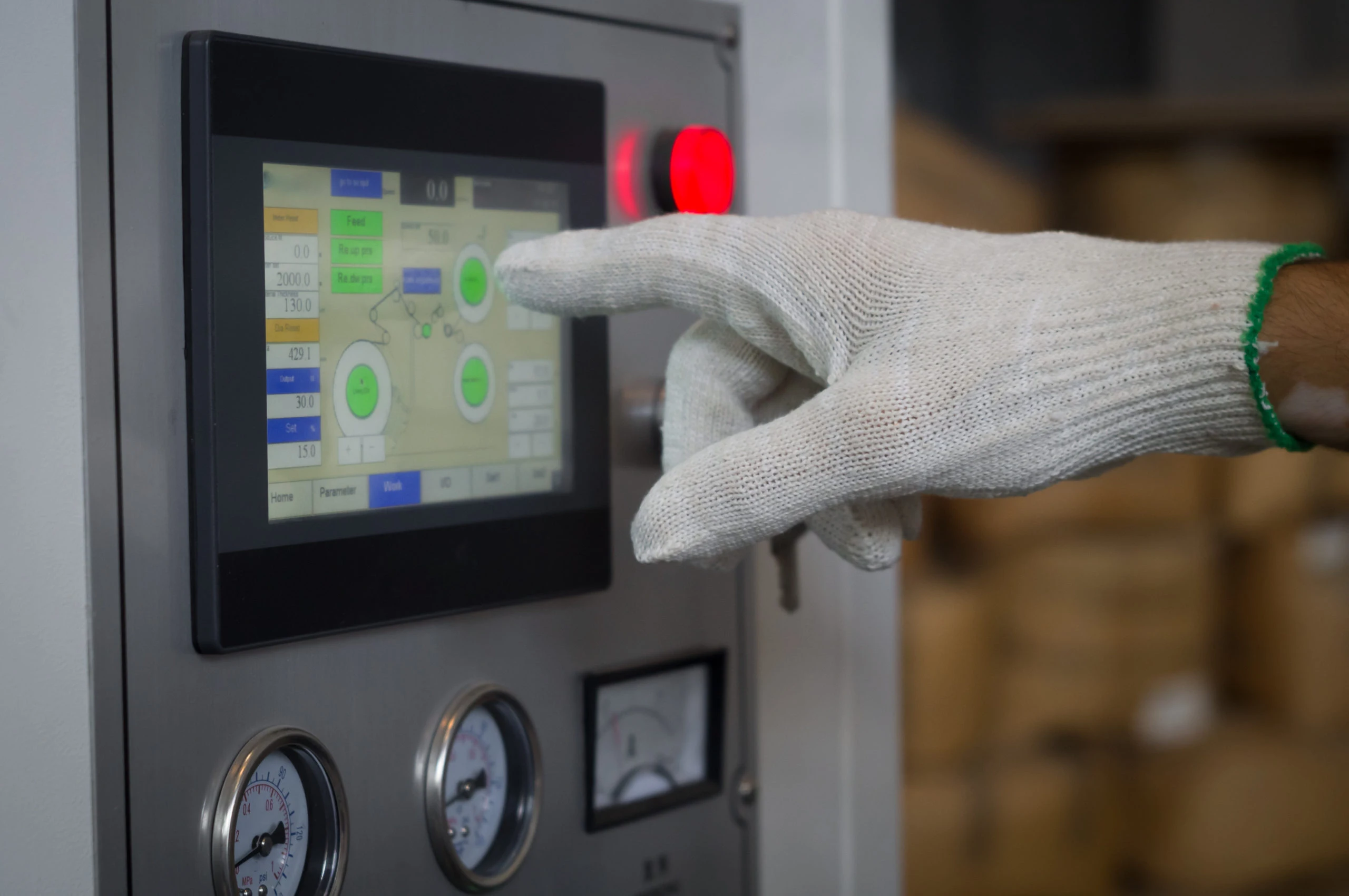
Common Causes of LCD Display Issues
Breakdowns in LCD modules come from many linked causes.
Backlight degradation
Backlight degradation keeps as the main break type. New LED-edge or direct-lit backlights often reach 50,000–100,000 hours. Yet fast wear happens under steady high-current push, weak heat spread, or bad LED match evenness. This makes weak light, yellow tone, heat spots, or strong light unevenness (mura in backlight).
Connection and signal integrity failures
Connection and signal integrity failures show up often in shake-heavy or long-cable work spots. FPC/FFC ribbon cables get hurt from many bends, rust at gold parts, ZIF connector wear, or ACF (anisotropic conductive film) split in COG/COF bond areas. Signs include row/column lines, part update fail, blink at set speeds, or on-off black screens.
Environmental stress factors
Environmental stress factors wear down work over time. High relative humidity (>85% RH) lets water in. This leads to seal break, polarizer split, or liquid crystal dirt. Wide-temperature work outside -30°C to +85°C limits slows LC reply. It causes smear or color change. Long UV light yellows optical films. It also makes frames brittle.
Power supply instability and ripple
Power supply instability and ripple stay key. Voltage jumps, too much ripple (>100 mVpp), or ground shake mess up VCOM base, gate driver time, or source driver work. This shows as side bands, random pixel noise, or full dark during load shifts.
Driver IC and controller faults
Driver IC and controller faults cover gate driver open/short, source driver lock from ESD, firmware start errors (mainly MIPI DSI lane mismatch), or heat run in built T-CON + driver packs.
Physical and mechanical damage
Physical and mechanical damage includes glass substrate tiny breaks (from spot push or drop), polarizer scratches/rubs, or frame bend causing cell gap change.
Optical film and polarizer-related failures
Late checks point out breaks from the backlight optical stack and polarizer layers.
- Polarizer delamination or bubbling — Too much heat (>90°C local), glue wear, or water hit causes peel. It leads to view-angle-based white, rainbow looks, or contrast drop.
- Diffuser film yellowing / light guide plate (LGP) degradation — Long heat strain yellows polycarbonate LGP or diffuser sheets. This makes warm color shift and less evenness.
- Brightness enhancement film (BEF / prism sheet) damage — Scratches or dirt stuck in makes local bright lines or moiré looks.
- Water ripple / press-induced mura — Physical strain from cover lens bond shrink, uneven frame push, or cell gap change causes seen ripple/wave looks when pushed or at some view angles. This optical-mechanical problem shows more in optically bonded (OCA) or air-gap-cut designs.
Image sticking and burn-in phenomena
Image hold (short-term) or lasting burn-in comes mostly from DC bias build, ion dirt in LC material, or weak align force in VA/IPS cells. Still high-contrast looks over long times (mainly at high heat) cause left voltage unbalance. This leads to ghost views seen after content shift. New wide-temperature industrial panels cut this with better LC mixes and set refresh steps.
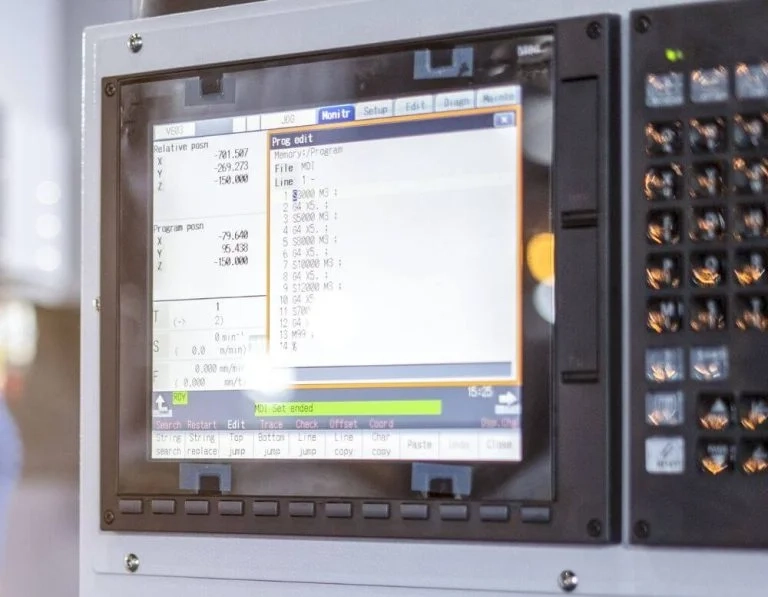
How to Diagnose LCD Display Issues
A planned, step-by-step way finds main causes well.
Initial visual and physical inspection
Look for breaks, polarizer peel, water marks, burn spots, or backlight heat spots. Check FPC/FFC fit, gold part rust, and frame mount twist.
Power supply validation
Check VDD, AVDD, VGH/VGL, VCOM against datasheet limits with oscilloscope. Focus on ripple and jumps. Confirm backlight current pull and LED string flow.
Backlight and optical stack testing
Use strong outside light to see faint image. This points to backlight-only break. Look at LED strips with magnify for dead parts. Check evenness with full-white/full-black looks.
Signal and interface isolation
Swap known-good cables or host boards. Use pattern makers or check firmware to send standard test images (color bars, crosshatch, gray scales). For MIPI/RGB links, confirm lane side, clock speed, and start order.
Environmental replication
Move unit to set room for a short time. This rules out heat/humidity-based signs.
Advanced pattern and stress testing
Use pixel walk, inverse checkerboard, or long still patterns to bring out image hold. Do press check (even 30–60 N force) to spot water ripple or pressure mura.
Preventive Maintenance for LCD Displays
Long strength relies on steady habits.
Strict environmental enclosure design
Use IP-rated covers, coat on electronics, dry packs, and active heat handle (fans/heatsinks) to stay in rated limits.
Optimized backlight drive strategy
Use PWM dim with heat fix, skip 100% cycle all time, and add auto-light or use-based timeout.
Power integrity engineering
Put low-ESR caps, ferrite beads, set LDOs, and jump voltage guards near module links.
Periodic health monitoring
Add software steps to note light fade, heat, and error codes. Set visual checks of optical films and connectors.
Firmware and initialization best practices
Use strong power-on orders, check time parts, and add watchdog resets for driver ICs.
Advanced Troubleshooting Techniques for Industrial Applications
In hard spots, usual ways may not work enough.
Oscilloscope-based signal integrity analysis
Check clock/data lines for over jump, under jump, or eye diagram close in fast MIPI/LVDS links.
Thermal imaging
Find local heat spots on driver ICs, backlight LEDs, or power parts. They show coming breaks.
Component-level isolation
Swap T-CON boards, backlight drivers, or LED groups if possible. This finds exact faults.
ESD and EMI stress replication
Put set ESD bursts or EMI sweeps to copy on-off issues common in plant spots.
When to Repair vs Replace an LCD Display
Repair fits aimed, low-cost fixes: backlight LED strip/array swap, FPC re-fit or re-bond, polarizer film re-put (needs special tools), or driver board change in high-value setups.
Full swap works best for: many-area breaks, bad optical wear (yellow, lasting mura), past backlight life (>70% first light loss), broken glass/cell, or when new panels give Mini-LED backlight, higher NTSC range, wider heat range (-40°C to +90°C), or better anti-glare/anti-finger faces.
In industrial, medical, or automotive uses, swap often gives better MTBF, supply line steady, and match with new rules.
Miqidisplay: Premium Display Solutions for Reliable Performance
Miqidisplay stands as a leading manufacturer, supplier, and factory specializing in high-quality LCD, TFT, IPS, OLED displays, and specialized technologies. With over 20 years of OEM/ODM expertise, the company delivers custom solutions including sunlight-readable high-brightness panels, wide-temperature modules, capacitive touch integration, flexible OLEDs, stretched bar displays, and industrial LCD monitors. Certified under ISO-9001, ISO-14001, and TS-16949, Miqidisplay ensures strict quality control, 90% on-time delivery, and one-stop support for industries such as industrial automation, medical devices, automotive, smart home, and digital signage. Products feature robust interfaces (HDMI, MIPI, LVDS, SPI), customizable backlights, cover glass, and enclosures tailored to specific project needs.
FAQ
What causes water ripple or press mura in modern TFT LCD modules?
Mechanical stress from uneven bonding pressure, cover lens shrinkage, or cell gap inconsistency creates visible wave patterns, especially in optically bonded designs.
How is image sticking different from permanent burn-in?
Image sticking is usually temporary (recoverable via refresh or inversion patterns), while burn-in is permanent due to severe LC degradation or ion trapping from prolonged DC bias.
Why do polarizers delaminate or yellow over time?
Heat exposure, adhesive aging, moisture ingress, or UV degradation weakens adhesion and causes discoloration or peeling.
What advanced tools help diagnose intermittent signal-related failures?
Oscilloscopes for eye diagram analysis, thermal cameras for hotspot detection, and protocol analyzers for MIPI/RGB timing verification.
When should backlight components be replaced individually?
When only specific LED strings fail, uniformity drops significantly, or yellowing occurs without full panel degradation.
Partner with Miqidisplay for Custom Display Manufacturing and Supply
Clients seeking reliable LCD, TFT, OLED, or specialized display solutions benefit from collaborating with Miqidisplay. As a dedicated factory and one-stop display manufacturer in China, Miqidisplay provides end-to-end custom R&D, precise hardware/software tailoring, touchscreen integration, interface modifications, and high-reliability products for demanding applications. Contact the expert team today via email at mary@miqidisplay.com or sale@miqidisplay.com, WhatsApp at +86 188 7965 2960 or +86 138 2318 1658, or through 24/7 live chat on the website. Request quotes, samples, technical consultations, or discuss tailored solutions to ensure stable supply and innovative performance for business projects.