





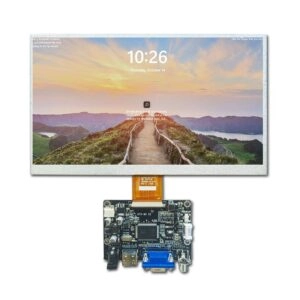
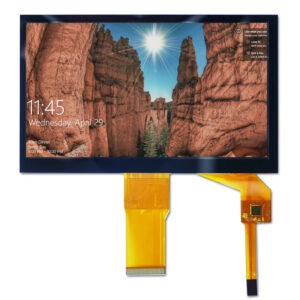





Touchscreen displays have grown very important in today’s technology. They boost interactivity in many LCD, TFT, and OLED uses. Adding touchscreen features makes user interfaces better and raises operational efficiency in lots of devices. Various touchscreen technologies fit different needs. Choosing between capacitive and resistive types relies on particular application demands, environmental conditions, and performance needs.
Capacitive Touchscreen Displays
Capacitive touchscreen panels are made of an insulator, usually glass, covered with a transparent conductor. These panels sense conductive inputs, like fingertips, without requiring pressure to record touch events. Projected capacitive technology leads in current applications. It provides excellent responsiveness and clarity. These touchscreens show up in consumer devices, industrial controls, and special equipment.
How Capacitive Touchscreens Work
Capacitive touchscreens work by detecting changes in the electrostatic field. A grid of electrodes forms this field over the surface. When a conductive object comes near, it changes the capacitance at that spot. This lets the controller find the touch location accurately. This system allows multi-touch detection with detailed electrode patterns.
Capacitive Touchscreen Advantages
Capacitive touchscreens allow gesture-based actions, such as swiping, pinching, and multi-finger inputs. Many models handle up to 10-point multi-touch for better usability. These displays offer great image quality with brighter levels and stronger contrast. The glass build increases durability. It often includes thick cover glass for safety. Extra features like waterproofing, glove compatibility, and anti-interference abilities make them flexible. Strong stability in different conditions and choices for sunlight readability also improve performance.
Capacitive Touchscreen Disadvantages
Building complexity increases costs over other technologies. Although prices keep dropping, starting investment stays higher. High sensitivity can cause problems in some settings. Water, humidity, or condensation might trigger unwanted activations. Standard models might not react well to non-conductive inputs or thick gloves. But special versions fix these issues.
When to Choose a Capacitive Touchscreen
Capacitive technology shines in applications that need natural gestures, clear visual quality, and quick inputs. It fits settings that focus on speed and current user experiences. Broad temperature ranges and strong construction make it perfect for tough places.
Applications by Industry
Capacitive touchscreens help industries that require exact, multi-touch interactions:
- Consumer electronics: Devices like tablets and appliances gain from fluid gestures and sharp visuals.
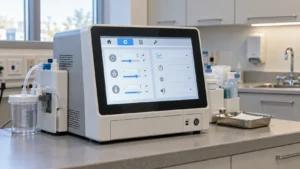
- Medical equipment: High brightness and sturdy glass help sterile, precise operations.
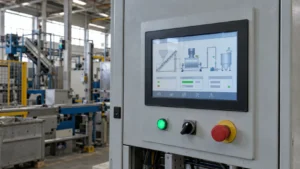
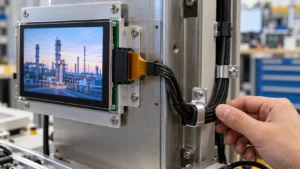
- Industrial automation: Control panels benefit from gesture support and interference resistance.
- Retail and kiosks: Interactive terminals use multi-touch for fun experiences.
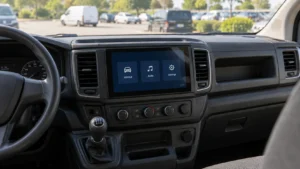
- Automotive: Dashboards and infotainment systems need steady responsiveness in changing light.
These touchscreens improve efficiency where visual quality and fast inputs count most.
Resistive Touchscreen Displays
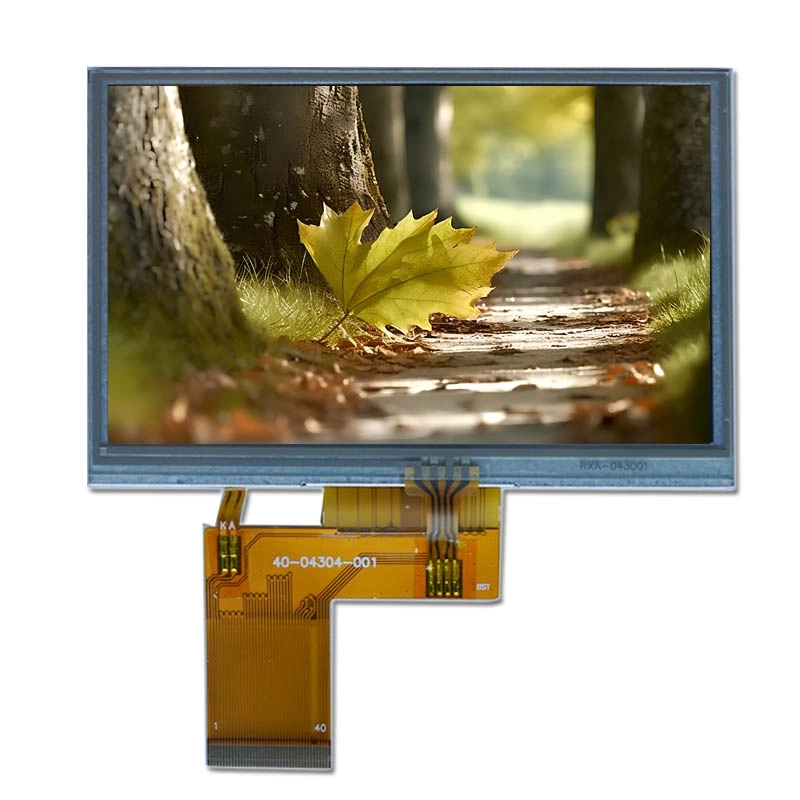
Resistive touchscreen panels record pressure put on the top layer. This completes a circuit to sense touch. This pressure-based setup permits operation with different inputs, including styluses or gloved fingers. Although older than capacitive technology, resistive touchscreens stay useful in certain areas. They offer reliability in tough conditions.
How Resistive Touchscreens Work
Resistive touchscreens have two flexible layers covered with conductive material. A small gap separates them. Pressure pushes the layers together. This closes the circuit and records the touch coordinates through an x-y matrix. Spacers keep separation until deliberate pressure turns on the system.
Resistive Touchscreen Advantages
Resistive touchscreens take inputs from almost any object. This gives flexibility in use. Lower sensitivity stops accidental activations from factors like water or debris. This needed activation step guarantees reliability in shaky or rough settings. Low cost makes them easy for projects watching budget.
Resistive Touchscreen Disadvantages
The flexible top layer tends to get scratches and wear quickly. Optical clarity is worse than glass-based options, mainly in strong light. No multi-touch support restricts gesture options. Repeated pressure can speed up damage. This shortens life in heavy-use cases.
When to Choose a Resistive Touchscreen
Resistive technology suits basic, single-touch applications in rough environments. It delivers steady performance where cost, input variety, and resistance to contaminants come first.
Applications by Industry
Resistive touchscreens aid sectors that stress durability and exact single inputs:
- Medical devices: Sterile environments appreciate reliable activation without wrong triggers.
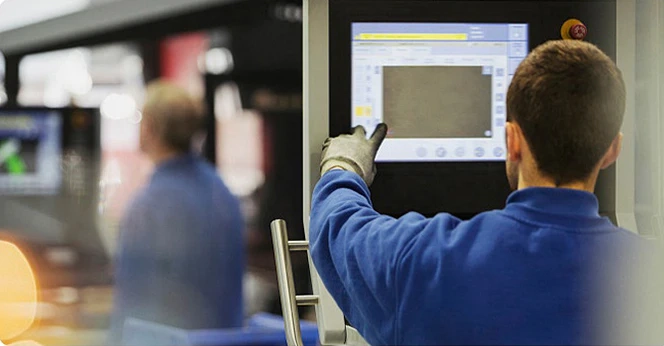
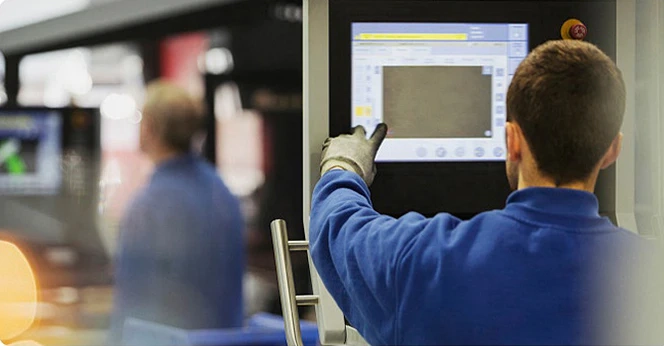
- Industrial controls: Dusty or wet settings prevent unwanted inputs.
- Retail point-of-sale: Glove or stylus use is usual in regular operations.
- Transportation: Public systems handle different conditions.
- Construction equipment: Outdoor, gloved operation needs solid input ways.
These cases put dependable single-touch ahead of complex gestures.
Cost & Integration Factors
Touchscreen choice affects overall project costs and design. Capacitive options have higher material costs from advanced conductors and glass structures. Special controllers might need extra firmware work. Resistive panels give lower starting costs and easier integration for simple needs. Long-term aspects cover maintenance. Capacitive durability cuts replacements. Yet resistive wear might raise them. System compatibility, such as interface types (USB, IIC, RGB), affects engineering work. Early choice reduces changes and keeps alignment with performance goals.
Customization Options Available
Standard touchscreens might not meet special requirements. Both capacitive and resistive panels allow wide changes for mechanical, optical, and electrical specs. Options cover custom cover glass thicknesses, coatings (anti-glare, anti-fingerprint), interface changes, and environmental improvements like wide temperature operation or high brightness. Full lamination, optical bonding, and special structures enhance performance. Adjusted sensitivity for gloves or waterproofing solves certain problems. These changes permit smooth integration into varied designs without losing functionality.
Conclusion
Capacitive touchscreens dominate in applications needing multi-touch, excellent visuals, and natural interfaces. Resistive options supply key reliability in rough, cost-focused environments with basic input needs. Matching technology to operational demands guarantees best performance and long life.
Frequently Asked Questions (FAQ)
What is the main difference between capacitive and resistive touchscreens?
Capacitive detects conductive changes for light touches and multi-gestures, while resistive requires pressure for activation from any object.
Can capacitive touchscreens work with gloves?
Specialized models support glove touch, though standard versions may need bare fingers or conductive styluses.
Are resistive touchscreens better for outdoor use?
Resistive handles contaminants like water better but offers lower clarity in sunlight compared to high-brightness capacitive options.
Which touchscreen type is more durable?
Capacitive generally lasts longer due to glass construction, resisting scratches better than flexible resistive layers.
Do capacitive touchscreens support multi-touch?
Yes, most support 5-10 points, enabling gestures like pinch-to-zoom.
What interfaces are common for these touchscreens?
Capacitive often uses USB or IIC; resistive supports various including RGB.
Partner with a Leading Touchscreen Manufacturer and Supplier for Custom Solutions
Miqidisplay operates as a professional display manufacturer, supplier, and factory with over 20 years of OEM/ODM experience. Specialized in high-quality capacitive and resistive touch screens ranging from small industrial panels to large formats up to 32 inches, the company delivers customized solutions including multi-touch PCAP, glove/waterproof features, wide temperature ranges, and full integration support.
Certified under ISO standards with a focus on reliability and on-time delivery, Miqidisplay serves global clients in medical, industrial, automotive, and retail sectors. Contact the expert team at mary@miqidisplay.com or via live chat on miqidisplay.com to discuss project requirements and receive tailored quotes promptly.