


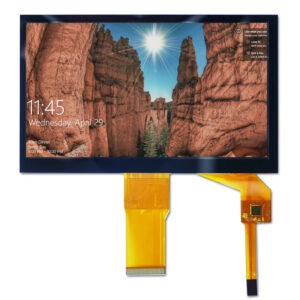


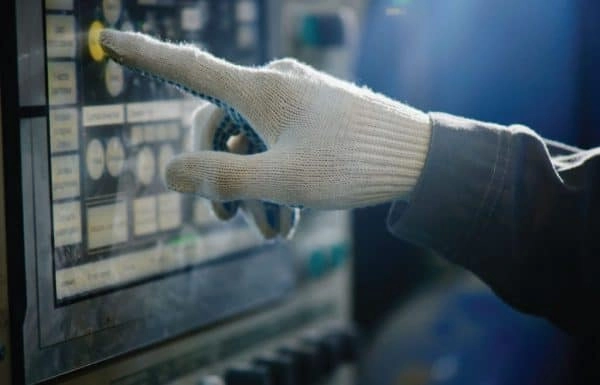
Choosing the right touchscreen for tough factory settings needs close attention to several key points. People look at how well it works with gloves, how strong it stays in rough conditions, and how long it keeps performing reliably. For many years, resistive touch screens led the way in plant control panels. Workers liked their simple reaction and the fact that they still responded when someone wore gloves.
Yet projected capacitive (PCAP) touchscreens have changed a lot in recent times. Once they struggled in harsh places, but now they solve the main problems factories face. Because of that, many companies now pick PCAP as the top option for new manufacturing and automation systems.
This piece explains how both types work, shows the newest improvements in PCAP, and looks at why factories are moving away from resistive screens for their human-machine interfaces (HMIs).
Factory work often brings dust, water, shakes, and constant contact with tools. All of that makes the touchscreen choice very important for smooth running and worker safety. Resistive screens have given steady basic performance for a long time. Still, they fall short in multi-touch features and clear display quality. That has pushed companies to think again.
At the same time, PCAP brings much better sharpness and easy gesture control. New firmware and hardware make it even stronger. These strengths now drive more use in areas like car assembly lines, CNC machines, and process monitoring stations. As plants add more IoT devices, the need for simple yet tough screens has sped up this change.
Resistive Touch Technology
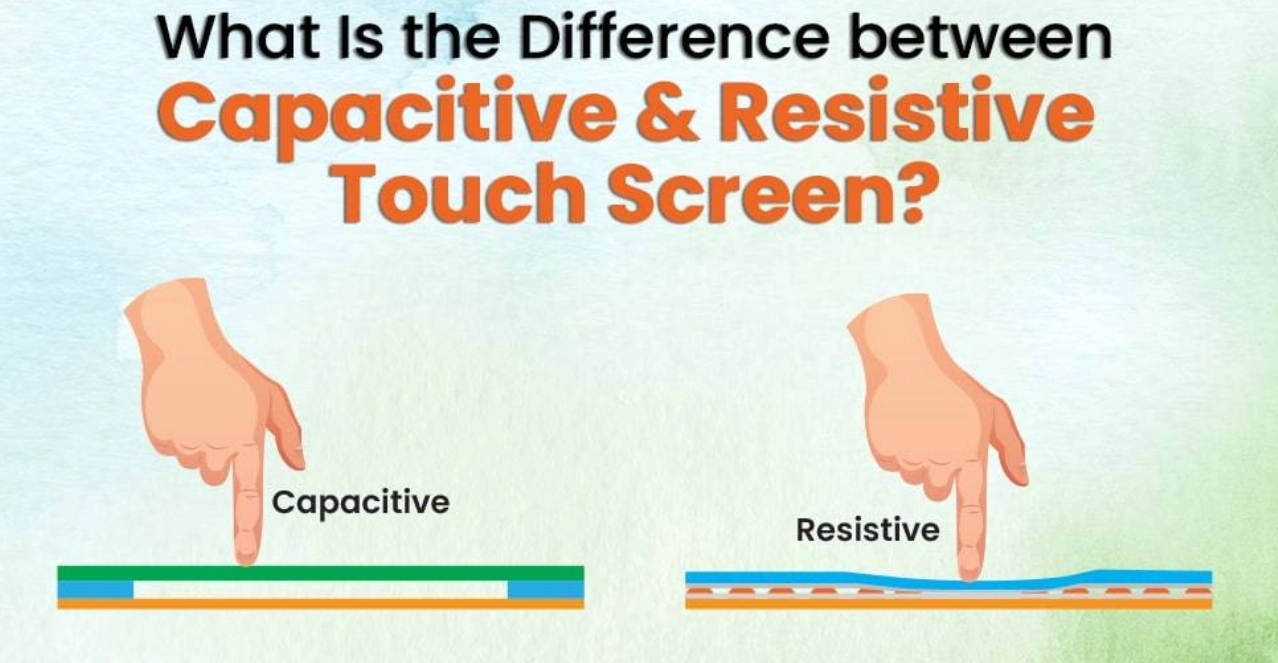
Resistive touch technology still appears in many older factory systems. People value it because it reacts to pressure instead of body capacitance. The screen has two thin, clear layers covered with conductive material. Tiny spacers keep them apart. When someone presses—using a bare finger, a gloved hand, or a stylus—the layers touch at that spot. This closes a circuit, and the system reads the voltage shift to find the location.
This simple method works with almost any input, even heavy work gloves common on the shop floor. Dust particles or water drops never cause trouble because the screen only cares about force. In heavy equipment panels or outdoor stations, this toughness has kept resistive screens popular.
However, resistive screens come with clear weaknesses that limit them in today’s advanced factories:
- They usually allow only one touch at a time. That blocks useful gestures like pinch-to-zoom or two-finger scrolling needed in modern interfaces.
- Several layers cut light passage by as much as 20%. Bright factory lights make the screen harder to read.
- Sharp tools or rough materials easily scratch the surface. That means more repairs and lost production time.
- High-use areas wear down slowly. Sensitivity drops, and maintenance becomes regular work.
- Cost rises quickly above 24-inch sizes. Big control panels become too expensive.
These problems stand out on fast production lines where accuracy matters and workers get tired easily. As automation moves toward rich touch interfaces, resistive technology shows its age.
Projected Capacitive (PCAP) Touch Technology
Projected capacitive (PCAP) touch technology marks a big step forward from old surface capacitive designs. It uses a fine grid of tiny electrodes carved into a glass base. The system notices changes in the electric field when a finger or other conductive object comes near. It senses the touch right through thick cover glass without any pressing.
In factory settings, PCAP now works well with thin gloves and passive pens. That has opened many new uses. Unlike resistive screens, PCAP scales easily to large sizes—from 5.7 inches up to more than 55 inches. Early versions appeared in ATMs, kiosks, and medical equipment. They proved tough, but thick gloves stopped them from working properly. New sensor patterns and smarter software have fixed that problem. Now PCAP enters areas that resistive screens once owned alone.
The projected field design detects touches accurately through cover glass up to 6mm thick. Response stays quick, and the screen stays strong. That makes PCAP perfect for built-in automation systems that connect to edge computing and IoT networks.
Recent Improvements in PCAP Technology
New developments in PCAP have removed almost every old weakness, especially in noisy, wet, or gloved workplaces. Better chips, clever software, and stronger materials let PCAP beat resistive screens in hard daily use.
1. Touch Controller
Modern PCAP controllers are small and fast. They turn capacitance data into coordinates with almost no delay. Two main styles exist: Chip on Board (COB) and Chip on Flex (COF). In COB, the chip sits on a separate PCB linked by flexible cables. In COF, the chip lives directly on the panel’s flex tail. COF cuts signal loss and allows thinner designs. Today’s controllers reach refresh rates of 120Hz. That gives smooth feel on busy assembly lines. Users can also set sensitivity levels for different glove types without extra setup.
2. Noise Immunity
Motors, welders, and power lines create heavy electromagnetic interference (EMI). New controllers scan at several frequencies and filter out noise smartly. Grounded ITO layers block extra interference. Software changes scan speed automatically based on the surroundings. Tests in special chambers prove response stays under one millisecond even in loud electrical areas.
3. Water Handling
Water drops can fool older capacitive screens. Now, special water-repelling coatings push drops away. Smart software spots the difference between real touches and liquid. Surfaces reach water contact angles above 110 degrees. Sealed units earn IP67 ratings. Real factory tests with poured water show no wrong touches at all.
4. Gloved Touch
Thick gloves once blocked the signal completely. Updated algorithms stretch the sensing field to 5mm or farther. Settings match leather, nitrile, or other materials up to 10mm thick. The system learns from daily use and keeps performance steady all shift long. Some units even use edge AI to predict and adjust automatically.
5. Thick Cover Lens
New panels accept cover glass up to 12mm thick. Strong chemical treatment makes the glass resist impacts. Tighter electrode spacing down to 4mm boosts signal strength and cuts noise. Optical bonding removes air pockets for clearer images and better heat control. Signal-to-noise stays above 40dB in shaking machines. Life tests pass 50 million touches with ease.
FAQ
What is the primary difference between PCAP and resistive touch technology?
PCAP senses changes in the electric field and allows many fingers at once. Resistive needs physical pressure and works only with one touch point.
Can PCAP touchscreens work with thick industrial gloves?
Yes. Latest firmware lets PCAP feel touches through gloves up to 10mm thick, perfect for places where safety gloves are required.
How does PCAP handle water and dust better than older versions? Water-repelling coatings plus smart software stop false touches. Sealed builds reach IP67 level for full dust and water protection.
What sizes are available for industrial PCAP displays?
PCAP ranges from 5.7 inches for small controls to over 55 inches for big dashboards. Resistive becomes too costly above 24 inches.
Why is noise immunity important in PCAP for factories?
Heavy machinery creates electrical noise that can confuse the screen. Strong filtering keeps touches accurate and prevents downtime.
How long do PCAP touchscreens last in rugged use?
Strengthened glass and more than 50 million touch cycles give PCAP longer life than resistive screens in rough daily work.
Elevate Your Factory Floor with Custom PCAP Solutions from Miqidisplay
Factory managers and wholesale suppliers who want modern HMIs with full glove support and tough environmental protection should work with Miqidisplay. This trusted factory-direct supplier builds both capacitive and resistive touch screens. The company offers custom designs from first prototypes to large production runs, all matched to your exact automation needs.
Reach the sales team now at mary@miqidisplay.com. You will get a detailed plan in 48 hours that includes samples, pricing, and full integration help. Boost your line efficiency today—start the project and enjoy 90% on-time delivery backed by ISO-certified quality.