





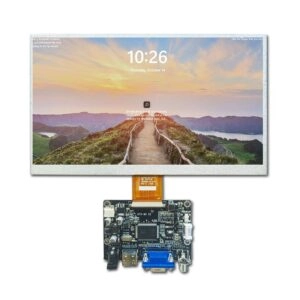
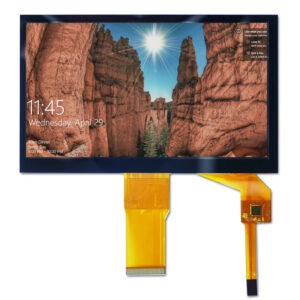

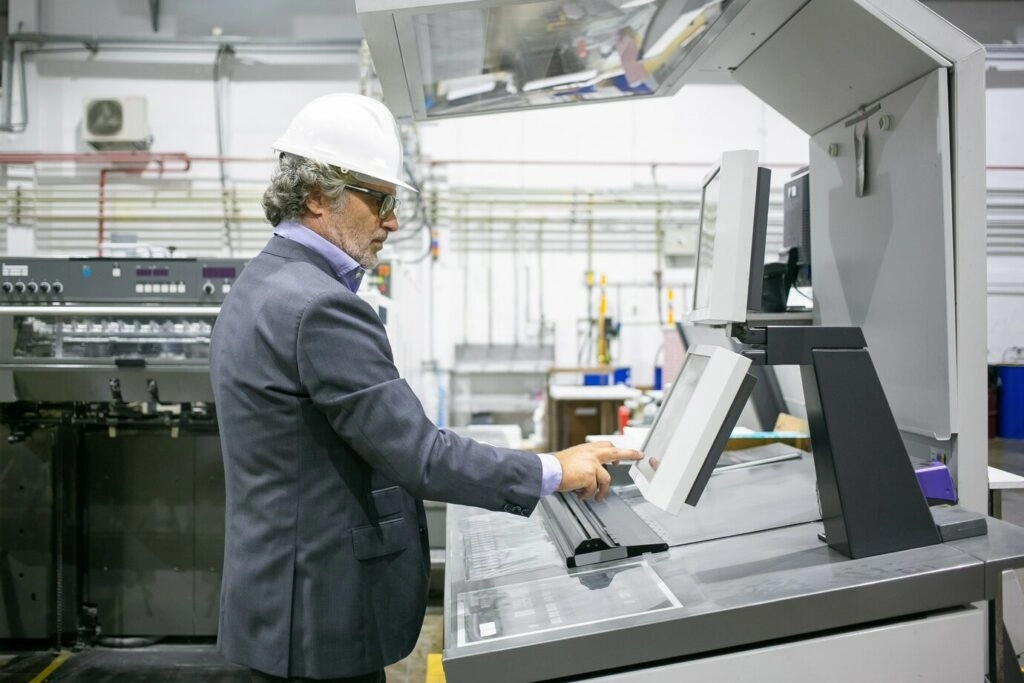
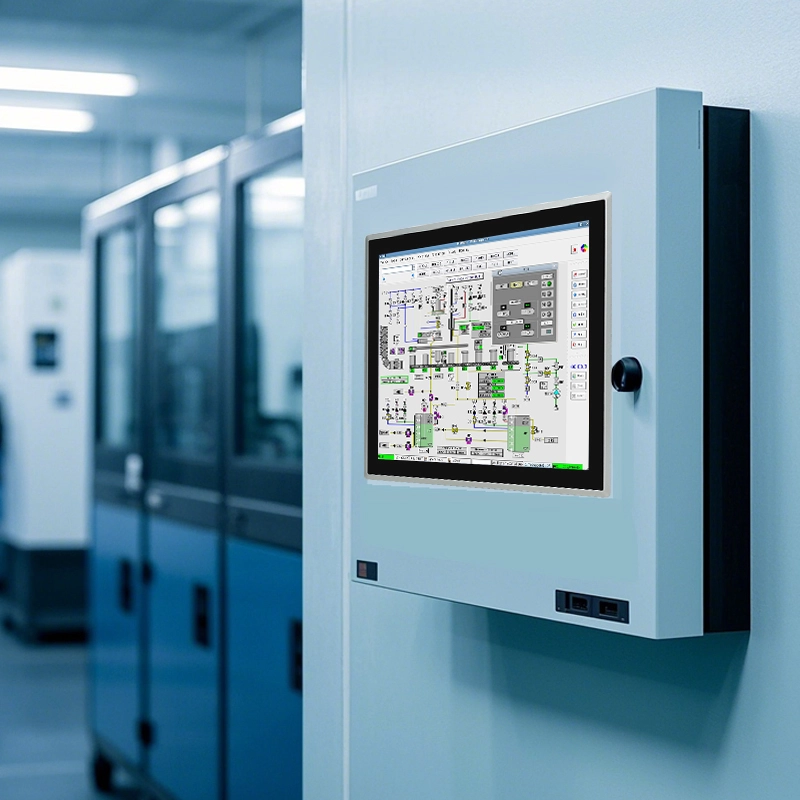
A touch screen monitor for industrial control works as the main interface in today’s automation systems. It lets operators watch processes, enter commands, and handle alerts quickly. These special displays give steady performance in tough places. They help keep operations running without stops. They also cut down mistakes and lost time. Picking and using the right industrial touch screen monitor greatly improves system dependability, operator work, and total output in manufacturing, process control, and similar areas.
Why a Touch Screen Monitor for Industrial Control Is Different
Industrial sites create very hard conditions. Normal consumer displays simply cannot handle them. Machines deal with dust in the air, spills, big temperature swings, steady shaking from machines, electrical noise from motors and inverters, and constant use by workers in protective gloves. Industrial touch screen monitors use stronger cases, sealed front surfaces, tough power units, and touch parts that still work when dirty or when operators wear gloves. These features set them apart from regular office models. They provide lasting steadiness and meet safety rules for operations.
Core Touch Technologies Used in Industrial Control
The choice of touch technology affects ease of use and strength in industrial tasks.
Resistive Touch Screens
Resistive touch screens work with pressure-sensitive layers. They detect input from any object that presses down. They work well with gloves, styluses, or tools. They also cost less and resist electrical noise. The many layers slightly lower picture sharpness and light output compared to other types. The top layer can wear out after heavy use. Resistive technology fits tasks that need exact single-point touches. It works best when multi-touch gestures matter less.
Projected Capacitive (PCAP) Touch Screens
Projected capacitive touch screens sense changes in capacitance from conductive items, mostly fingers. Industrial versions allow multi-touch gestures. They give better picture quality because of glass build. They also resist scratches well. Improved types handle certain gloves and reduce wrong touches from wet conditions. PCAP performs strongly in cases that need smooth control, clear visuals, and up-to-date interface styles. However, glove fit and liquid protection must get proper checks.
Other Touch Technologies
Surface acoustic wave and infrared types show up in special cases. They provide very clear views but suffer more from dirt on the surface. For normal industrial control, resistive and projected capacitive types lead the way. They offer good balance in strength, precision, and ability to handle surroundings.
Environmental Protection and Ruggedness
Matching protection to site conditions stops breakdowns and keeps costs in check.
IP Ratings and What They Mean
IP ratings show protection against solids and liquids. Common setups for industrial touch screen monitors include IP65 front panels. These block dust fully and handle low-pressure wash-downs. IP66 or IP67 versions manage stronger jets or even brief immersion. Details must explain front-only ratings versus full case ratings. This matters when the back sits outside safe cabinets.
Temperature, Vibration, and Shock
Steady work needs clear ranges for operating and storage temperatures. Advanced models often cover wide ranges like -30°C to 85°C. Resistance to vibration and shock meets industry rules to handle stress from machines. Things like fanless cooling, built-in heaters for cold starts, and bright panels with anti-glare coatings allow use in open or outdoor-like spots.
Display Size, Resolution, and Readability
Good delivery of information relies on suitable display features.
Screen Size and Aspect Ratio
Sizes usually range from 10.1 inches to 21.5 inches or bigger. Choices depend on how far operators stand, how much data shows, and space for setup. Widescreen shapes fit modern HMI designs. Older 4:3 ratios keep working with past software.
Resolution and Pixel Density
Higher resolutions help show fine details. Still, clear text and controls come first. Designs make sure important parts stay easy to see and touch from normal distances. They also include enough space to avoid wrong touches.
Brightness, Contrast, and Viewing Angles
Brightness often goes above 400 nits and hits 1000 nits in sunlight-readable types. This fights normal room light. Strong contrast helps spot small signals clearly. Wide viewing angles keep the picture steady even from side positions.
Interfaces and Connectivity
Smooth connection depends on matching inputs and outputs.
Video Inputs
VGA support handles older systems. HDMI, DVI, and DisplayPort give clean digital signals for new setups. Several inputs allow easy future changes.
Touch Interfaces
USB acts as the main modern touch connection. RS-232 stays available for older ones. Drivers must work with chosen operating systems. Calibration tools make setup simpler.
Additional Connectivity Options
Built-in USB hubs, audio ports, and serial/digital I/O cut the need for extra devices. They also make wiring easier.
Mounting, Enclosures, and Ergonomics
The way of installation affects access and lasting use.
Panel Mounting
Front or rear panel mounting fits displays into control areas with sealed edges. Proper gaskets keep IP ratings safe.
VESA and Arm Mounting
VESA-ready designs allow movable arms or brackets for comfortable positions. Users must check weight limits and cable routing.
Ergonomics and Safety
Best placement puts screens at eye height and easy reach. It also keeps emergency controls clear.
Integration with Control Systems and Software
Hardware works well with main systems and software.
Industrial PCs, PLCs, and Embedded Systems
Fit with industrial PCs, PLC links, or embedded units needs checks on video and touch methods.
HMI and SCADA Software Considerations
Designs focus on big touch areas, steady looks, and good alarm management. These steps lower mistakes during busy times.
Reliability, Maintenance, and Lifecycle Planning
Long service needs active steps.
Power, Cooling, and Longevity
Wide voltage handling, surge guards, and fanless builds increase steadiness. Long backlight life keeps quality high.
Cleaning and Surface Care
Surfaces handle industrial cleaners. They stand up to frequent cleaning.
Spare Parts and Long-Term Availability
Standard parts across models make spares and swaps easier.
Security and Access Control
Network-linked systems use login checks, locked-down OS, and protected ports.
Cost, Value, and Total Cost of Ownership
Checks go past initial price. They cover avoided downtime, simple upkeep, and lower power use.
Practical Selection Checklist
Main points to review cover site conditions, protection grades, touch details, display traits, connections, mounting, system fit, reliability data, upkeep needs, and safety options.
Industrial Applications and Use Cases
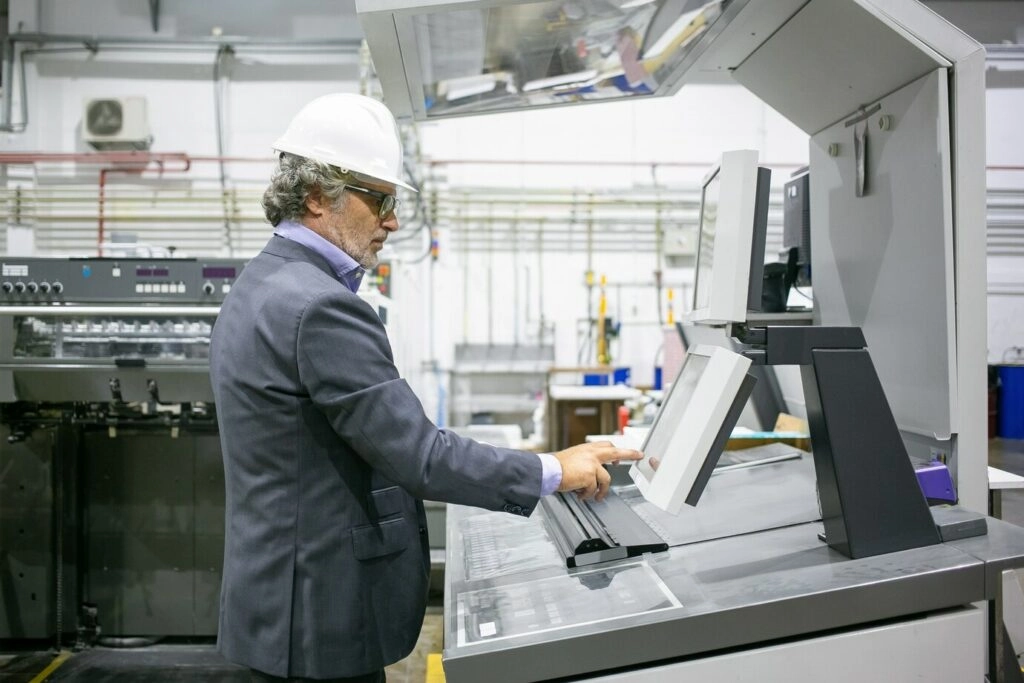
Industrial touch screen monitors appear in many fields. In manufacturing automation, they act as HMIs for watching machines and changing settings. Process plants use them to track live data like pressure and flow. Logistics and storage gain from strong interfaces for inventory tracking. Medical and food areas need cleanable, washable builds with high IP ratings. Military and transport jobs require very tough designs. These include wide temperature use and EMI protection.
Advanced Features in Modern Industrial Monitors
New models include 10-point capacitive touch for exact multi-touch use. They have high-resolution panels up to 1920×1080 and strong aluminum cases. Fanless build removes dust problems. Wide-temperature backlights keep views clear in hard spots. Anti-interference features hold touch precision close to big machines.
Customization Options for Specific Requirements
Custom solutions meet special project needs. They adjust size, touch type (capacitive or resistive), interface setups (HDMI, VGA, USB), case styles, optical bonding for clearer views, and special connectors like M12 for safe, shake-proof links. Custom backlights improve brightness and power use. PCB changes help with fit issues.
Partner with Miqidisplay for Industrial Touch Screen Solutions
As a leading display manufacturer and supplier, Miqidisplay provides strong industrial touch screen monitors and panel PCs built for tough settings. With capacitive touch technology, IP65 protection, wide temperature ranges, and many interface choices in sizes from 10.1 to 21.5 inches, these solutions allow smooth HMI connection. Manufacturers, system integrators, and OEM partners gain from OEM/ODM abilities, custom changes, and steady supply lines.
FAQ
What is the typical IP rating for industrial touch screen monitors?
Most feature IP65 on the front panel for dust-tight protection and resistance to low-pressure water jets, with higher ratings like IP66/IP67 available for intensive wash-down applications.
Which touch technology is best for gloved operation?
Resistive touch excels with any gloved input, while specialized projected capacitive supports certain glove types without sacrificing multi-touch functionality.
What temperature range do industrial monitors typically support?
Advanced models operate reliably from -30°C to 85°C, accommodating extreme industrial conditions.
Can industrial touch screen monitors support multi-touch gestures?
Projected capacitive variants commonly provide 10-point multi-touch for intuitive interactions in modern HMI designs.
How important is brightness in industrial settings?
High brightness, often 400–1000 nits, ensures readability in brightly lit or outdoor-adjacent areas.
Partner with a Trusted Industrial Display Manufacturer
Business who look for reliable industrial touch screen monitors should contact Miqidisplay for custom solutions. They can use knowledge in custom industrial displays, panel PCs, and setup help to improve automation work. Reach out today to talk about specs, ask for bulk pricing, or check OEM/ODM partnership chances.