




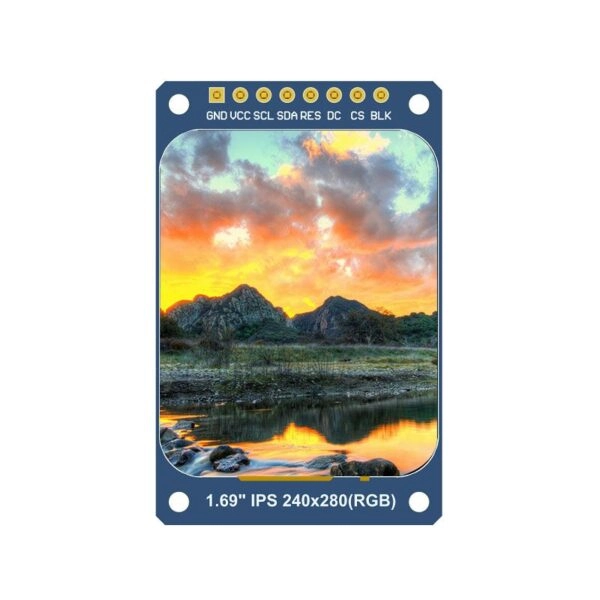
Welcome to this detailed look at displays that work with Arduino and different microcontrollers (MCUs). Displays act as key output parts in embedded projects. They turn raw data into clear text, pictures, or interactive screens. Choices go from simple character screens to fancy color touch panels. This guide reviews the main kinds, their basic tech, good points, weak spots, and real-world things to think about when picking one for Arduino or MCU designs.
LCD displays
Liquid Crystal Display (LCD) tech uses liquid crystals placed between polarizing layers. Electric fields change how the crystals line up to control light flow. This creates text or simple images, often with a backlight. These screens give steady results in many Arduino setups. They bring low price and easy hookup for projects full of text, like sensor readings or status signs.
LCDs hold benefits in brightness across different lights and fair power use when backlights stay off or low. Downsides cover slower response, which can cause ghosting on moving stuff, and less bend due to stiff build.
One usual type is the 20×4 character LCD with I2C adapter. It allows basic wiring and cuts down pin use on Arduino boards.
Key considerations
LCD displays mostly work at 5V. This fits most Arduino types, but always check voltage. Built-in backlights raise current pull a lot and hurt battery life. Libraries such as LiquidCrystal make setup simpler. They handle timing and character placement well.
Graphical LCD displays
Graphical LCDs build on basic LCD features to show pixels. They allow custom fonts, icons, and easy animations past fixed letters. Resolutions like 128×64 give detail for showing data in weather stations, oscilloscopes, or menu setups.
These screens fit projects that need more than just letters and numbers. Trouble comes from handling buffers and draw steps. This needs extra code and more processing time. Power use goes above character LCDs because of tighter pixel work.
Common controllers include KS0108 and ST7920. Libraries help draw lines, circles, and bitmaps on Arduino.
Key Considerations
Match with Arduino’s 5V or 3.3V logic levels to avoid harm. Memory limits on weaker MCUs block full-screen storage. So use partial updates or outside storage. Power planning matters a lot in portable builds.
OLED displays
Organic Light Emitting Diode (OLED) panels give off light from each pixel with no backlight. This brings real blacks, strong contrast, and wide view angles. Quicker refresh helps smooth motion. It fits wearables, small screens, or battery items.
Bright colors and slim shape add appeal. Power pull rises with bright images. Organic parts wear down over time and may lead to burn-in or fading.
Popular modules use SSD1306 or SH1106 controllers. They support I2C or SPI for simple Arduino connection.
Key considerations
Voltage match (often 3.3V) stops problems, though many handle 5V logic. Pick SPI for speed or I2C for fewer pins based on project. Software brightness control saves power in changing settings.
TFT displays
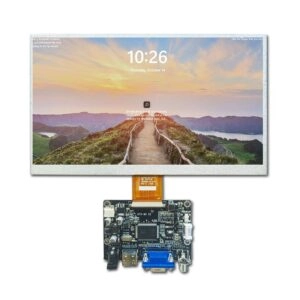
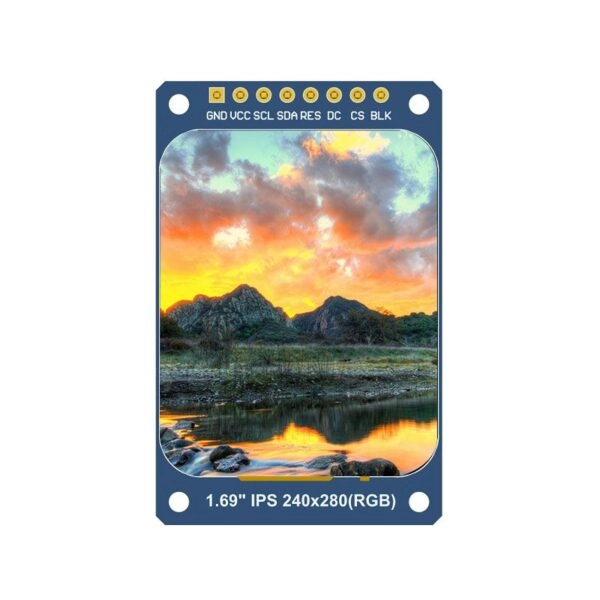
Thin Film Transistor (TFT) displays form an upgraded LCD type. They place transistors at each pixel for better color depth, resolution, and refresh speed. Full-color output (up to 65K or 16M colors) allows rich graphics, photos, and basic video play.
TFTs shine in user interfaces that need depth, like dashboards or media players. High power use comes from steady backlight and pixel drive. This limits battery use. Bigger resolutions push Arduino limits.
Driver chips like ILI9341 and ST7735 lead the way. SPI interfaces stay common for fewer pins.
Key Considerations
Most run at 3.3V logic. This needs level shifters with 5V Arduinos. SPI cuts wiring versus parallel, but slows big updates. Memory and speed limits on simple MCUs push for tuned libraries and smaller content.
Miqidisplay offers a dedicated range of MCU/Arduino TFT displays, including compact models from 0.96″ circular IPS (240×198) to 2.4″ shields with capacitive touch (320×240), supporting SPI interfaces, SD card slots, and broad compatibility with Arduino UNO/Mega, STM32, and others for plug-and-play integration in embedded projects.
7-segment displays
7-segment modules shape digits and some characters with seven LED bars. Simple design, low cost, and clear reading mark their place in number shows like clocks, counters, or voltmeters.
Multiplexing stretches to multi-digit setups with few pins. Limits on characters cut variety past numbers and basic signs.
Key considerations
5V operation fits Arduino defaults. Current limiting resistors stop overload. Drivers like TM1637 cut pin count via serial control. Multiplex refresh above 100Hz stops flicker.
Dot matrix displays
Dot matrix modules place LEDs in grids (e.g., 8×8 or 32×8) for letter-number text, signs, or scrolling. They beat 7-segment in flexibility. Brightness works well for outdoor view.
Control gets harder and power grows with size. MAX7219 and HT16K33 drivers make chaining and brightness tweaks easy.
Key Considerations
5V fit stays standard. Pin handling gains from shift registers or drivers. Power plans must cover full light cases in portable work.
LED matrix displays
Bigger LED matrices build on dot matrix ideas. They often come as panels (e.g., P10 modules) for scrolling text, motion, or video walls. RGB types allow full color with strong brightness against room light.
Moving effects stand out in signs or decor projects. Big power and pin needs call for controllers.
Key Considerations
High current calls for outside supplies. Driver boards ease direct Arduino links. Heat control helps long use.
Nextion displays
Nextion HMI panels combine displays with built-in processing for touch, graphics, and logic. Serial links shift drawing off MCUs. This makes Arduino code simple—just data swap.
Rich GUIs with sliders, buttons, and motion fit automation or controls. Higher price suits complex setups.
Key Considerations
5V power matches fine. Serial wiring needs right RX/TX match. Editor software allows drag-and-drop build, but it takes time to learn.
E-ink displays
Electronic ink (E-ink) copies paper with images that hold without power. Very low use stands out in still shows like labels or readers. It reads well in sun.
Slow refresh limits moving content. Mostly grayscale, but some tri-color choices exist.
Key considerations
3.3V/5V types need voltage check. Library help differs. Refresh limits fit non-real-time material.
Touchscreen displays
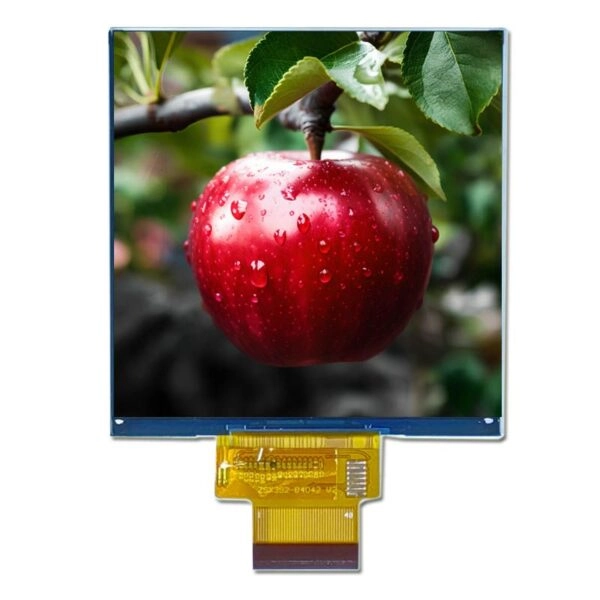
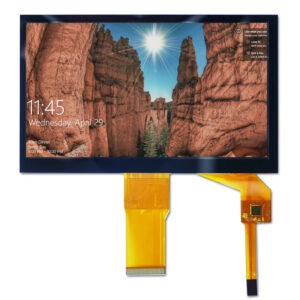
Touchscreens add resistive or capacitive sensors over TFTs. Capacitive gives multi-touch and gestures. Resistive works with styluses or gloves.
Touch lets menus, controls, or kiosk use. Trouble grows with setup and event work.
Key Considerations
Compatibility tests confirm Arduino fit. Things like humidity impact trust. Libraries handle coordinate maps and events.
Summary
Display choice for Arduino and MCU projects weighs needs for resolution, color, power, interface, and touch. Character LCDs and 7-segment types give ease for basic output. Graphical LCDs, OLEDs, and TFTs bring visual richness for better interfaces. Dot/LED matrices create striking effects. Nextion, E-ink, and touch choices add smarts or savings.
Fitting display features to project aims—low-power still readouts or lively touch screens—brings best outcomes.
Frequently Asked Questions (FAQ)
What is the most power-efficient display for battery-powered Arduino projects?
E-ink displays use almost no power since they keep images without active draw. Basic character LCDs or dimmed OLEDs come next.
Which display type offers the best color and viewing angles for Arduino?
TFT displays, especially IPS kinds, give better color truth and wide angles than standard TN TFT or plain LCDs.
Are all TFT displays directly compatible with Arduino Uno?
Many SPI-based TFT modules run on Arduino Uno with libraries. Still, high-resolution ones may need memory tweaks or stronger MCUs like Mega or ESP32.
How can pin limitations be managed with multi-digit 7-segment or matrix displays?
Drivers like TM1637 for 7-segment or MAX7219 for matrices cut pins a lot via serial methods.
What interface is most common for TFT displays in Arduino projects?
SPI interfaces lead because of fewer pins and decent speed. Parallel modes give quicker updates for tough tasks.
Partner with a Reliable Manufacturer and Supplier
For manufacturers, suppliers, or factories seeking high-quality, customizable TFT LCD displays optimized for Arduino and MCU integration, Miqidisplay stands as an established manufacturer and supplier with over 20 years of OEM/ODM expertise. Specializing in TFT, IPS, OLED, and touch solutions—including dedicated MCU/Arduino TFT modules with SPI interfaces, capacitive touch options, and broad compatibility—Miqidisplay delivers reliable, industrial-grade products backed by strict quality control, certifications (ISO, CE, RoHS), and global support across 200+ countries.
Contact the team today at mary@miqidisplay.com or via WhatsApp +86 188 7965 2960 to discuss custom specifications, request samples, or explore bulk supply options. Visit https://miqidisplay.com/ for the full catalog and start elevating projects with premium display solutions.