






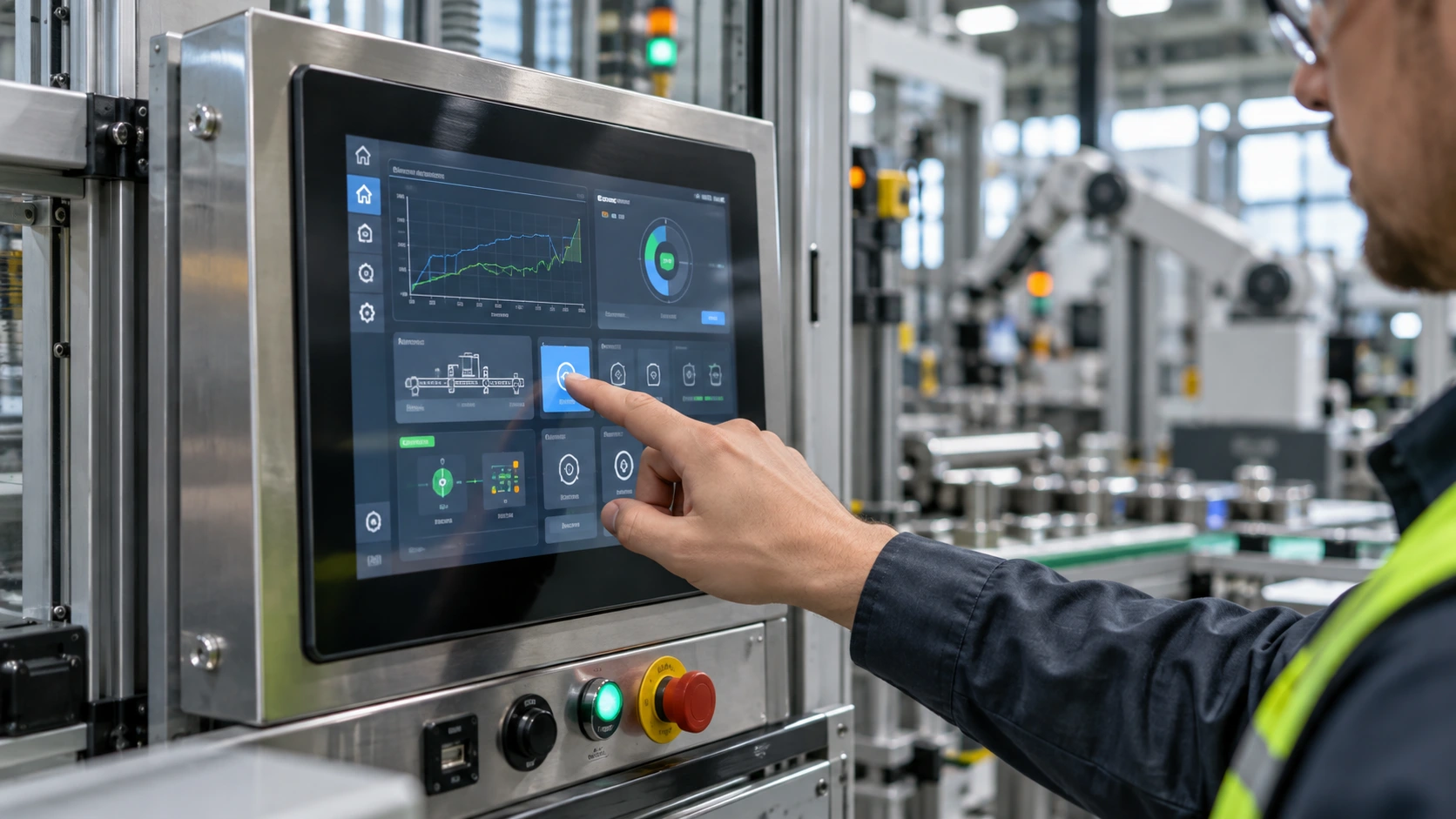
Fast industrial interfaces are judged by the time between a finger action and a useful system response. That interval includes sensor scanning, controller processing, transport, host software, display update, and the mechanical and environmental conditions around the display module. A practical latency requirement starts with a defined measurement point and a complete interface path, not with a single “response time” number on a component datasheet.
For an OEM team, the useful specification is a latency budget with an acceptance test that identifies where time is spent and what variation is acceptable.
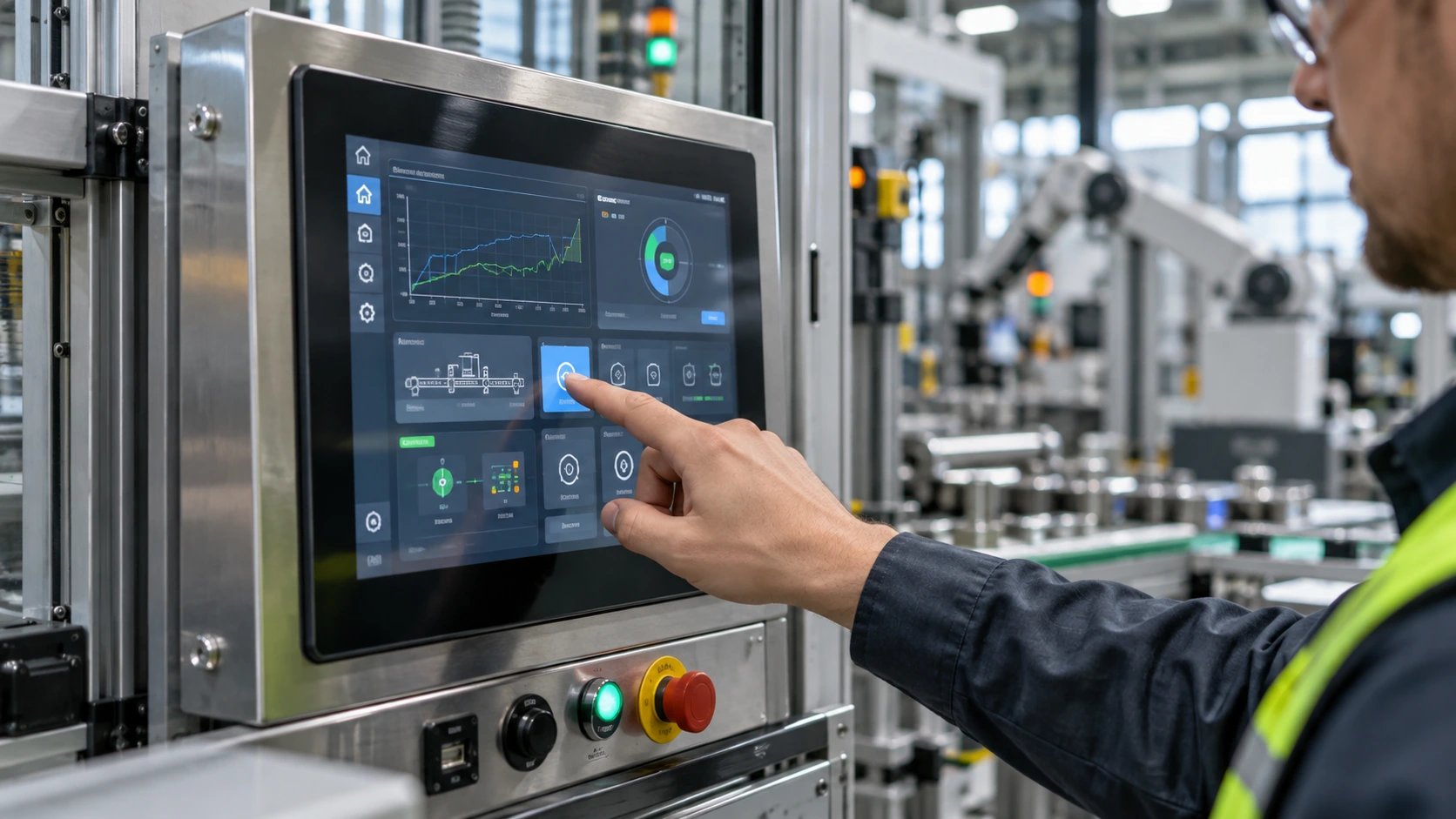
Define the latency event before choosing a target
“Touch latency” can describe several events. A controller may report a coordinate quickly while the application takes longer to process it. Conversely, the application may react immediately but the next frame is not visible until the display refreshes. A controller-only test can look excellent while the operator sees a delayed button state.
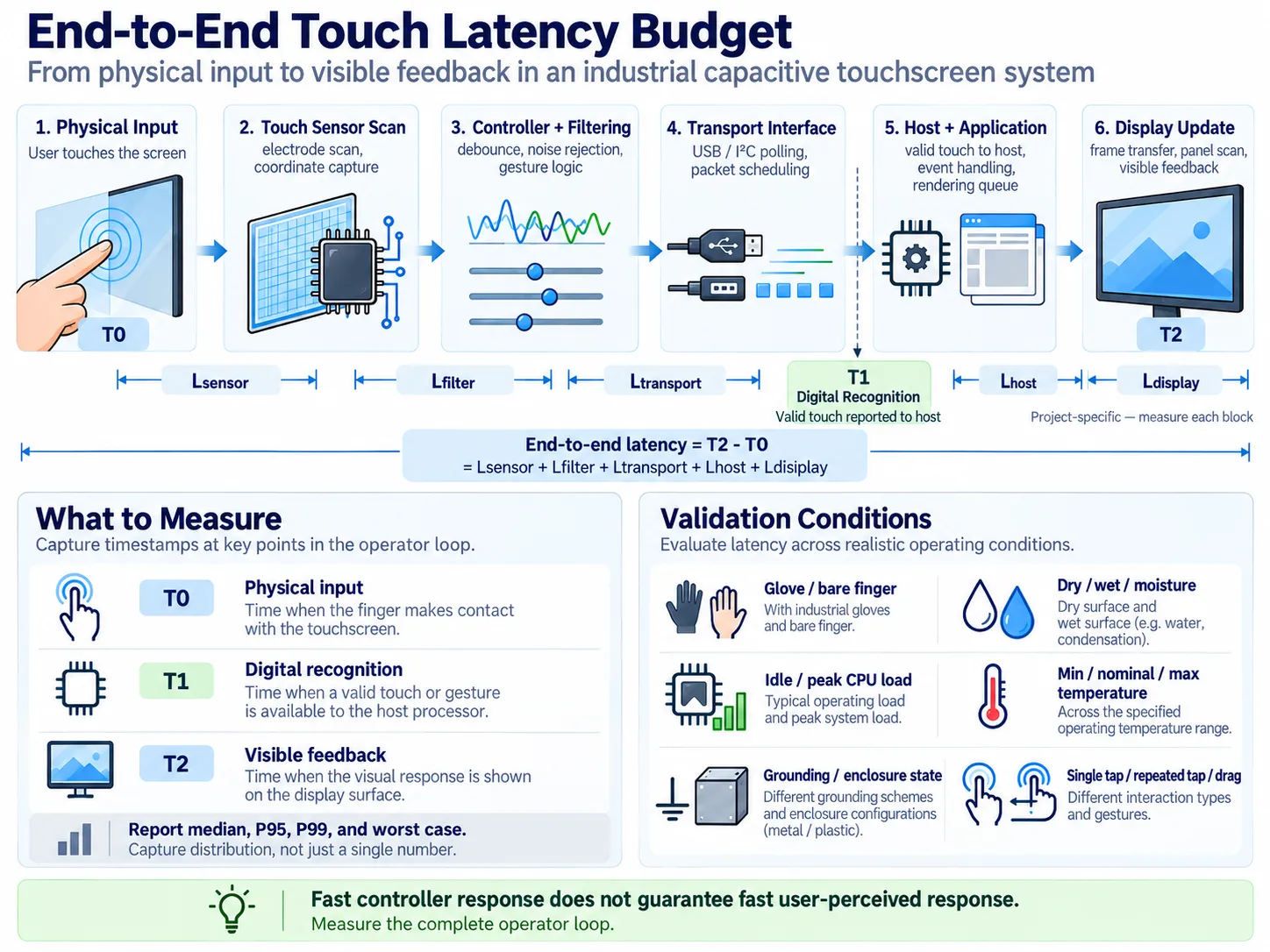
Define at least three timestamps:
- Physical input: the instant a calibrated probe or finger simulator reaches the defined force and position.
- Digital recognition: the instant the system reports a valid touch or gesture to the host processor.
- Visible feedback: the instant the corresponding visual state is observable on the display surface.
The first interval is touch-path latency; the full operator experience is physical input to visible feedback. Use the same event definition for every sample and firmware revision. Report median, high-percentile, and worst observed values rather than a single best reading.
Build a latency budget across the signal chain
A capacitive interface includes sensor electrodes, a touch controller, firmware filters, cable or connector, host input stack, application logic, graphics queue, display interface, and the LCD module’s scan and refresh behavior. Each block can add fixed delay, variable delay, or outliers.
Start with a budget table owned jointly by electrical, software, and mechanical engineering. Allocate time to:
- Sensor scan and coordinate calculation.
- Debounce, noise rejection, false-contact filtering, and gesture recognition.
- USB, I²C, or another selected touch interface, including polling and packet scheduling.
- Input dispatch and application event handling.
- Rendering, frame queueing, and display-interface transfer.
- Panel scan timing and synchronization wait before the new image is visible.
Do not add margins to hide unknowns. If a block has not been measured, mark it as unverified and instrument it. A stable average with occasional stalls is usually more damaging than a slightly higher but predictable delay.
Match the requirement to the interaction
Not every industrial control needs the same threshold. A stop command, jog control, numeric entry screen, and trend gesture impose different expectations. Define the user action, consequence of delay, and visual confirmation that closes the loop.
For repeated taps or drag controls, specify end-to-end latency and consistency between events. For menus and forms, stable response with no missed touches may matter more than shaving milliseconds from the median. Refresh interval and rendering schedule can dominate even when touch recognition is fast.
Write testable requirements: the 95th or 99th percentile of physical-input-to-feedback time must remain below the project limit under defined load, temperature, cover lens, glove condition, and software build. Avoid declaring a universal value unless the project or governing specification provides one.
Select the touch stack for predictable timing
Touch technology, sensor layout, controller configuration, and cover construction interact. Full lamination can reduce movement between layers, but the result still depends on stack-up, adhesive, cover thickness, grounding, and controller tuning. Gloves, moisture, and electromagnetic conditions can change filtering and increase retries or rejected contacts.
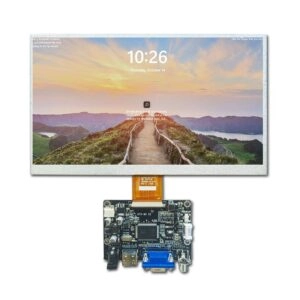
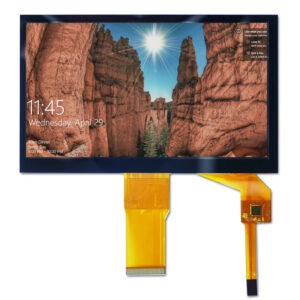
Miqidisplay’s capacitive touch screen category lists PCAP/TFT integration, USB or I²C connectivity, full lamination options, and cover-lens treatments such as AG, AR, AF, and AB. Those are configuration choices, not a guaranteed latency result. Require the supplier to identify the controller, reportable data rate, configurable filtering, interrupt behavior, and the conditions used for any timing claim.
The display module also matters. A verified Miqidisplay 8-inch in-cell capacitive module is specified at 800×1280 with MIPI, approximately 350 cd/m² brightness, and -10°C to 50°C operation. This does not establish end-to-end latency; freeze host, firmware, mechanical stack, and test method.
Test latency in the complete assembly
Bench tests should progress from isolated timing to the assembled product. Log controller reports with a hardware trigger, then measure host receipt, application event time, render submission, and visible change. A photodiode or high-speed camera can timestamp a clear luminance transition.
Run a matrix that represents the intended use:
- Single taps, repeated taps, drags, and edge touches.
- Bare finger, specified gloves, and the project’s cover lens or overlay.
- Dry and wet conditions when moisture is credible in the application.
- Idle, nominal, and peak processor load.
- Minimum, nominal, and maximum module temperature.
- Cable lengths, grounding, and enclosure states.
Capture distribution, not only pass or fail. Record missed contacts, duplicate reports, coordinate jitter, and outliers alongside latency. A fast but unstable interface can force repeated actions.
Control firmware and software sources of delay
Latency is often increased by filtering added after a prototype. Debounce windows, averaging, gesture thresholds, and queue retries should each have a documented reason and measured cost. Use timestamps at controller, driver, application, and display boundaries so a regression can be localized.
Keep input handling independent from long-running work. A blocked UI thread, synchronous logging call, or overloaded rendering queue can turn a quick report into a visible pause. Define behavior when frames are dropped or the host is busy, and test recovery rather than only the ideal case.
Specify supplier evidence and change control
An RFQ should ask for sensor construction, controller family, interface mode, report behavior, configurable filters, operating conditions, and the test fixture. Ask which values are measured at the controller and which at visible feedback. Request raw timing logs or a repeatable procedure for the selected sample.
The supplier should identify changes requiring requalification: cover thickness, adhesive, sensor pattern, controller firmware, touch settings, display timing, cable routing, or grounding. A same-size replacement can alter latency if its controller, interface, or refresh behavior differs.
Miqidisplay’s custom display solutions page describes touch add-ons, cable and interface customization, cover-glass options, and optical bonding. Document each as an engineering variable. The existing industrial touch panel selection guide supports requirement capture; this article keeps the focus on timing.
Procurement checklist for a fast interface
Before sample approval, confirm:
- A written start and end event for latency.
- A percentile or maximum target tied to the user action.
- A signal-chain budget with measured unknowns identified.
- Test conditions for temperature, glove, moisture, load, grounding, and enclosure.
- Controller, firmware, interface, and display timing in the revision baseline.
- Raw logs and an agreed visible-feedback method.
- Requalification triggers for component or firmware changes.
This evidence turns “fast touch” into a controlled engineering requirement.
Conclusion
Capacitive touch latency requirements should be written around the operator loop. Define physical, digital, and visible events; allocate a budget across sensing, transport, software, and display timing; then validate under real conditions. A display module can be suitable while the assembled interface misses its target because of filtering, queueing, or refresh synchronization. Reliable decisions require repeatable measurements.
FAQs
Is touch-controller latency the same as user-perceived latency?
No. Controller reporting ends before host processing, rendering, display transfer, and panel update. Test the full physical-input-to-visible-feedback interval.
Does a higher display refresh rate guarantee faster touch response?
No. Refresh timing can reduce the wait before a new frame is visible, but scanning, filtering, scheduling, and rendering may still dominate. Measure the chain.
Should latency be tested with gloves?
Yes, when gloves are part of normal operation. Material, pressure, moisture, and tuning can change recognition, so include the actual glove specification in acceptance tests.
What should an OEM send for a technical fit review?
Provide display type, size, outline and active-area dimensions, resolution, interface, touch requirement, brightness, viewing direction, temperature, mechanical constraints, quantity, drawings, and integration environment. These inputs let Miqidisplay assess compatibility, customization scope, sample needs, and documentation requirements.
Request a Miqidisplay technical fit review
Send your display and touch requirements to Miqidisplay’s technical team, including the latency event and pass conditions. Miqidisplay can review the screen or display-module configuration, touch interface, mechanical stack, sample plan, and evidence needed for engineering and procurement gates. Base the assessment on drawings, environment, quantity, and integration constraints rather than an unverified headline number.
Email: mary@miqidisplay.com
WhatsApp: +86 189 6801 5464