





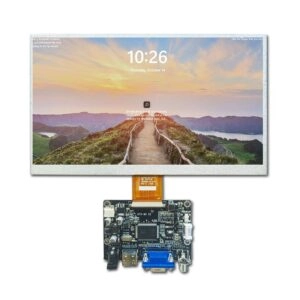
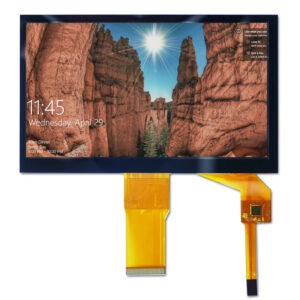

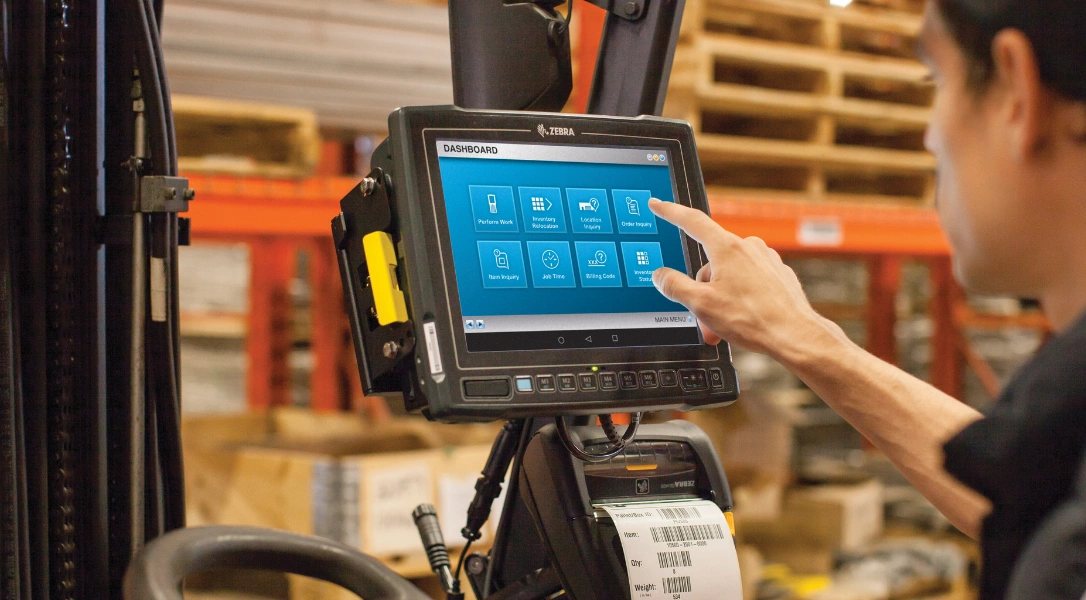
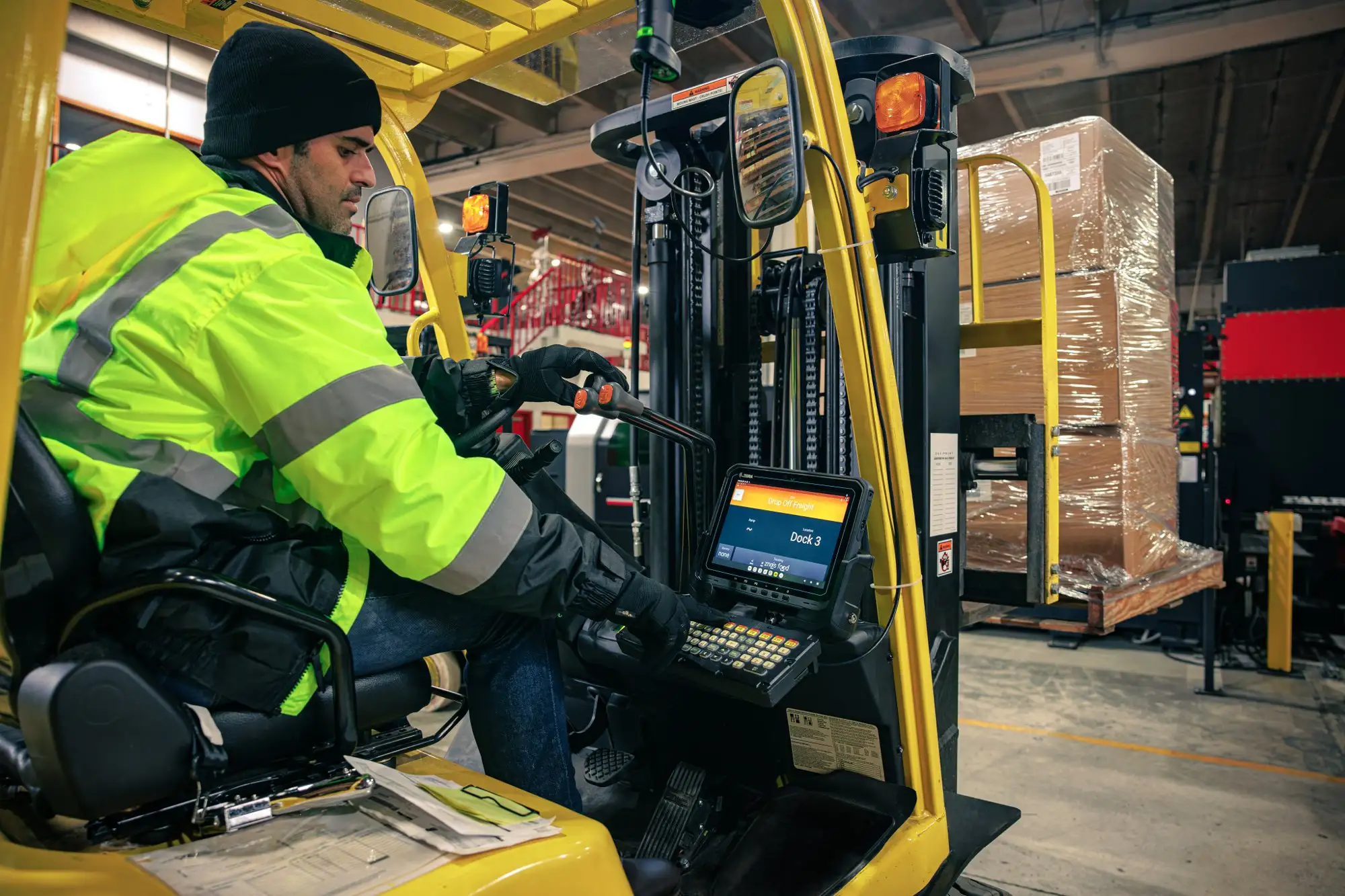
Vehicle-mounted monitors play key roles in logistics, construction, agriculture, emergency services, and transportation fleets. These screens show live data for navigation, camera views, telematics info, forklift work, or control setups in tough vehicle spots.
Assess Your Requirements
Define Primary Application Functions
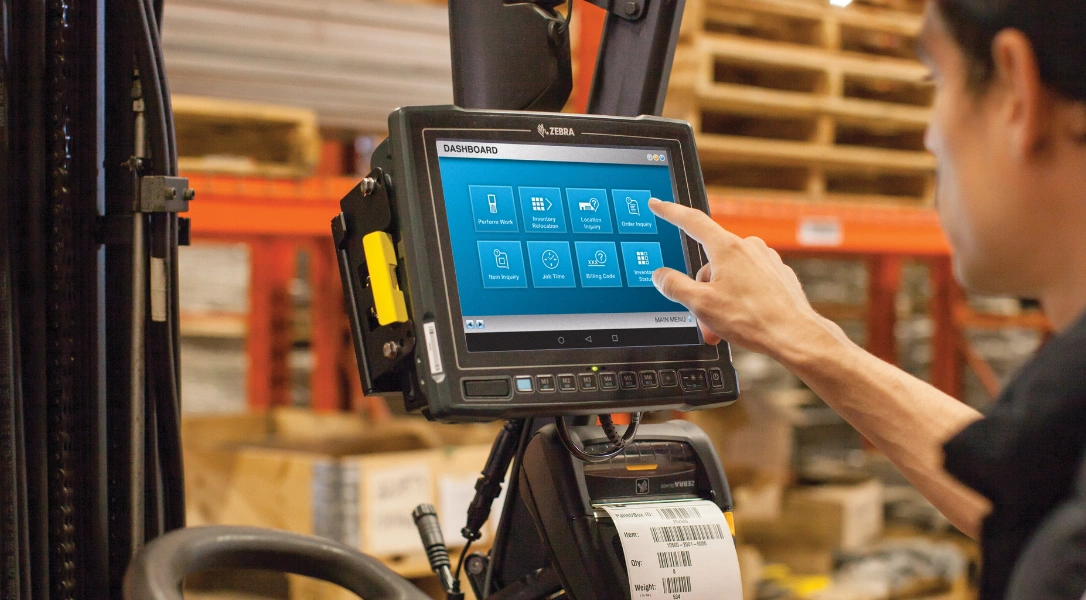
The Vehicle-mounted monitors picking process begins with a clear idea of what the monitor must do. Pin down the main job. This could be rear-view or 360-degree camera checks to remove blind spots. It might mean forklift fork-tip views for exact pallet placement and safe load handling. Other Vehicle-mounted monitors uses include GPS navigation with route lines and step-by-step directions, telematics screens that show vehicle health like speed, fuel amount, and service warnings, or heavy machine control panels for instant equipment tweaks and hydraulic tracking.
Evaluate Vehicle-Specific Constraints
Vehicle kind shapes Vehicle-mounted monitors choices a lot. Forklifts have small driver areas and face strong shakes from lifting, dropping, and quick turns. Trucks need tough setups that face the road and handle long drives in changing weather. Buses call for support of many feeds to cover safety cameras inside and outside. Farm machines deal with steady dust, wet spray from crops, and bumpy ground hits. Construction rigs take heavy jolts from digging, hauling, and rough site work.
Analyze Data Complexity and Integration Needs
Look at how complex the data gets to pick the right screen power. Simple backup systems just need one video input. Advanced fleet setups want many sources at once, picture-in-picture views, or split screens to watch several camera angles, sensor readings, and work stats together. Think about daily run time, direct sun, rain, thick dust, and how well it links to current vehicle wiring, close sensors, radar, or add-on parts.
Consider Screen Size and Resolution
Select Appropriate Screen Dimensions
Screen size affects ease of use and fit in tight spots. Displays from 7-10 inches work well in small forklift or taxi cabs. They give focused info like close camera shots or basic data without blocking the driver’s view or controls. Bigger 12-21 inch screens suit detailed jobs. Trucks use them for wide multi-camera views. Buses need them for full coverage of doors and blind areas.
Ensure Optimal Resolution and Aspect Ratio
Resolution sets how sharp and clear pictures look. Full HD (1920×1080) or higher gives crisp text for small map labels, clear danger spotting in low-light fog, or exact load checks during forklift stacking. Lower resolutions like 1024×768 handle basic old video feeds fine. But they limit detail in busy setups with overlaid graphics, status icons, or many windows. Aspect ratios (4:3 for older systems or 16:9 widescreen for new HD sources) must match inputs. This avoids stretched looks, squished images, or annoying black bars that shrink usable view space.
Evaluate Brightness and Sunlight Readability
Determine Required Brightness Levels
Bright outdoor settings need strong light levels to fight washout. Normal panels at 250-400 nits turn hard to read in full sun. This hurts daytime use in open fleets, cab-less machines, or farm fields. Sunlight-readable screens hit 800-1500 nits or more. They stay clear under harsh top or side light common on construction sites or long truck runs.
Incorporate Advanced Readability Enhancements
Features like anti-reflective (AR) coatings cut shiny reflections from outside light. Anti-glare (AG) surfaces spread scattered light to ease eye tiredness. Optical bonding lowers inner reflections too. It boosts seen contrast and picture quality overall.
Understand Optical Bonding Advantages
Optical bonding glues protective glass or touch layers straight to the panel with clear adhesive. It removes air gaps that scatter and bend light. This method raises contrast a lot in bright places. It makes brightness feel stronger without extra backlight power. It also adds toughness against bumps from tools or loads. Plus, it seals better against wet and dust common inside vehicles.
Leverage Wide Viewing Angle Technology
IPS panels give wide viewing angles (usually 178 degrees side to side and up down). Colors stay true, brightness even, and text readable from off angles. This matters when drivers shift views while working controls or check side-mounted screens.
Review Connectivity Options and Interfaces
Support Diverse Input Types
Smooth fit with vehicle systems needs many input kinds. Common ones include HDMI for sharp digital video from new cameras or computers, VGA for old gear match, AV/CVBS for basic analog from older backup cameras, USB for extra devices like storage or controls, and RS-232/485 for serial links in factory setups.
Enable Flexible Switching and Power Handling
Multi-input switching with priority or auto-sense lets smooth swaps between rear cameras, side views, maps, or diagnostic feeds. Wide DC power range (9-36V typical) handles battery swings from engine starts to alternator changes. Built-in reverse protection and surge guards stop damage from wrong wires or power spikes.
Add Wireless and Custom Trigger Capabilities
Extra wireless links like Wi-Fi or Bluetooth allow live telematics sync, far-off checks, or setup updates. GPIO pins support custom rules for auto switches like reverse gear to change video right away or sensor alerts for close warnings.
Explore Touchscreen Functionality
Choose Responsive Touch Technologies
Touch use speeds up tasks like quick menu picks, map zoom on navigation, setting changes on control screens, or picking camera views. Projected capacitive touch gives sharp response, multi-touch moves like pinch-zoom or swipe, and good work with standard work gloves in cold or industrial spots.
Accommodate Glove Use and Surface Durability
Some models have special glove-mode tuning. It boosts detection through thicker gloves without taking them off. Resistive touch works with any input including heavy gloves or styluses. But it offers less accuracy and wears faster from repeated use. Anti-fingerprint layers cut smudges from lots of touches. Hardened surfaces fight scratches from tools or bumps.
Consider Mounting and Installation Compatibility
Select Versatile Mounting Solutions
Mounting affects easy setup, good position, and lasting hold under movement. RAM-style mounts with ball joints allow many-angle tweaks. VESA brackets give wide fit across vehicle types. Vehicle-specific arms suit certain forklift models or truck pillars. These place screens on dashes, pillars, roof rails, or side panels.
Optimize Ergonomics and Security
Adjustable arms tilt, swivel, and turn for best view angles. They cut neck strain, lower glare, and line up with natural driver sight. Flush or rear-mount options fit screens into forklift cabs or custom panels. They look clean, cut sticking-out risks, and add impact protection.
Ensure Secure and Thermally Sound Placement
Strong fix methods fight constant shake to stop loosening. Power use and natural heat loss guide spot choices. This avoids hot buildup in closed cabs or sun-hit mounts.
Understand Power Management and EMI Considerations
Implement Efficient Power Features
Smart power options like auto brightness from light sensors or low-power sleep during idle times save energy in battery setups like long stops or extra power use.
Minimize Electromagnetic Interference
EMI shielding stops trouble from nearby radios, ignition, alternators, or other strong electronics. It avoids screen flicker, noise, or odd actions.
Support Extended Operational Lifespan
Passive heat control through good sinks keeps parts stable in hot cabs. It skips noisy fans that add break points.
FAQ
How important is wide-temperature support in vehicle-mounted monitors?
Critical for reliability; ranges from -30°C to +80°C prevent failures in extreme weather, common in fleet or off-road use.
Are touchscreen monitors suitable for gloved operation in industrial vehicles?
Capacitive touch with high sensitivity supports gloves; some models offer glove-mode settings for consistent performance.
Why is optical bonding preferred over traditional air-gap designs in vehicle displays?
Optical bonding eliminates air gaps to reduce reflections, improve contrast and brightness perception, enhance durability against impacts, and provide better sealing against moisture and dust.
Partner with a Reliable Display Manufacturer for Custom Vehicle-Mounted Solutions
Business seeking robust, high-performance vehicle-mounted monitors benefit from partnering with an experienced display manufacturer like Miqidisplay. Specializing in industrial LCD monitors, rugged panel PCs with x86 architecture, and custom solutions, Miqidisplay delivers tailored options including high-brightness panels, wide-temperature operation, optical bonding, IP-rated enclosures, and flexible interfaces/mounting.
With over 20 years of OEM/ODM expertise and capabilities in sunlight-readable technologies, the company supports needs for fleet integrators, vehicle OEMs, and industrial equipment providers. Contact the team to discuss project specifications and receive personalized custom display proposals.