

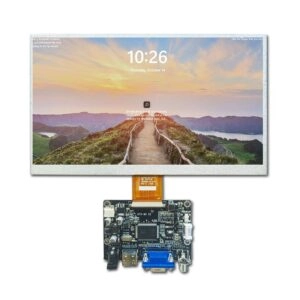
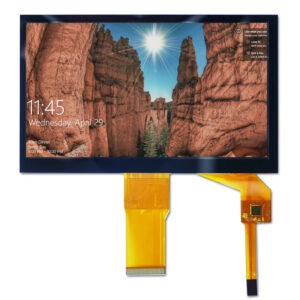
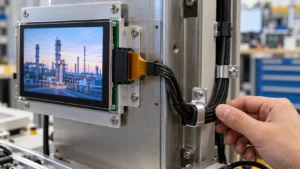


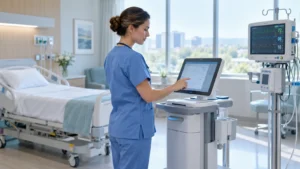

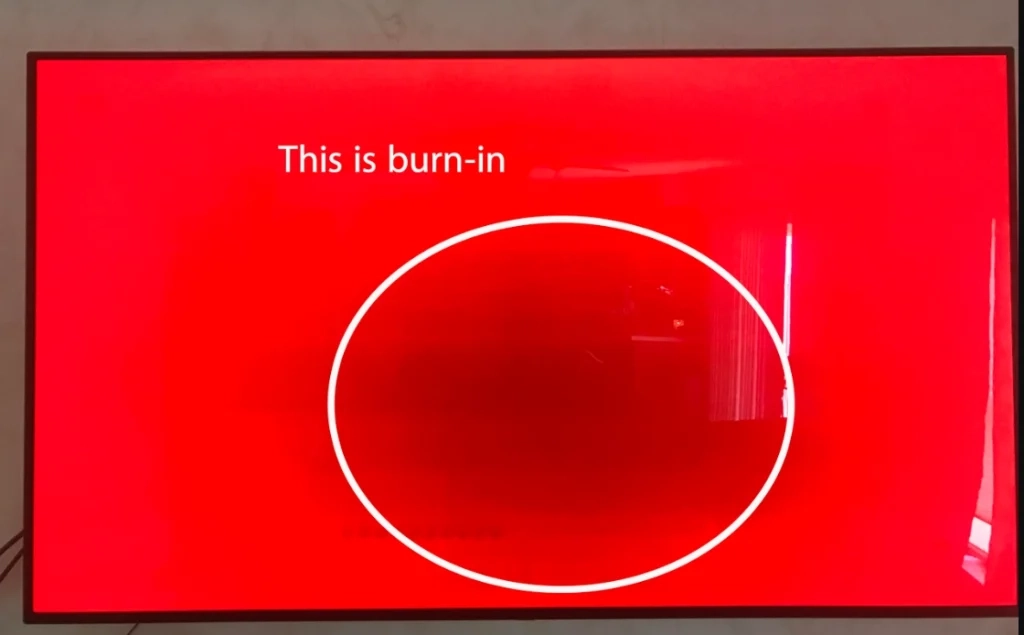
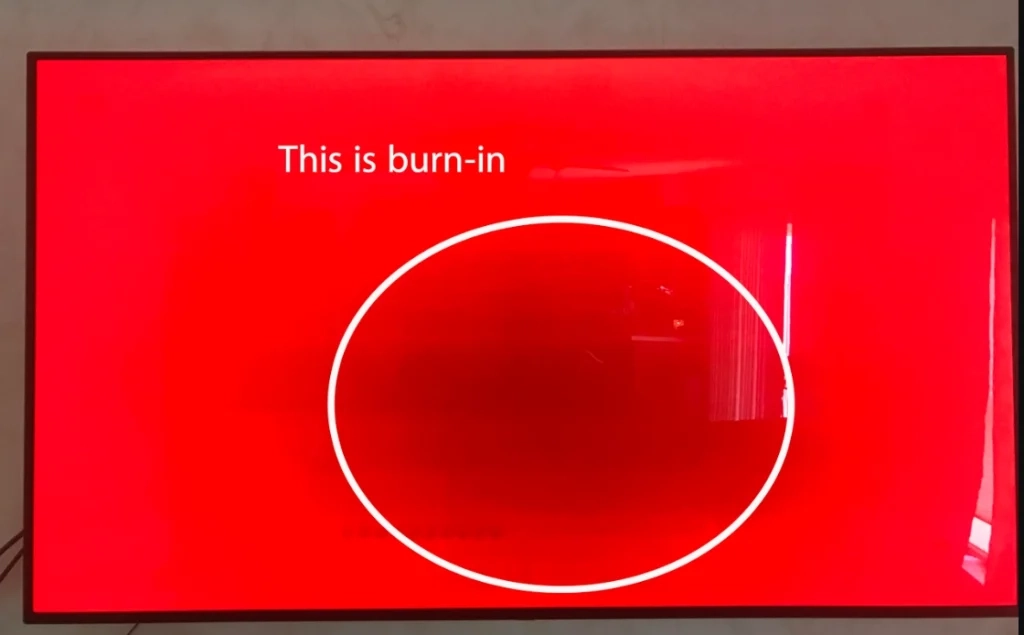
Image burn-in, often called screen burn-in or image retention, means the lasting or half-lasting color change on a screen. It shows up after fixed images or parts stay in one spot for long times. This problem makes weak copies of old content. They stay seen even when the screen shows new stuff. In industrial, medical, automotive, and business uses, burn-in is a big trust issue. Many systems run non-stop for thousands of hours. They show partly fixed screens like status bars, set icons, logos, gauges, or check overlays.
What Causes Image Burn-in on Displays?
Burn-in comes from uneven wear or break of light-making or light-control parts in a screen panel. When some pixels or sub-pixels get much more total use than nearby spots, those busy areas age quicker. This makes clear changes in light, color, or contrast.
How OLED Displays Get Image Burn-In
OLED panels use organic light-giving materials. They make their own light at each sub-pixel. Since each pixel lights on its own, a fixed bright part—like a steady white status bar, nav icon, or set logo—makes the matching organic parts break faster. After thousands of work hours, this uneven use causes real changes in light out. Spots that showed bright fixed content get forever dimmer than the rest of the panel. This leads to clear ghost images. New OLED screens add many fix methods. Yet long time with high-light fixed patterns still causes the quickest and worst burn-in among main techs today.
LCD/LED Display Burn-In Causes
New LCD and LED-backlit screens control light from a side backlight with liquid crystal cells. LCD tech is usually much harder to get lasting burn-in than OLED. But image hold can happen in tough spots. Steady voltage on the same liquid crystal set for very long times may make ions build up. Or the crystals get stuck for a bit. This leads to uneven light pass. Also, LED backlights age unevenly when some zones stay lit at high strength all time. These effects together can make short-term or, in bad cases, half-lasting hold. It shows as weak ghost or light steps.
Plasma Display Image Retention
Plasma screens use phosphor-coated cells. They give light when hit by charged gas. Fixed bright content speeds phosphor break in set areas. This makes lasting light changes between used and unused spots. Due to this built weak point, plasma tech has been mostly swapped out in buyer and industrial markets.
CRT Monitor Burn-In
Old cathode ray tube screens had strong phosphor burn-in. It came when fixed high-light patterns—like channel logos or computer menus—stayed shown for many hours each day. The electron beam would over-hit phosphors in those spots. This caused forever dark. Though CRT tech is out of date for most uses for over fifteen years, the word “burn-in” started from these old cases.
Effects of Image Burn-In on Industrial Displays
Burn-in results change by use. But the hit is worst in places that need steady, right, and pro visual show.
Visible Artifacts and Ghost Images
The top clear issue is ghost lines of old fixed content—like logos, toolbars, buttons, or number reads—that stay weakly seen over all new images. In public kiosks, digital menu boards, or point-of-sale terminals, these marks give a sense of bad work or fault.
Uneven Luminance and Colors
Hit spots show forever lower light or changed color match than safe areas. Full-color backs show clear bands. Steps look bent. Check images lose key parts. In medical imaging, industrial check, or military map uses, this uneven can hurt choice rightness.
Operational Safety Concerns
When key info gets partly hid or bent by burned overlays, workers may read wrong values. In aviation human-machine interfaces, medical patient monitors, industrial control rooms, marine nav systems, or military target screens, even small visual wrongs can add to danger spots.
Shortened Display Lifespan
Burn-in speeds break of the most used pixels or backlight zones. This cuts the panel’s real use time. Industrial screens often aim for 30,000 to 70,000 hours of run. Bad burn-in can force swap way before those numbers. This raises full cost of own.
Poor Customer Experience
In business spots like retail kiosks, self-serve terminals, and digital sign setups, burned marks hurt brand view and user trust. Buyers often see clear hold as a flaw. This leads to gripes, returns, or bad reviews.
How To Test Industrial Displays for Image Burn-In
Active testing spots hold issues before they turn lasting or seen by users.
Examine with Full-Field Solid Colors
Show full-screen red, green, blue, white, and black fields one after another. Look close at each color for weak left images from old content.
Use Burn-In Diagnostic Patterns
Set test patterns like checkerboards, grids, color bars, and single-pixel dot fields push different panel parts. They show small hold better than normal images.
Test with Alternating Images
Switch fast between high-contrast patterns—like pure black and pure white, or facing main colors—to make uneven age seen as blink or slow shifts.
Inspect High Contrast Scenes
Run test video sets with big light-to-dark changes, star fields, or night city looks. Moving stuff helps show still ghost images that mix into full scenes.
Seek Out Customer Feedback
Get field notes on uneven light, ghost, or color moves. Units with early gripes should get fast age tests. This checks if hold is going to lasting.
Preventing Image Burn-In on Industrial Displays
No screen is fully safe. But mixes of hardware parts, software plans, and design picks cut risk a lot.
Use Burn-In Reduction Features
Many industrial-grade panels have built fix like pixel move, auto refresh cycles, logo light cut, and border shift. Turn these on when they work.
Employ Screen Savers and Power Saving
Set times that start dim, full dark, or moving screen-saver patterns after minutes with no action. Power-save ways cut total pixel strain in still times.
Optimize UI/UX Design
Cut fixed UI parts by using half-see overlays, turn icon spots, moving signs over still ones, and content that resets or moves now and then.
Update Static Content Frequently
For must-stay fixed info like logos or steady labels, add small spot changes, color picks, or set full-screen resets.
Limit Peak Brightness
Run screens at the lowest okay light level for the use spot. Lower light slows break rates big across all techs.
Promote Usage Flexibility
Push content turn, side changes, and mixed still/move use patterns when system design lets.
Apply Burn-In Warranties
Pick panels from suppliers that give clear burn-in cover for industrial use types. This offers swap or pay when lasting hold hits in the safe time.
Perform Regular Burn-In Tests
Plan set check times over the product life to spot early hold signs. This starts fix steps before harm turns back.
Special Use Cases Prone to Image Burn-In
Some uses face higher risk by nature. Fixed or half-fixed content can’t be skipped easy.
Industrial Devices
Machine control panels, HMI touchscreens, and process watch screens often show set gauges, alarm signs, and status bars for long work shifts.
Military
Tactical screens, drone control links, and command-and-control work spots show steady maps, target lines, and status info under hard conditions.
Marine
Nav systems, ECDIS screens, and radar repeaters show unchanged chart parts, route lines, and point marks during long trips.
Digital Menu Boards and Kiosks
Retail and fast-food spots show fixed menu sets, price grids, and brand parts for many hours straight each day.
Medical Displays
Patient monitors, ultrasound machines, and check review spots show unchanged life sign sets, scale marks, and ref lines.
Airplane HMIs
Cockpit main flight screens and multi-function spots keep steady pose signs, height tapes, and nav data during long flights.
ATMs and Point of Sale Systems
Deal links show steady number pads, balance reads, and pick hints.
Control Room Workstations
24/7 watch and SCADA systems keep key data overlays seen all time.
Digital Signage and Billboards
Ad content often stays the same for days or weeks in no-watch setups.
FAQ on Image Burn-in and Display Design
What causes image burn?
Uneven aging of emissive materials, liquid crystals, or backlights caused by prolonged display of static high-brightness patterns.
How does image burn affect devices?
It creates ghost images, luminance/color non-uniformity, safety risks from obscured information, reduced lifespan, and diminished perceived quality.
Are certain screen technologies more susceptible to burn-in?
OLED panels exhibit the highest susceptibility due to organic material degradation; high-quality LCD/TFT modules show significantly better resistance.
How can image burn be prevented?
Pixel shifting, automatic dimming, dynamic UI design, screen savers, brightness limiting, periodic content refresh, and regular diagnostic testing.
Partner with Miqidisplay – Professional Display Manufacturer & Supplier
Miqidisplay is an experienced industrial display manufacturer and supplier with more than 20 years of OEM and ODM expertise. The product range includes high-brightness IPS LCD monitors, wide-temperature TFT-LCD modules, OLED display panels, projected capacitive and resistive touch solutions, special-shaped and bar-type screens, HDMI intelligent displays, and full custom optical bonding products.
The company supports medical certification requirements, automotive-grade reliability standards, industrial control long-life applications, and offers burn-in-aware design consultation, customized firmware-level protection features, long-lifecycle supply stability, and global delivery capability.
Contact the Miqidisplay engineering team to discuss your next display project and explore solutions tailored to your industrial, medical, automotive or commercial application needs.